

Files keep important information with the conversation where the team needs it. Share a proposal, photo, or support document without losing context, then return to it in the history when someone continues the case.
Attach a file from your computer or CRM
Open the right conversation and confirm the contact name. In the composer, select the paperclip icon. The Documents menu offers Document in CRM and Document from PC.
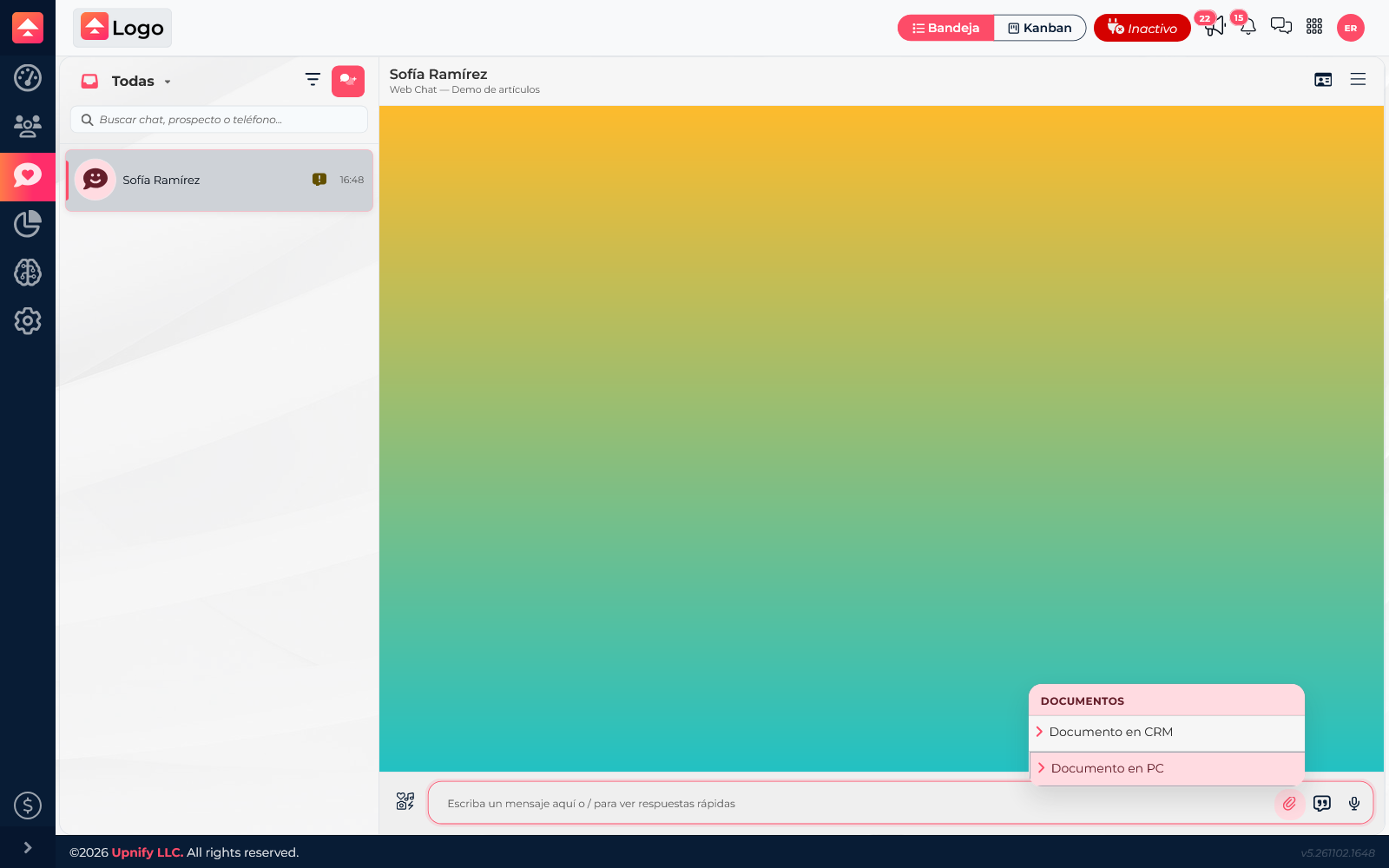
- Select Document in CRM to choose a file already available in CRM, or Document from PC to browse your computer.
- Wait until the file appears in the message and add a sentence explaining what the contact should review.
- Confirm that you are in the right conversation, then send the message. The file stays in the history with the text you sent.
Find the conversation later
Use the inbox search to find a conversation by the contact’s first or last name, phone number, or the most recent message text. For example, search for “Sofía Ramírez” and open the result to review the files exchanged in that thread.
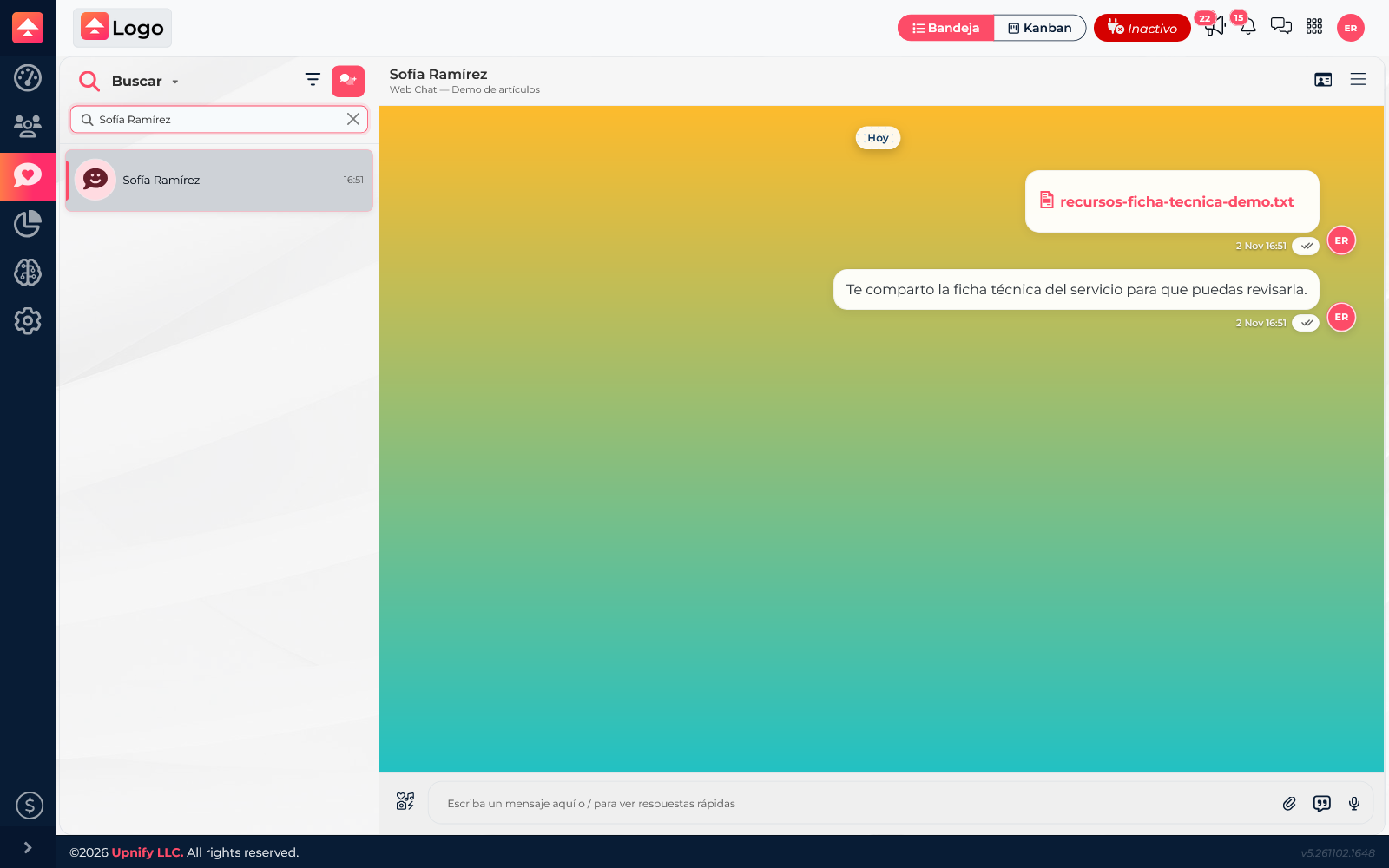
Conversation search does not find files by filename or file contents. If you do not remember the contact’s name, try their phone number or a recent message phrase, then open the correct thread.
Download or review a file again
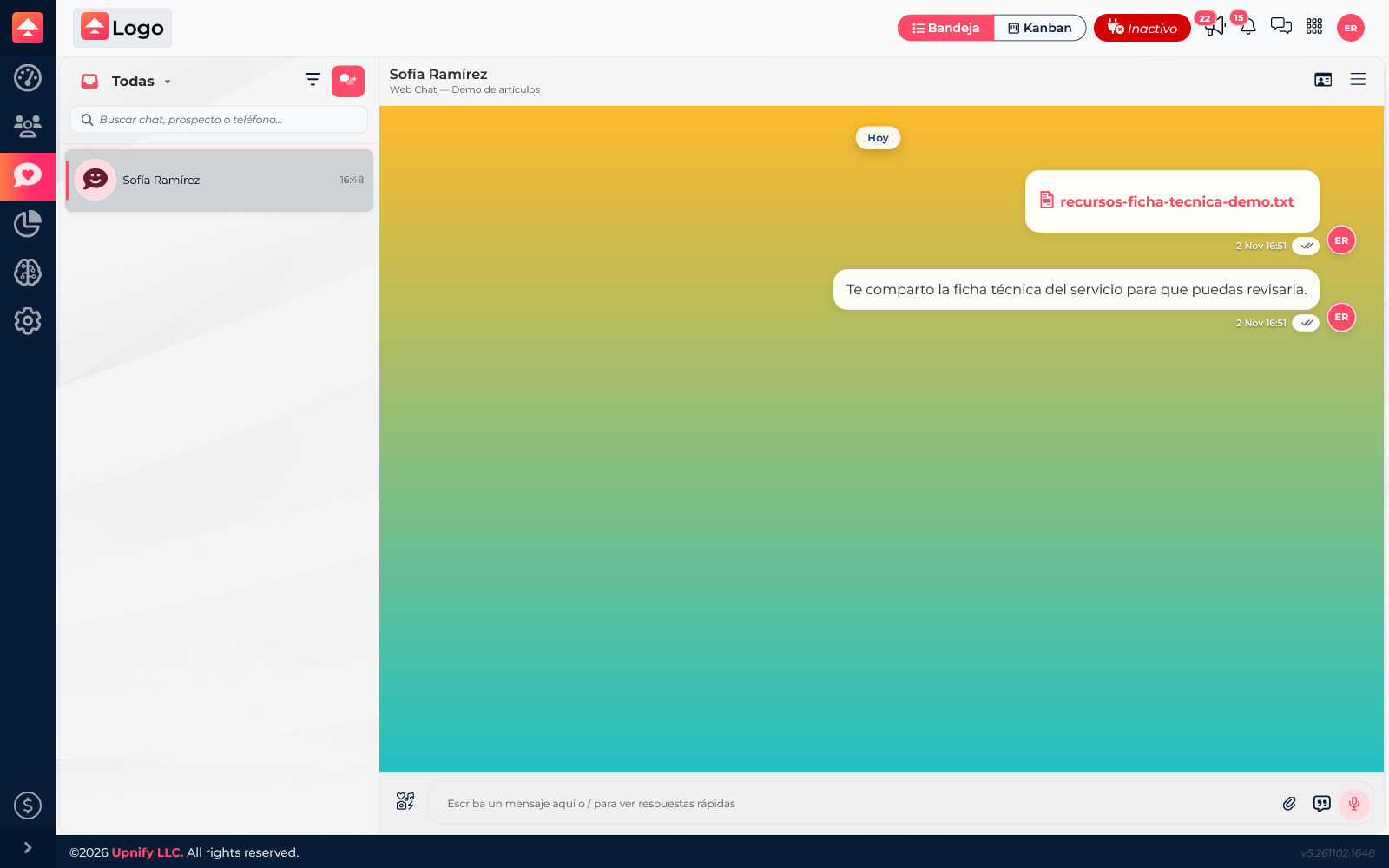
In the conversation, scroll to the message containing the file. Documents appear as downloadable items: select one to open or download it, depending on your browser settings. Supported images, audio, and video can be displayed or played in the history.
Example
A customer sends a photo of equipment that needs service. The agent finds the conversation, attaches a PDF report from their computer, and explains what the diagnosis covers. A few days later, any agent with access to the thread can find it by the customer’s name and download the same report from the message without asking the customer to send it again.
Good practices
- Check the contact and channel before sharing information.
- Use clear filenames and current versions.
- Add a short explanation so the recipient knows what the file contains.
- To find a file later, locate the conversation first and review its history; filename is not a search criterion.