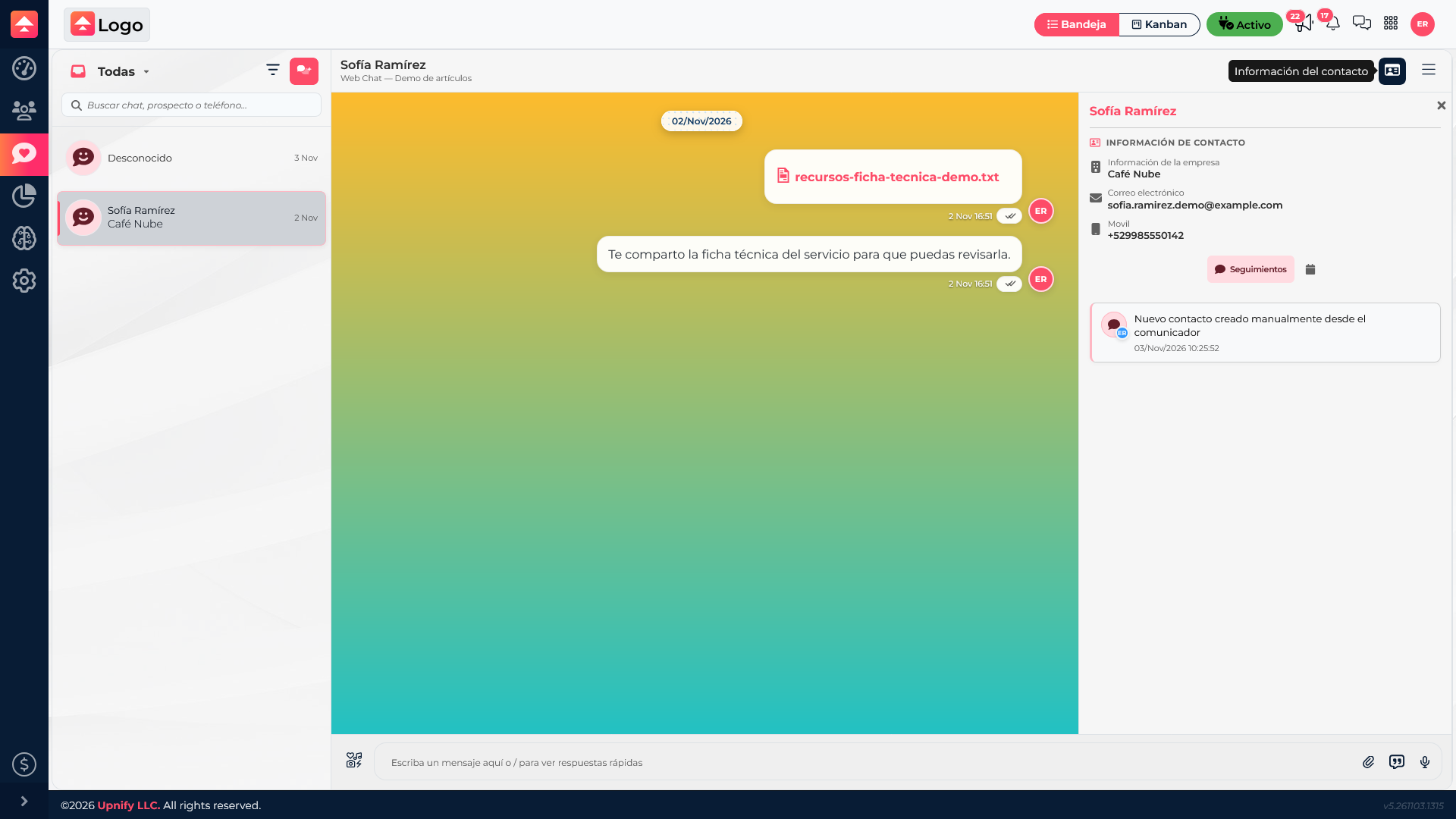

In Upnify Connect, a contact and a conversation are different things. A contact represents a person recognized by the company; a conversation is the exchange of messages through a channel. Understanding the difference prevents the expectation that every chat automatically becomes a CRM prospect or customer.
Contacts and conversations: what does each represent?
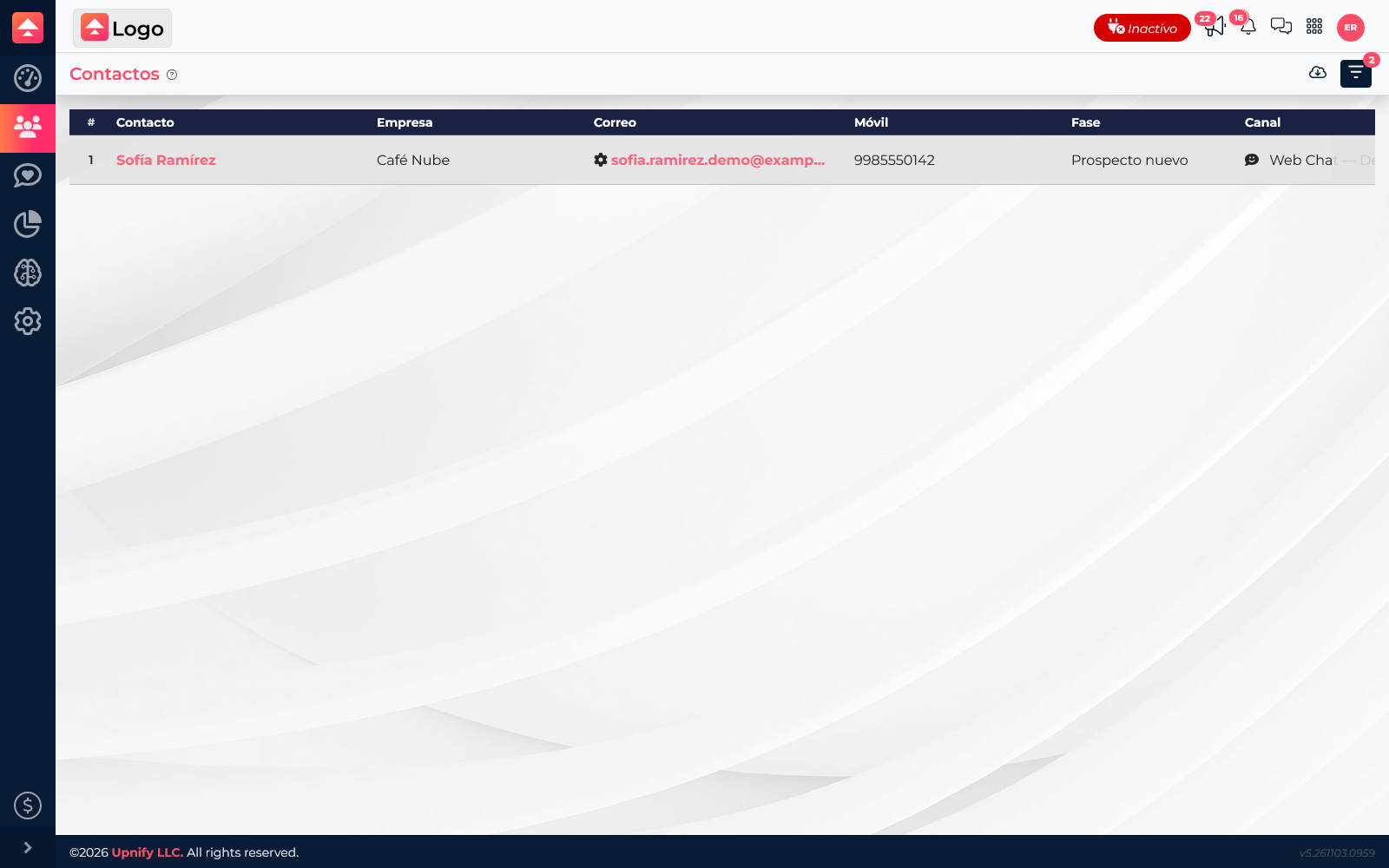
The Contacts section brings together people identified in Connect and may show available details such as name, phone, email, company, and channel. Use it to find someone and review information recognized by the team.
A conversation stores a channel message thread and handling details, such as who owns it or its status. Someone can chat without being a CRM prospect or customer yet; they may also start more than one conversation.
Find and review contacts
Open Contacts from the Connect menu and search using the details you have. Review the channel, company, and visible information before continuing. Use filters when the list is long.
If you need sales follow-up, check whether the contact is linked to a CRM record. If not, available options to register or link them depend on Connect settings and your user permissions.
Link the chat to the right person
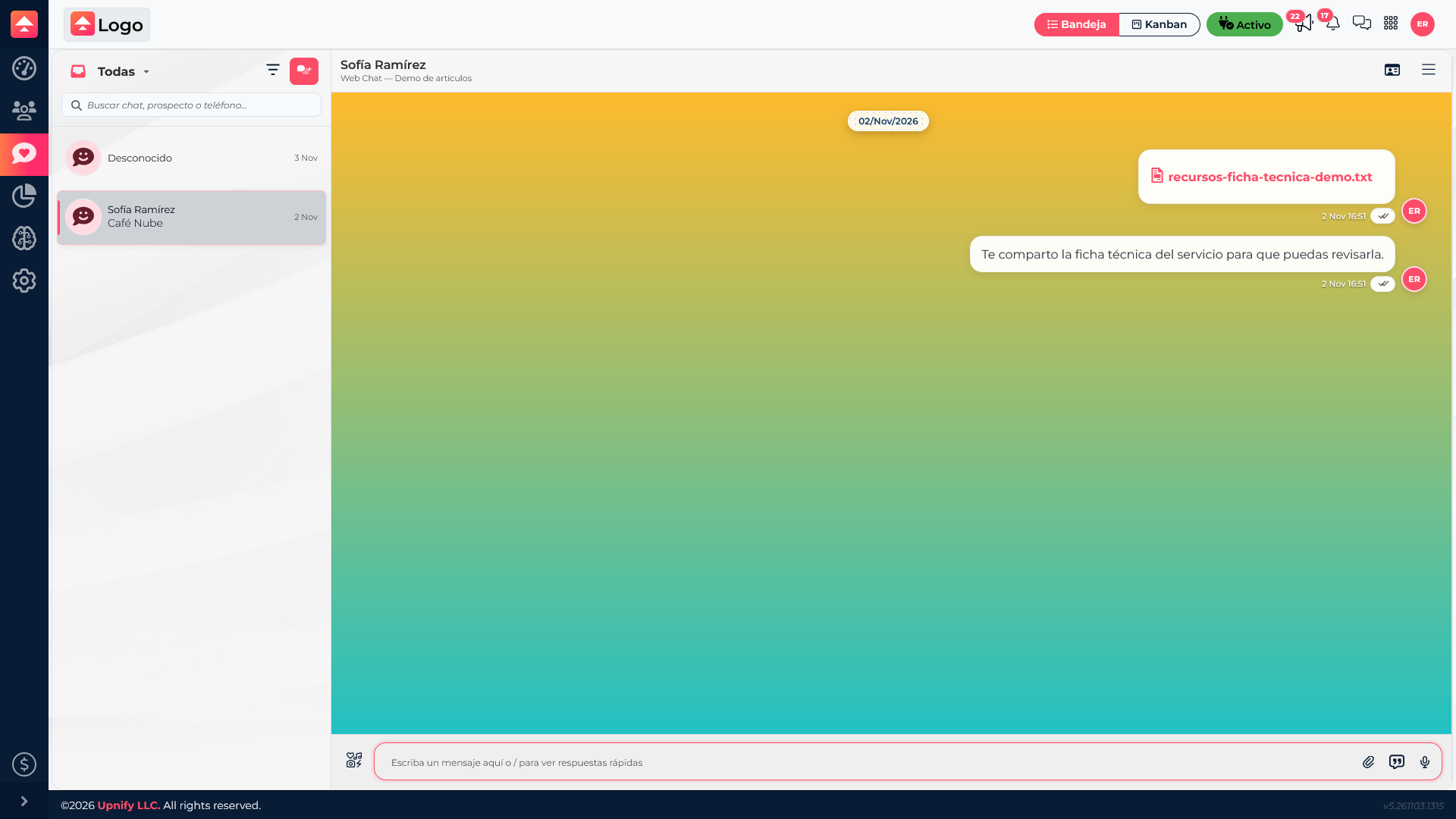
Link a conversation to a contact or CRM record when the team needs to follow up, review sales context, or keep track of the contact source. You do not need to turn every anonymous or temporary question into a CRM record.
Before saving, compare the name, phone, and company so you do not associate the wrong thread. Linking adds context, but does not turn the conversation into the contact record: each serves its own purpose.