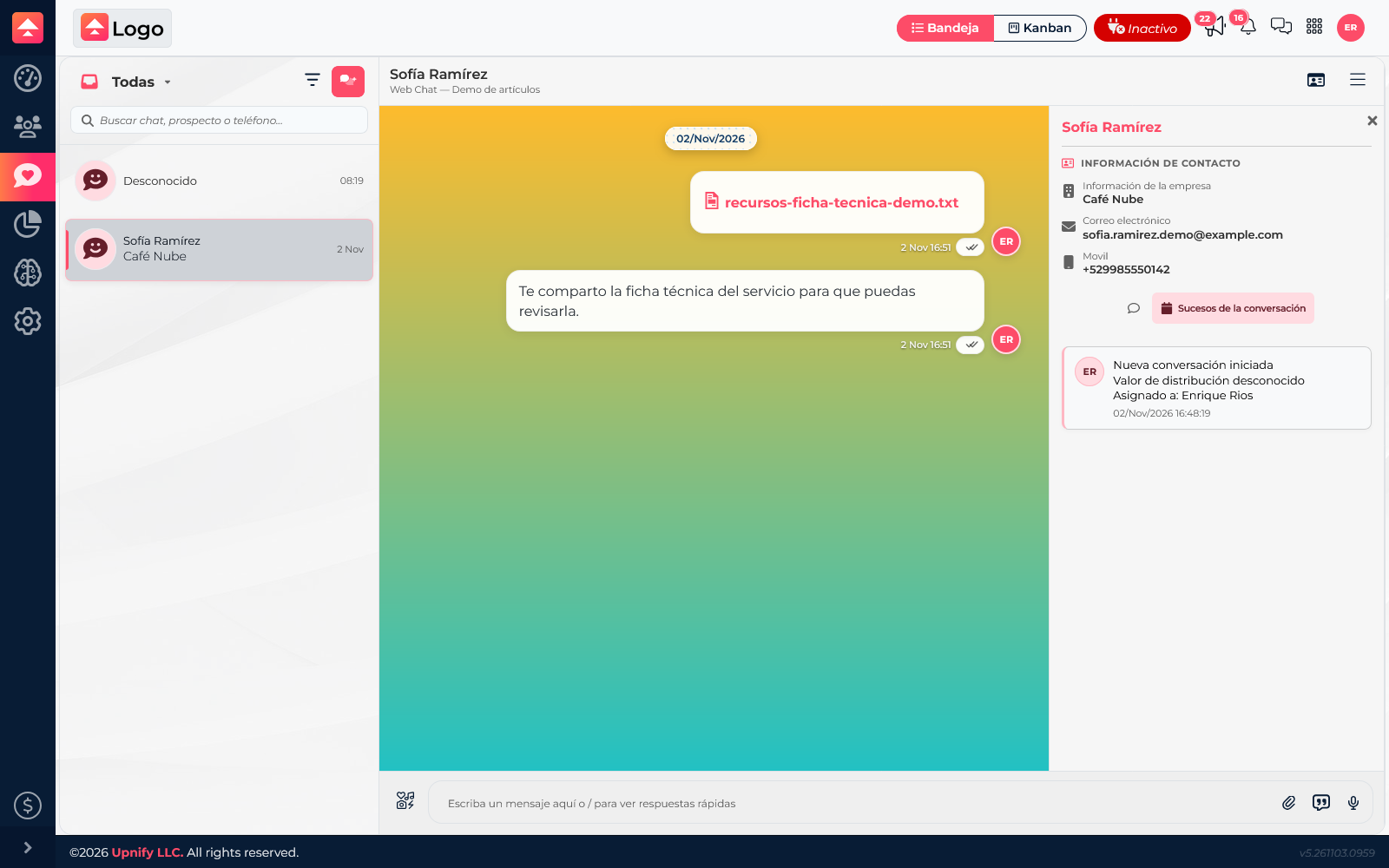

When the inbox contains conversations across channels and agents, search and filters help you find a case without scanning the full list. Then review its history to understand the request and previous handling.
Search for a conversation
Use the inbox search field to find chats by a contact or prospect name, or by a phone number available in Connect. Try one detail at a time and review the results before opening a thread.
If it does not appear, check that you are in the right view: a channel or status filter may exclude the conversation. Clear or adjust filters and search again.
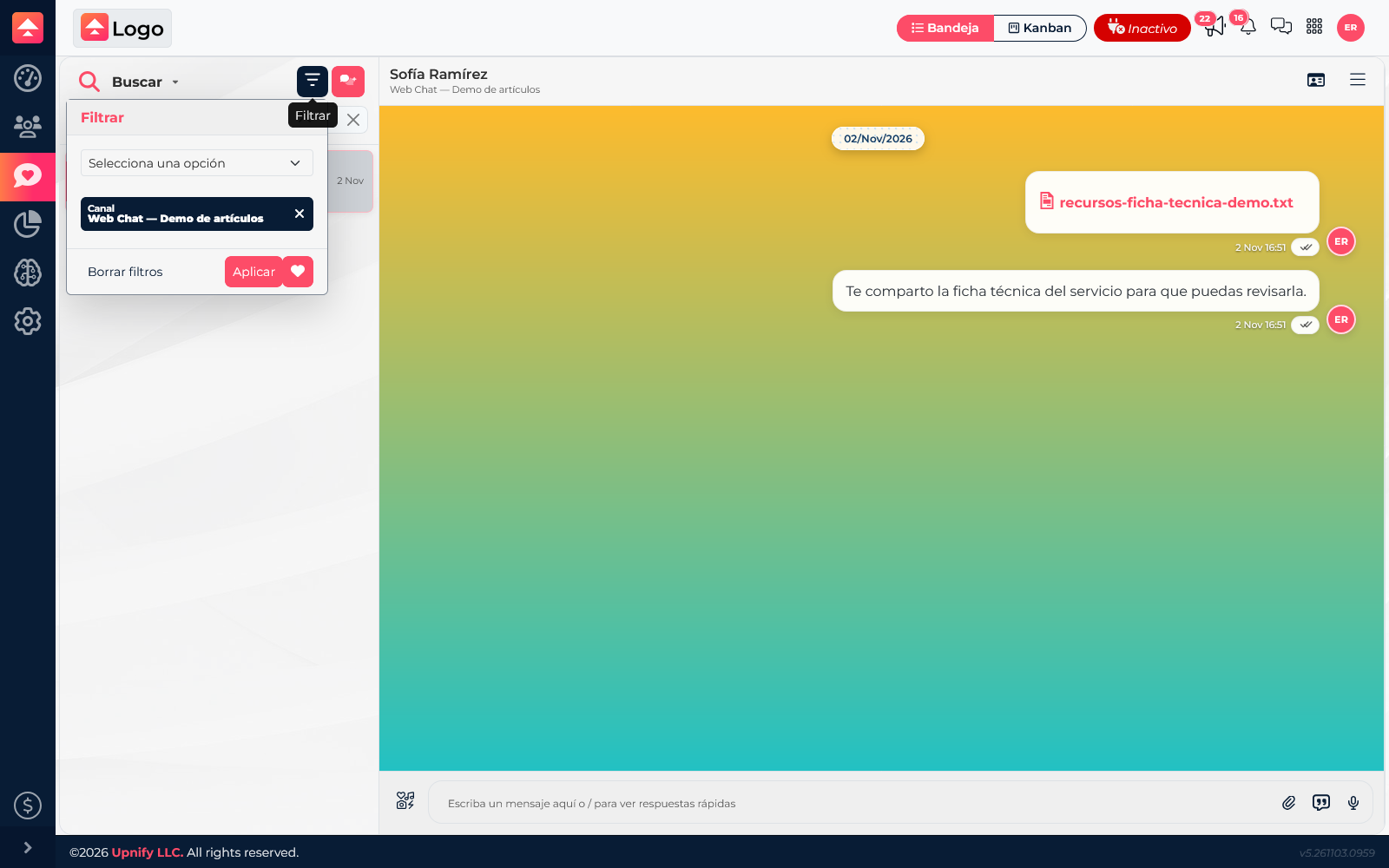
Apply handling filters
Open the filter panel and choose available criteria such as agent, tag, channel, or category. You can combine them; for example, select WebChat and a support category to find that type of request. Select Apply to refresh the list.
Filters help find conversations and describe how they are handled. To look up someone in the CRM portfolio, use Contacts: not every chat is automatically a CRM record.
Review messages and events
Open the right result to read the full thread. In contact information, review recorded events to complement the messages with handling activity, such as when the chat started or handling changed.
Review the history before picking up a conversation so you do not repeat questions and can confirm what remains pending.