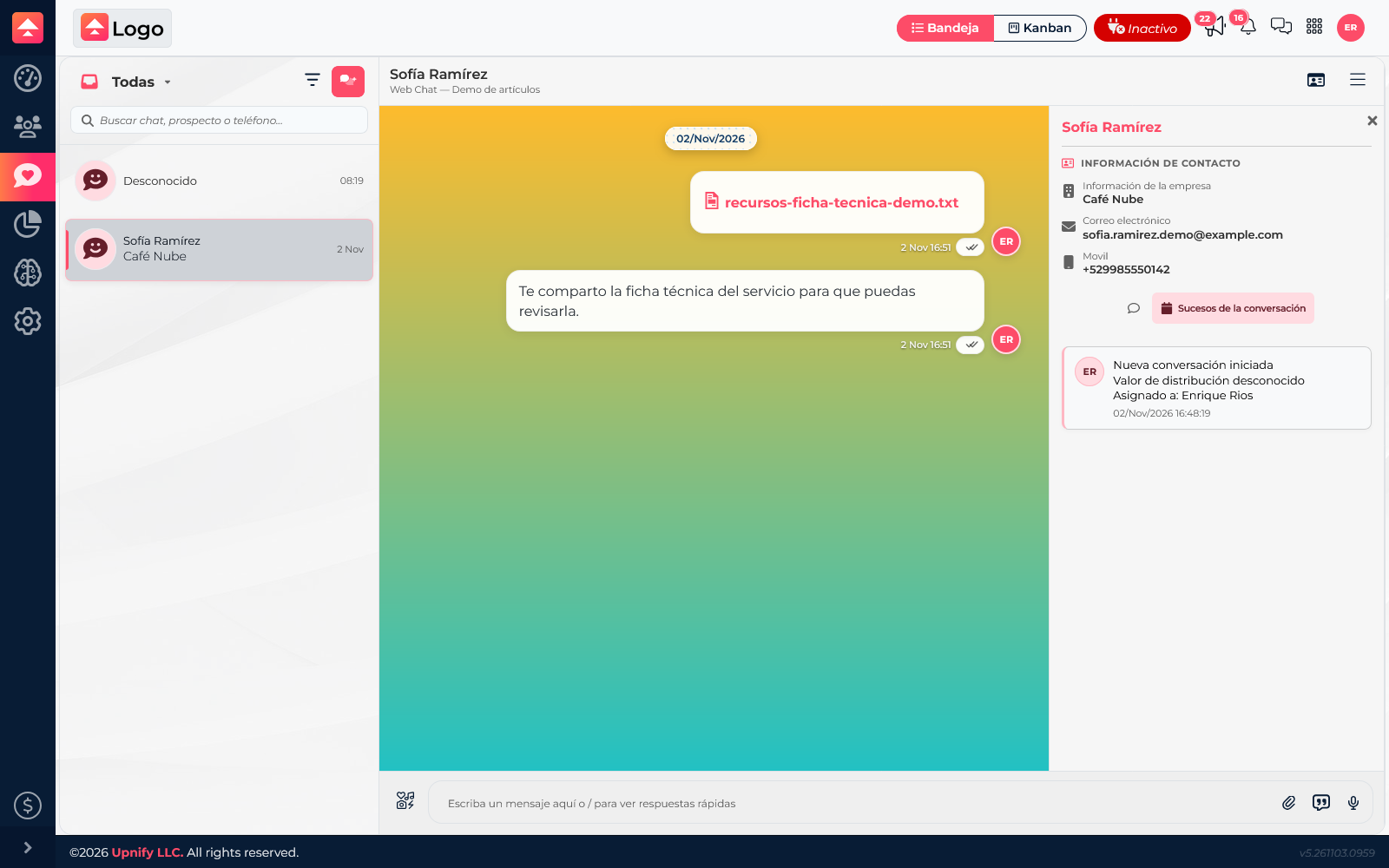

When a chat belongs to a prospect or customer, viewing their CRM record helps you understand who they are, which company they belong to, and what sales follow-up exists. Linking gives the team context and keeps the exchange with the right record.
View the CRM record from the conversation
Open the chat and expand the contact information panel. When the conversation is linked, you can review available CRM details such as name, company, email, phone, and follow-ups. What is visible depends on saved data and your permissions.
Use the information before replying: confirm you have the right person and check for a previous call, quote, or commitment. The record provides context; the chat remains where you read and reply to messages.
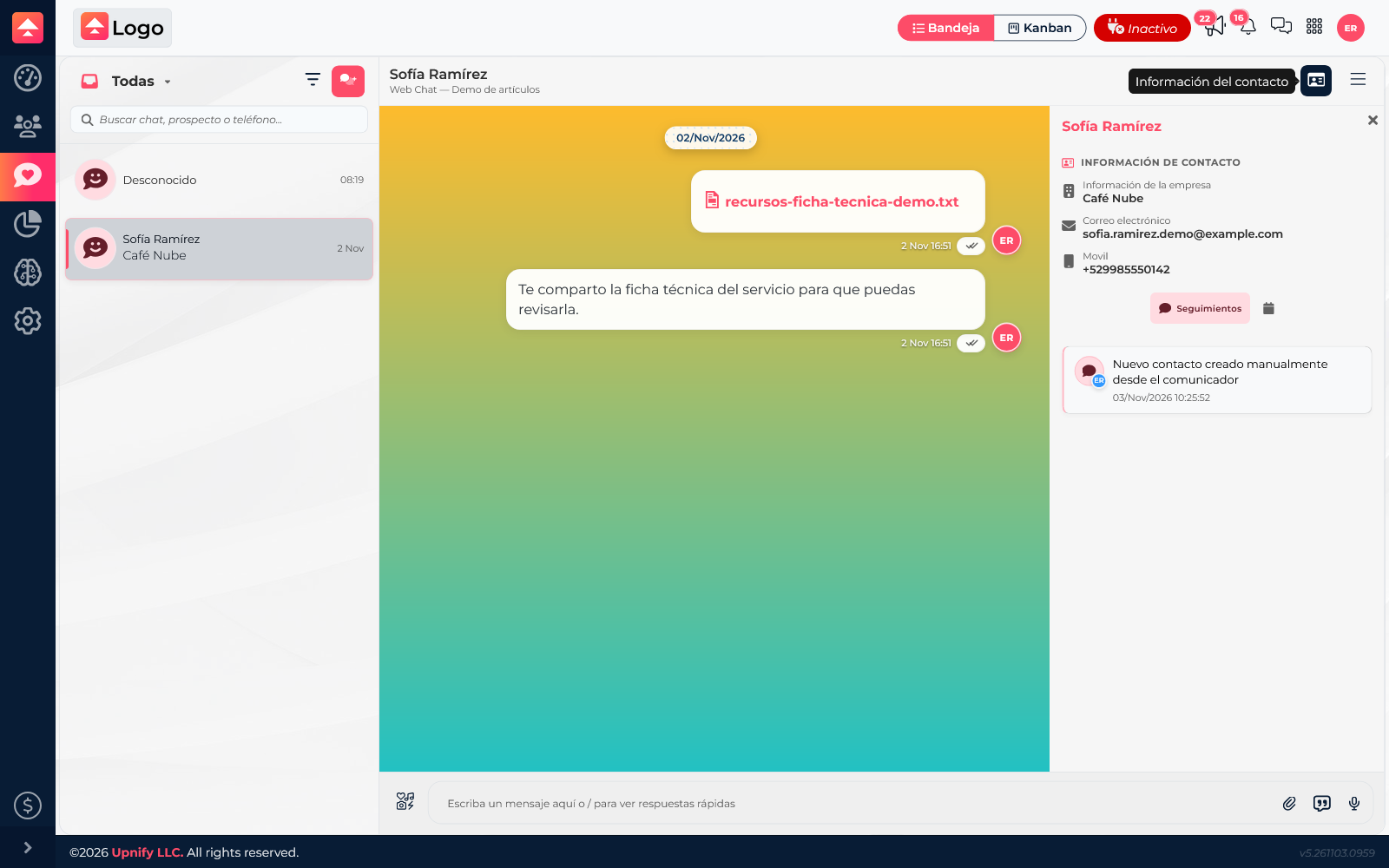
If no record is linked yet
A person may write through a channel without being a CRM prospect or customer yet. In the panel, use the available option to register the contact or link an existing record. Search first to avoid duplicates.
Confirm the name, company, and contact method, then check that the correct record is linked. This helps when the conversation needs sales follow-up or when the team should review activity from the CRM record.
Review chat events
The panel may show handling events, such as when the conversation started and other events recorded by the system. This complements the message history: messages show what was written, while events help reconstruct how the chat was handled.