
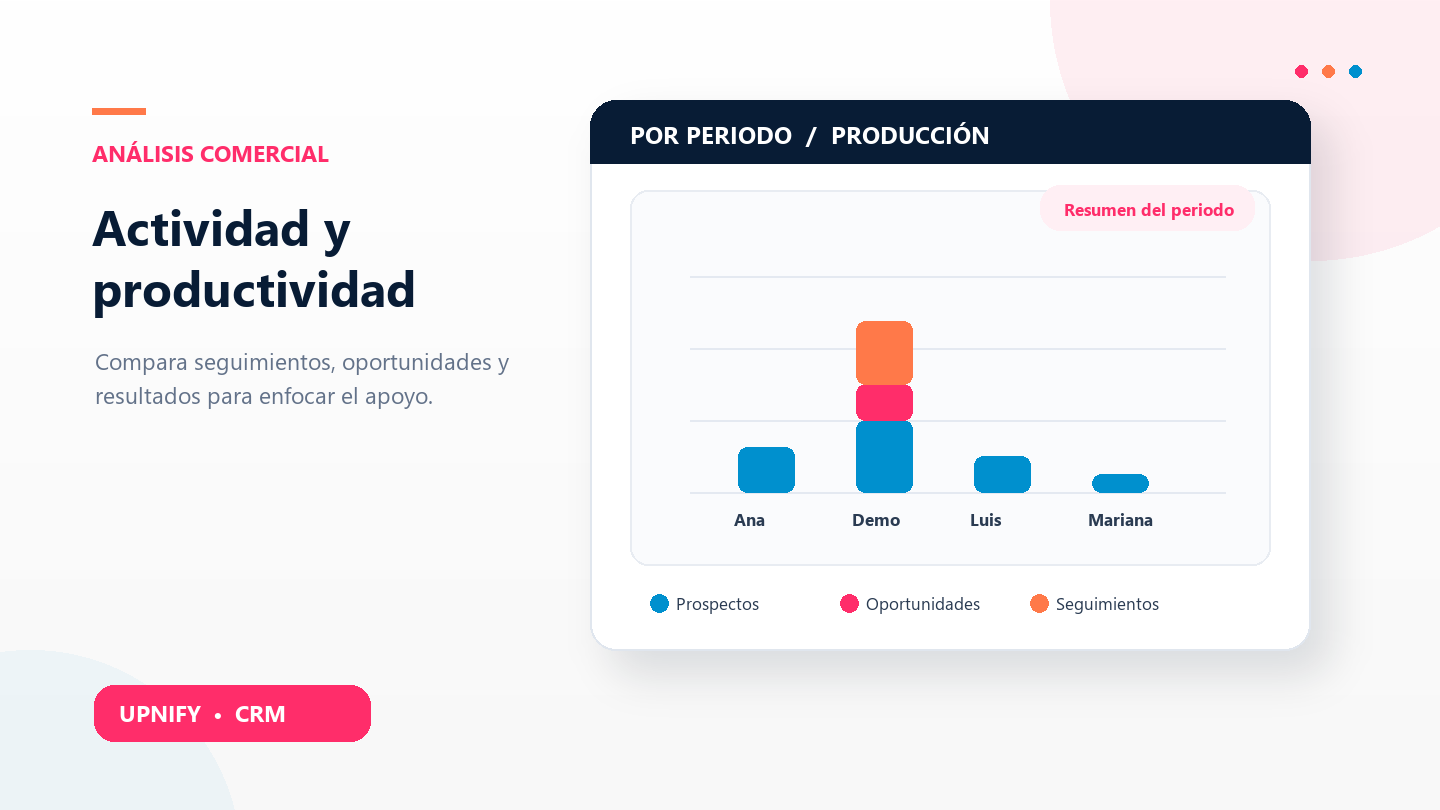
Reviewing team activity can help spot changes in pace and understand business results. CRM offers two views: Activity by Period counts follow-ups such as calls and appointments; Production brings together movements such as prospects, opportunities, and sales. Together, they show what work was recorded and what results moved forward.
Compare activities with Activity by Period
- In Reports, open Activity by Period under activities.
- Choose the interval and whether to include all records, prospects, or customers.
- Filter by group or executive. Keep the same period and criteria when comparing owners.
- Read the chart and table: totals are separated by activity type, such as calls, emails, appointments, reminders, visits, or tasks.
- Select a count to open its detail when a link is available.
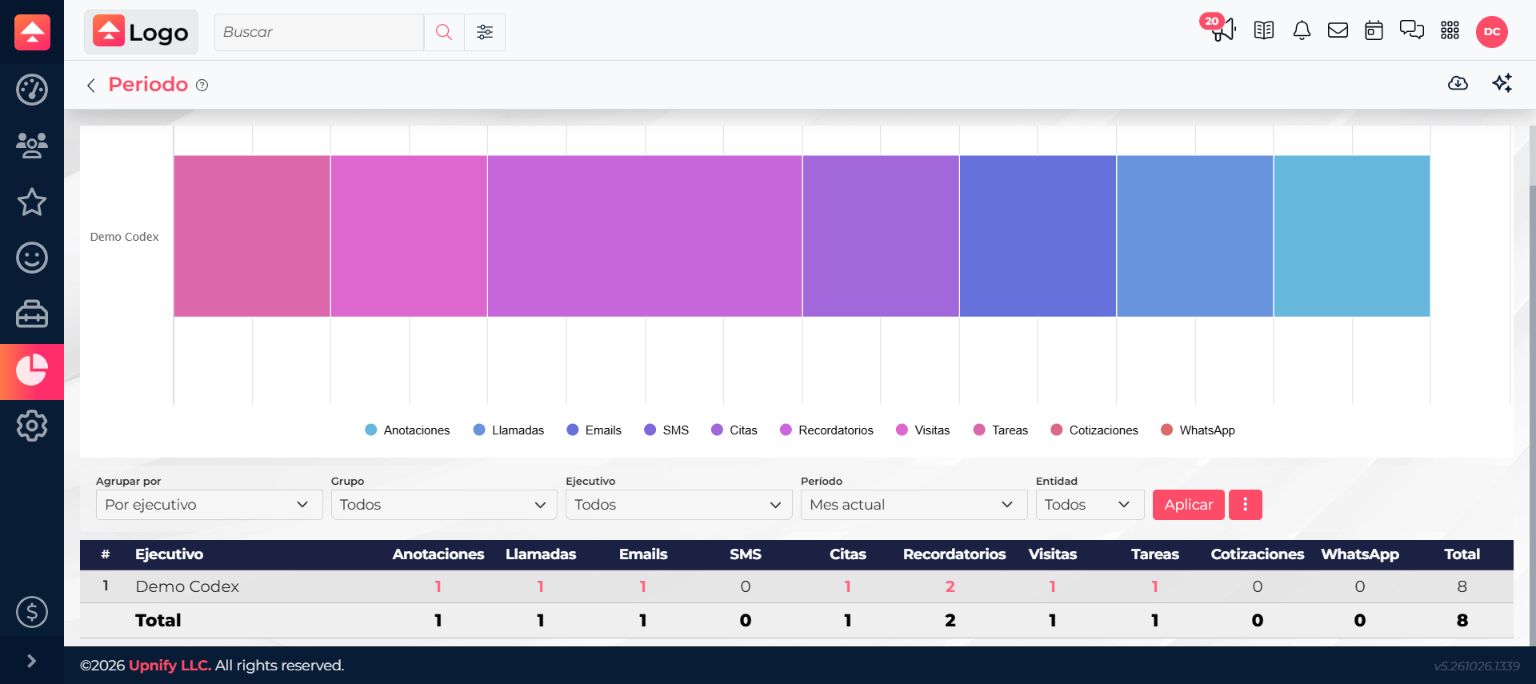
Example: review weekly follow-up pace
At week end, filter by the sales group and compare calls, appointments, and reminders with the previous week. If calls decreased, open the details before concluding that follow-up fell: fewer prospects may have been assigned, someone may have been away, or the activity mix may have changed. Use the report to investigate and talk with the team.
Review business movements with Production
Production complements activity counts with commercial records created or handled. Depending on filters, review new prospects, created or discarded opportunities, sales, and follow-ups by executive or group.
- Open Reports > Production.
- Select the period and group results by executive or group.
- Compare chart and table indicators. Each figure represents one type of movement; do not add different categories as if they were the same unit.
- Select a figure to review its records when a link is available.
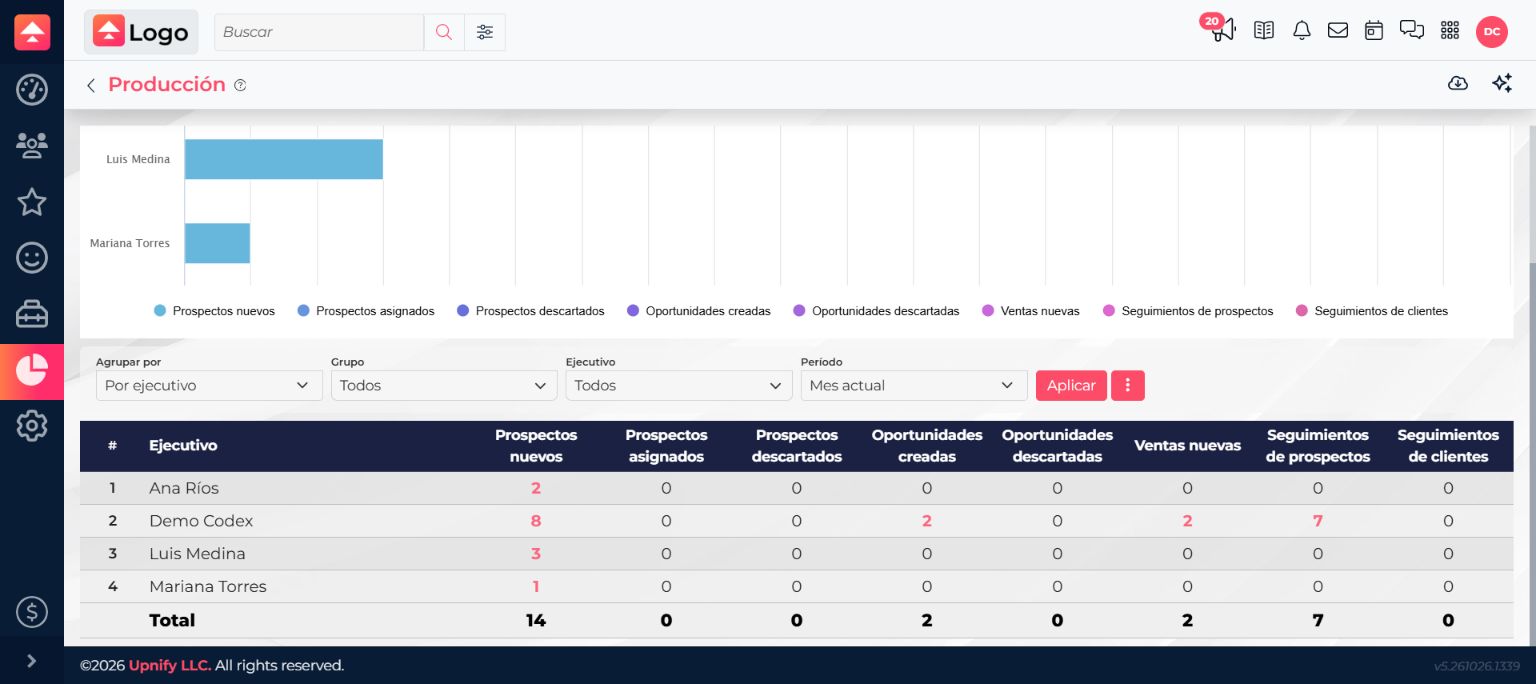
Example: understand activity without progress
If someone records many calls but creates few opportunities, review both figures and confirm the periods match. Prospects may still be in follow-up, records may be incomplete, or contact assignment may differ. If someone else has fewer calls but more sales, consider their portfolio and opportunity stages. The report informs the discussion; it does not determine individual performance alone.
Make useful comparisons
- Compare equivalent periods: full weeks or the same number of days.
- Keep filters consistent: use the same group, executive, and record-type criteria.
- Look at activity and outcomes: more calls do not guarantee more opportunities or sales.
- Open the details: identify records behind a change.
- For one specific event, see the activity log and history.