
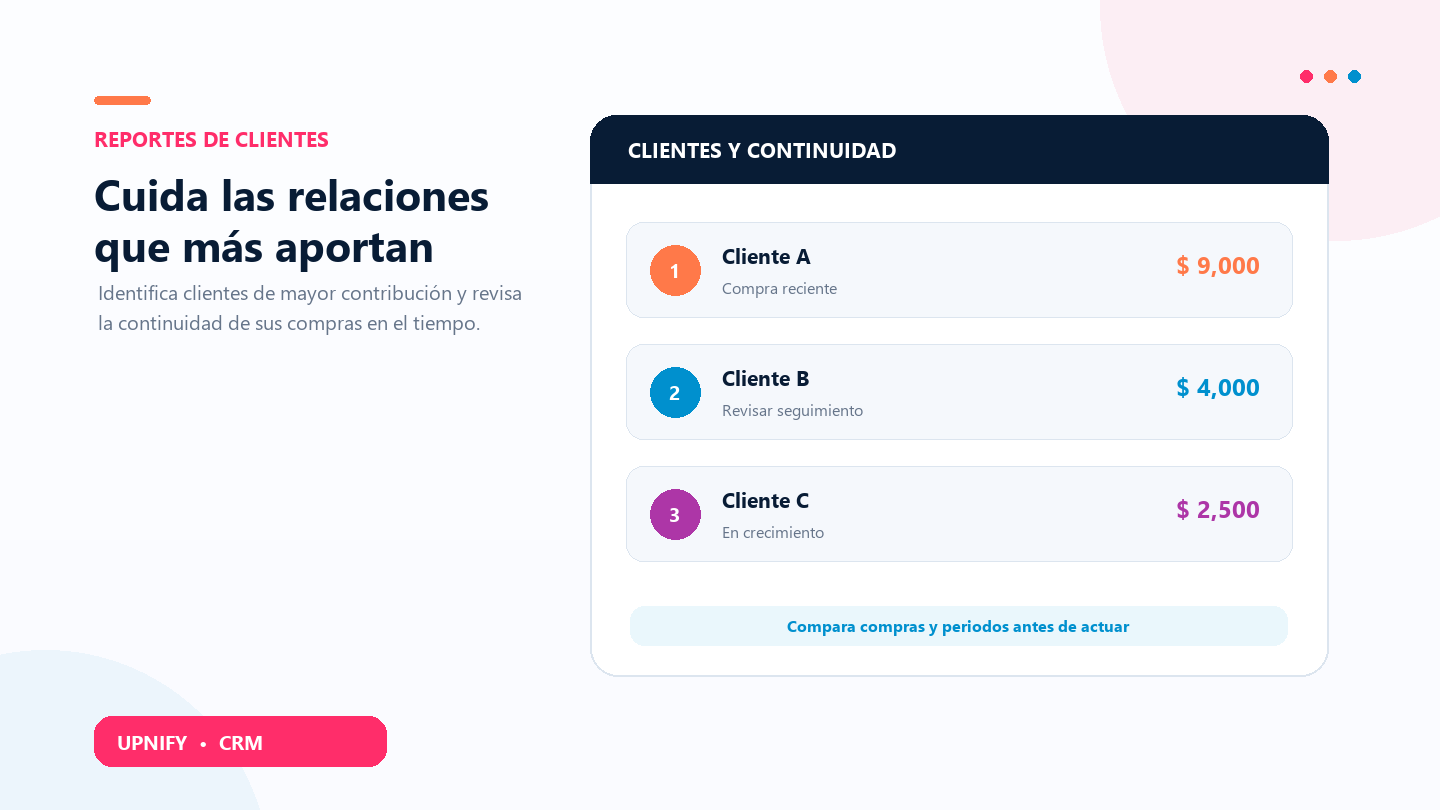
The Featured Customers and Continuity reports answer different questions: which customers generated the most sales in a period, and how their purchases are distributed over time. Reviewing them together helps you prioritize a call, recognize an active relationship, or find an account that needs attention.
Review Featured Customers
- In CRM, open Reports and select Featured Customers.
- Choose the Period, such as Current year. To narrow the team, filter by Group or Executive.
- Click Apply. The table lists up to 20 customers, ordered by accumulated sales for the period.

Read the columns
Last purchase is the latest sale included. Transactions shows the number of sales and Average ticket the amount per sale. Accumulated sales and % help size the customer’s contribution in this view. In the screenshot, Marcela Reporte Demo totals $9,000 across two transactions and accounts for 69.2% of the displayed amount; Contacto Demo Documentación CRM totals $4,000 across two.
Review Continuity
The Continuity report compares each customer’s sales across consecutive periods. Choose the periodicity, year, number of periods, and currency. An annual view with three periods compares several years in columns; a monthly view helps track more frequent changes.
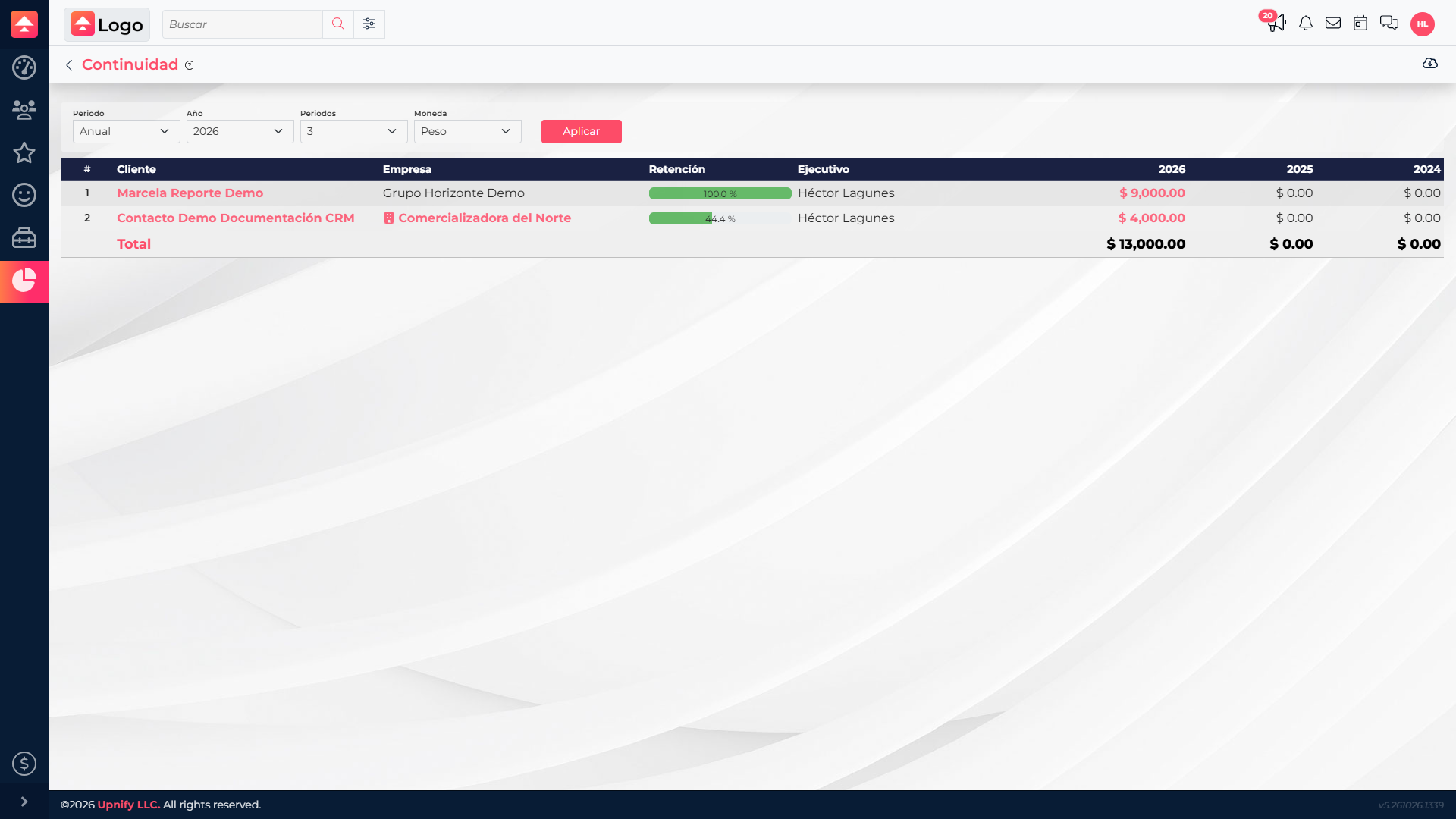
The Retention column combines a percentage bar and a traffic-light status. The color summarizes whether sales occurred in the latest period, the previous period, or neither. The percentage compares a customer’s total with the highest amount in this view; it is not the percentage of customers retained or a purchase probability.
- Select Annual or another periodicity, the Year, number of Periods, and Currency.
- Click Apply and look for customers whose sales are declining or absent compared with those who are still buying.
- Before reaching out, open the customer record and review sales and follow-ups for context.
Turn the analysis into follow-up
If a featured customer purchased recently, check satisfaction or plan a next step. If they bought in earlier periods but not the latest one, first determine whether the pause is seasonal or reflects an unresolved need. Compare equivalent periods and keep the same currency and group scope. Reports summarize sales; the customer record helps explain why a relationship changed.