
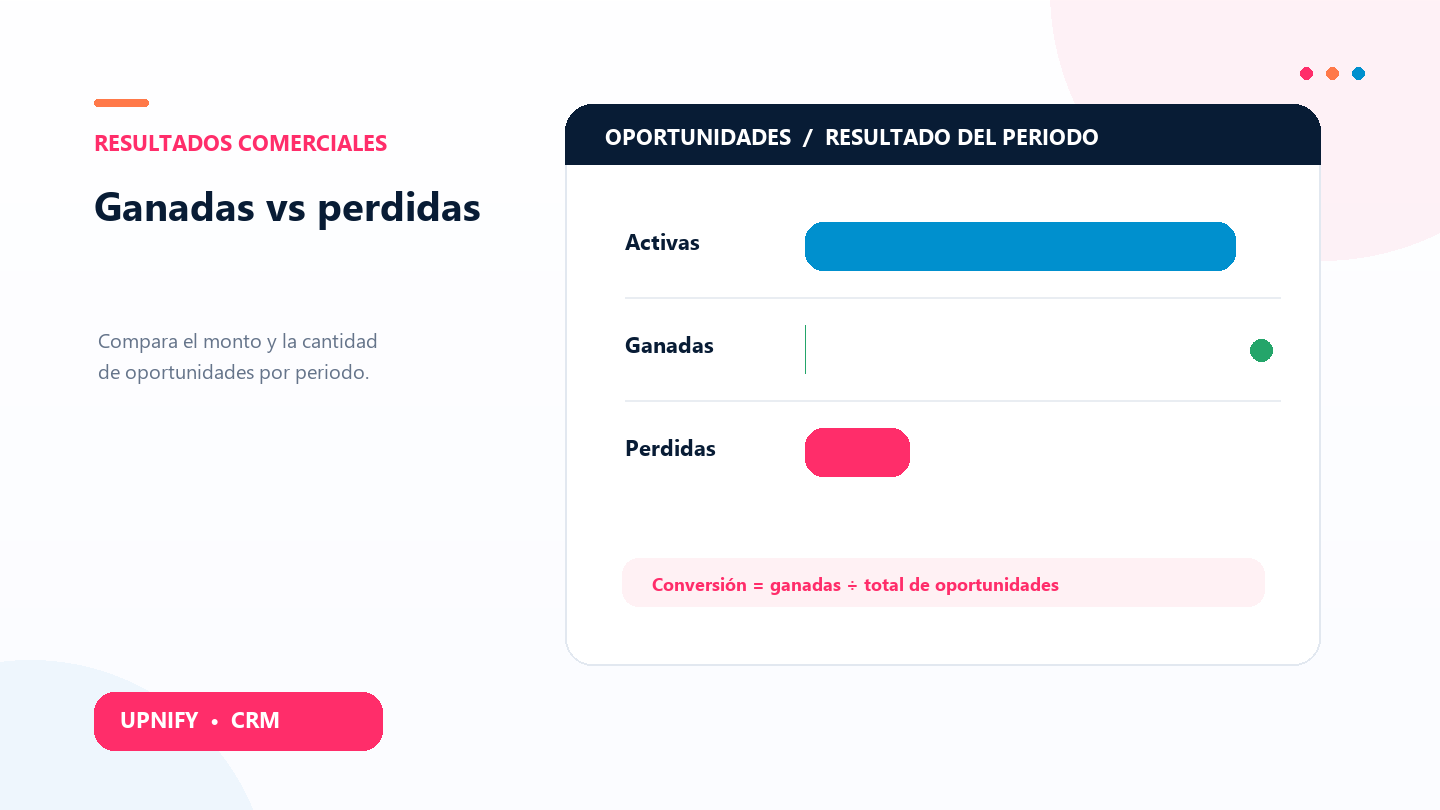
The Won vs. lost report brings active, won, and lost opportunities into one view. Use it to understand how the pipeline is distributed, compare periods, and see whether the team is closing opportunities or needs to learn more about why deals are lost.
It is useful in sales reviews and monthly meetings. First choose the period you want to review, and remember that the period is based on the opportunity creation date. The report does not group records by the date they were marked won or lost.
Set up the report
- In CRM, open Reports and select Won vs. lost under opportunity reports.
- Choose a frequency: weekly, biweekly, monthly, bimonthly, quarterly, or semiannual.
- Choose the group, executive, and year to review; adjust the currency if you need a focused comparison.
- Select Apply to refresh the chart and table.
What each result means
| Status or value | How to read it |
|---|---|
| Active | Opportunities still open in the process. They are not recorded as won or lost. |
| Won | Opportunities closed as won in CRM. Open the details to review amounts and periods. |
| Lost | Opportunities marked as lost. The details let you review the record and its saved reason. |
| Status percentage | Each status as a share of all opportunities in the period. |
| Conversion | Won opportunity count divided by the total opportunity count for the period. Active opportunities are included in the denominator. |
Compare results and open details
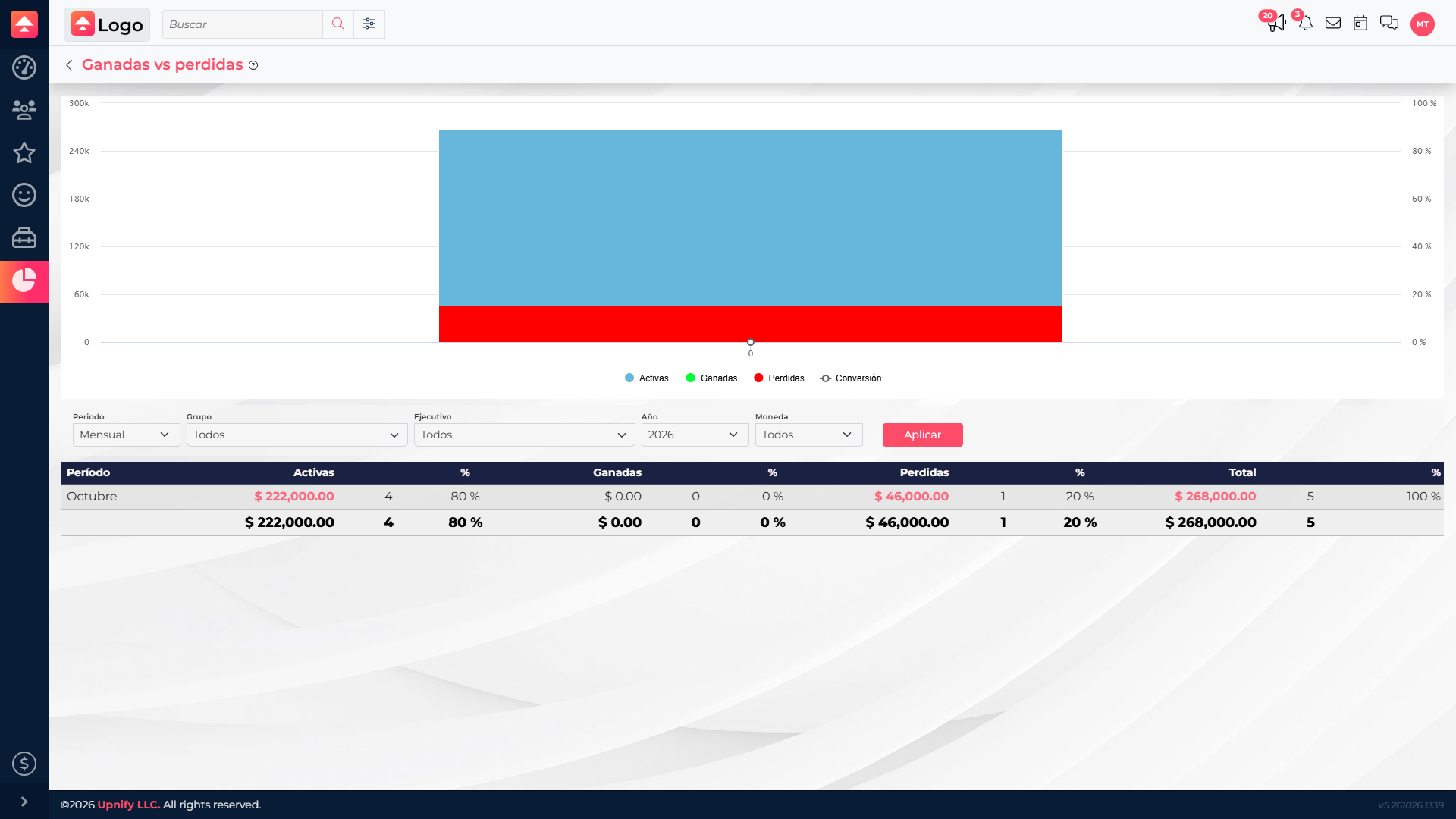
The chart helps compare the share and amount of each status. In the table, read count and amount together: a large amount may come from only a few records. Select a linked cell to open its details. For lost opportunities, review the saved reasons to find patterns such as budget, timing, or choosing another option.
Use the report to improve the process
- Compare periods of the same length and keep filters consistent.
- If many opportunities are active, group by executive or team to see where they are concentrated and what actions might move them forward.
- If losses increase, open the details and compare saved reasons. Separate issues the team can address from decisions that depend on the customer.
- Read conversion alongside total count and amount. A percentage alone does not explain why an opportunity was won or lost.