

If a sale was entered by mistake or should no longer count as active, you can review the Delete action in the list. First make sure you have the right sale and check whether it is linked to an invoice or an AML process.
Only need to correct a detail?
If the sale is still valid and only its amount, date, or another detail changed, choose Edit when available. Deleting and re-creating it can leave duplicate records.
If the sale is still valid and only its amount, date, or another detail changed, choose Edit when available. Deleting and re-creating it can leave duplicate records.
Before you choose Delete
- Check the contact, concept, and amount so you can identify the right row.
- Check whether the sale has an associated invoice or is linked to an AML notice. CRM may block the action in these cases.
- If you are not sure what needs to change, ask your administrator or the team responsible before continuing.
Cancel a sale from the list
- Open Sales transactions and find the sale.
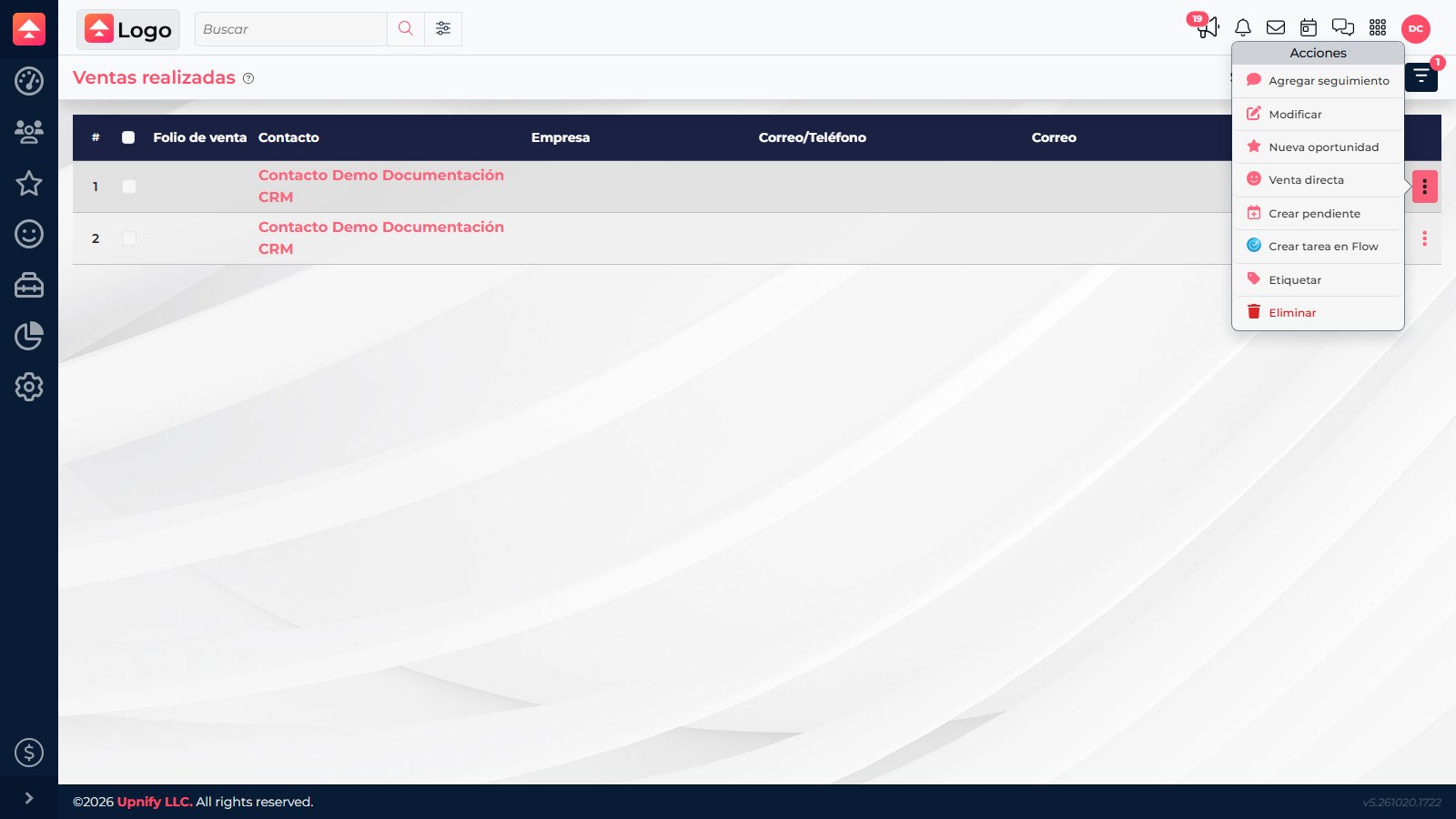
- On the correct row, open the three-dot menu and select Delete.
- Read the confirmation message and make sure it refers to that sale.
- Confirm only if you are sure. If CRM does not allow it, keep the message and ask your administrator or the responsible team for help; do not try to bypass the restriction.
- When you finish, refresh the list and review the sale status and related reports.
What happens next
CRM processes the sale according to its rules and may prevent cancellation when a related item must be handled first. The Delete action does not cancel an associated invoice; any correction to that tax document must be handled through the billing process.
Example
If you find two identical sales for the same customer and concept, compare their dates and documents too. Edit one if it only has an incorrect detail. If one is truly a duplicate and nothing is blocking the action, select Delete on that row and review the list afterward.