

A quote number helps identify a proposal and find it later, especially when several people create documents or when each document format belongs to a different line of business. In CRM, set the starting number, a series or prefix, and whether it applies to an executive, team, or format.
Key requirement: the quote format must contain the
[FOLIO] tag. Numbering settings alone do not add a number to a document that has no tag.Create a number sequence
- In CRM, open Settings and select Invoice Sequences. If you do not see this option, ask your administrator to check your access.
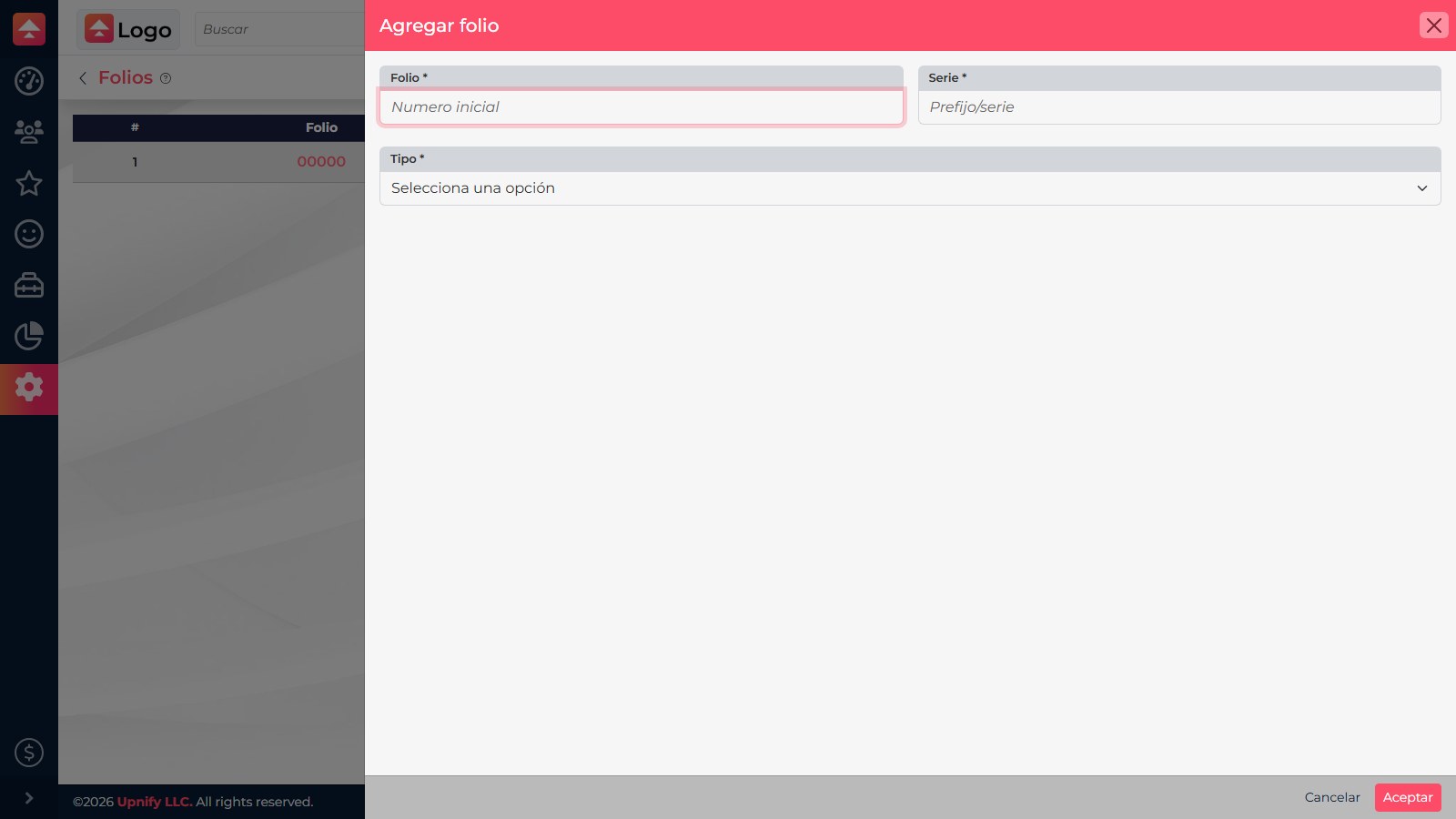
- Select Add Invoice Sequences. Enter the starting number under Invoice # and add a prefix under Series, if needed.
- Under Type, choose the scope:
- By executive: assign the sequence to the executives who generate documents.
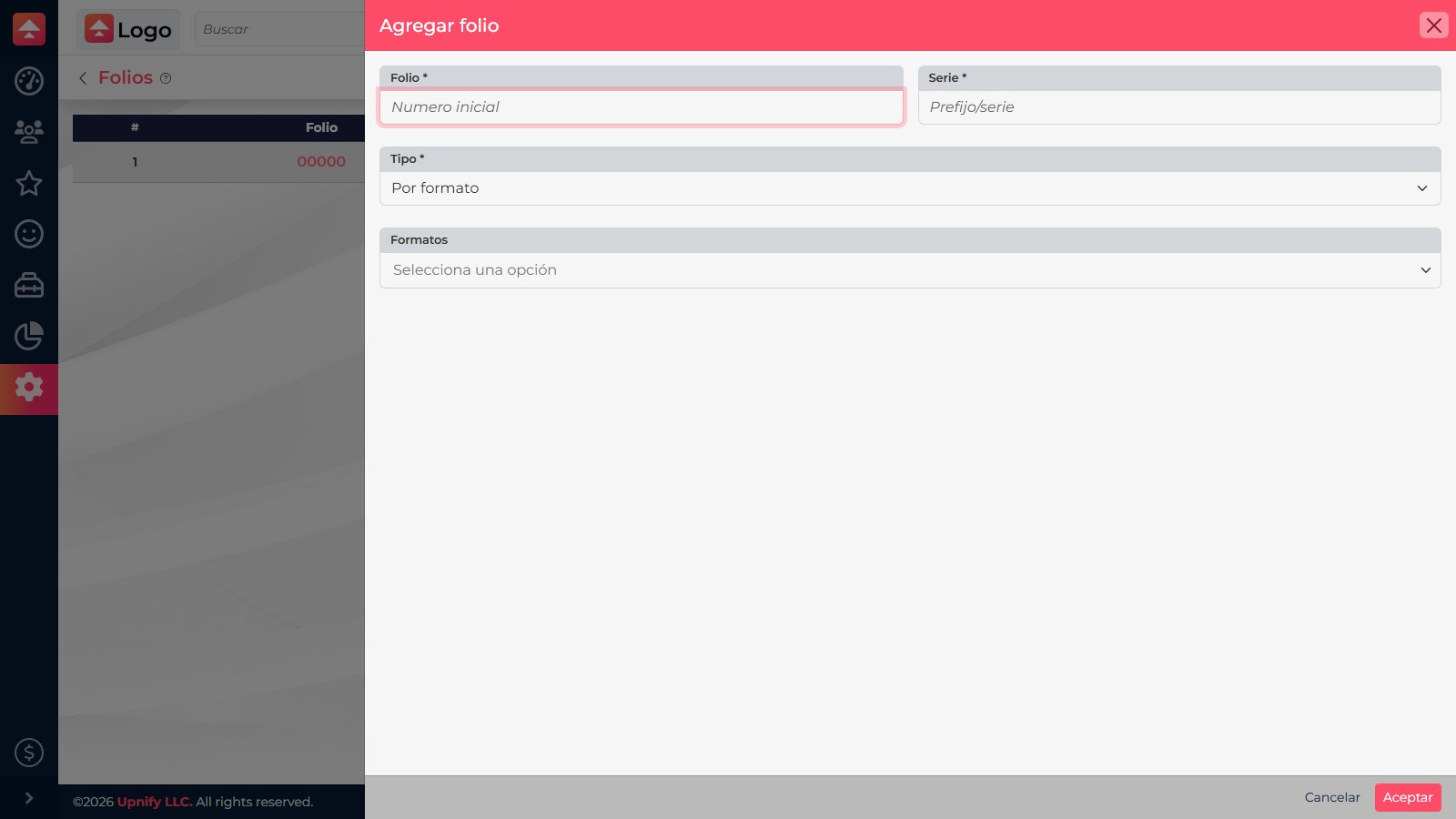
- By formats: select the formats that use it. For example, service proposals and equipment proposals can have separate numbering.
- By team: assign it to the team that shares the sales process.
- Choose the users, teams, or formats shown for the selected type, then select Accept to save.
Verify the assignment
- If you chose By formats, confirm that you selected the correct format. The format selector appears after you choose this type.
- Open a test opportunity and generate a document with a format that includes
[FOLIO]. - Review the PDF to confirm that the number and series appear where expected. Test before sharing the format with your team.
If the number is missing, check three things: the file contains the exact [FOLIO] tag, the sequence is assigned to the correct format, executive, or team, and you are generating the document from the matching record.