

If your organization uses Microsoft 365, you can connect a mailbox from CRM through OFFICE 365 / OUTLOOK (API). The authorization happens with Microsoft; it does not mean entering a password into SMTP fields.
When to use it: choose this connection when your mailbox is hosted in Microsoft 365 and CRM needs to send, receive, or do both through the authorized account.
Before connecting
- Confirm whether you need Outgoing, Incoming, or Incoming/Outgoing.
- Make sure you can access the correct Microsoft 365 mailbox.
- For company accounts, the organization may require administrator consent before granting the app permissions.
Authorize Microsoft 365
- In CRM, open Personal settings > Email accounts and select New.
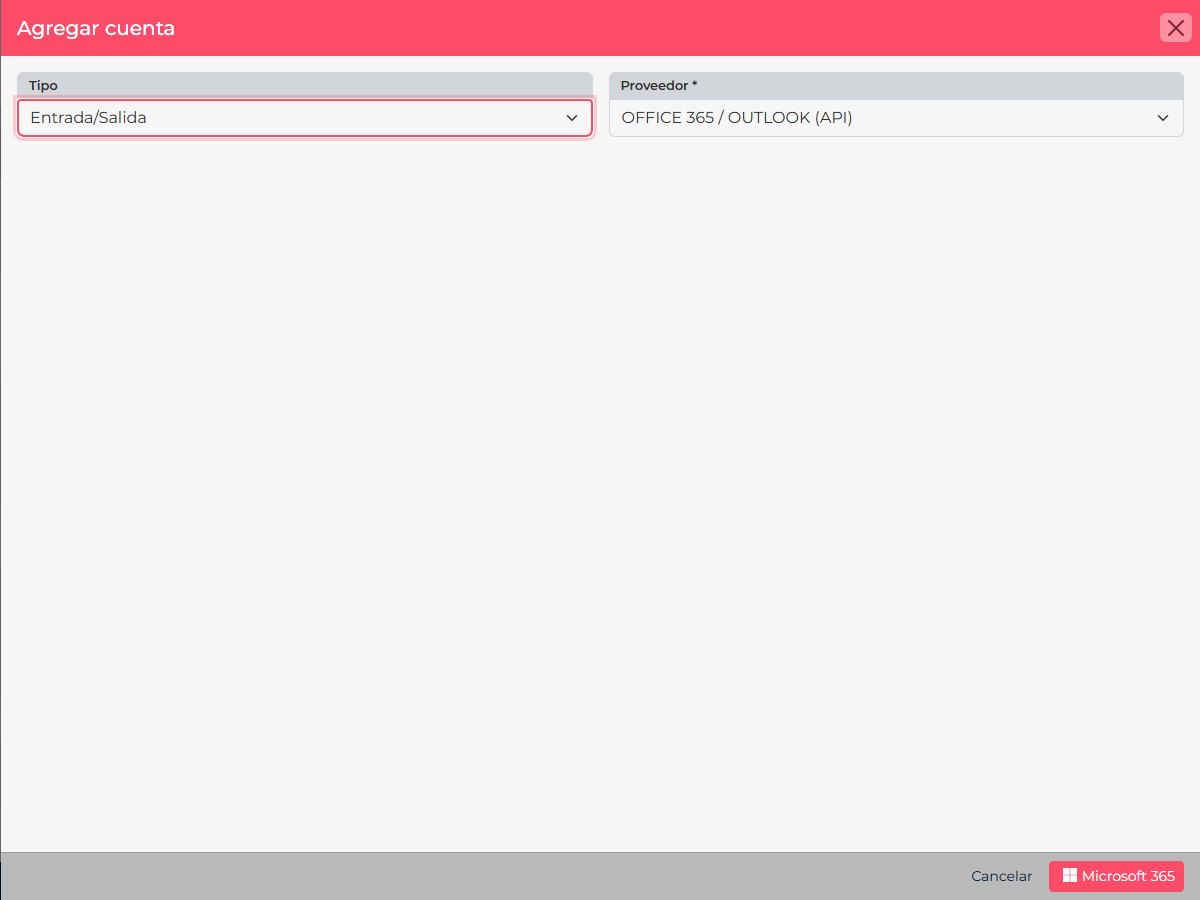
- Choose the email type you need and select OFFICE 365 / OUTLOOK (API).
- Review the information and select Microsoft 365 to start.
- On Microsoft’s page, sign in with the mailbox you want to connect and review the permission request.
- Approve the authorization if your policy allows it. If Microsoft says approval is required, ask your tenant administrator to review and grant consent.
- Return to CRM and confirm the account is connected before using it.
If Microsoft says “Approval required”
Some tenants let administrators control which apps can access email. Share the application name and consent screen with the administrator. Do not approve permissions from a different account or try to replace authorization with a basic password. Microsoft Graph documents email permissions such as Mail.Read and Mail.Send.
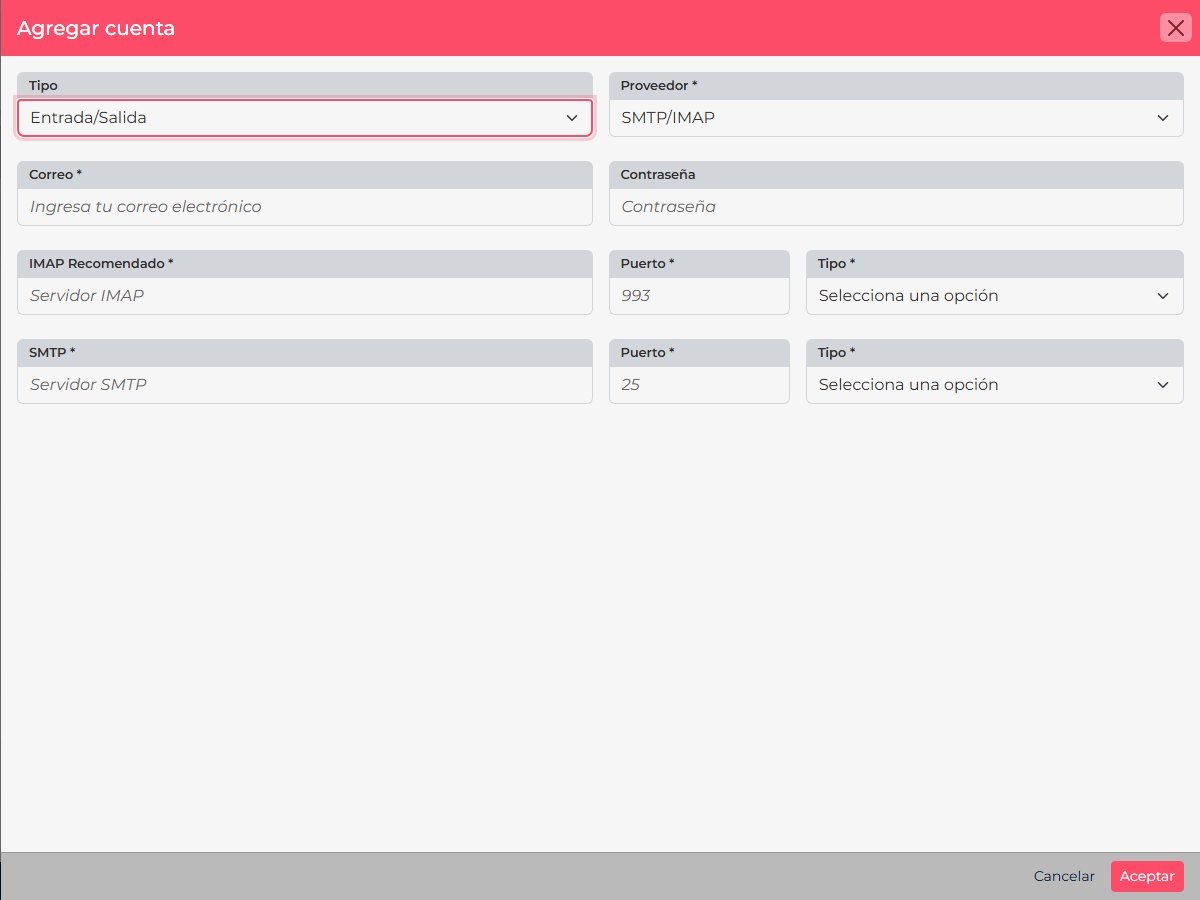
Important: API authorization differs from manual SMTP/IMAP. For server settings and ports, see the SMTP/IMAP guide.