

When a person becomes a customer, update their status from the prospect record instead of creating a second record. This lets you continue reviewing their history from Customers. Before confirming, make sure you opened the right contact and that the relationship has become a customer relationship.
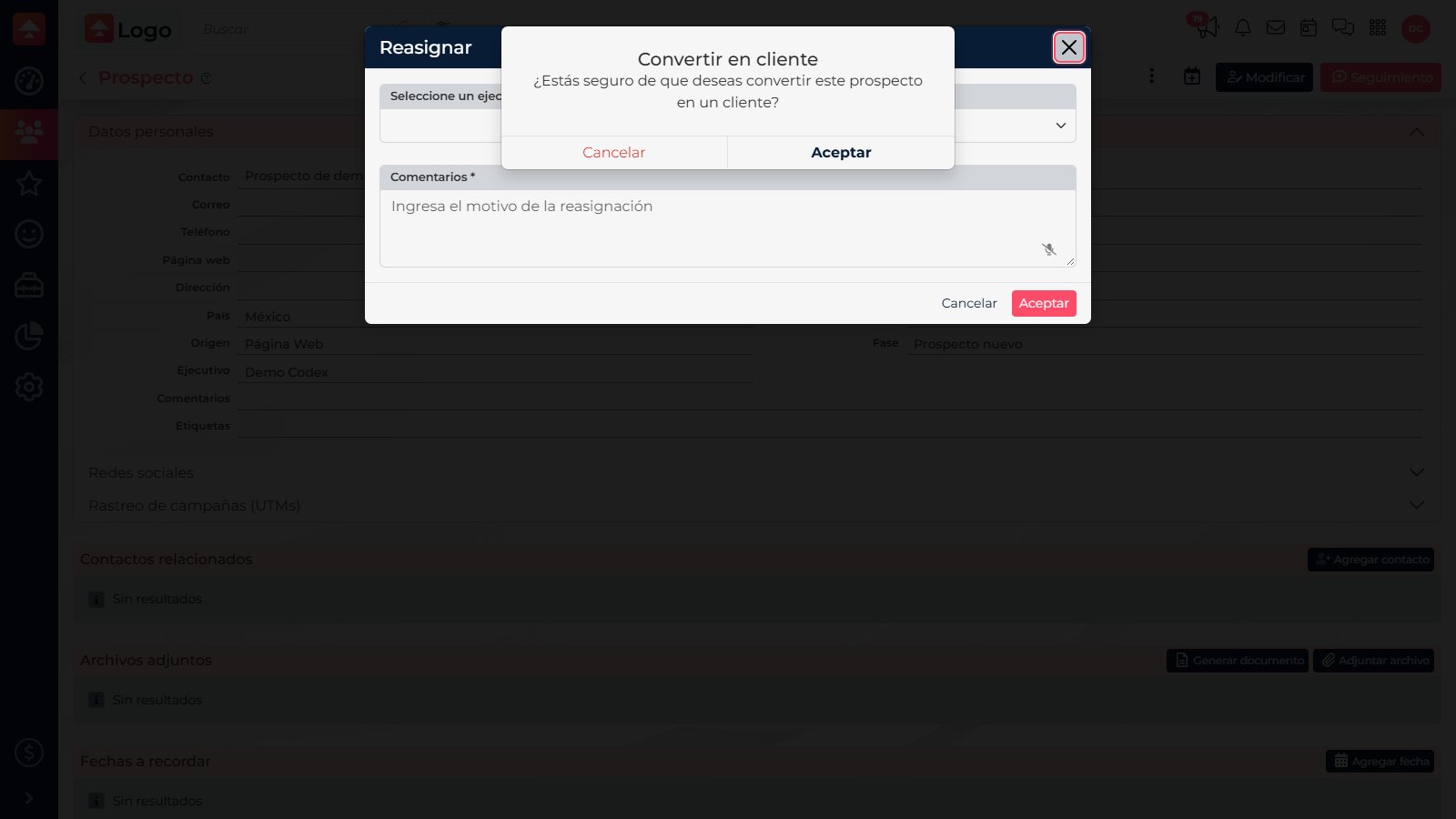
Convert the record
- Open Prospects and find the person. Check their details to make sure this is the right record.
- In the record actions, select Convert to customer.
- Review the confirmation message and select Accept to proceed or Cancel if the status should not change yet.
After conversion
CRM updates the contact status and may take you to the Customer record or the Customers list, depending on where you started. Find the person there to review details, follow-ups, and activity. If the relationship is not a customer relationship yet, keep the record in Prospects and update its phase when appropriate.

Do not create a duplicate
Conversion uses the existing record. For someone not yet in CRM, choose New in Customers; for someone already in Prospects, convert the existing record.
Conversion uses the existing record. For someone not yet in CRM, choose New in Customers; for someone already in Prospects, convert the existing record.