

A sale does not end the customer relationship. Timely follow-up helps confirm delivery, answer questions, and spot a renewal, replenishment, or complementary purchase. CRM brings history and activities together so the next conversation has context.
Prepare the follow-up
- Open the customer profile and review sales, dates, products, and previous follow-ups.
- Set a reason for the next contact: confirm delivery, answer a question, plan a renewal, or discuss a repeat purchase.
- Log the call, note, or task in CRM so a teammate can continue the conversation if ownership changes.
Review continuity and repeat purchases
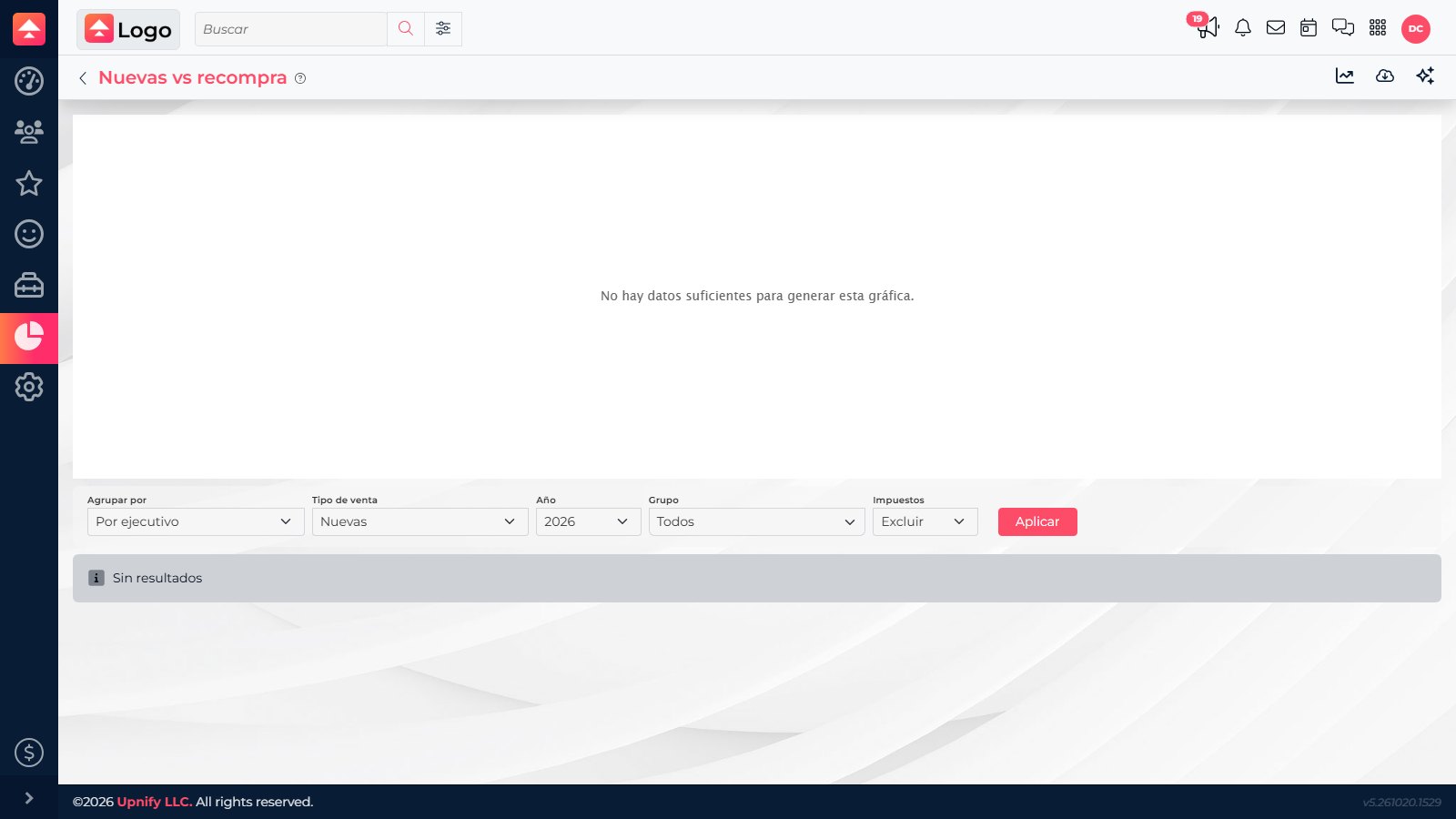
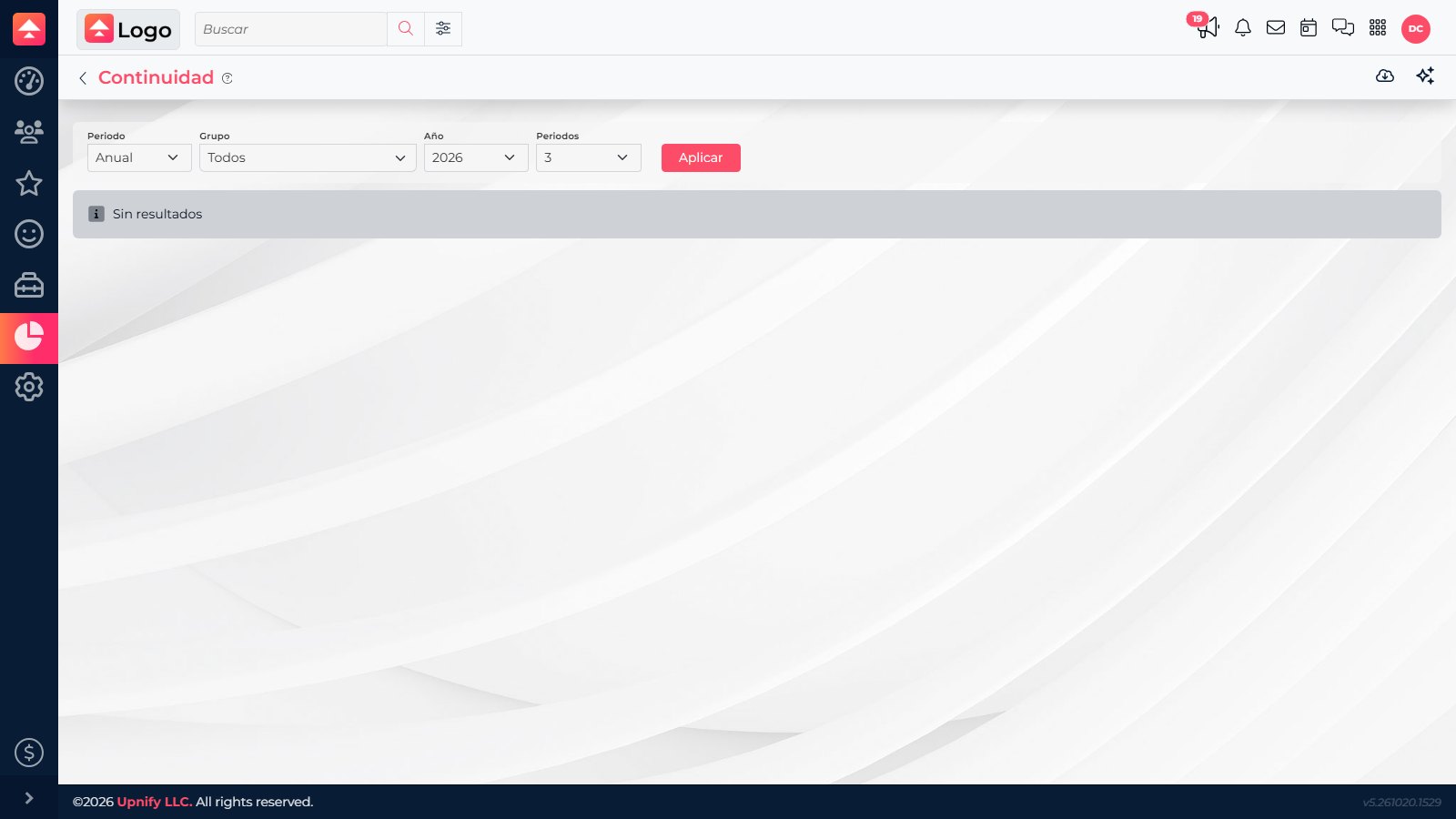
In CRM > Reports, open New vs. Repeated to compare first purchases with repeat purchases. You can also review Customer Continuity using the available filters. Compare similar periods and open records that need action.

Example: quarterly replenishment
If a company usually replenishes a product every three months, record the purchase date and create a task to contact it before the next cycle. Confirm inventory or changing needs and log the outcome. If the customer is not ready, agree on another date; record a repeat purchase only after the new order is confirmed.
A follow-up is not a new sale. Record the repeat purchase after the agreement is confirmed and review it in the customer history.