
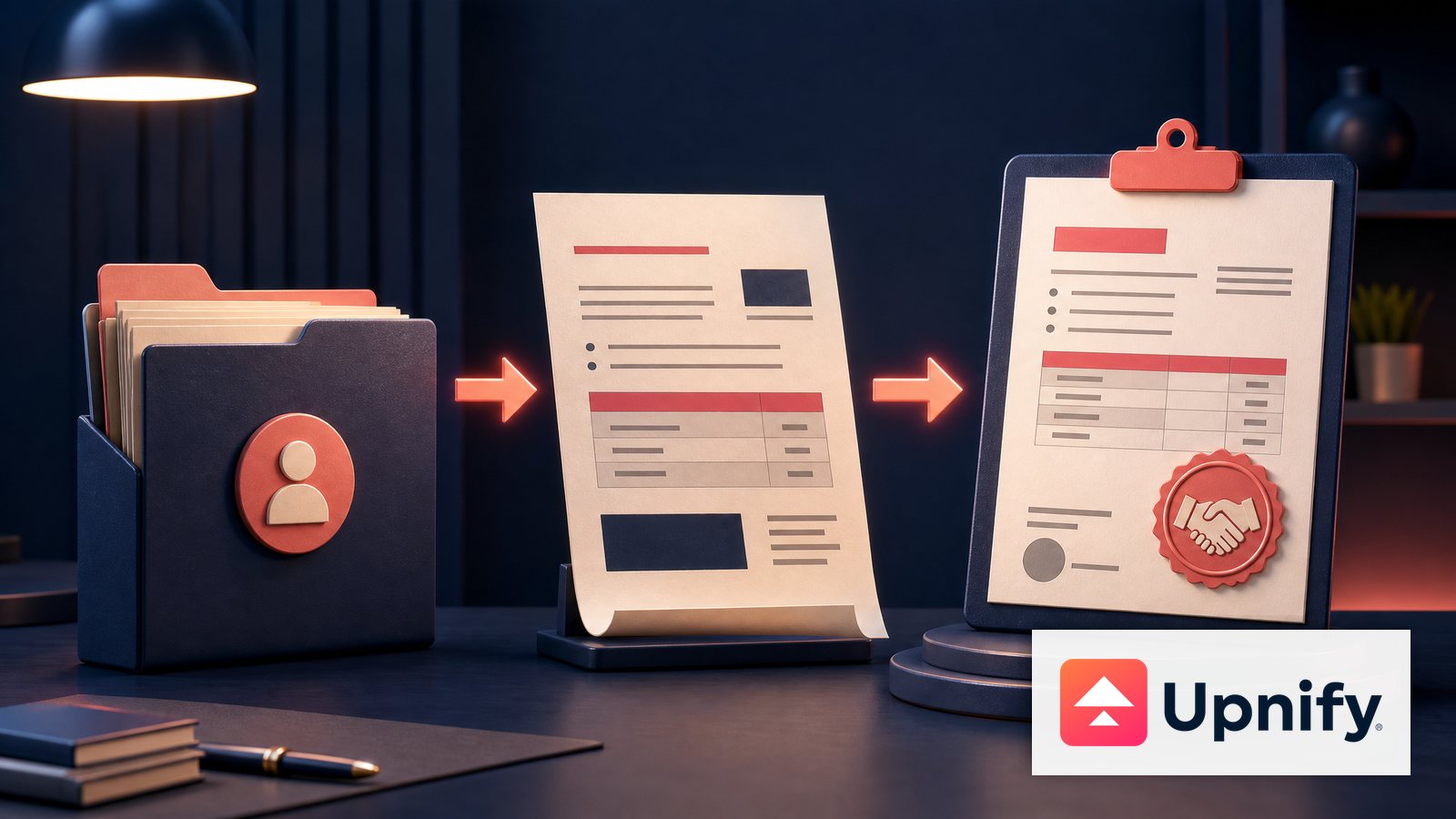
In CRM, you prepare a quote inside an opportunity. You do not create a separate quote and link it afterward: when you quote from the opportunity, its products and quantities stay in that transaction context. If the customer confirms the purchase, convert the opportunity into a sale from the same process.
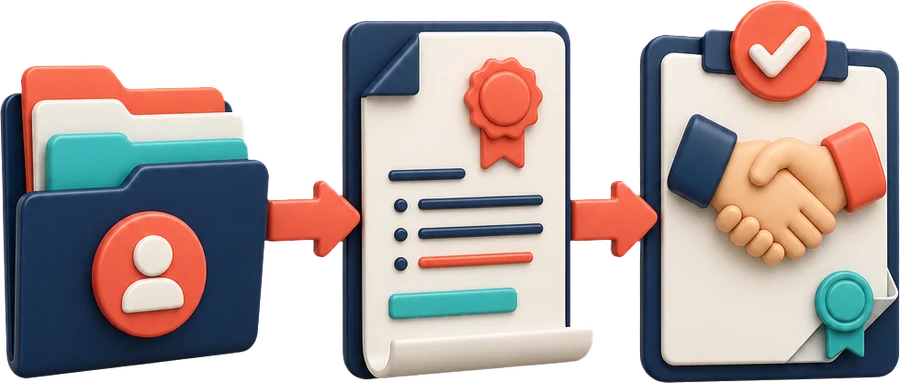
Prepare the quote inside the opportunity
- Open Opportunities and open the correct record. Confirm the contact, concept, currency, and expected amount.
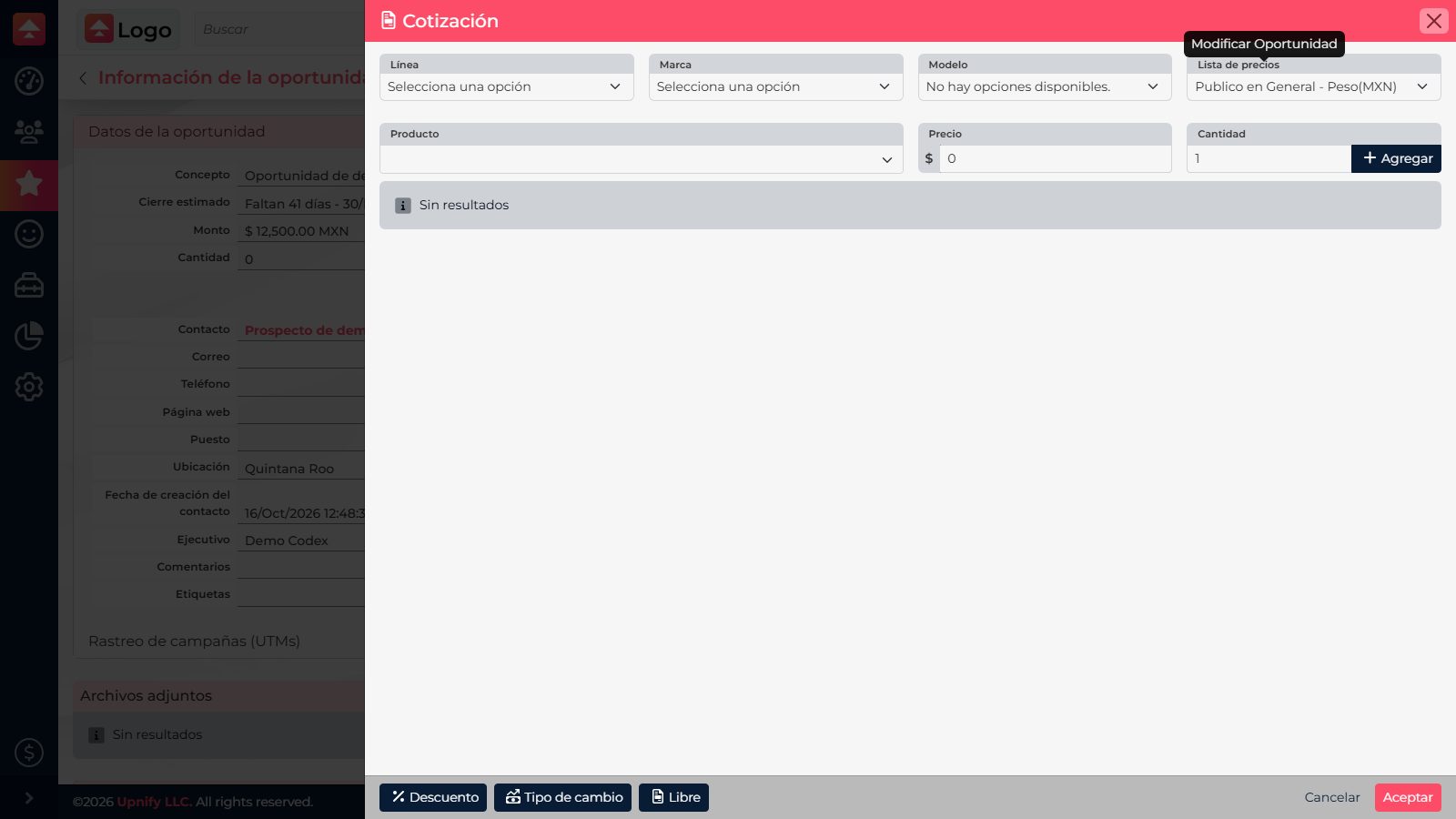
- From the opportunity actions, select Edit and then Quote. The quote panel opens in that opportunity context.
- If you use the filters, select a line, brand, and model when applicable; choose the right price list and find the product or service.
- Enter the quantity and select Add for each line item. Check unit, price, discounts, and taxes, and make sure the items match what you discussed with the customer.
- Accept the quote panel and save the opportunity to keep the quote there.
When the customer confirms: convert the opportunity into a sale
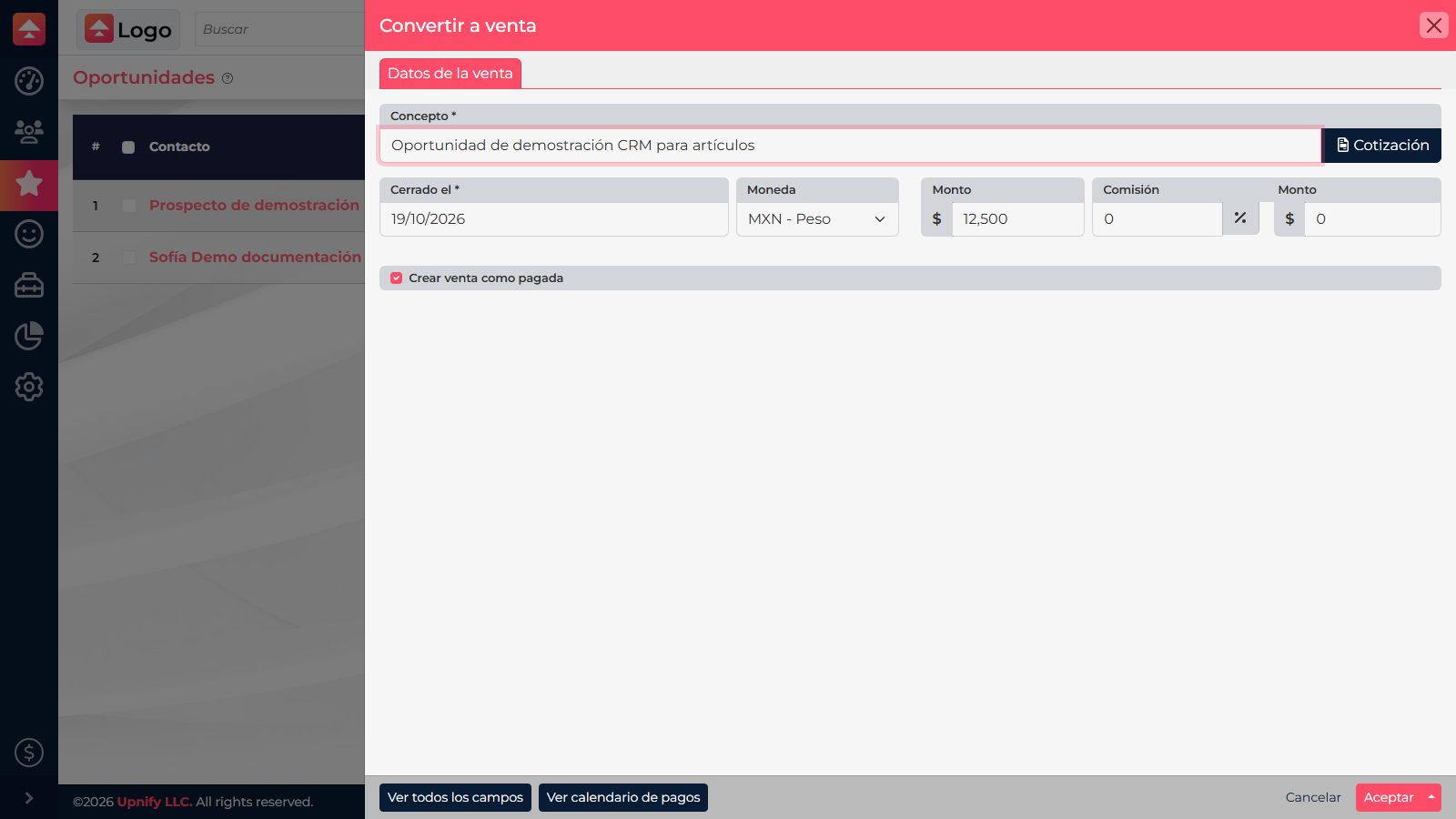
- From that same opportunity, choose Convert to sale in the action menu.
- In the sales form, review contact, concept, products, amounts, date, and currency. Correct any difference from the agreement before saving.
- Mark the sale as paid only if payment has been received. Purchase confirmation and payment can happen at different times.
- Save the sale and confirm that it is associated with the process and has the correct commercial details.
Example: an opportunity is for 12 licenses and an implementation session. Add both items to the quote from that opportunity. When the company approves the proposal, convert the opportunity into a sale and review the agreed terms in the form. If payment will come later, leave it unpaid.
A quote and a document are different actions
Quote opens the quote panel to define products, quantities, and prices in the opportunity. Generate document creates a file from a template. You can use a template to present the proposal, but the file does not replace the product details saved in the opportunity or record the sale by itself.