

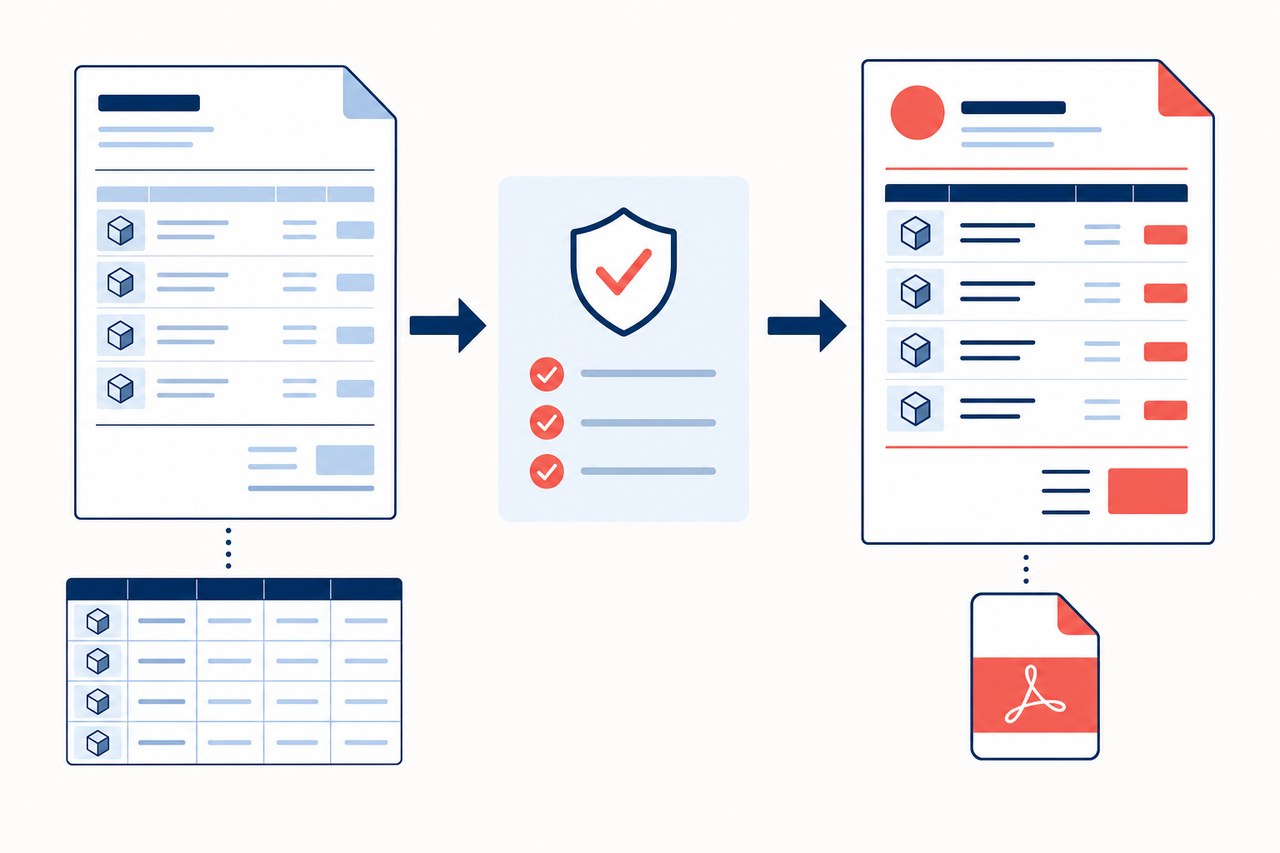
The format controls the customer-facing document: its header, details, line items, totals, and, when used, quote number. Tags let CRM fill in information from the opportunity instead of requiring you to copy it manually. The quote generator converts a compatible format into a PDF attached to the opportunity.
.docx or .xlsx file does not become compatible just by changing its extension to .xml.Prepare the document
- Design the header and spaces for the customer, company, opportunity, salesperson, and totals. If you already have a useful format, make a copy before changing it.
- In Word, save as a Word 2003 XML document. In Excel, save as an Excel 2003 XML spreadsheet. Use the file produced by the application; do not rename a DOCX or XLSX file.
- Insert system tags exactly as shown. For example, a line-item table can use:
| Tag | Value inserted | Recommended location |
|---|---|---|
[PROD_CANTIDAD] | Line-item quantity | Product row |
[PROD_NOMBRE] | Product name | Product row |
[PROD_PRECIO_UNIT] | Unit price | Product row |
[PROD_SUBTOTAL] | Line-item subtotal | Product row |
[TOT_TOTAL] | Quote total | Totals summary |
[FOLIO] | Configured quote number | Document header |
Upload and test the format
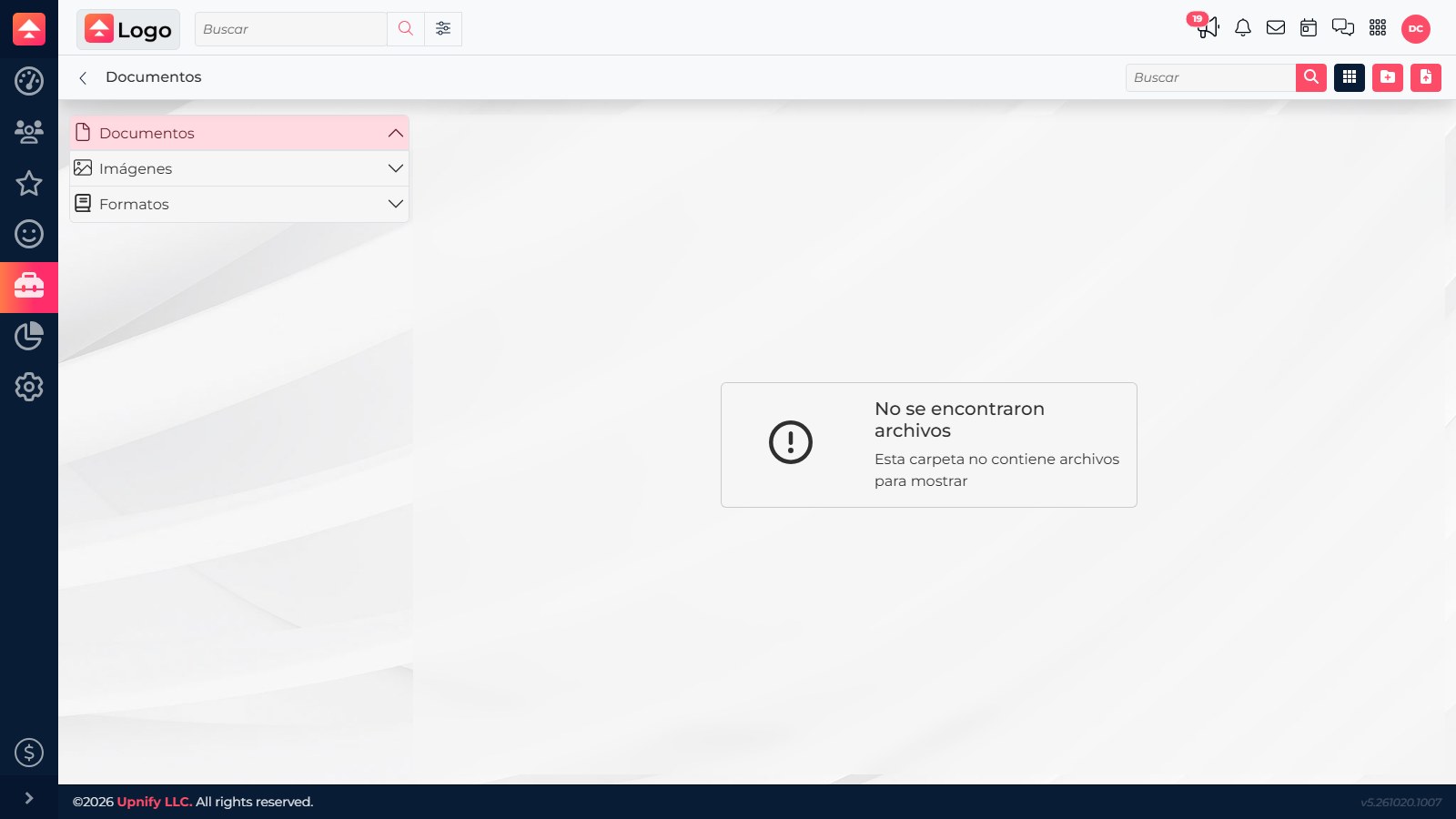
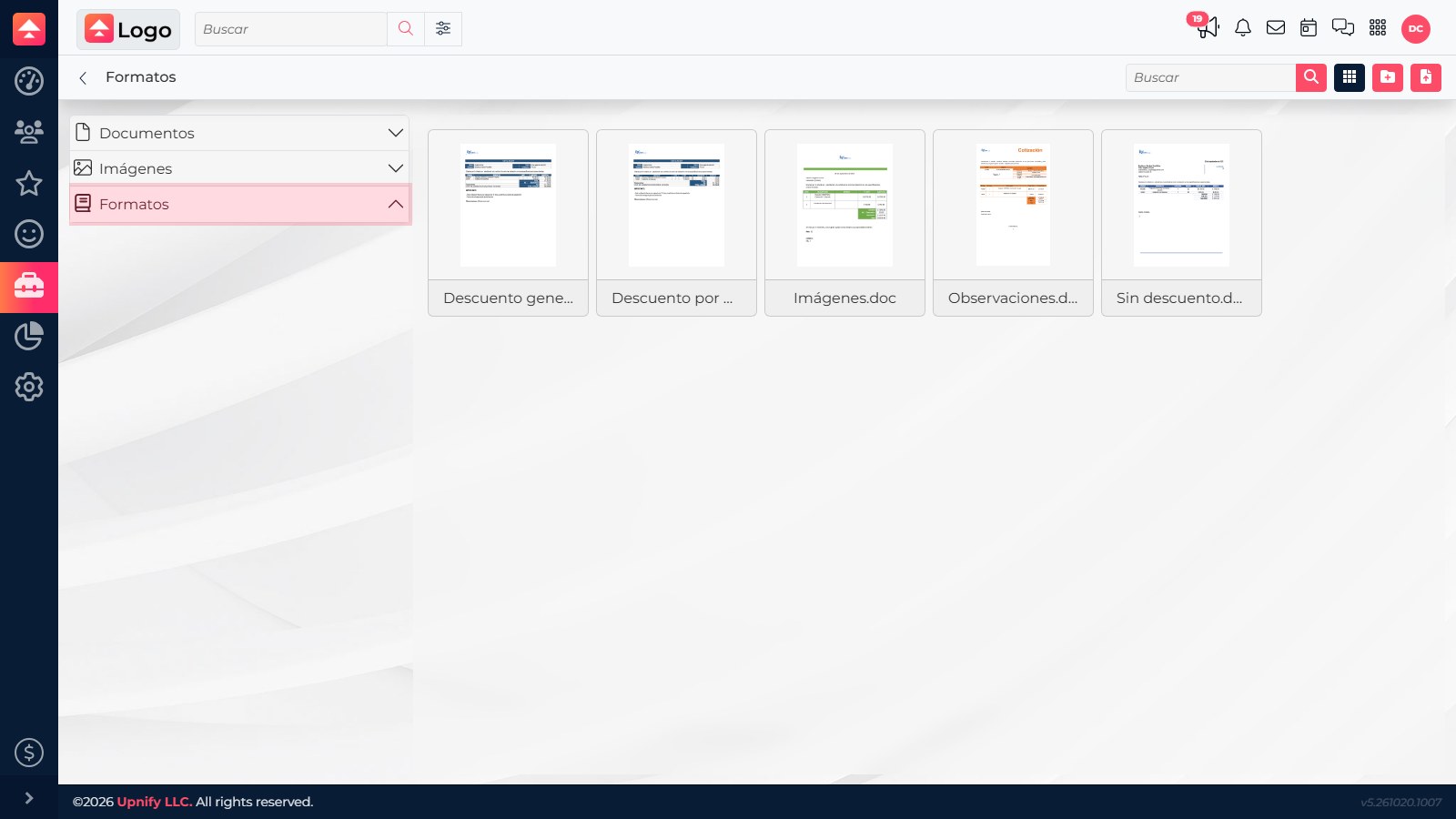
- In CRM, open Tools > Documents and Images, then open the Formats folder.
- Upload the file and confirm it appears under Formats, not Documents or Images; those folders serve different purposes.
- From a test opportunity, select Generate document, choose the format, and create the file. Review the resulting PDF to confirm that tags were replaced, amounts match, and all line items appear.
Pay special attention to the product table
In Word, put product tags in the repeating table row. In Excel XML, do not merge cells in that row. Test with at least two products so you can catch a format that shows only the first item, breaks when a description is long, or pushes the total off the page.
If a tag appears literally in the PDF, check its spelling and location. If it is blank, confirm that the record has a value for it. If the format is missing from the selection list, confirm its folder, visibility, and that it is compatible XML or HTML.