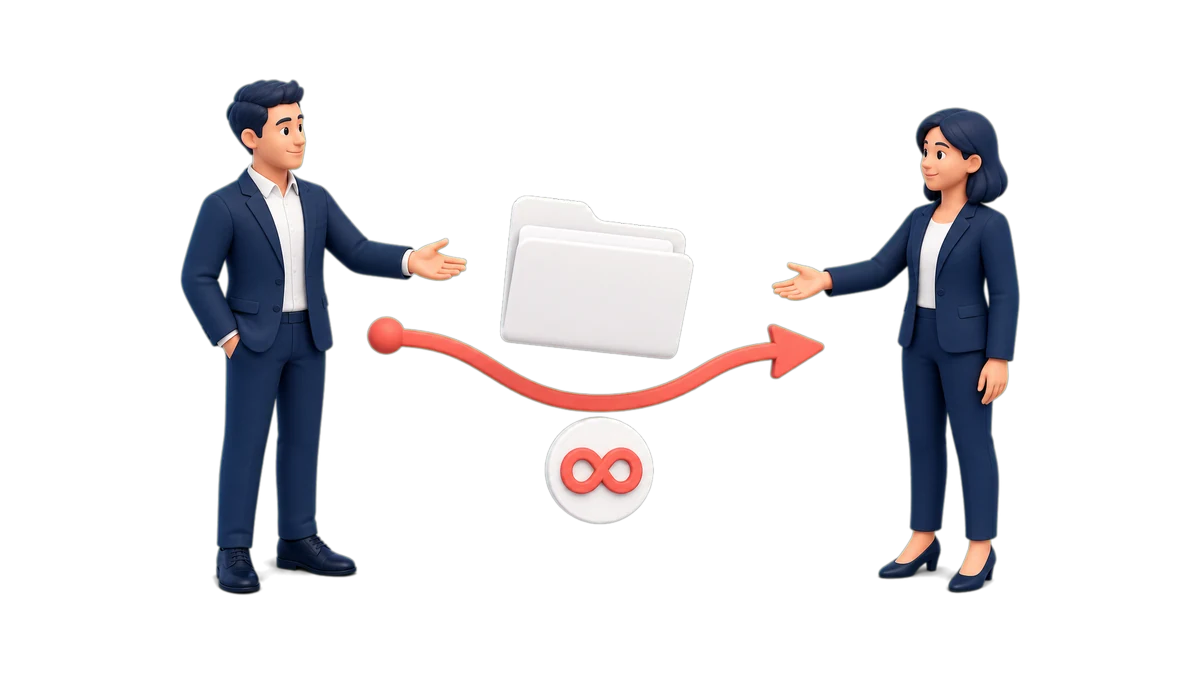
Reassigning a contact changes its primary owner. Use it when someone is going on leave, changing territories, or no longer handling an account. The new owner can continue from the same record, with its information and history, instead of starting the conversation from scratch.
The selected person becomes responsible for the contact and can open it from their portfolio to continue follow-up, review prior context, and take actions allowed by their role. CRM keeps the history and updates related reminders, tasks, and appointments assigned to the previous owner.
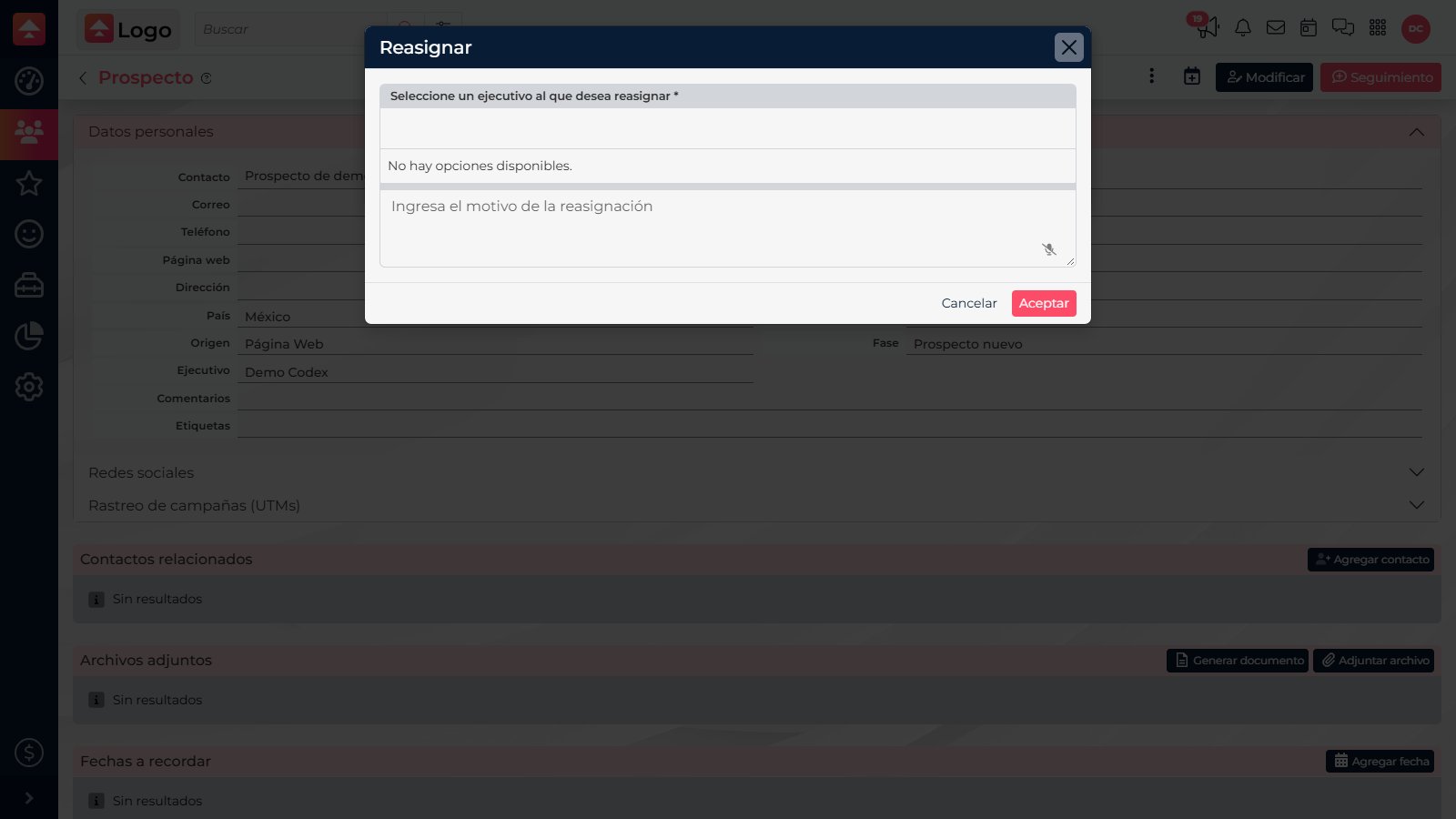
Reassign the contact
- Open the prospect or customer record and confirm that it is the right contact.
- In the record actions, select Reassign.
- Choose the executive who will take over. In Comments, explain the reason and next step; this field is required and accepts up to 256 characters.
- Review the selected name and comment, then select Accept to confirm.
Pass along useful context
Write a specific note instead of “follow up.” For example: “They requested an updated proposal; confirm quantities and call back before Friday.” The new owner can review the record and earlier follow-ups, check the transferred activities, and continue with the customer. CRM records the change in the history and may notify the new owner.
After confirming, check which executive appears as the record owner. If the person is missing from the selector, ask an administrator to confirm that their user is active and your role can reassign contacts.
Use Share to let someone collaborate without changing the owner. Use Reassign when that person should take over the contact and its follow-up.