

Reviewing attribution helps confirm which representative is associated with a sale and how its commissions appear. This helps validate records and follow related collections; it does not replace your company’s commission calculation or payment policies.
Review the sale and its collections
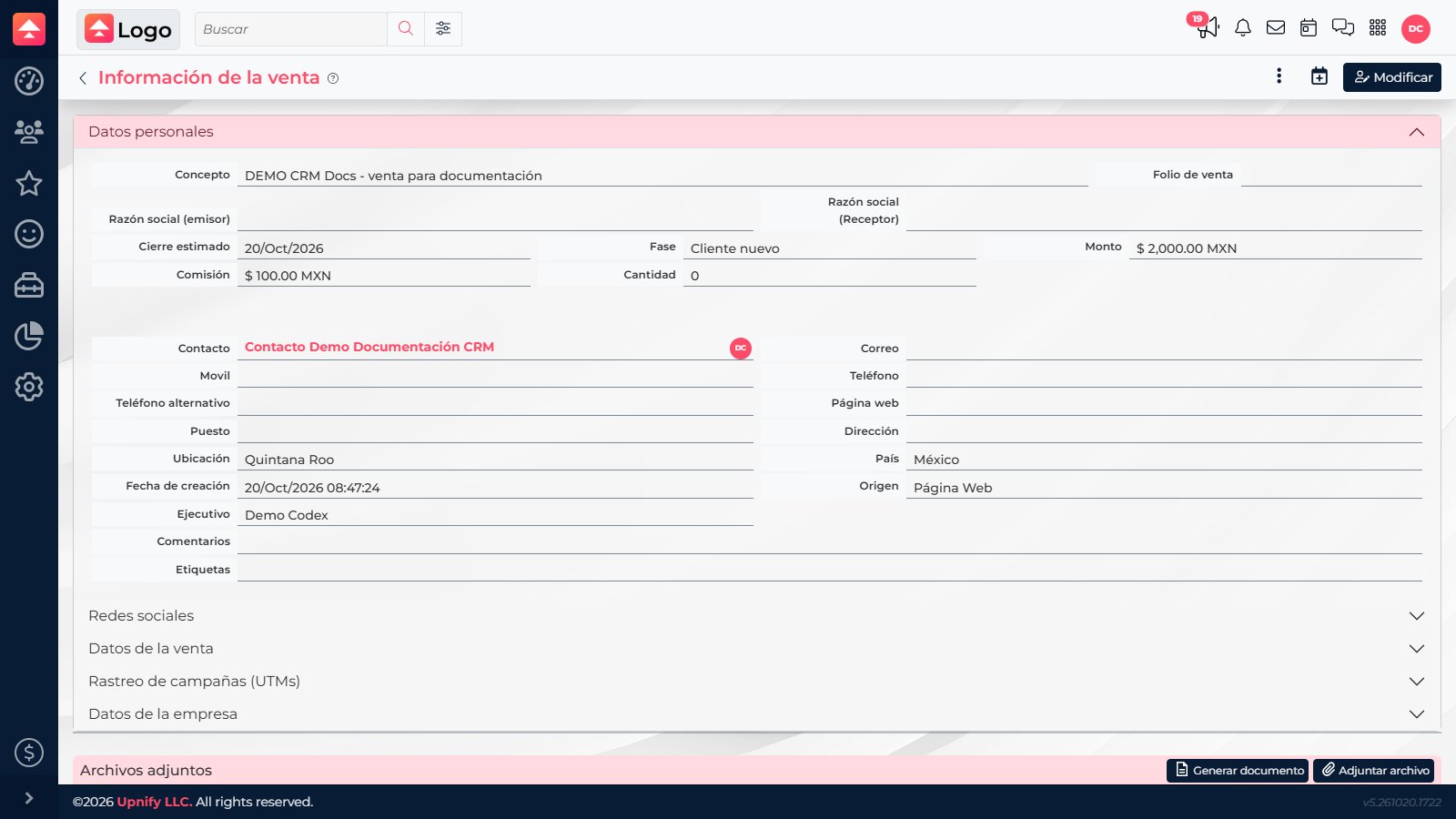
- Open Sales transactions, select a sale, and review its contact, representative, amount, and recorded commission.
- If a value needs correction and the sale is still editable, use Edit and confirm the change with the person who administers your sales plan.
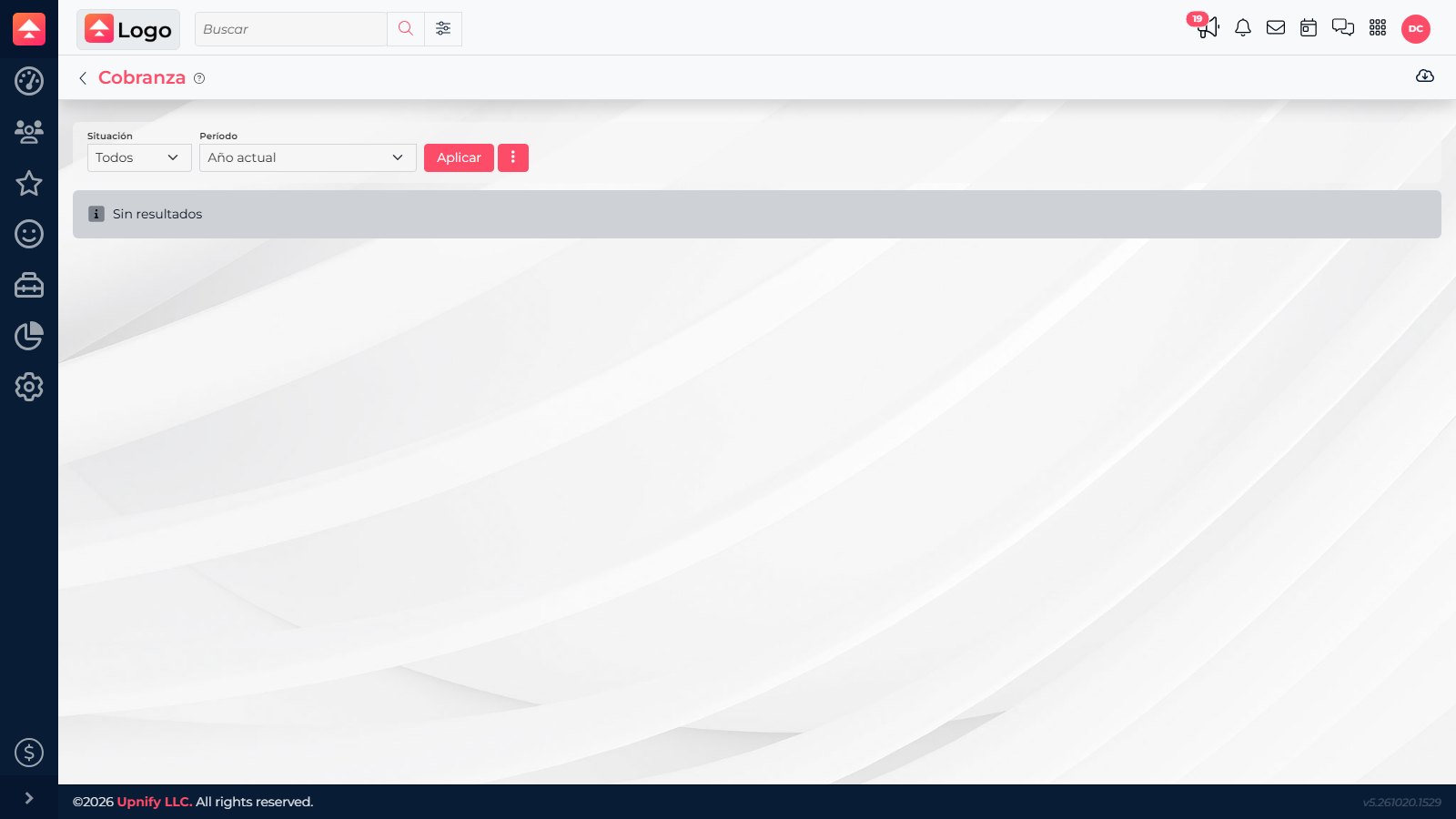
- Open Payments (shown as Cobranza in Spanish), choose the Status and Period, and apply the filters.
- Find the sale concept. Review collection amount, balance, date, commission amount or rate, and representative. Open the concept to return to sale details.
How to read the data
- Sale commission: rate and amount recorded for the sale.
- Collection commission: value shown with an installment and its status.
- Attribution: representative linked to the contact or sale record.
Example
For a sale with three installments, review each one separately: amount collected, remaining balance, and commission shown. Do not combine different periods without checking currency and status.
For a sale with three installments, review each one separately: amount collected, remaining balance, and commission shown. Do not combine different periods without checking currency and status.
Audit and unaudit actions are restricted to authorized roles. If a representative or commission does not match the agreement, document the discrepancy and ask the person who administers the plan.