
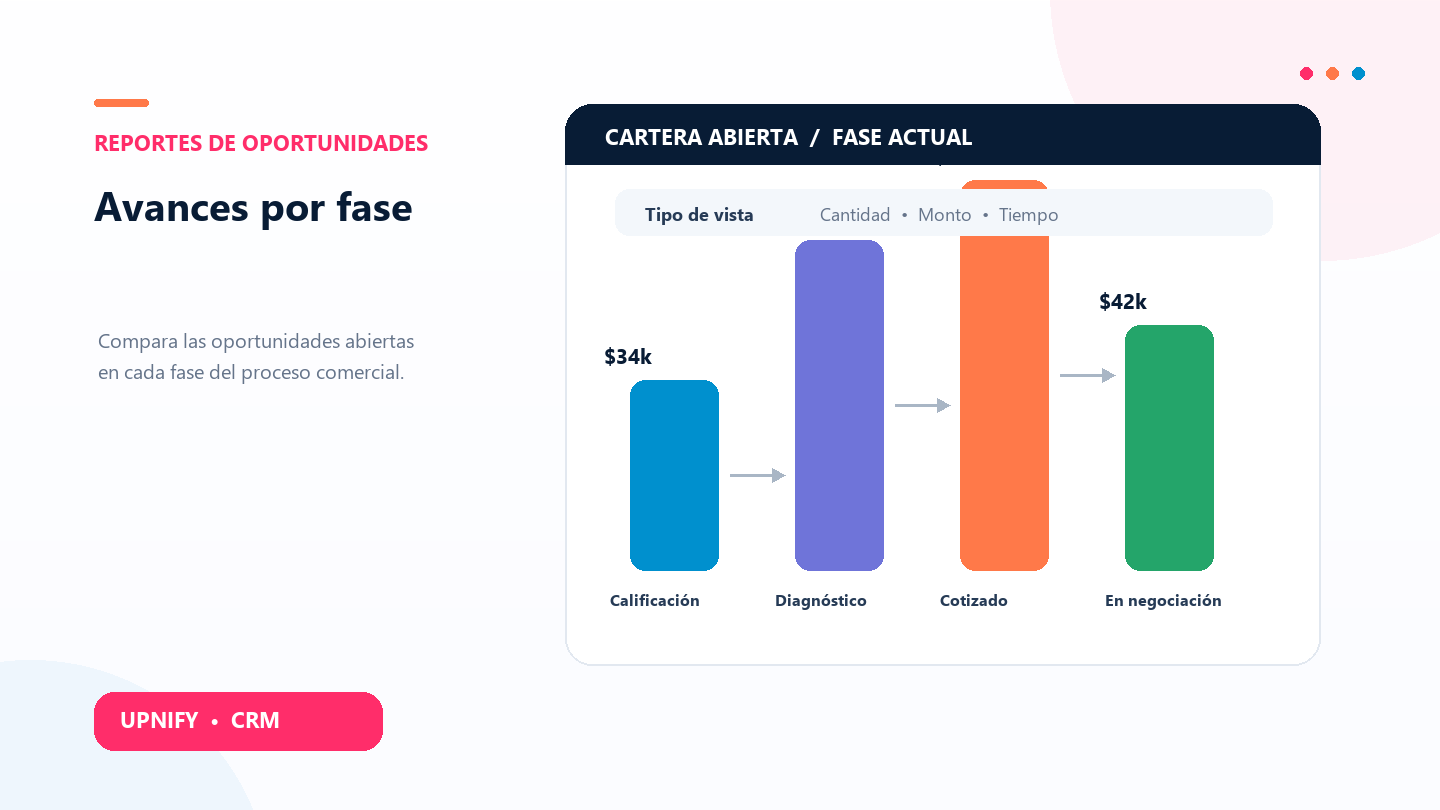
The Progress report helps you understand where your sales pipeline is concentrated. Instead of opening opportunities one by one, compare stages to see whether the team has more records at the beginning of the process, many waiting for a quote, or several still in negotiation.
Use it during a pipeline review, to check workload by executive, or to decide where the team needs support. The report shows open opportunities in their current stage; it is not a history of every stage change.
Review progress
- In CRM, open Reports and select Progress under opportunity reports.
- In Group by, choose whether to compare by executive, group, or source.
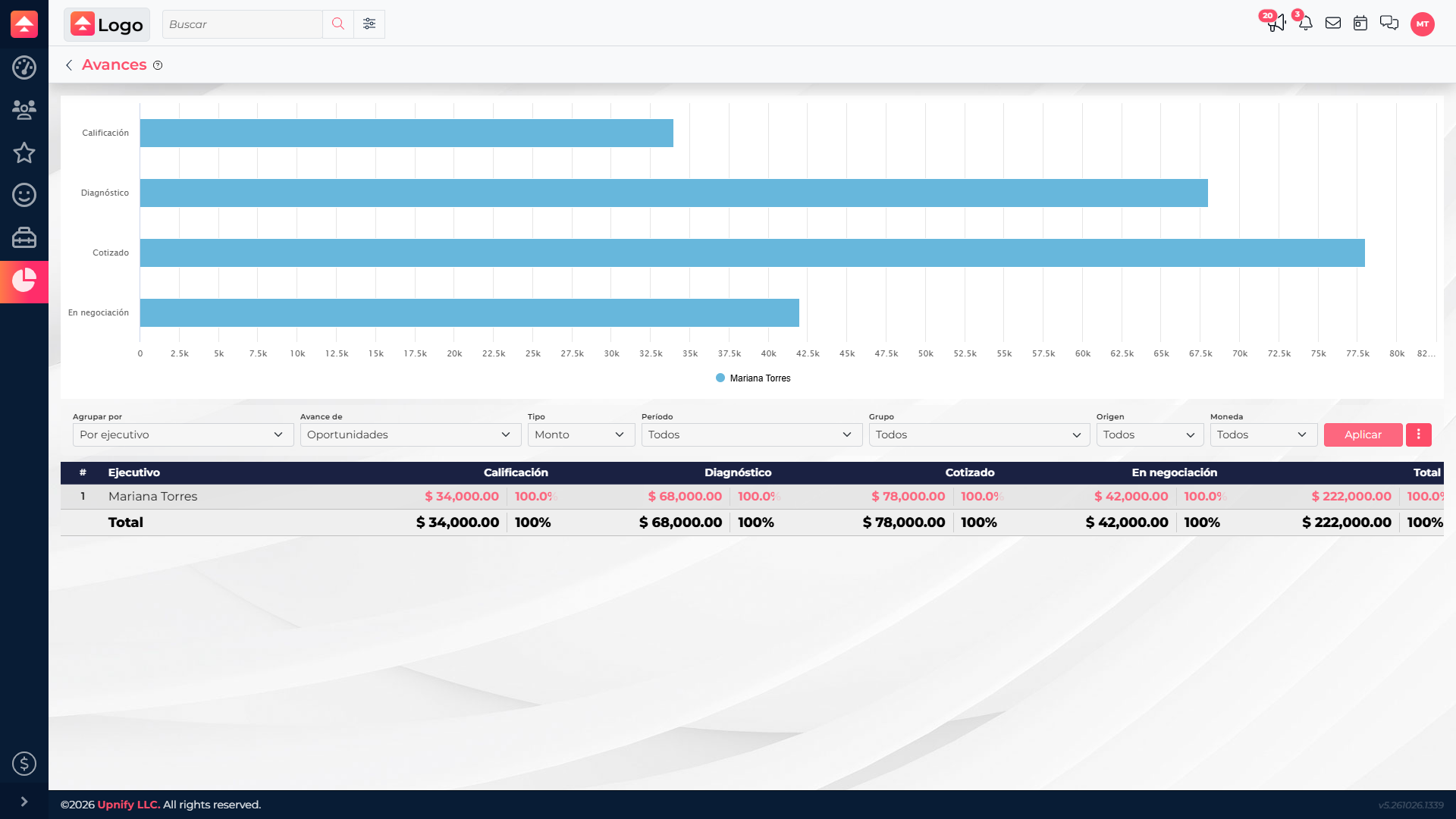
- Under Progress of, select Opportunities.
- In Type, choose Count, Amount, or Time, depending on the question you need to answer.
- If needed, set the period, group, source, or currency, then select Apply.
Choose the measure you need
| Type | What it answers | When to use it |
|---|---|---|
| Count | How many open opportunities are in each stage. | Compare the workload across teams or executives. |
| Amount | The value represented by those opportunities. | Find the stages holding the largest pipeline value. |
| Time | The average time opportunities have accumulated in each stage. | Spot stages where records may be taking longer to move forward. |
Read the chart and details
The stages shown depend on your company\u2019s opportunity setup. Each color represents an executive, group, or source, depending on the grouping you selected. The table helps you compare exact values. Select a cell or its stage value to open the records behind that result, if your access allows it.
Keep these points in mind
- The report includes open opportunities. Review won and lost records in the Won vs. lost report.
- A stage shows the record\u2019s current position. To see how an opportunity changed over time, review its history or follow-ups.
- The period filter uses the opportunity creation date; it does not mean the record moved stages during that interval.
- Totals depend on the selected filters, permissions, and currency. Keep the same grouping and currency when comparing periods.
To turn the report into an action plan, find a stage with substantial workload or value, open its details, and agree which opportunities need a call, an updated quote, or management support. That turns a pipeline review into a clear next step.