

If you regularly prepare proposals with the same product package\u2014for example, an installation with training and support\u2014you can save that combination as a template. It reduces repetitive entry and gives you a consistent starting point for each new opportunity.
Important: this template saves the selected quote products. It is not the Word or Excel document format that controls how the customer-facing file looks.
Save a product combination
- In CRM, open the opportunity you are quoting and choose Modify > Quotation.
- Add the required line items from the catalog. Before saving, review the product line, brand, model, price list, quantity, discounts, and taxes. The template uses this setup as its starting point.
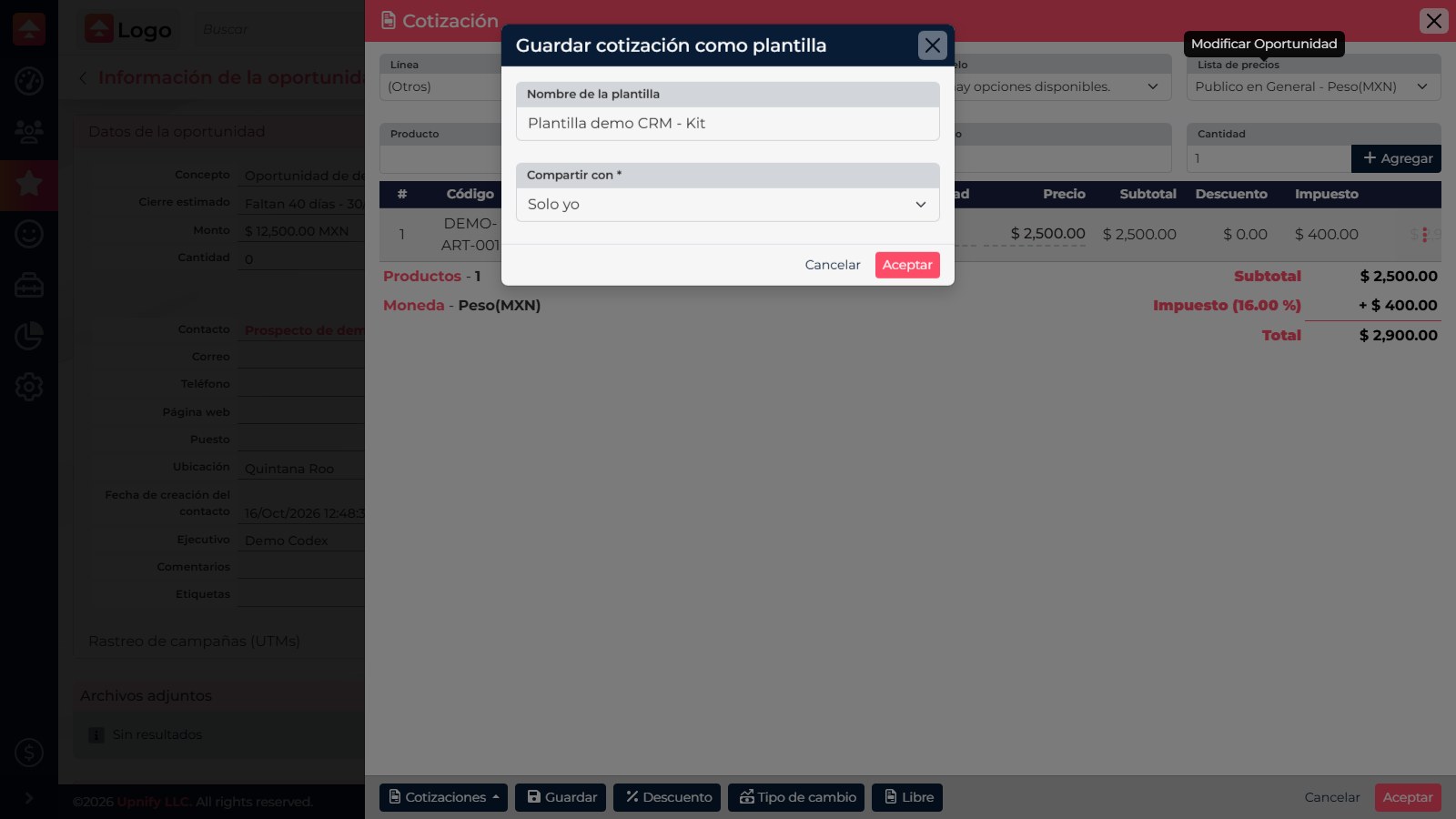
- At the bottom of the quote editor, open Quotes and choose the option to save the quote as a template.
- Enter a name that describes when to use it, such as Installation and training package. Under Share with, choose Only me, With my group, or With all, depending on who should reuse it. Select Accept.
Use it on another opportunity
- Open the new opportunity and go to Modify > Quotation.
- Select Quotes, then choose the template by name. If the quote already contains line items, CRM asks how to combine them.
- Choose Only add to keep the current items and add those in the template. Choose Delete products to replace the current items with the saved combination. Review this choice carefully: adding a template to an already complete quote can duplicate products.
- Before saving, confirm prices, taxes, discounts, and quantities for this opportunity. A template speeds up entry, but it does not replace a final commercial review.
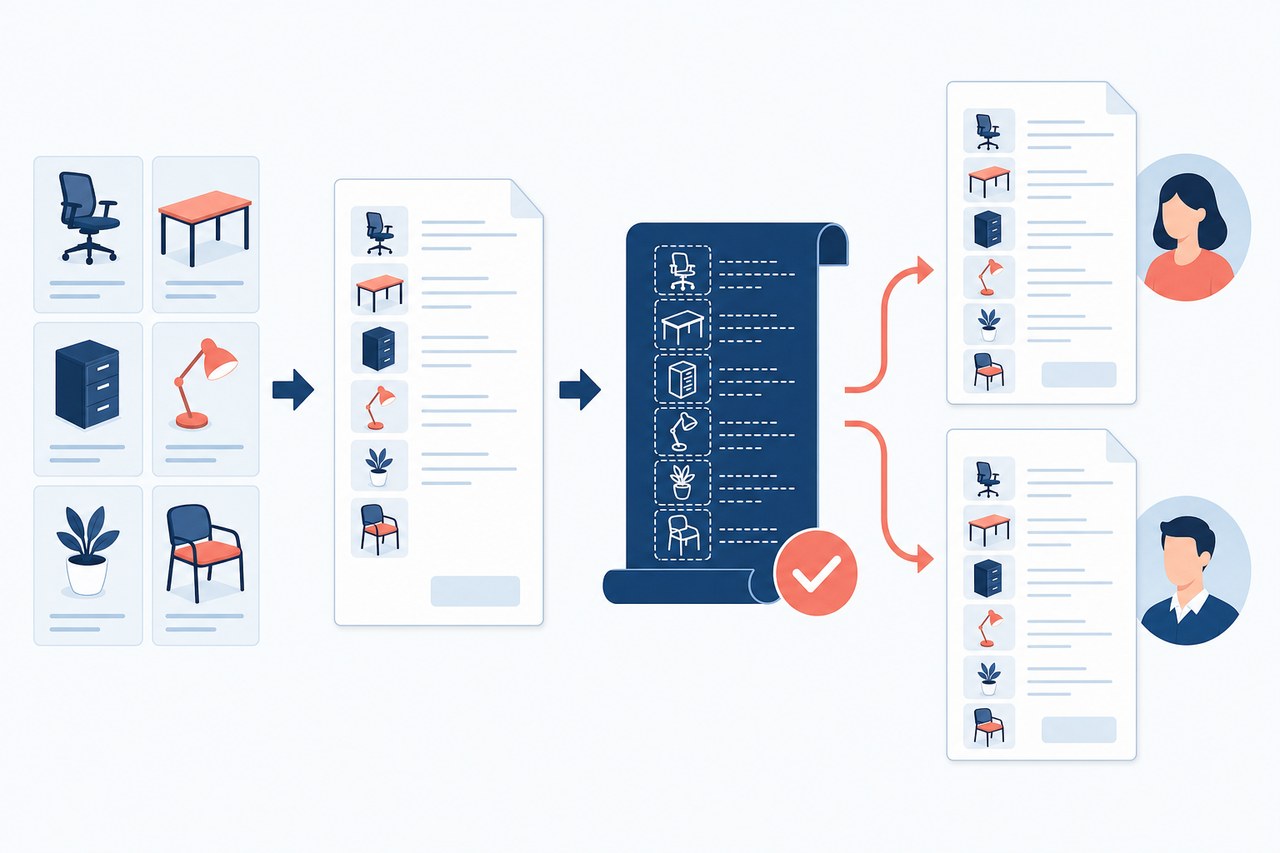
If you cannot find a template, confirm that it was saved with the right sharing scope and that your user can access it. If catalog prices have changed since it was created, verify the current amount before sharing the document.