

Sharing a contact lets another person on your team review the record and help handle it while you remain the primary owner. Use it when you need specialist input, coordination between teams, or coverage during an absence without transferring the portfolio.
They can find and open the shared contact, review the available details and history, and help with follow-up actions enabled for their user. Sharing does not automatically grant every permission or change the owner.
When sharing is useful
For example, if a prospect asks about a technical feature, share the record with a specialist so they can review the context and help answer. You keep the sales responsibility while the other person can review the information they need and assist with follow-up according to their permissions.
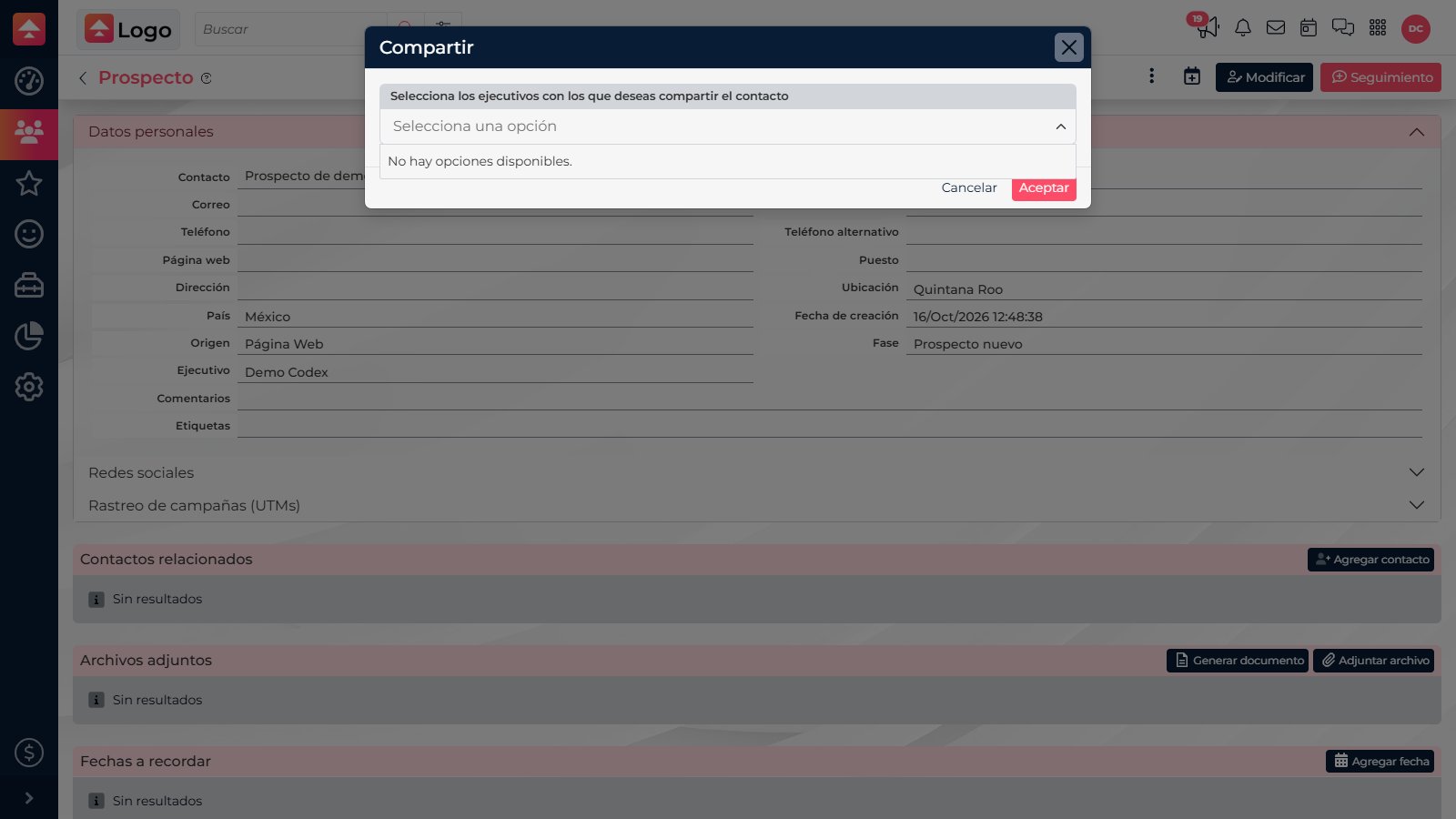
Share a contact
- Open the prospect or customer record you want to share and confirm it is the right person.
- In the record actions, select Share.
- Search for and select one or more executives. Review the list before saving to avoid adding someone by mistake.
- Select Accept. The person will appear among the users who share the contact, and CRM may notify them.
Stop sharing
Open Share again, remove the person who no longer needs to collaborate, and save with Accept. Removing them ends the access granted through this share; the contact’s primary owner does not change. If an action is missing or the collaborator cannot find the record, check CRM permissions and whether the record is discarded or restricted.

Share when someone should collaborate. Reassign when that person should take over and become the new owner.