
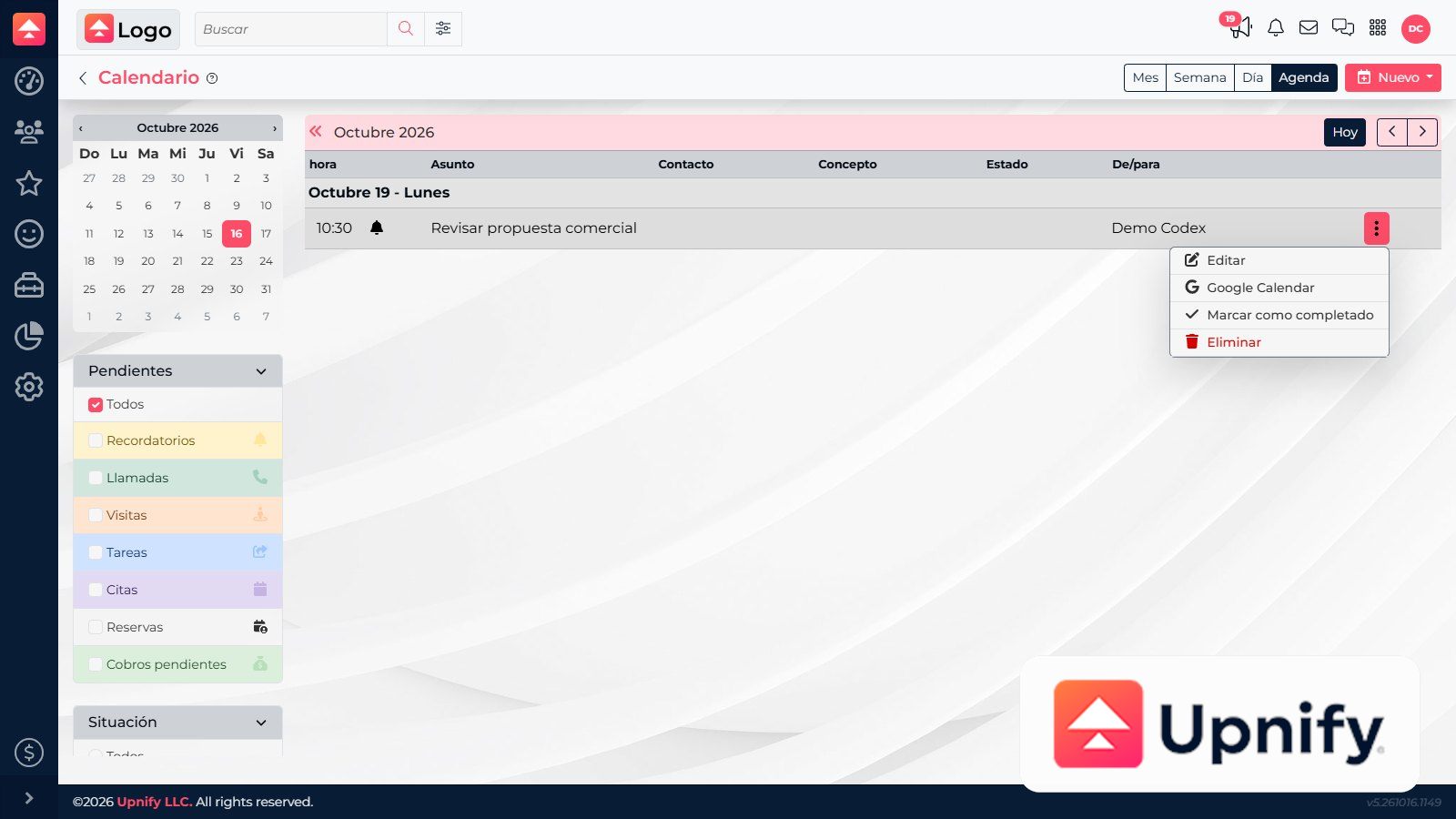
You can review activities in the CRM calendar and use the Google Calendar action when available. Distinguish sending an event to Google Calendar from automatic two-way sync: the confirmed CRM action creates an event through Google; by itself, it does not prove bidirectional synchronization.
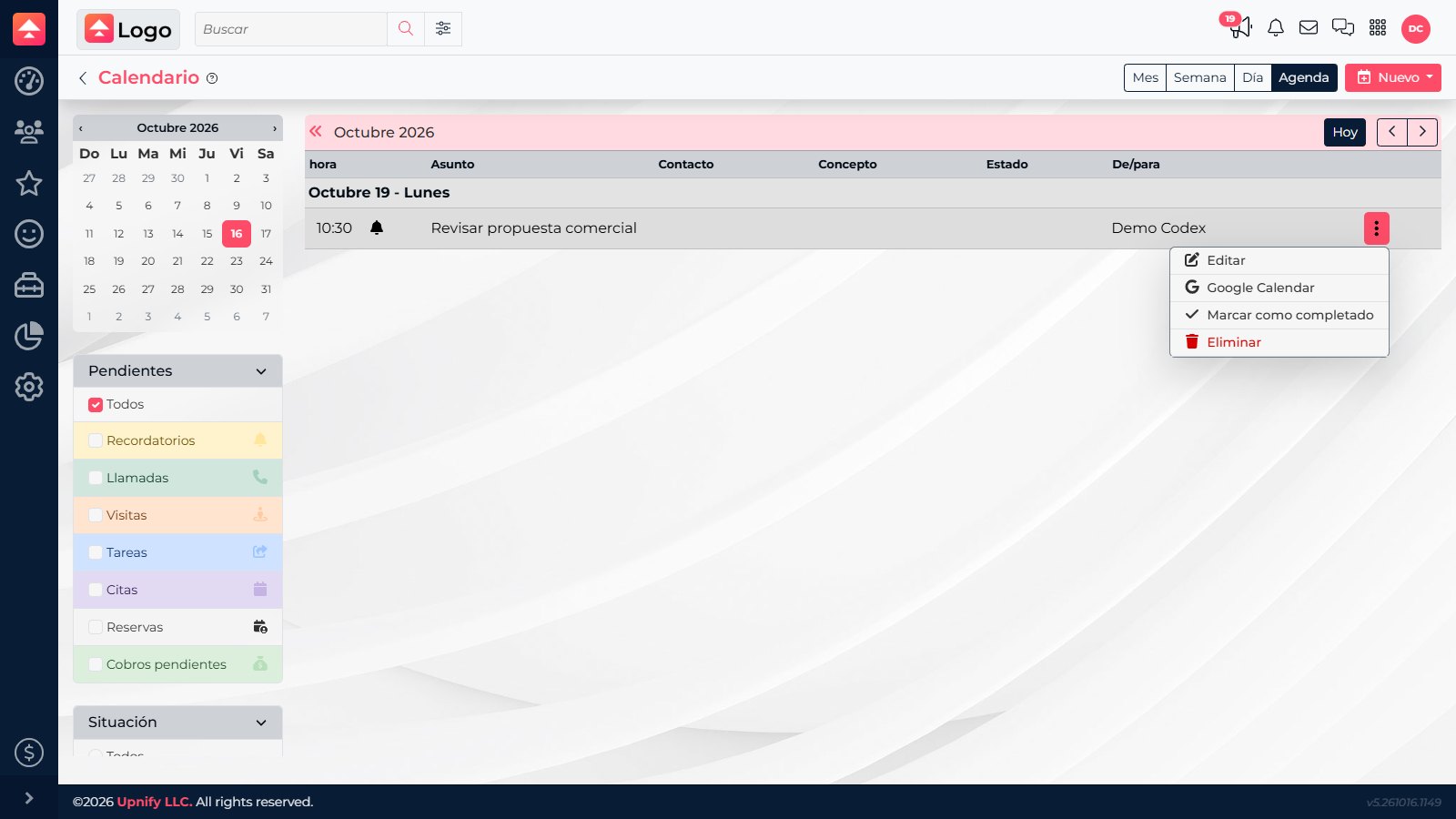
Send an event to Google Calendar
- Open CRM ? Calendar and switch to Agenda if you need to find the activity in a list.
- Open the activity action menu and select Google Calendar.
- CRM prepares the event details in Google Calendar. Review the subject, date, time, and time zone on the page that opens.
- Confirm the event in Google Calendar using your account options. If you later change the CRM activity, check whether the external event must also be updated.
Do not assume two-way sync
The observed action can generate or open an event for Google Calendar. It does not confirm that later changes update automatically between the calendars. Verify important changes in both places.
The observed action can generate or open an event for Google Calendar. It does not confirm that later changes update automatically between the calendars. Verify important changes in both places.
Use the mobile app calendar
Sign in to the Upnify app and open Calendar or activities. If the current app version provides a calendar sync option in Settings, enable it and follow the device prompts. Then verify one specific event in CRM and the app before relying on synchronization.
Troubleshoot differences
- Confirm the activity is still active and the date range is correct.
- Check the time zone and calendar permissions on the device or in Google.
- If an activity changed, check the CRM record and external calendar separately.
- If the mobile option is missing, update the app and ask an administrator about version or access availability.