
Upnify CRM
← Back to product

CRM · Integrations

How to install tracking code and configure UTMs

Carry a visit\u2019s source from a campaign to the prospect who reaches CRM, and compare results with consistent naming.

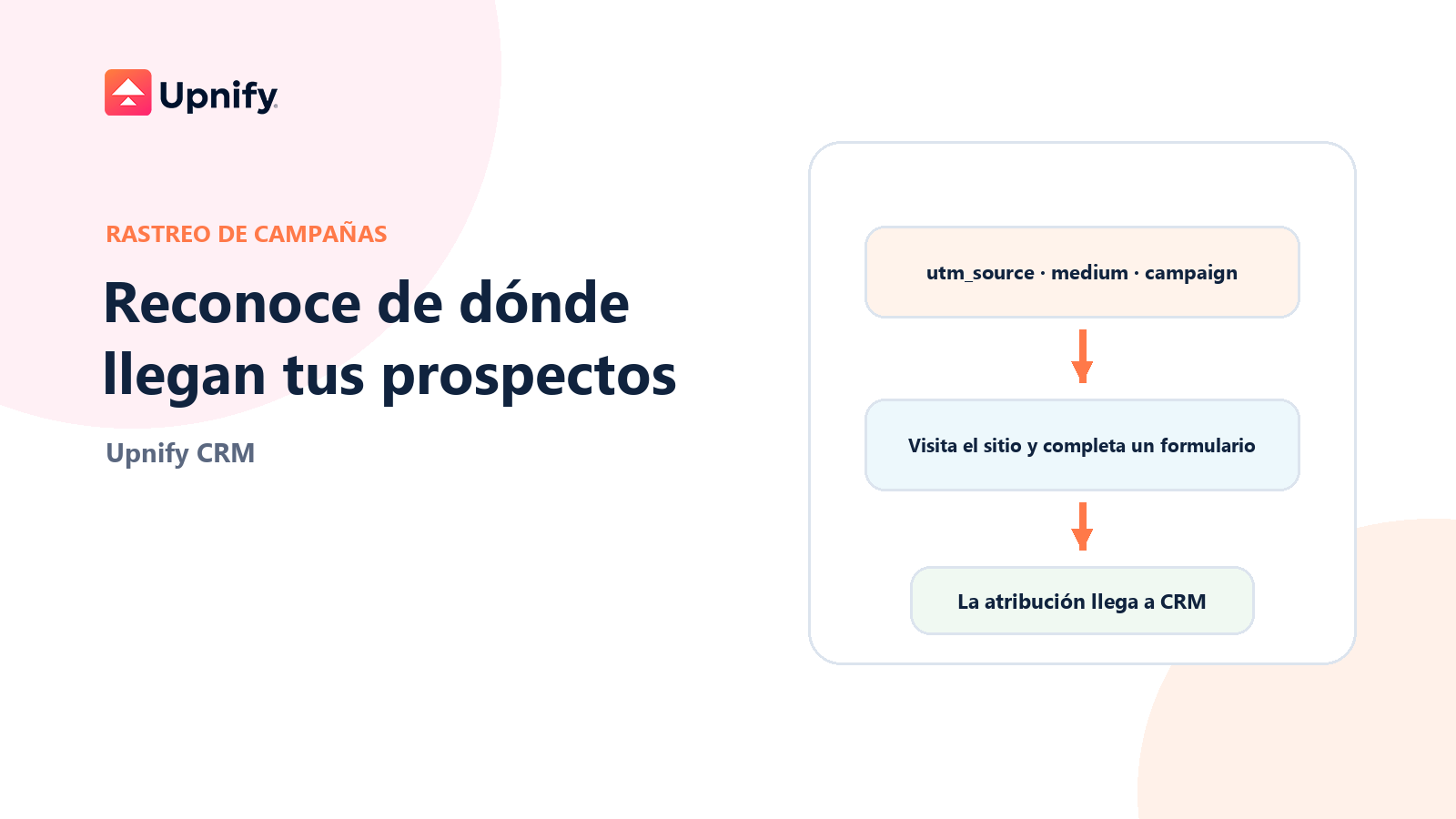
Editorial illustration showing UTM tags moving from a campaign link to a form and into a CRM record.

Published on October 27, 2026

When someone reaches your website from an ad, email, or post, UTM tags help identify which link brought them there. CRM tracking code can retain that information so that when the visitor submits a form connected to Upnify, campaign details accompany the prospect record.

An important distinction: a tagged visit does not create a CRM prospect by itself. To associate a campaign with a record, the visitor must submit a form that sends data to Upnify, and the website must preserve the parameters along the way.
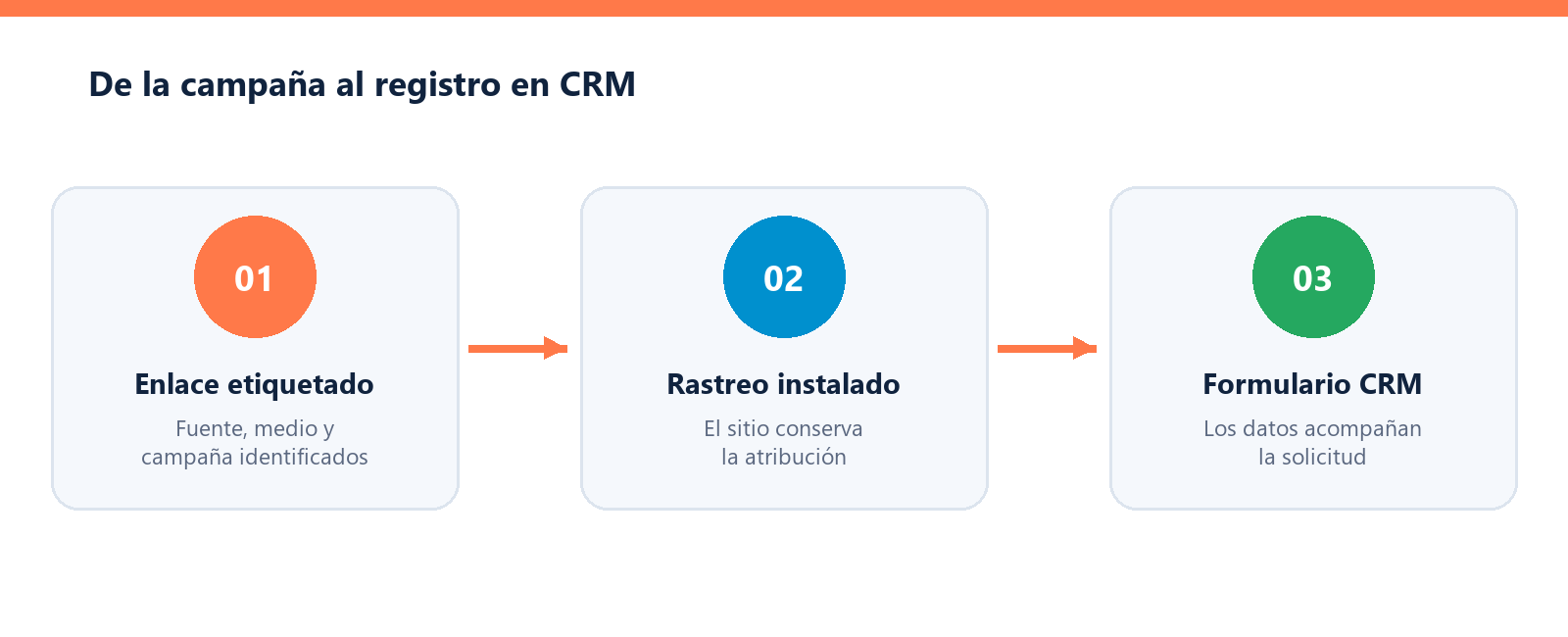
Conceptual diagram showing UTM tags moving from a campaign link to a form and into a CRM record.
The link identifies the campaign; a connected form lets CRM associate that information with the prospect.

1. Install the tracking code

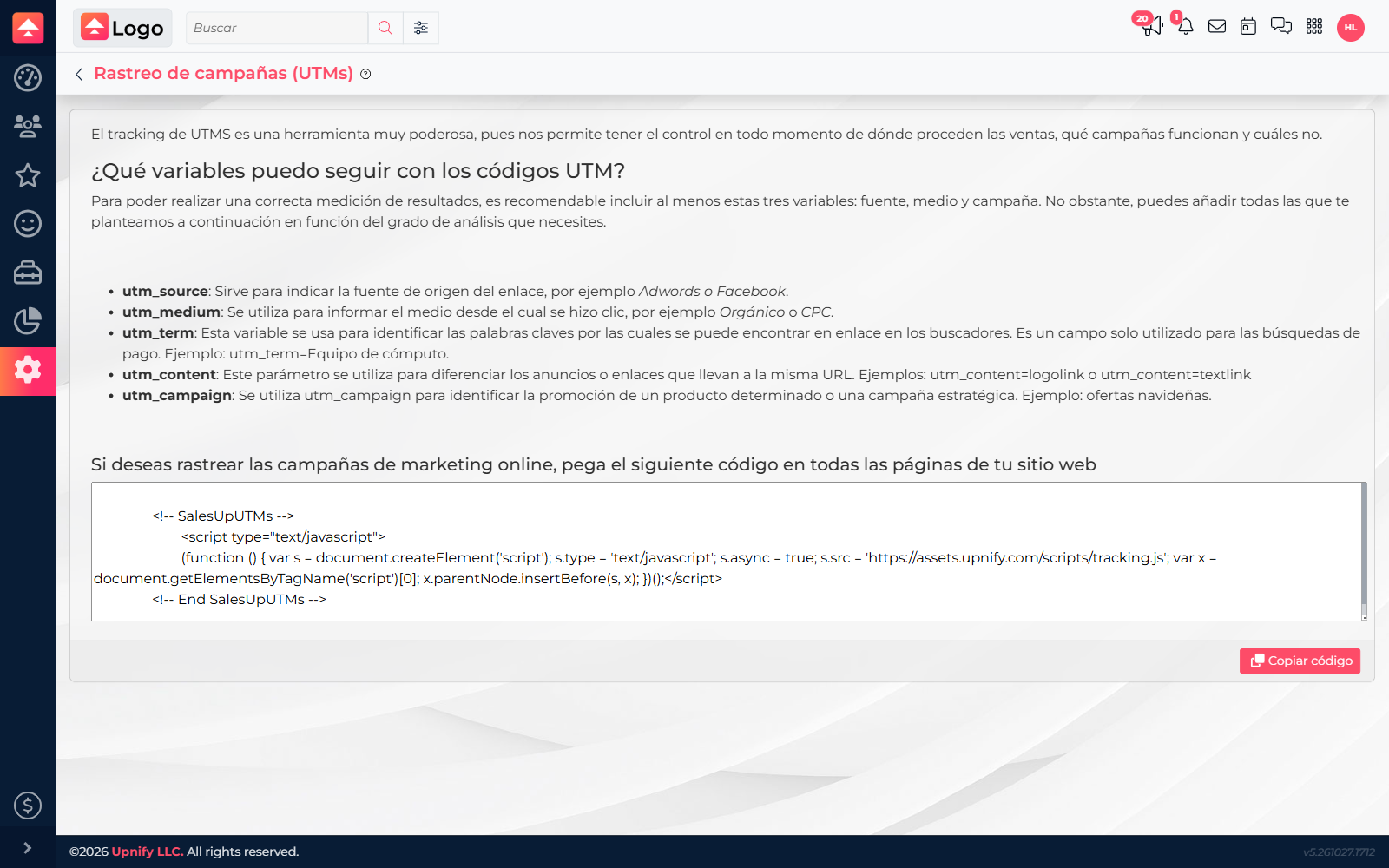
  1. In CRM, open Settings > Integrations > Campaign tracking. This route may require administrator or settings permission.
  2. Use Copy code to get the snippet displayed in CRM. Do not change its address or remove parts of the code.
  3. Ask the website administrator to place it before the closing
tag on pages that contain lead forms. If the website uses a global template, the code can be installed there for the relevant pages.
  • Publish the changes and ask the web administrator to confirm the code loads without errors. If your site uses several pages or subdomains, check each campaign destination.
  • CRM Campaign tracking screen showing the tracking code and Copy code button.
    Copy the snippet from this screen and give it to the website administrator to install.

    2. Tag campaign URLs

    Add parameters to the final URL in each ad or link. Google recommends consistent use of at least utm_source, utm_medium, and utm_campaign. Use utm_content to distinguish creatives or links and utm_term for a paid keyword. Choose a naming convention and use it consistently: values with different capitalization can split in reports.

    Example:
    https://www.example.com/demo?utm_source=facebook&utm_medium=paid_social&utm_campaign=demo_october&utm_content=video_a

    Here, facebook is the source, paid_social the medium, demo_october the campaign, and video_a the creative.

    3. Confirm attribution reaches CRM

    1. Open the tagged link in a private browser window and confirm the landing page keeps the parameters.
    2. Submit a connected CRM form with a controlled test record.
    3. Find the prospect in CRM and review its tracking information or the related marketing report. Confirm the source, medium, and campaign match your test URL.
    4. Once it works, use the same naming convention for other ads and keep the complete URL when sharing it.

    Common issues

    Upnify tracking complements the measurement in your analytics tools; it does not replace them. See Google\u2019s official campaign URL guidance. To interpret attribution and cohorts in CRM, see How to Analyze Digital Marketing, Cohorts, and UTM Attribution.