
If you use more than one work email address, connecting them to CRM helps you send from the right sender and review messages related to prospects, customers, or coworkers in one place. For example, you can keep a sales account for sending and connect another account that receives replies, when your access and provider support both tasks.
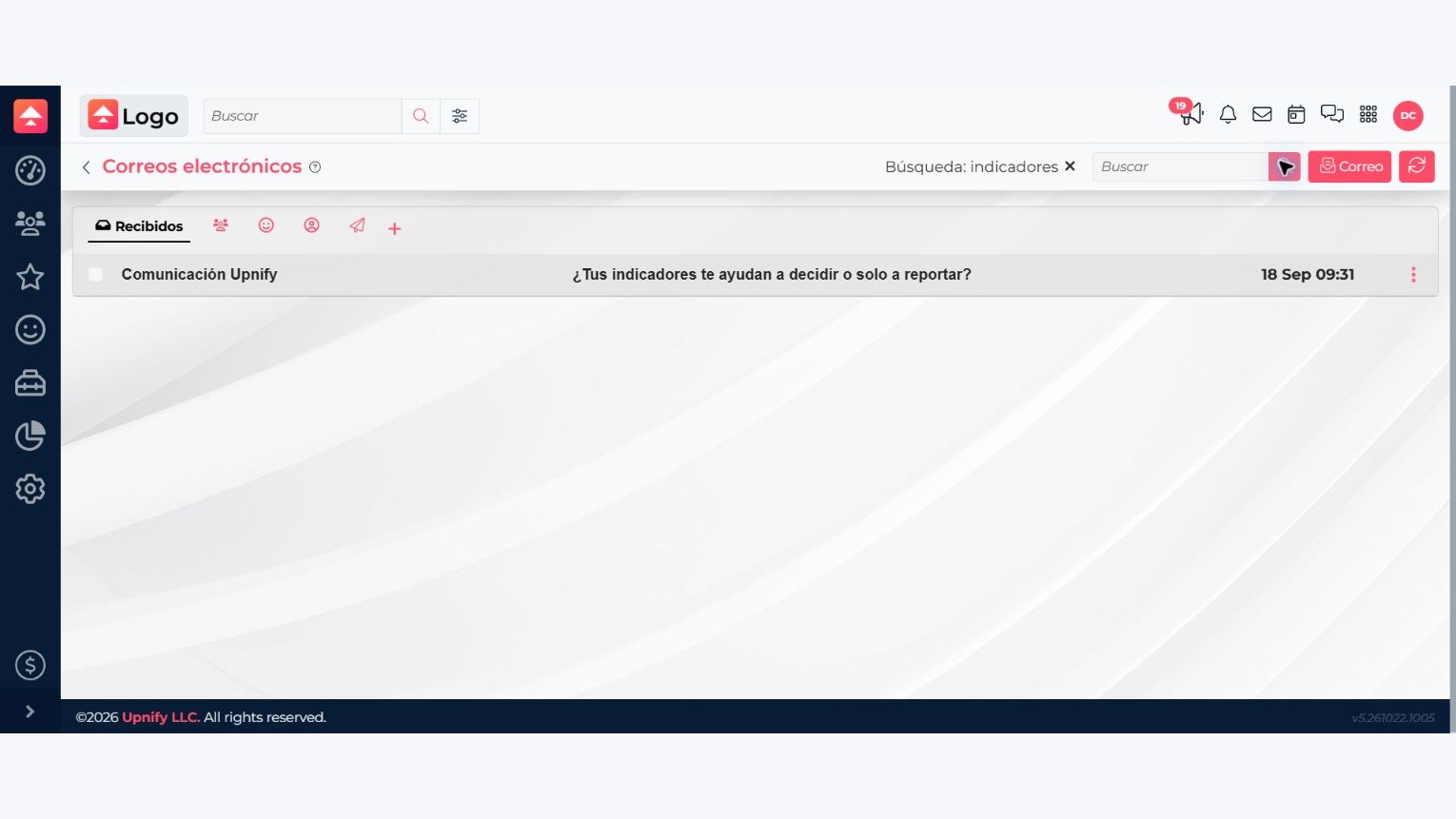
If no messages appear
Check that you connected an Input or Input/Output account, that the provider authorized access, and that the account has no error. Then select Sync. Inbox availability and some features may depend on the access enabled for your user.
Check that you connected an Input or Input/Output account, that the provider authorized access, and that the account has no error. Then select Sync. Inbox availability and some features may depend on the access enabled for your user.