

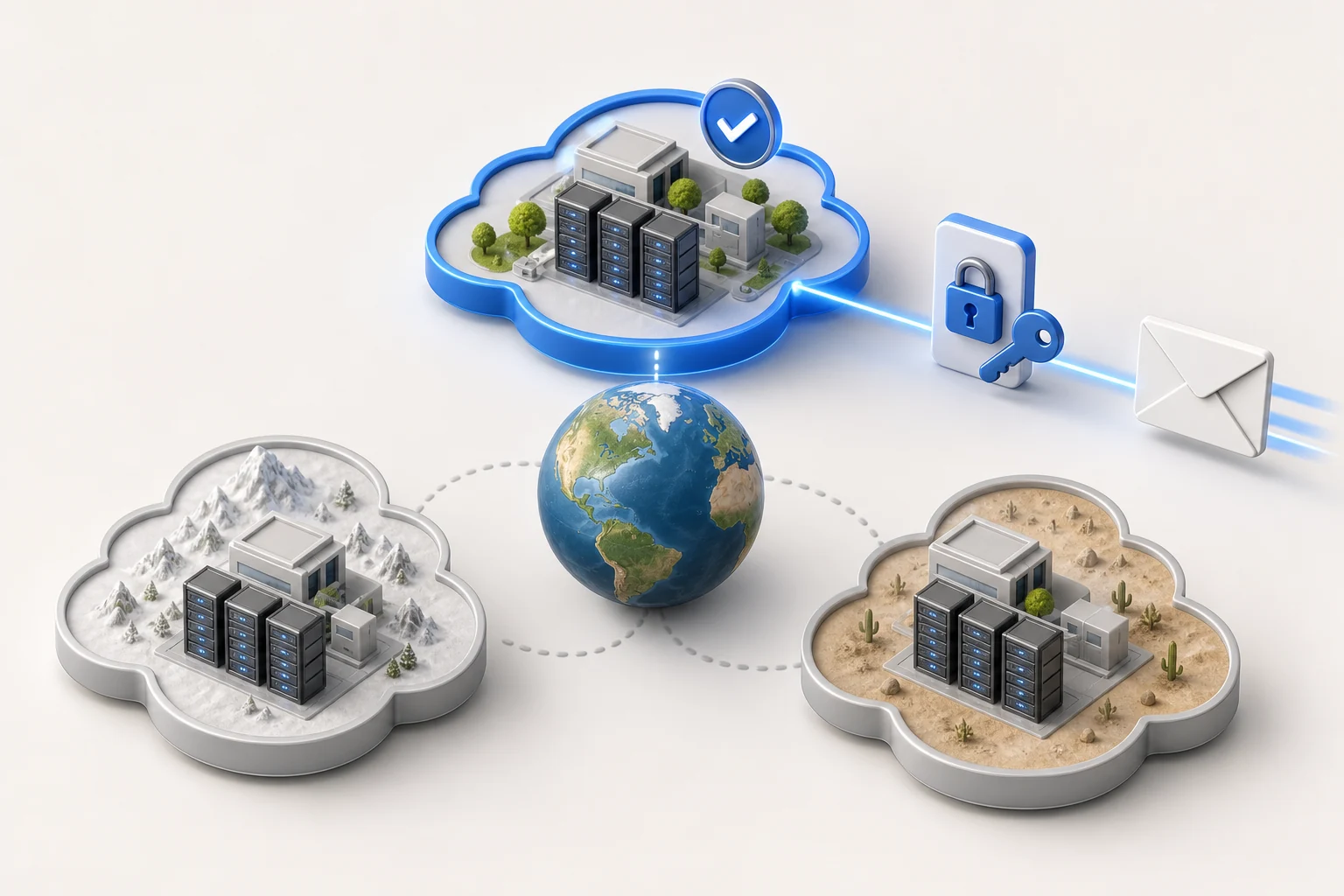
Amazon SES can deliver email sent from your company through CRM. The region is an important part of the setup: SES SMTP credentials and verified sender identities belong to a specific region. Selecting another region can cause the authentication details or sender identity to stop matching.
Before opening CRM, identify the region where you verified the address or domain and created the SMTP credentials. The SES SMTP password is not your AWS sign-in password or an IAM secret access key. AWS documents regional SMTP credentials and identity settings in its SES regions guide.
Choose the matching SES region
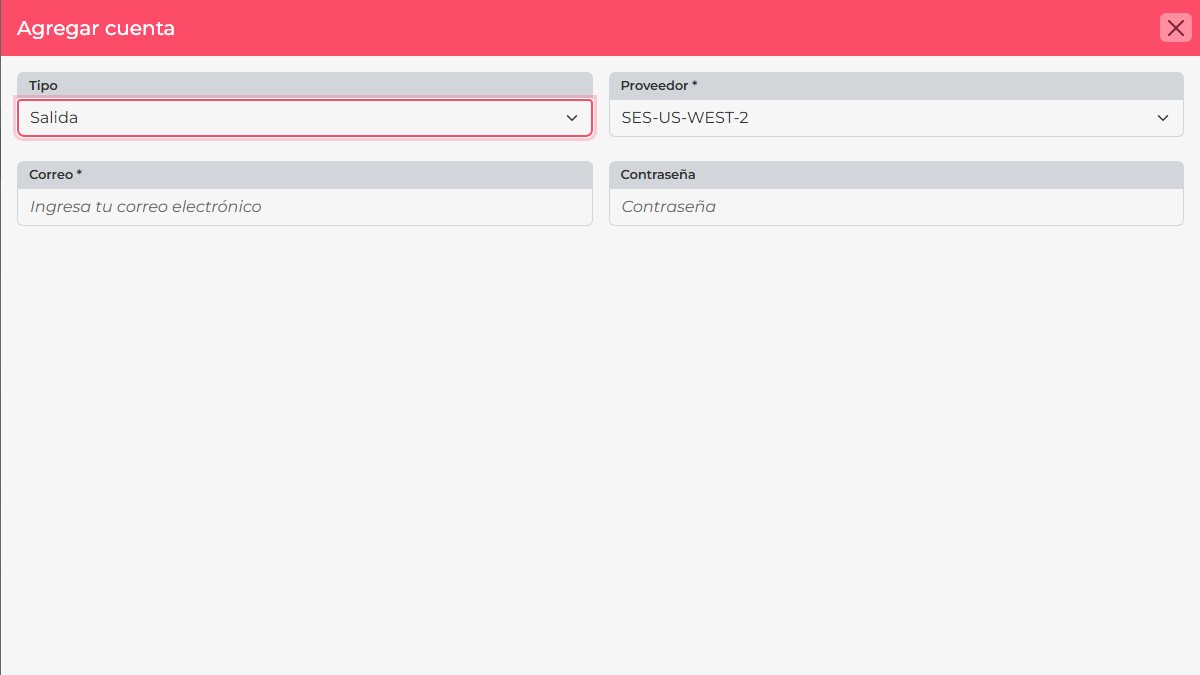
CRM currently lists SES, SES-US-EAST-1, SES-US-WEST-2, and SES-EU-WEST-1. The regional options identify US East (N. Virginia), US West (Oregon), and Europe (Ireland). Select the same region where you created the SMTP credentials.
Add SES as an outgoing account
- Open the profile menu and go to Personal adjustments > E-mail Accounts.
- Select New, set the type to Output, and choose the SES regional option you prepared.
- Enter the verified sender address in E-mail. In Password, paste the SMTP password generated for SES in that region.
- Select Accept and check the account status in the list. Then send a test message to a recipient allowed in your SES environment.
If your SES account is still in the sandbox, sending is limited under that region’s conditions. Check whether your test recipient is verified and whether production access has been requested for that region. For connection errors, confirm that the endpoint, username, and SMTP password all belong to the same region. SES requires a TLS-protected connection; see AWS’s SMTP connection guidance.