

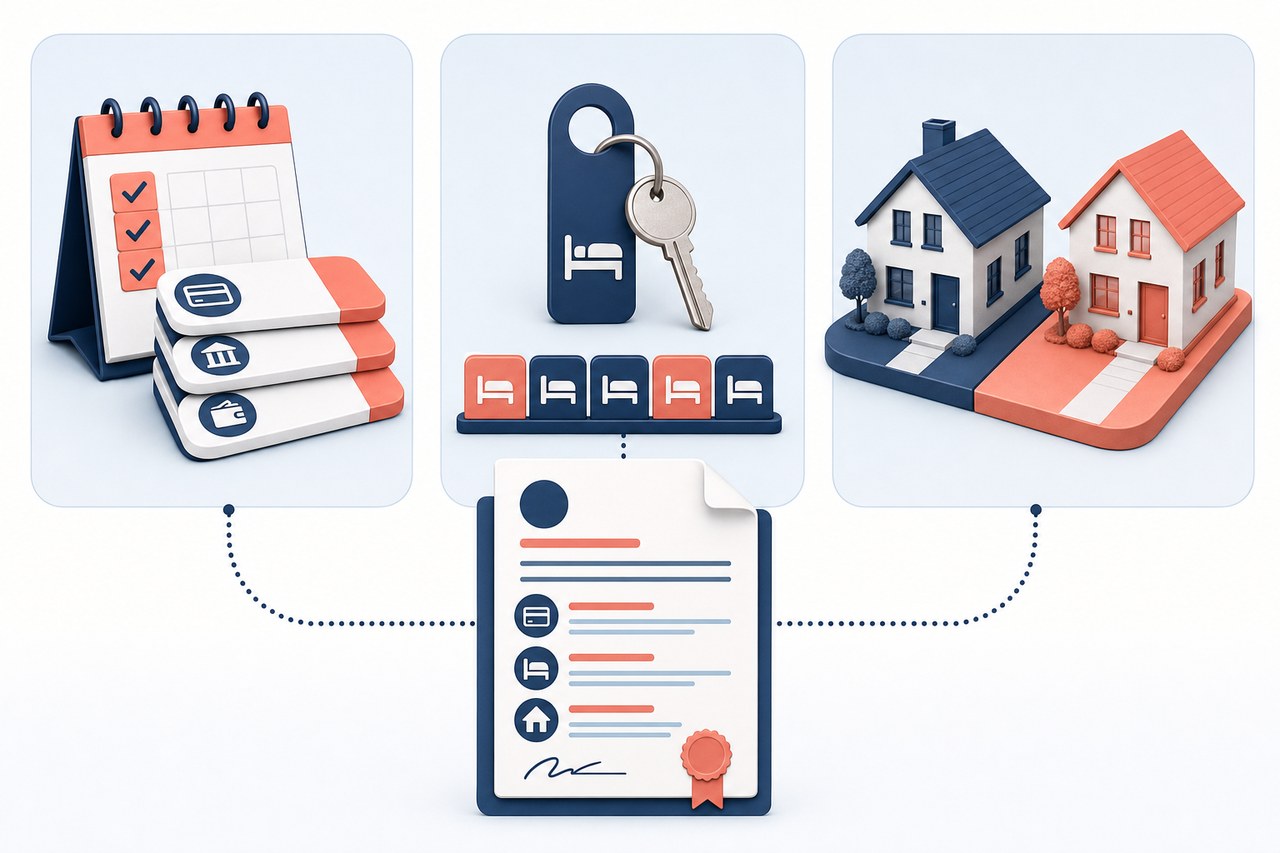
Financial, hotel, and real estate modes extend standard quoting for different business needs. The difference is more than the label: each mode adds its own information and checks. Choose the one that matches the transaction so the proposal includes the details the customer needs.
| Mode | What it adds or checks | When to use it |
|---|---|---|
| Financial | Payment count and frequency, dates, rates, and an amortization schedule, depending on the setup. | When you need to explain how an installment plan is distributed. |
| Hotel | A date range and length of stay in nights; accounts configured for it can use days. | When the proposal depends on lodging dates. |
| Real estate | Selection of a property from the inventory and an availability check. | When quoting a specific property and confirming it is still available. |
Financial quote mode: present a payment plan
This mode adds a financing schedule to the quoted product. Depending on your account setup, you can enter the number of payments, when the plan starts, how often a payment is due, and the applicable rate. CRM generates an amortization schedule so you can review how the amount is distributed. Some accounts also show filters or custom fields defined for their products.
Example: if your company offers equipment that a customer will pay for in installments, prepare the quote with the number of payments and the first payment date. Before sharing it, review the frequency, rate, and amounts in the schedule. The quote mode presents the configured calculation; confirm with your company that the terms match the commercial agreement.
Hotel quote mode: quote dates and length of stay
This mode adds check-in and check-out dates and records the length of stay with the quoted item. When the dates change, CRM synchronizes the number of nights. If the account is set up to work in days, the field and column appear as Days instead of Nights.
Example: to quote two rooms from November 4 to November 7, select the date range and check that the stay is three nights. This lets the customer review both the dates and the quoted item in the document. A quote does not by itself confirm a reservation.
Real estate quote mode: check a property in the inventory
This mode lets you select a property from the real estate inventory and choose the applicable price list. When you add the property, CRM checks its status: a property marked sold, unavailable, or reserved cannot be added as available. This check is what sets this mode apart from a general product quote.
Example: if an agent prepares a proposal for an apartment, they select that available property from the inventory, confirm its price, and create the quote. If its status has changed to sold, unavailable, or reserved, CRM displays the corresponding message and will not let the agent add it as available. Quoting the property does not change its status or create a reservation.