

Engage credits are tied to activity generated by widgets on a website. Knowing which event uses a credit helps you estimate usage before publishing a campaign or adding another point of contact.
Which activity uses credits
The system records an activation when a widget runs on the page according to its settings. For example, it may appear after a visitor reaches part of the page, after a delay, on a click, or as a floating bar. Each recorded activation deducts 1 Engage credit.
An activation is different from a conversion. Someone can see a form without submitting it, open a chat without completing a registration, or view a resource without becoming a prospect. Activation and prospect reports measure different actions.
Which steps do not create that charge
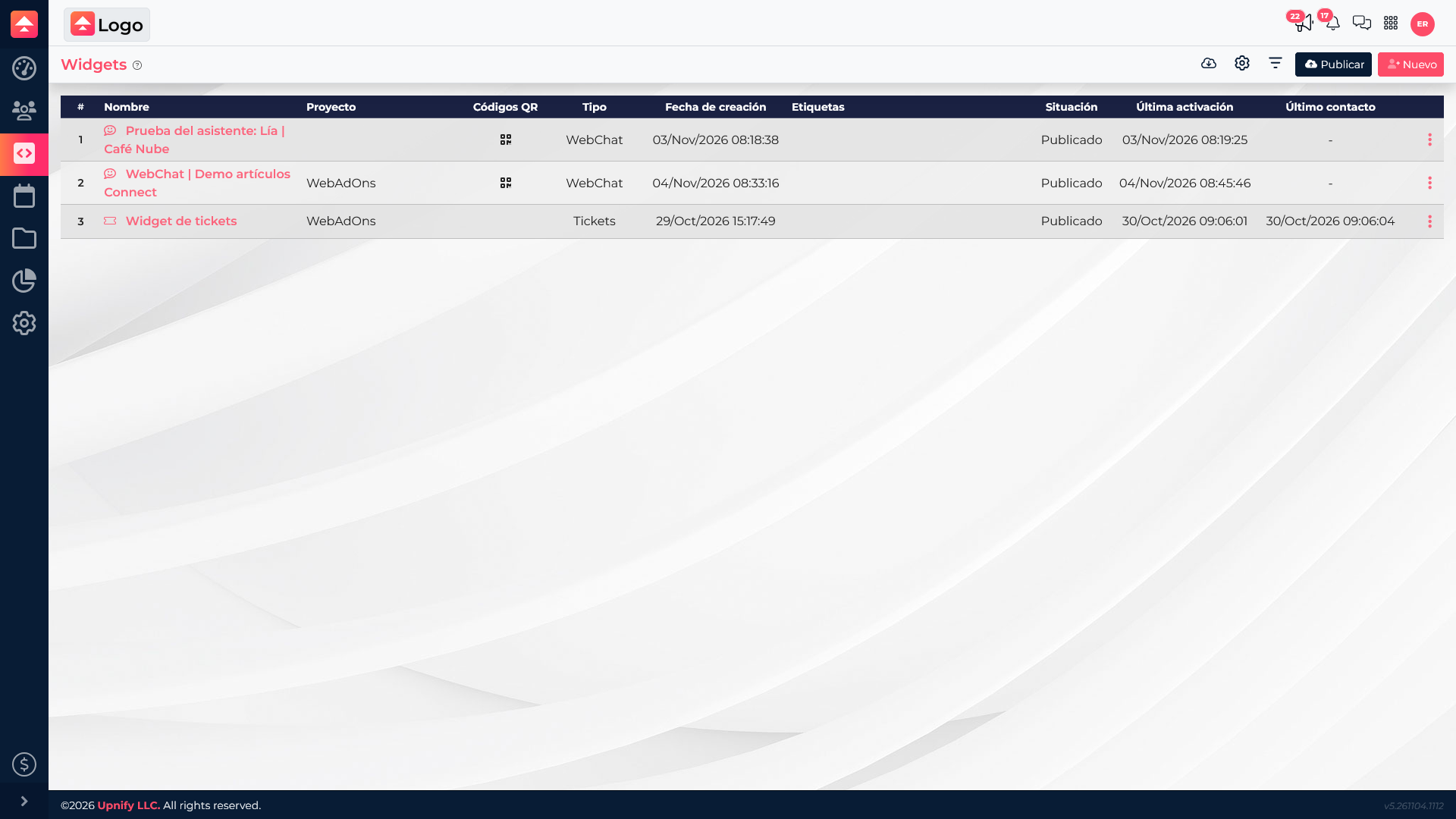
- Creating or editing a widget.
- Associating it with a site and saving its settings.
- Publishing the widget or installing the site code.
- Uploading images or documents to the library.
These steps prepare the experience. The credit is recorded when the widget activates, not when you save or publish changes.
How to review usage
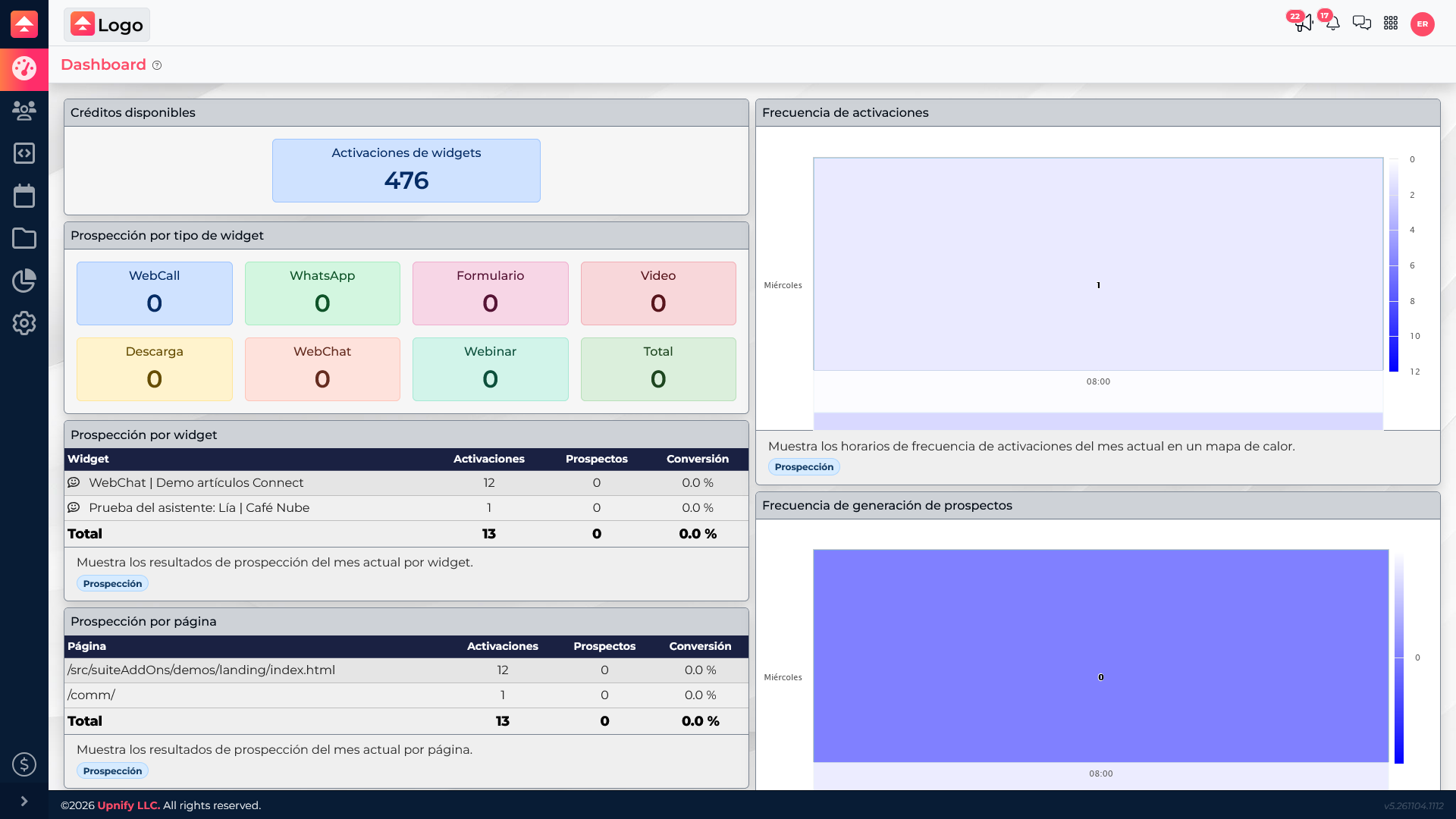
Open the Engage Dashboard and review activations by widget and page, along with the account\u2019s available balance. Read both figures together: an activation confirms that the widget ran; the business outcome may be a conversation, a registration, or no response.
Example: a contact form
A company configures a form to appear after visitors read its services page. When a visitor reaches that condition and Engage records the activation, one credit is deducted. If the visitor completes and submits the form, the corresponding result is also recorded; the submission does not turn the activation into a different type of usage.
To reduce unhelpful impressions, review where the widget appears and adjust its activation condition. Then compare activations and registrations to decide whether its design and placement support your goal.