

Upnify ERP brings together the operational processes a business uses to purchase, track, sell, and financially monitor its goods and services. Knowing how these areas connect helps you record each activity in the right place and understand the information that follows.
ERP is not a single screen, and recording one item does not necessarily complete every related process automatically. Each area contributes information as the company records purchases, inventory movements, sales, receipts, and payments.
How an operation moves through ERP
- Purchasing: record which goods or services will be acquired, from which supplier, and under what terms. A purchase order documents what was requested and helps track the acquisition.
- Inventory: track products and quantities by warehouse. Receipts, issues, and adjustments are reflected through the inventory operations configured for the company.
- Sales: organize offered products, prices, and commercial documents. When a sale is recorded, you can identify what was sold and review the transaction details.
- Finance: follow accounts receivable and payable, collections, payments, and bank movements related to operations.
A start-to-finish example
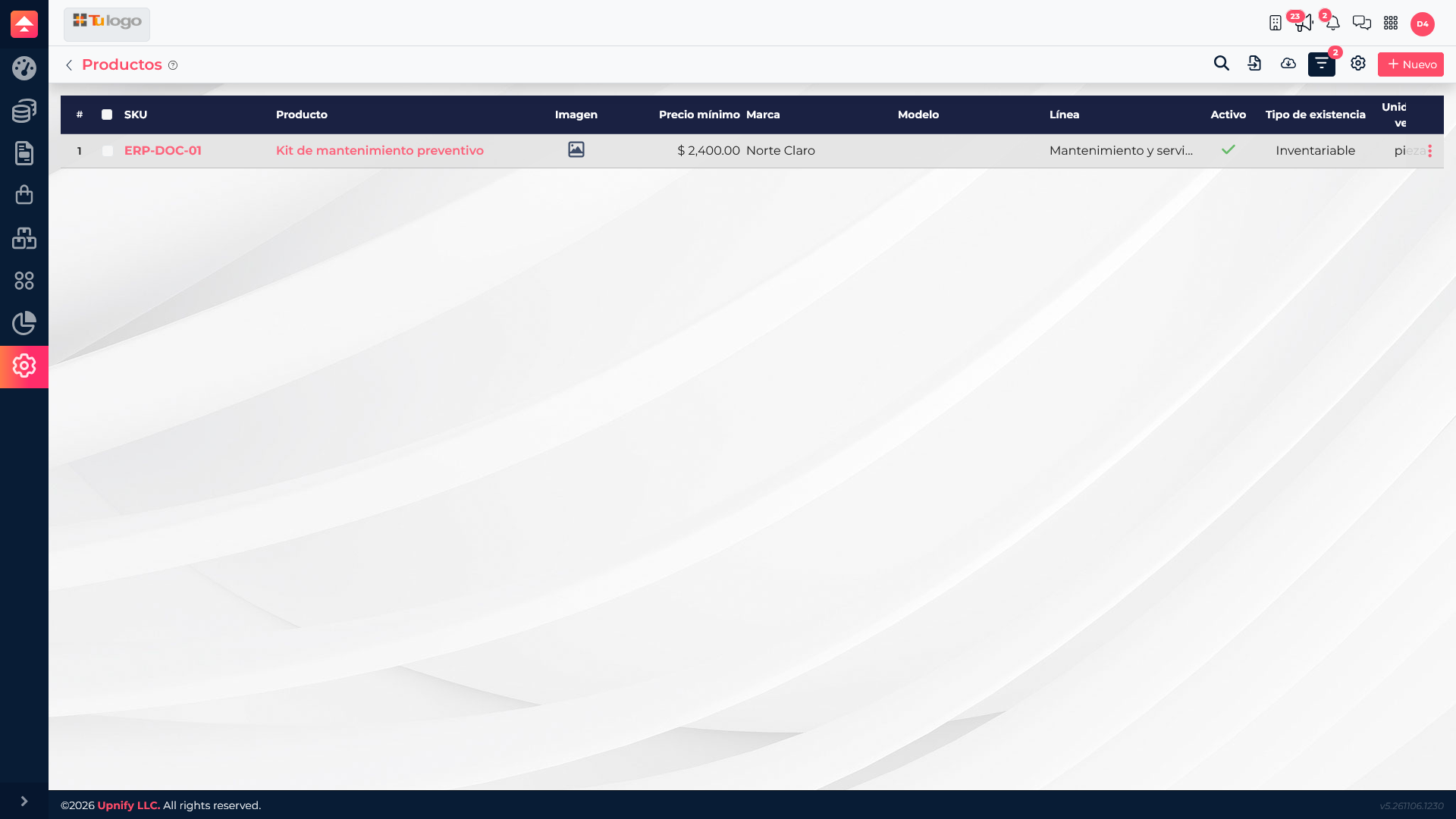
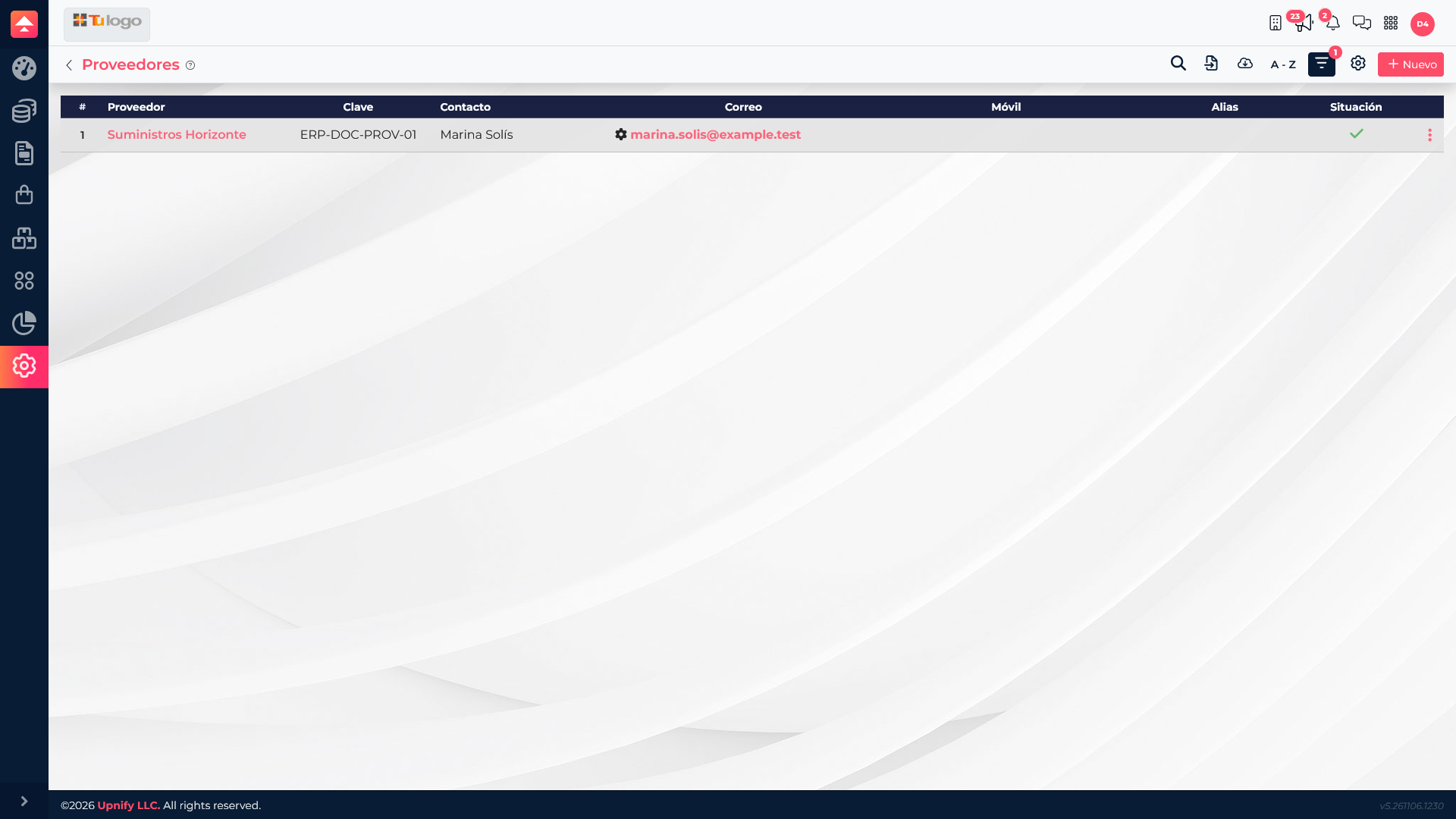
Imagine Servicios Boreal needs to replenish maintenance kits. The team records the purchase from Suministros Horizonte, then tracks receipt and the movement to the appropriate warehouse. When a sale is made, the item is selected from the catalog and the transaction is available for commercial and financial follow-up.
In this flow, the supplier identifies whom you buy from, the product identifies the item, the warehouse indicates where its stock is tracked, and the sales or collection documents let you review the transaction and its financial status. The exact data-entry order depends on the company\u2019s approval and inventory procedures.
What each area helps you manage
| Area | What it organizes | Question it helps answer |
|---|---|---|
| Purchasing | Suppliers and purchasing documents. | Who are we buying from, and what do we need to acquire? |
| Inventory | Products, warehouses, and stock movements. | What is available, and where is it stored? |
| Sales | The commercial catalog and sales documents. | What was sold, to whom, and under what terms? |
| Finance | Collections, payments, bank accounts, and outstanding balances. | What has been collected or paid, and what remains due? |
Where to start
Start with the catalog or document that begins the operation. Use Purchasing to record an acquisition, Inventory to review availability, Sales to record or inspect a commercial transaction, and Finance to review payments or outstanding balances.