

When a quote will not move forward, recording the reason preserves the context behind that decision and helps reveal patterns\u2014for example, whether it was lost because of budget, a change in project timing, or the customer choosing another option. In ERP, you can maintain the reasons available for quotes.
The catalog provides choices for the team to select when discarding a quote. Use reasons that are clear and distinct; if several options mean the same thing, they will provide little insight in later reviews.
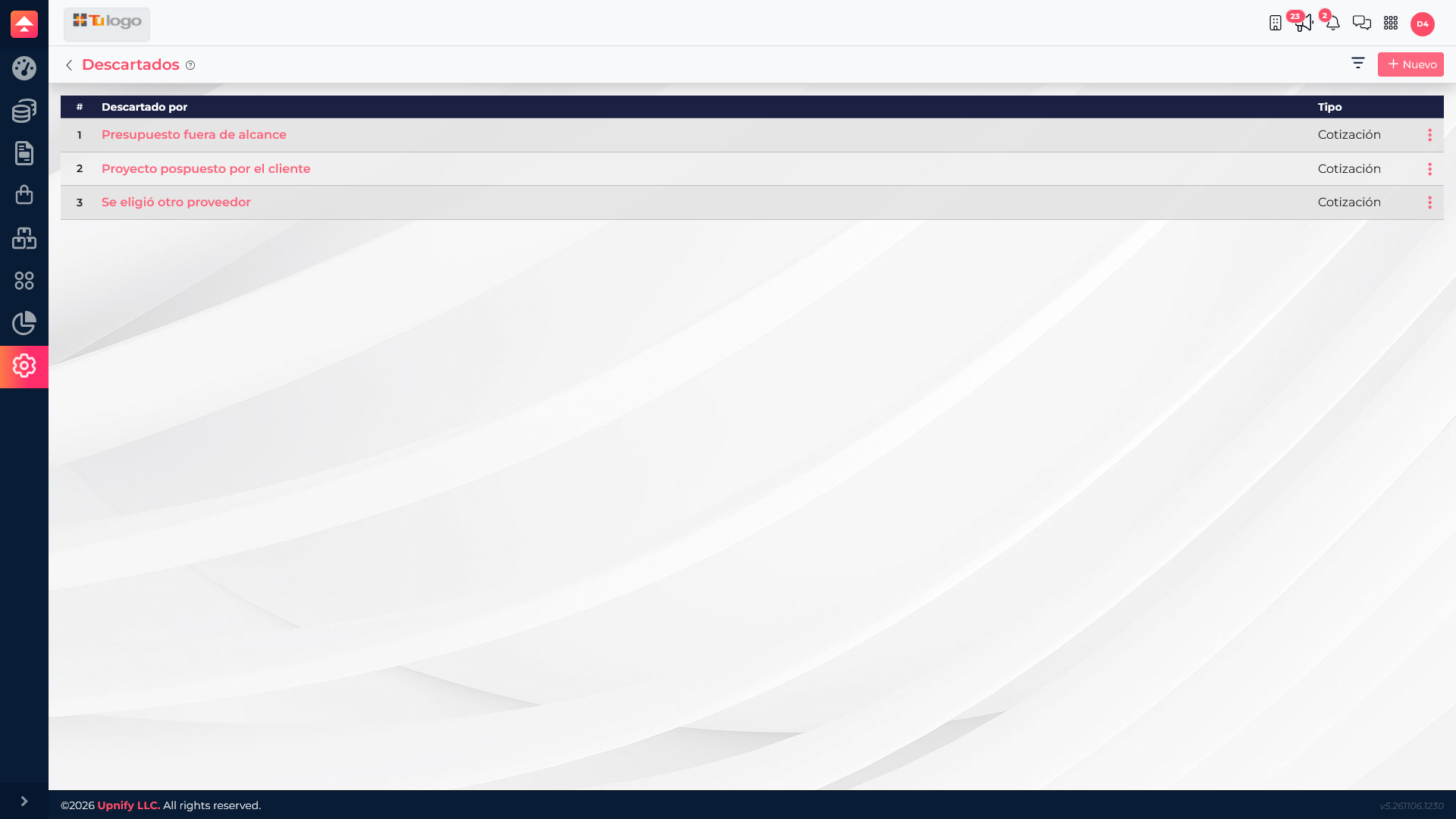
Review your company\u2019s reasons
- Open Settings and locate the Discarded catalog.
- Review the existing reasons and confirm that they describe different situations.
- When discarding a quote, choose the reason that best represents the decision and add any necessary context in the relevant process field.
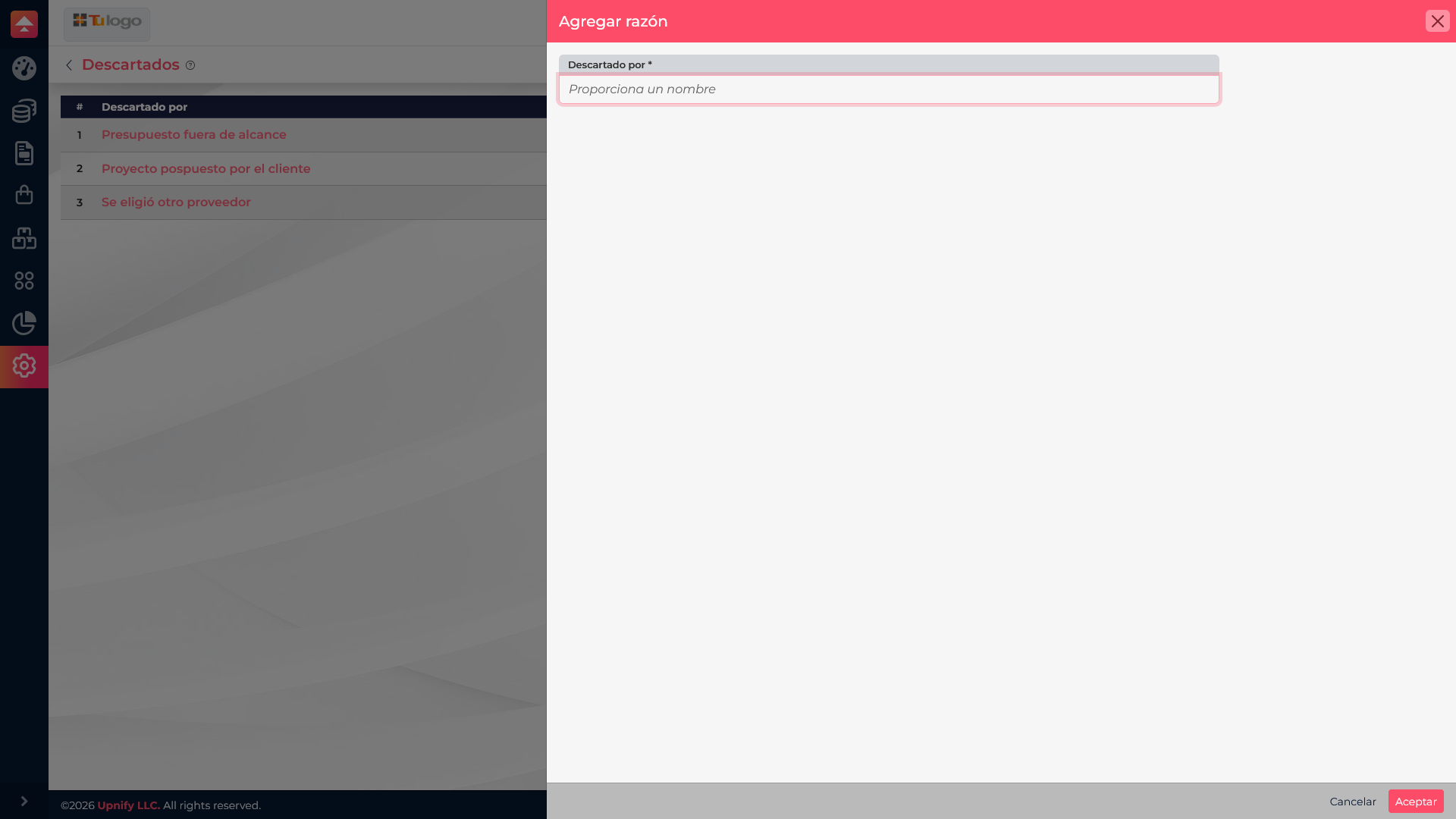
Add a useful reason
If you need an option that does not exist yet, select New in the catalog and enter a specific description in the Discarded by field. For example, \u201CAnother provider was selected\u201D is more useful than \u201CNot interested\u201D because it explains what happened. Save the record and confirm that it appears in the list before using it.
Examples and when to choose them
| Reason | When to use it |
|---|---|
| Budget outside scope | The customer confirms that the amount exceeds the available budget. |
| Project postponed by customer | The need still exists, but the customer has postponed the project. |
| Another provider was selected | The customer decided to continue with a different company or option. |