

The Employees directory brings together the people who take part in ERP operations. Keeping it current helps identify who performs an activity, organize staff by department or branch, and select the right person when a process needs an employee record.
This directory is different from Suite sign-in users. An employee record stores work and contact information; Suite access and ERP permissions are managed through the organization and the user profile.
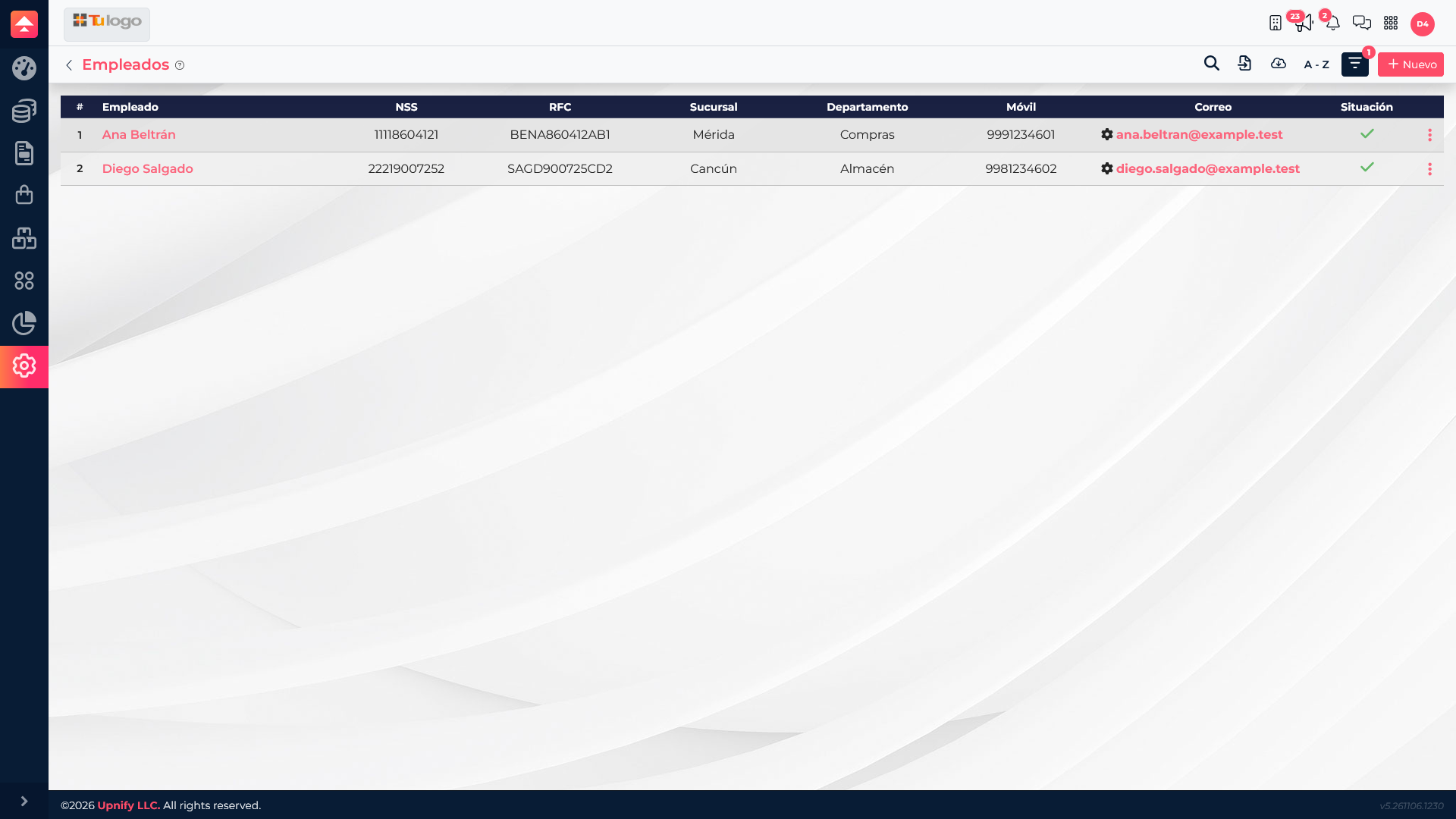
What information to enter
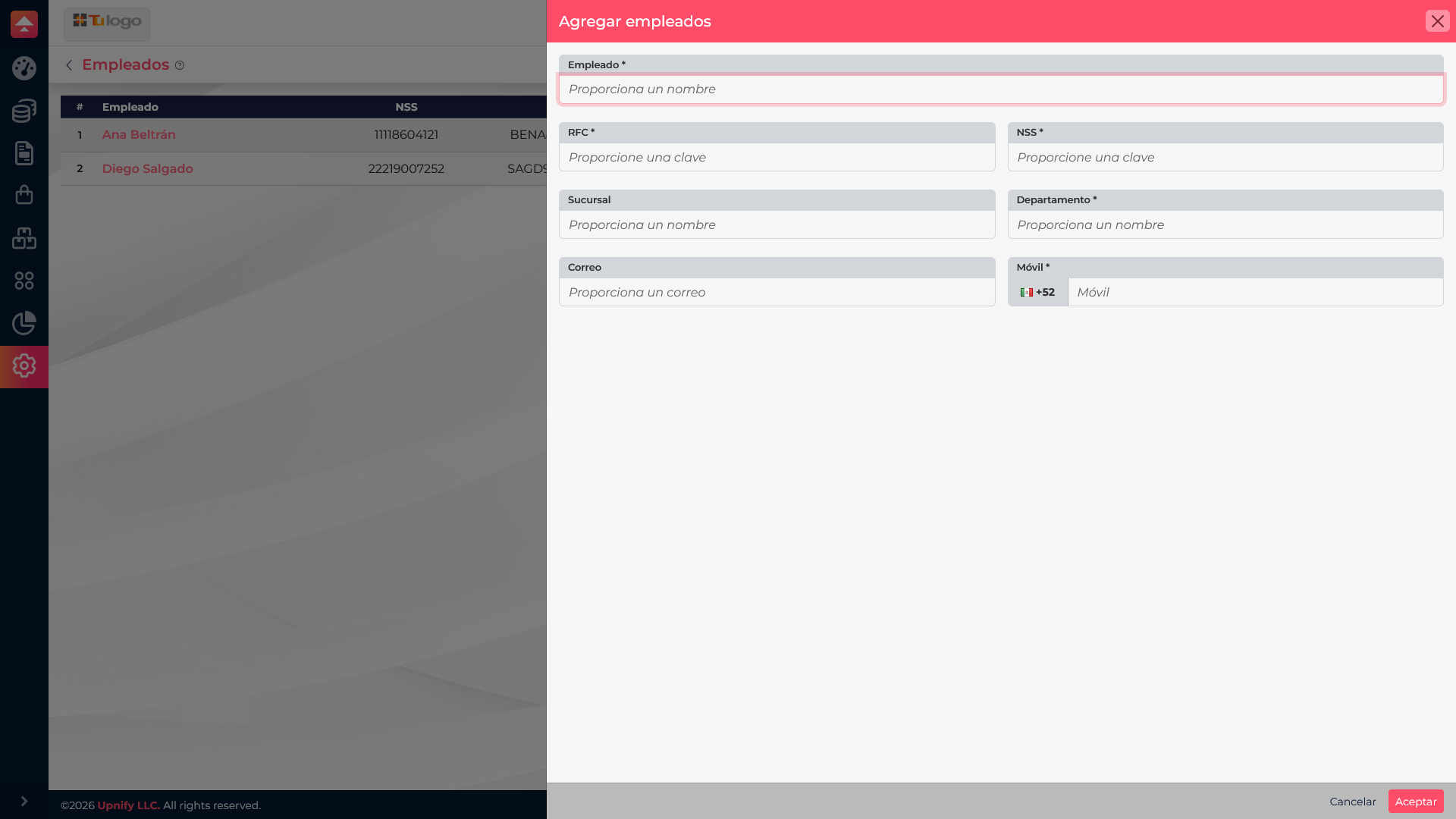
| Field | Purpose |
|---|---|
| Employee | Identifies the person in catalogs and processes that select an employee. |
| RFC and NSS | Store tax and social security identifiers in the employee profile. Enter the correct values based on the person\u2019s records. |
| Department | Groups the person by work area, such as Purchasing or Warehouse. |
| Branch | Indicates the work location when the company has multiple sites. |
| Mobile and email | Make the employee\u2019s contact details available in the record. |
Add an employee
- Open Settings and go to the Employees directory.
- Select New to open the form.
- Complete Employee, RFC, NSS, Department, and Mobile, shown as required fields. Add Branch and Email when applicable.
- Review the information and save. If a required value does not match the expected format, correct it before saving again.
- Back in the directory, search for the name to confirm that the record appears.
Example: organize a distributed team
A service company operating in Mérida and Cancún can register Ana Beltrán in Purchasing and Diego Salgado in Warehouse, assigning each person to a branch. When staff are selected or reviewed later, the team can quickly recognize their area and location.
Before saving
Use accurate information that matches your company\u2019s employee records. Do not use this form to create a Suite login; those are separate processes.