

A warehouse is a location your company uses to organize its stock. Setting it up before recording operations helps distinguish, for example, branch inventory from materials kept at a service depot.
The catalog identifies available locations; by itself it does not create stock or move products. It gives inventory operations a location to reference.
Before adding warehouses
Choose names your team can tell apart. If you have several locations, include a useful reference such as a city, branch, or purpose: \u201CNorth Warehouse\u201D or \u201CMérida Service Depot.\u201D Add the address so staff can identify the physical location when coordinating receipts, issues, or checks.
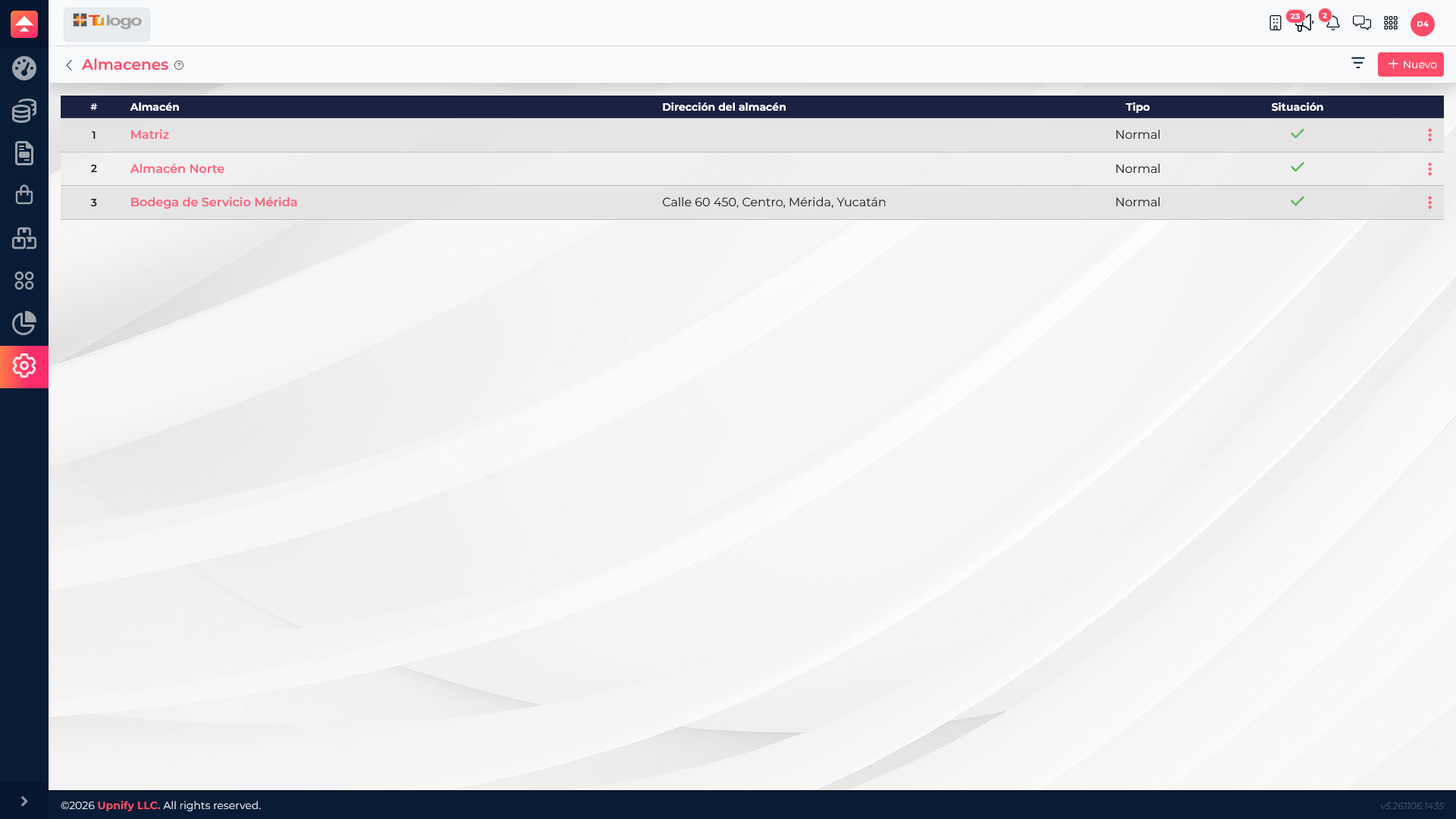
Add a location
- In ERP, open Settings > Warehouses.
- Select New.
- Enter the warehouse name; this field is required.
- Add an address that helps identify the location.
- Save and confirm the warehouse appears in the catalog.
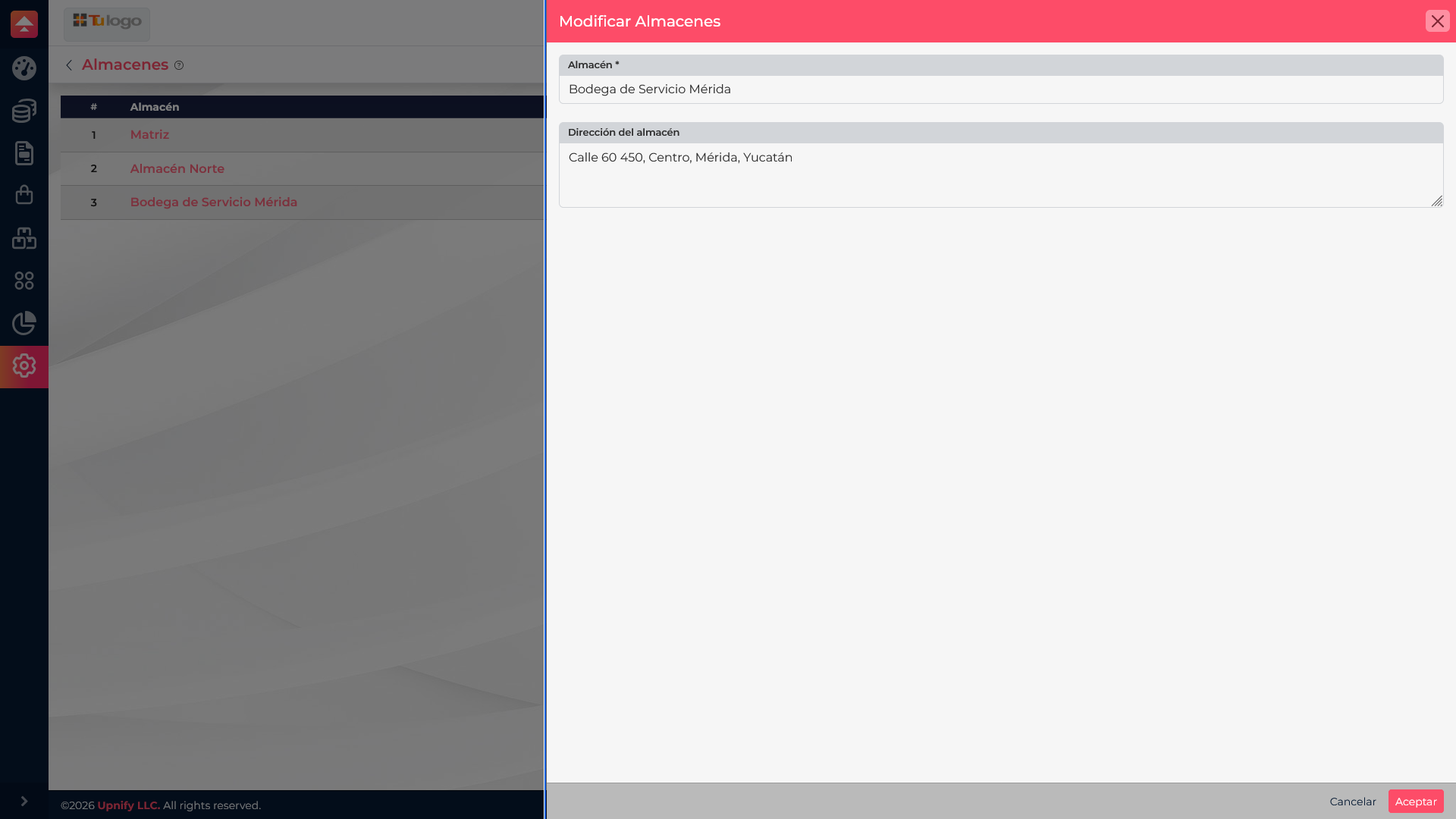
Select a warehouse name to review or update its information. If it is no longer used, use the row actions to deactivate it. Before deleting it, confirm that you will not lose context for operations you need to keep.
Use warehouses in daily work
When preparing the relevant inventory operation, select the correct physical location. For example, if replacement parts arrive at the Mérida service depot, use that location in the receipt movement; if materials are kept at the main warehouse, select Matriz. This helps the team see where each operation was recorded.