
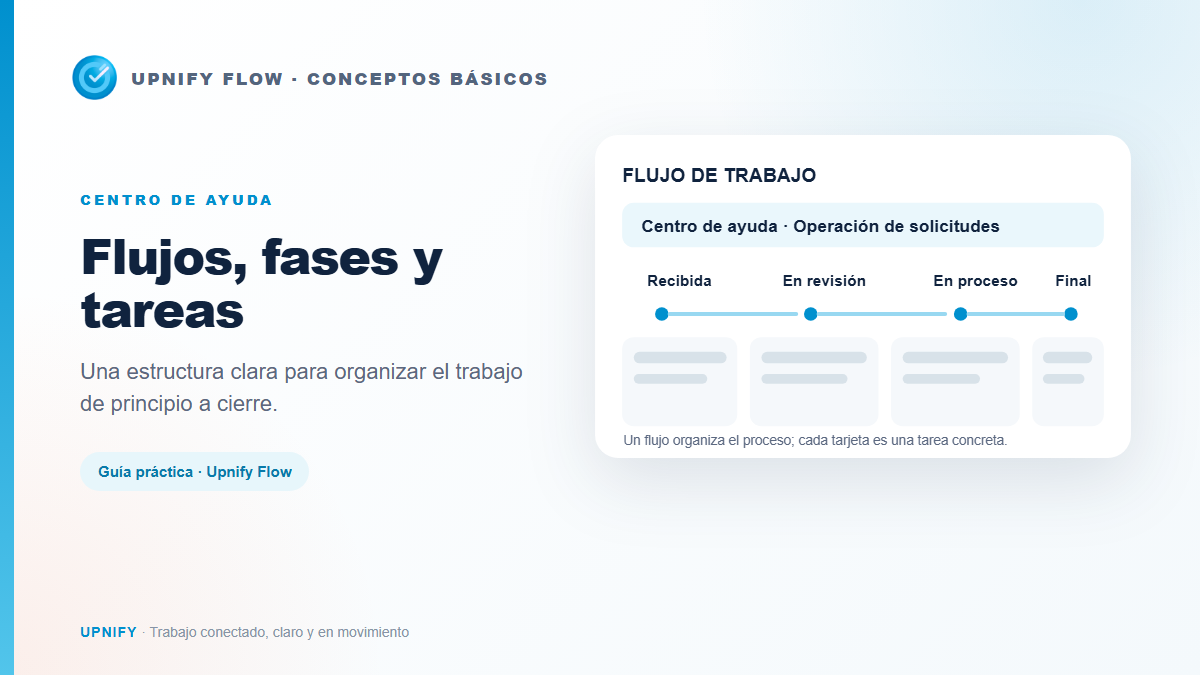
Upnify Flow helps teams organize repeatable work such as handling requests, preparing deliverables, or coordinating onboarding. To understand how work is structured, distinguish three elements: workflow, phase, and task. Each answers a different question, and together they show both the process and the work that still needs attention.
What each element means
| Element | Purpose | Example |
|---|---|---|
| Workflow | Groups the stages and tasks of a process the team needs to follow. | Help Center · Request Operations |
| Phase | Shows where a task currently stands in the process. | Received, Under review, In progress, and Final review |
| Task | Represents a specific action, with an assignee, due date, and description. | Review an access request or prepare a proposal |
A workflow is not one large task that gets completed all at once. It is the shared structure that helps the team handle similar cases consistently. Phases show progress; tasks explain what needs to happen now.
Example: handling an internal request
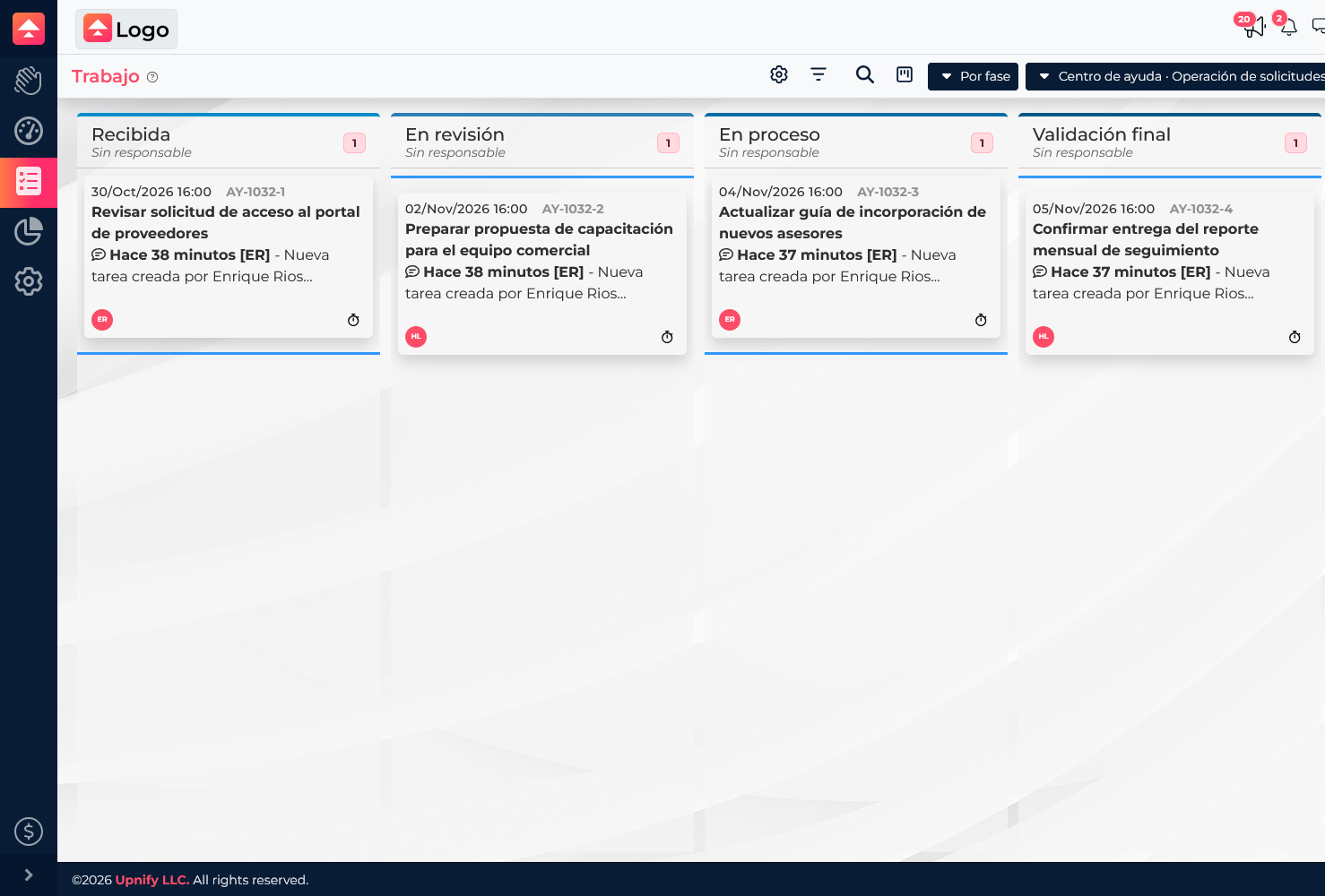
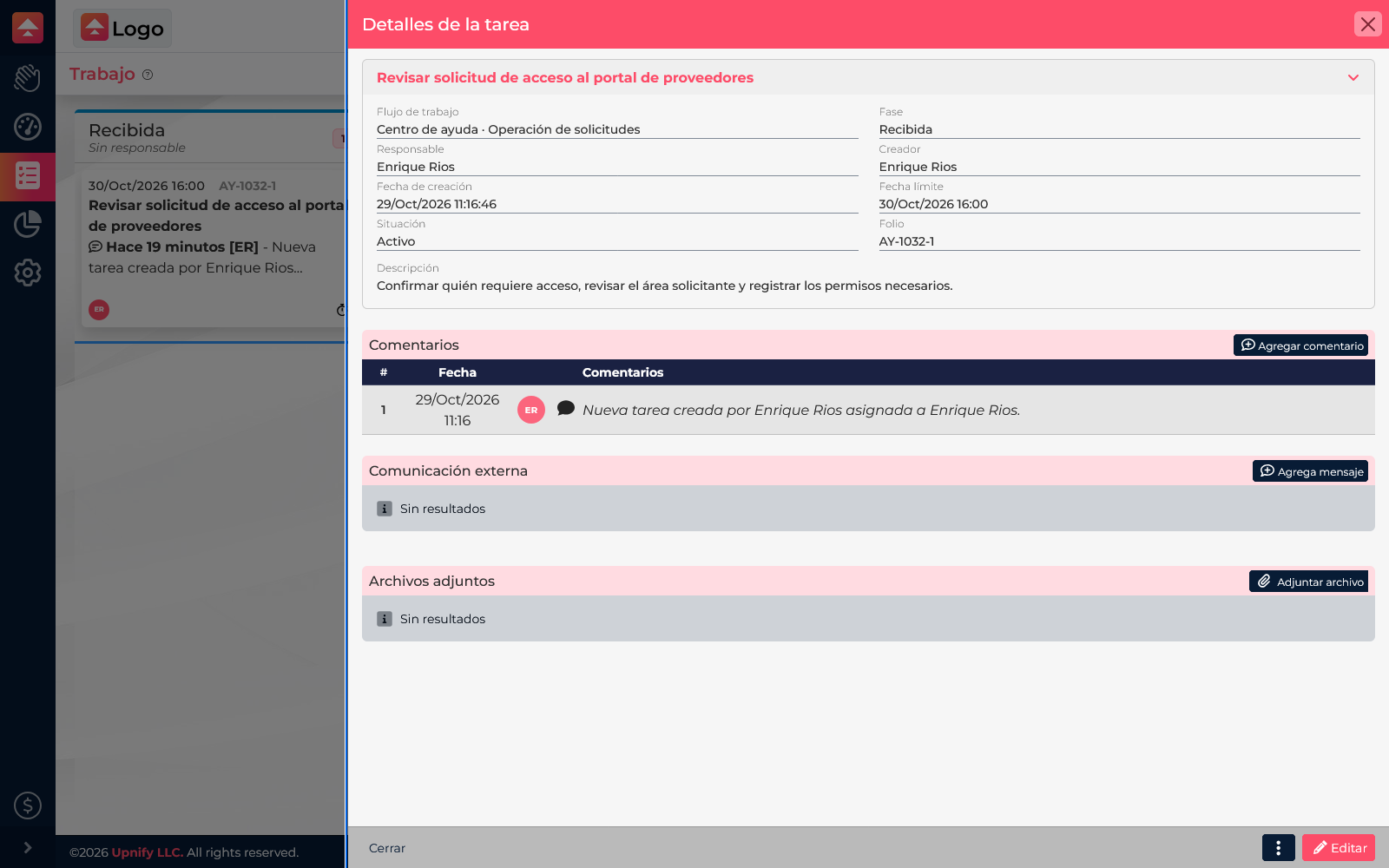
Suppose the team receives a request to enable access to a supplier portal. The Help Center · Request Operations workflow groups the process. The task Review supplier portal access request starts in Received, has Enrique Rios as its assignee, and includes a due date. After reviewing the information, the team can move it to Under review, then to In progress, and finally to Final review.
Other tasks\u2014such as preparing a training proposal or updating a new-hire guide\u2014can be in different phases of the same workflow. This lets the team see which cases exist, what comes next, and who is responsible, without confusing each request with the overall process.
A phase and a task status are different
A phase answers \u201Cwhere is this in the process?\u201D A task\u2019s situation answers whether it is still active or has been closed. For example, Final review can be a workflow phase while the task remains active as the team checks the result. Completing a task closes it; simply moving it to the last phase does not.
Use this map in your operation
- Define the repeatable process and create a workflow to group it.
- Arrange phases in the order each case actually moves through.
- Record each piece of work as a task and assign an owner and due date.
- Update the phase as work progresses; complete the task when no more action is needed.