
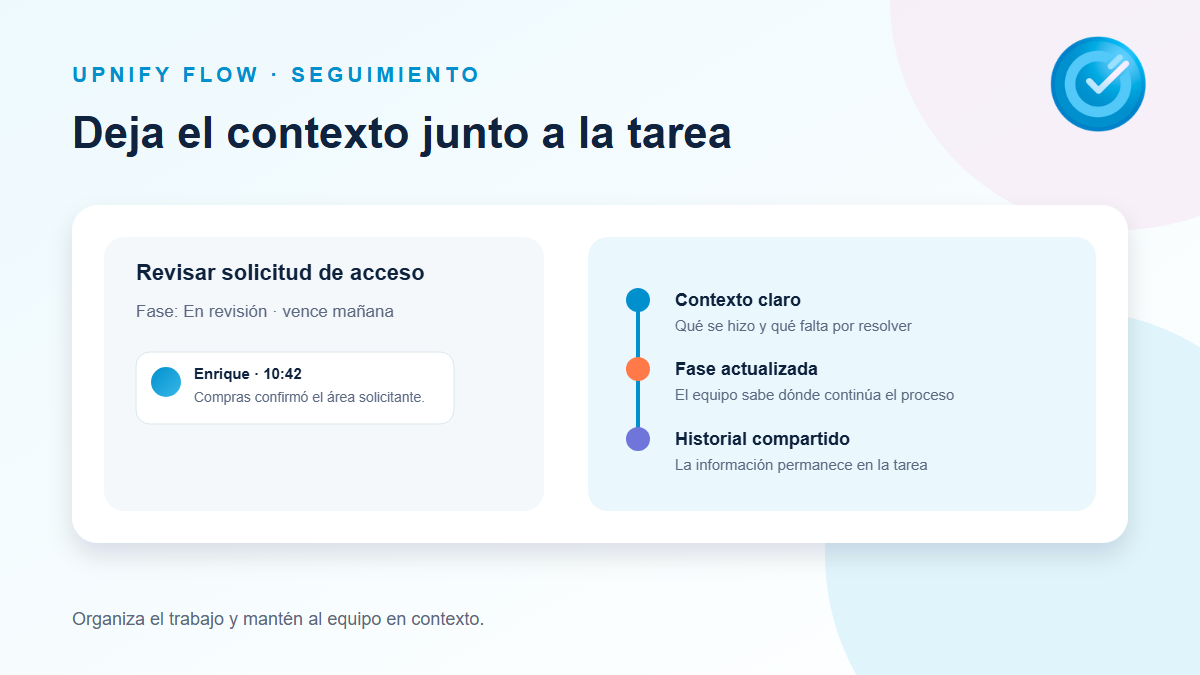
A task may pass through several people before it is resolved. If decisions stay in a separate conversation, the next person may not know what was confirmed or what remains. Follow-up comments keep that context in the task details alongside its phase and other information.
What to record
Write information that helps the team understand progress and decide what to do next. A useful comment usually answers some of these questions:
- What happened: a response, validation, or decision.
- What changed: for example, a requirement the team confirmed.
- What comes next: the remaining action and who will handle it.
- When it will resume: a concrete date or commitment, if applicable.
Avoid writing only “done” or “in progress” when the team needs more context. Do not use a comment to replace the task title or description: the title identifies the work; follow-up records what happens along the way.
Add a comment from the task details
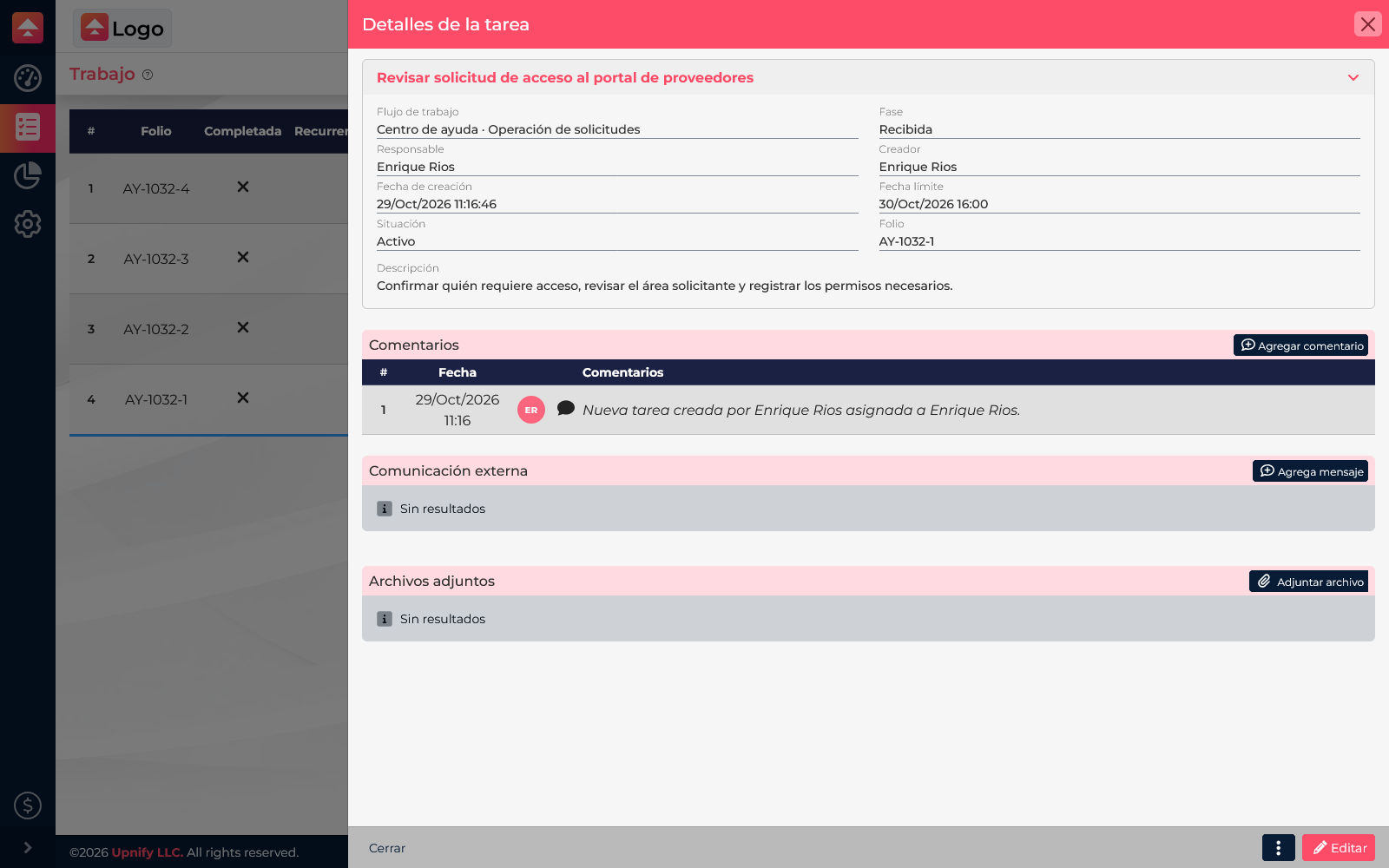
- Open Flow > Work and open the task from List, Kanban, or Project.
- In the task details, find the follow-up section and select Add comment.
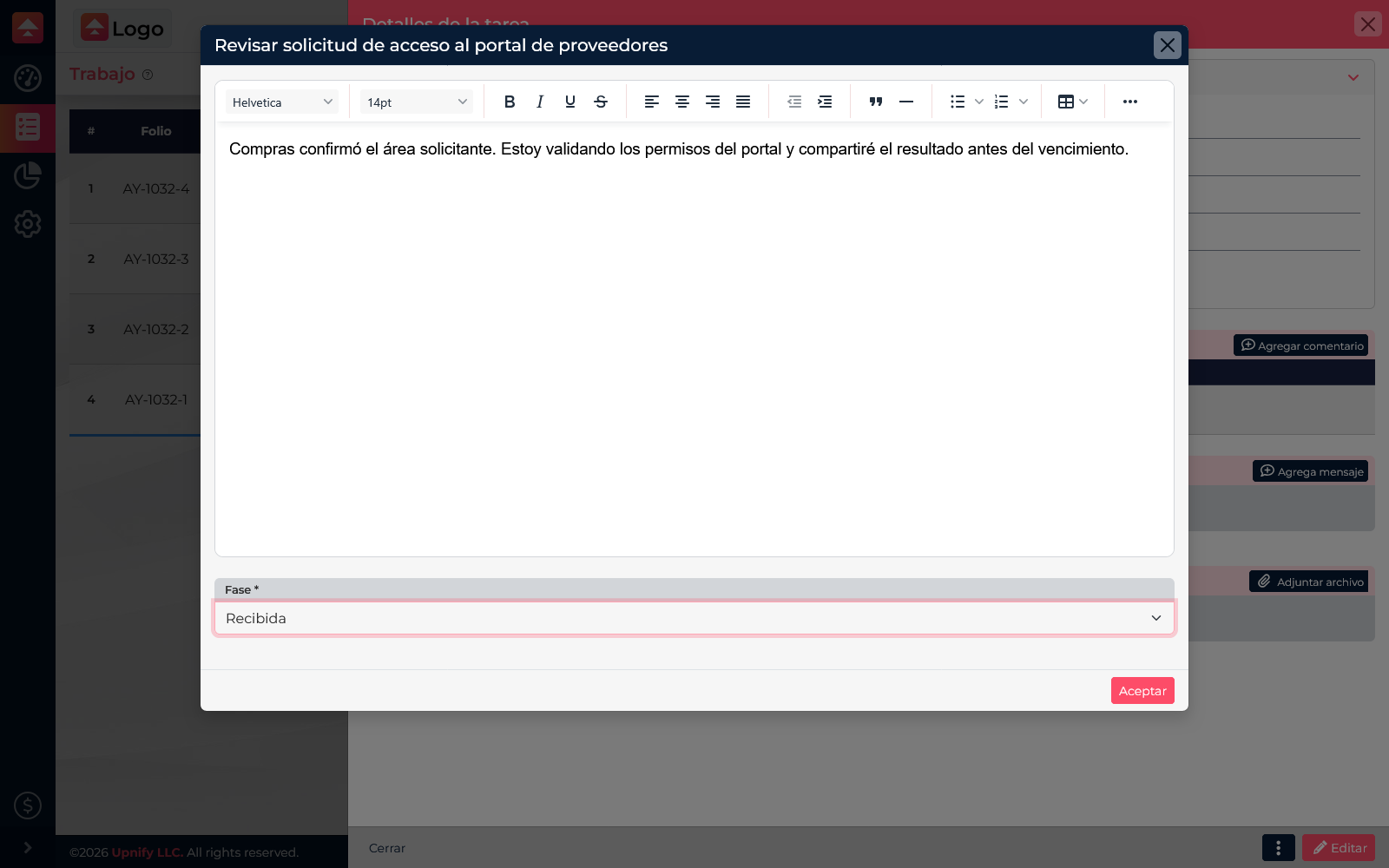
- Write the update in the editor. You can mention teammates when you need to bring them into the discussion and attach a file when evidence will help someone continue.
- Review the required Phase field; it identifies the phase related to this comment. Keep the current phase when documenting work from that step. To move the task to another phase, use its Change phase action separately; the comment does not replace that change.
- Select Accept to save. The comment becomes part of the task history.
Mention someone to notify them
If a teammate needs to review a point or continue the work, type @ in the editor and start entering their name. Select the person from the list, then finish the comment. Choosing a name from the menu creates a Flow-recognized mention.
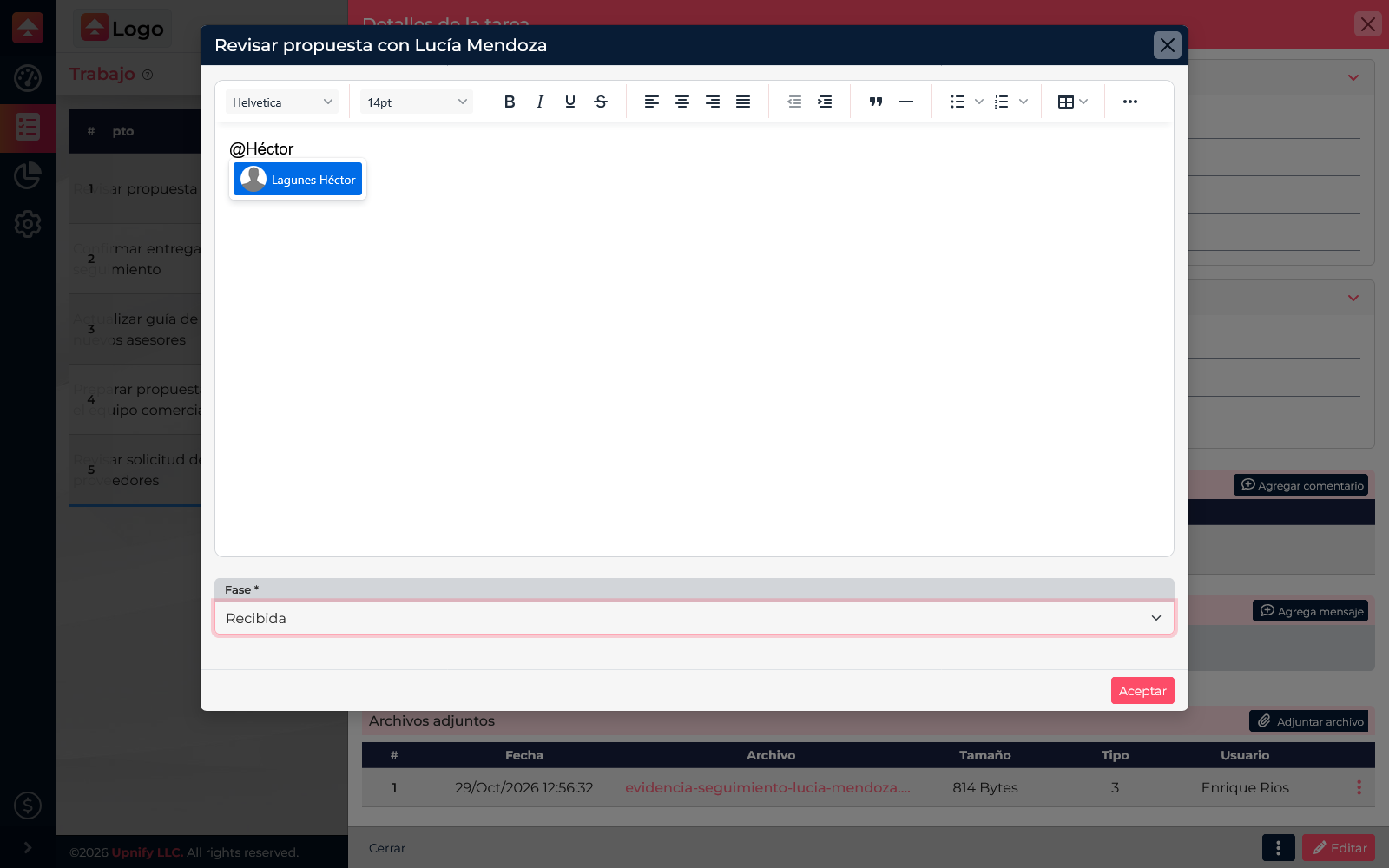
When you save the comment, the mentioned user receives a system notification. If they did not already have direct access to that task, the mention lets them open and interact with it, provided they have access to Flow. For example: “@Héctor, could you review the evidence before Thursday?”
Review and continue the history
When you return to the task details, you can review earlier comments to see what was agreed, who added each update, and how the case changed. Keep using the same history while the task represents the same piece of work. If a different issue needs another owner or due date, create a related task rather than mixing unrelated matters into the comments.
Remember the connection requirement
You need an internet connection to add a comment or mention because follow-up is saved to the system. If you are using Flow offline, keep the note and post it after reconnecting; follow-up comments are not saved to the offline work queue.