
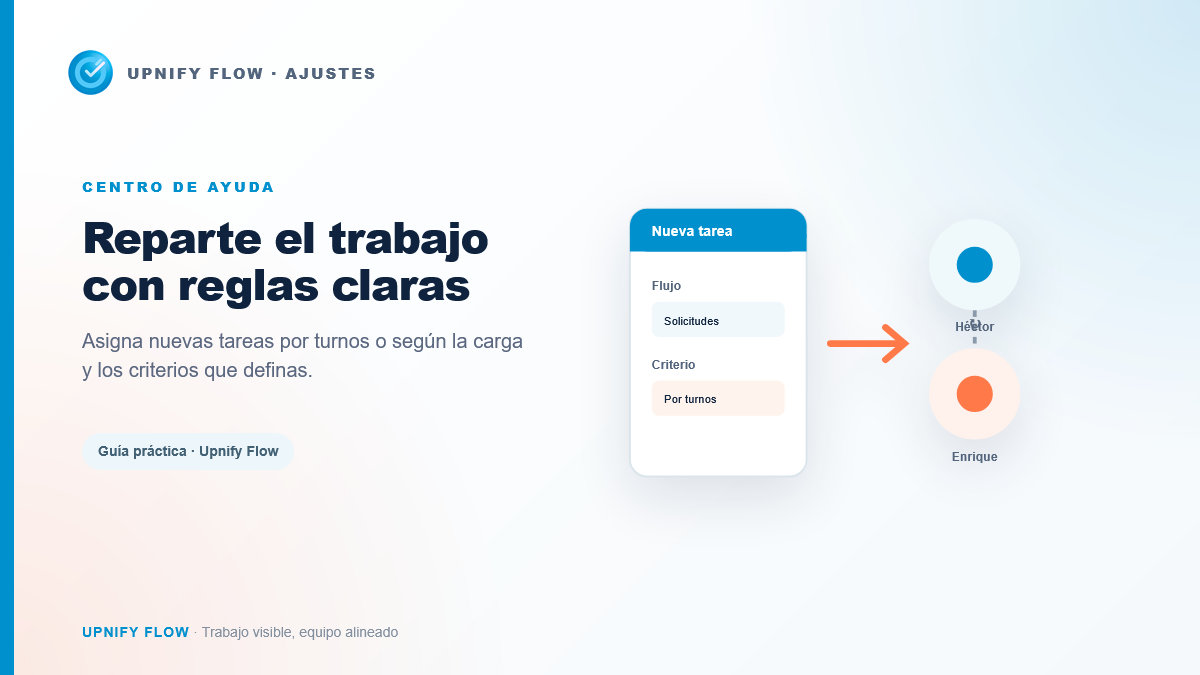
When several people receive new tasks, assigning them manually can cause delays or overload one person. Distribution rules route tasks to the right team and define how work is shared. They help with support requests, visits, reviews, or any workflow with frequent incoming tasks.
A rule combines the workflow it applies to, the people who can receive tasks, and an assignment method. You can refine it with matching conditions and schedules.
Configure a rule
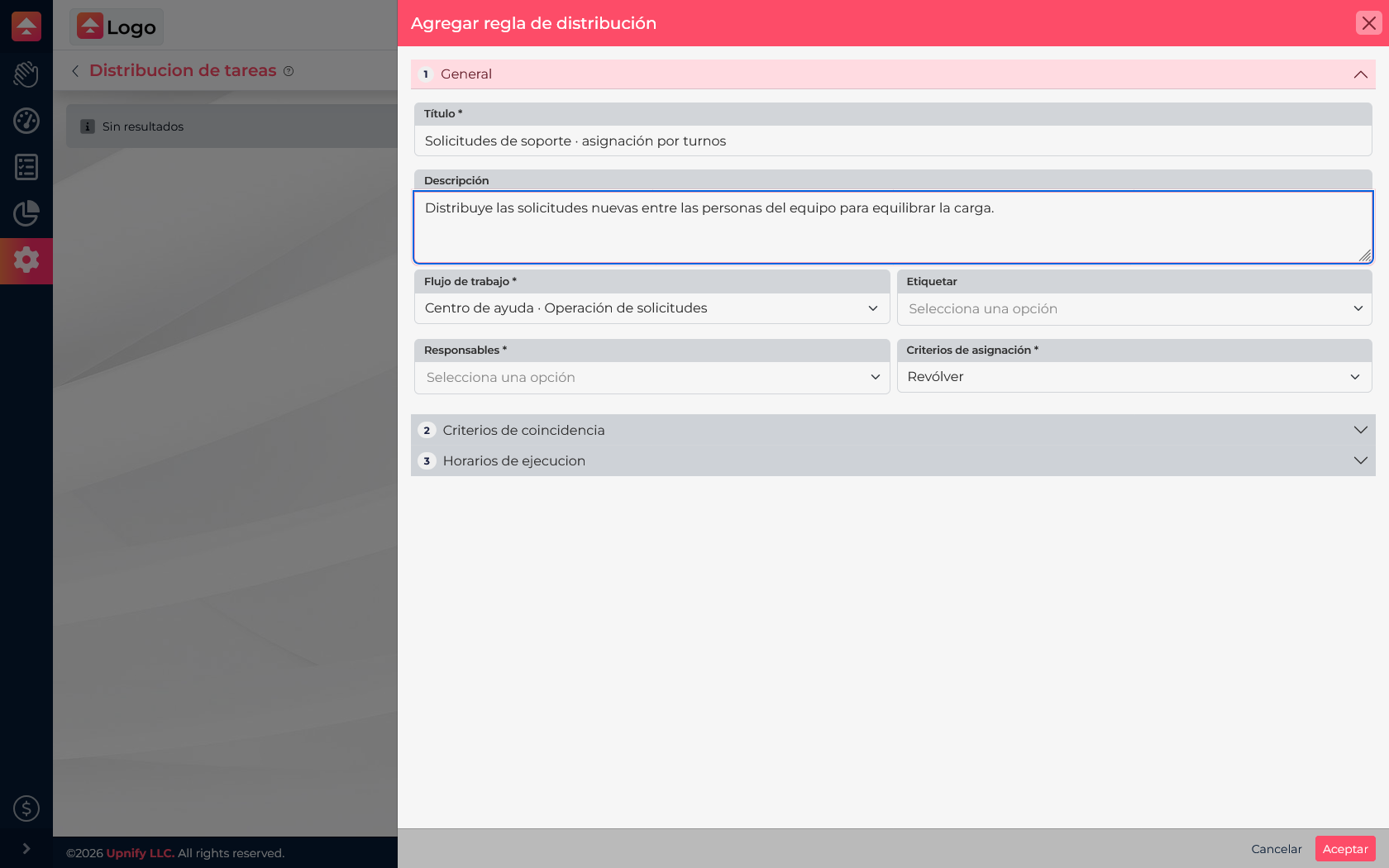
- Go to Flow > Settings > Distribution rules and select New.
- Enter a title that explains which tasks the rule handles and a short description for administrators.
- Select the matching Workflow.
- Choose the Owners who can receive tasks.
- Select a method: Round robin assigns in turn, Punctuality considers on-time completion, and Fewest tasks aims to balance active workload.
- Under Matching criteria, add filters if the rule applies only to a phase, tag, task assignee, or task creator.
- If it should operate only at certain times, set its days and hours. Save and confirm it is enabled.
Keep rules from overlapping
Before enabling a rule, confirm that its workflow and filters describe the tasks you want to distribute. A broad filter may include cases for another team; a narrow one may leave tasks out. If several rules apply to one workflow, keep their criteria clear and avoid overlap.
- Use a general rule for routine work and specific filters for clear exceptions.
- Choose owners who can access the workflow and handle that task type.
- Review schedules if assignments should happen only during certain shifts.
- Create a test task that meets the conditions and confirm who is assigned.
The rule helps with the initial assignment. The team can reassign a task later if workload or ownership changes.