
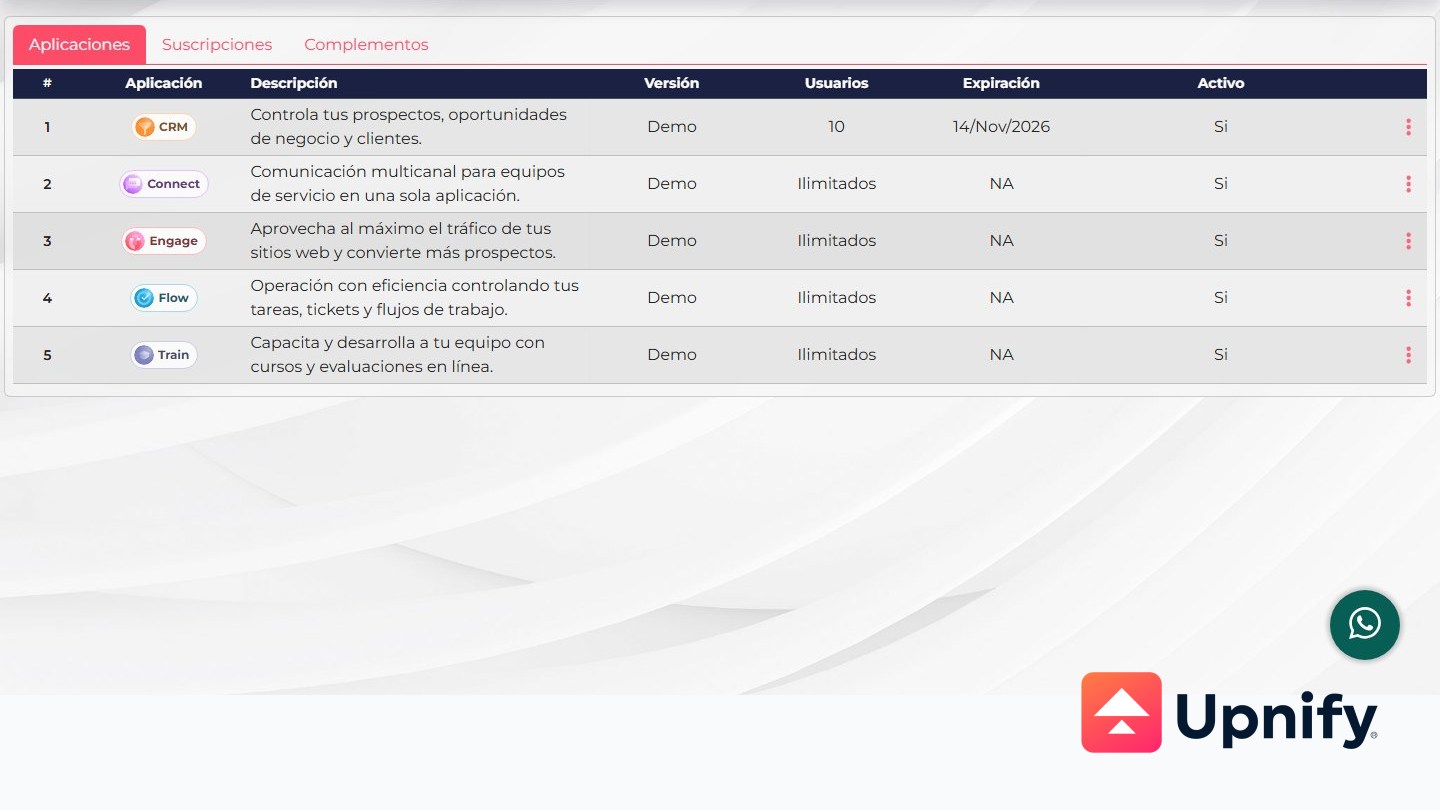
Upnify pricing depends on two things: how many people need a license and how much usage each credit-based product is expected to handle. CRM, ERP, and MAX are priced per user; Connect, Engage, Flow, and Train use packages measured in conversations, activations, tasks, or course assignments.
Amounts are in USD and before taxes. This version shows prices for the U.S. market only.
Licenses: cost based on the people using the Suite
CRM and MAX prices are shown per user per month. The selected billing frequency—quarterly, semiannual, or annual—sets the applicable monthly rate and billing cycle. At least two licenses are required. MAX is Upnify’s integrated offer, bringing CRM, Connect, Engage, Flow, Train, and ERP together under a per-user license; additional credit packages are selected according to each product’s usage.
For example, if four people on your sales team need CRM PRO, compare the per-user monthly price for the billing frequency you are considering. The table amount is not the contract total and does not include taxes.
| Billing | CRM BASIC | CRM PRO | MAX, integrated Suite |
|---|---|---|---|
| Quarterly | $17 USD | $25 USD | $43 USD |
| Semiannual | $16 USD | $23 USD | $39 USD |
| Annual | $14 USD | $20 USD | $35 USD |
Unit: USD per user per month, before taxes. CRM and MAX require at least two licenses.
 ERP purchased separately
The pricing information provided for this guide does not list a standalone U.S. ERP rate. Ask for a market-specific quote before budgeting for ERP separately. MAX is the integrated offer.
Credits: pay according to each product’s usage
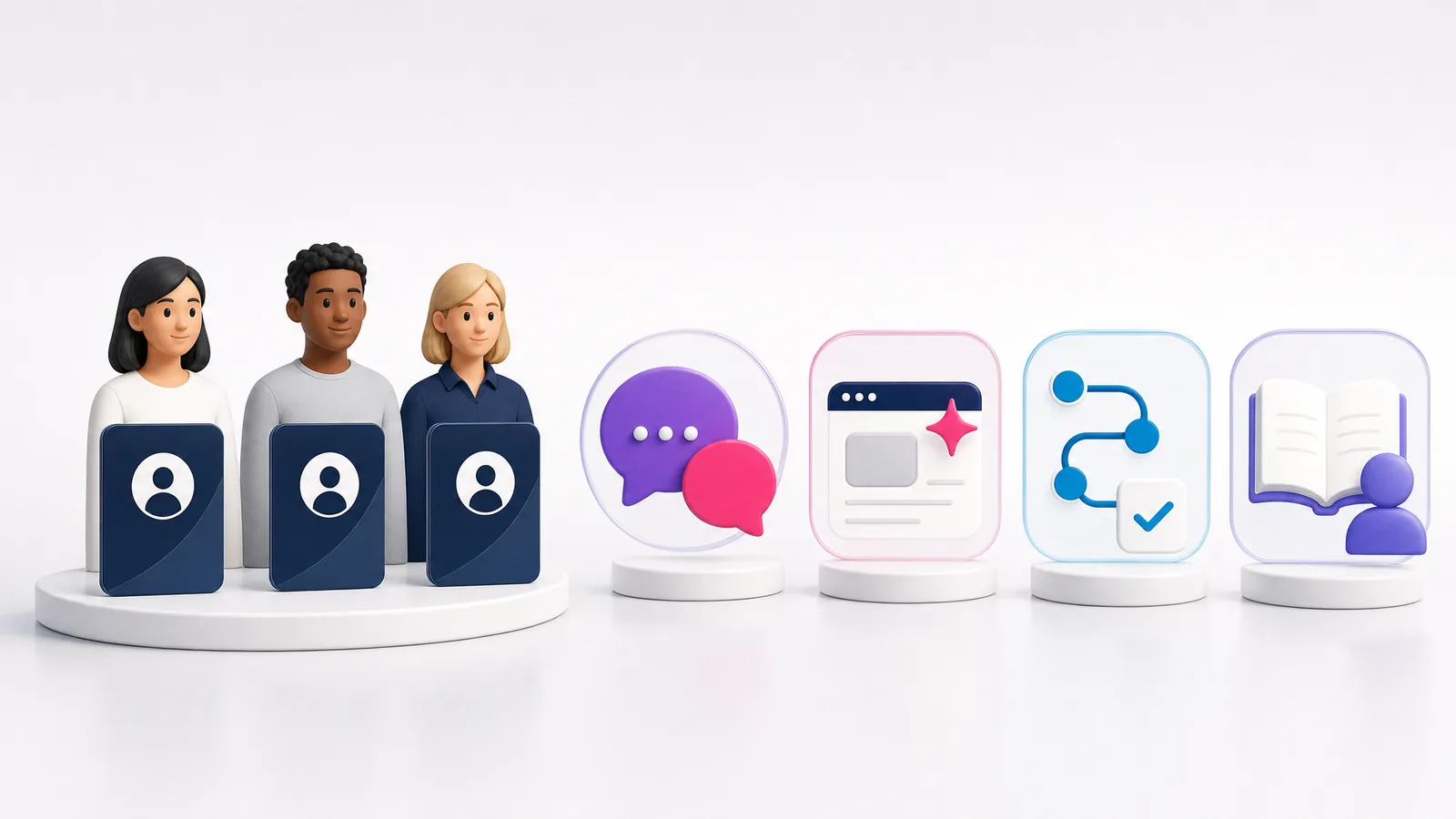
Credits are not user licenses. Each product measures a different activity, so estimate usage separately. The product colors make it easy to see which package belongs to each area.
 Connect — conversations
Each conversation uses one Connect credit. Regular conversations and AI-handled conversations use separate packages, so estimate each volume separately if your operation uses both.
| Package | Included conversations | Price |
|---|---|---|
| Connect 1,000 | 1,000 regular | $119 USD |
| Connect 5k | 5,000 regular | $449 USD |
| Connect 25k | 25,000 regular | $1,469 USD |
| IA Connect 500 | 500 AI-handled | $135 USD |
| IA Connect 1,500 | 1,500 AI-handled | $350 USD |
 Engage — activations
Engage counts an activation when a person interacts with a widget for the first time. That person is counted once per widget. To estimate a package, consider how many people you expect to start an interaction in each widget, not just your website’s total visits.
| Package | Included activations | Price |
|---|---|---|
| Engage 10k | 10,000 | $129 USD |
| Engage 40k | 40,000 | $369 USD |
| Engage 100k | 100,000 | $599 USD |
 Flow — tasks
Each task managed from start to finish uses one Flow credit. To estimate usage, think about how many automated tasks you plan to run during the period you are budgeting for; packages are measured in tasks, not user licenses.
| Package | Included tasks | Price |
|---|---|---|
| Flow 200 | 200 | $89 USD |
| Flow 1K | 1,000 | $409 USD |
| Flow 5K | 5,000 | $1,479 USD |
 Train — course assignments
Train uses one credit each time a course is assigned. When estimating a package, count the course assignments you plan to make; this measure is based on course assignments, not Suite user licenses.
| Package | Included course assignments | Price |
|---|---|---|
| Train 20 | 20 | $119 USD |
| Train 120 | 120 | $599 USD |
| Train 300 | 300 | $1,199 USD |
These prices are per package, not monthly per-user rates. The Super Administrator can open Licensing from the profile menu to review enabled products and current credit balances. Check your proposal for the usage included with MAX; these tables show credit packages by product.
Count the people who need a license, then estimate conversations, activations, tasks, and course assignments separately. Review the billing period, product, and taxes before confirming an offer.