

For Upnify Suite to run smoothly, your computer or mobile device and your internet connection need to meet certain requirements. This article explains what you need on a computer and on a mobile device, what to check in your browser and phone settings, and what your network must allow.
Before you start
Upnify Suite is a web application. Its performance depends on your browser, available memory, processor, network stability, and how many programs are open at the same time. If you meet the recommended requirements, daily use will be faster, especially if you work with several modules, reports, or attachments at once.
1. Computer requirements
| Component | Minimum operational | Recommended |
|---|---|---|
| Processor | Intel Core i3, AMD Ryzen 3 or equivalent | Intel Core i5, AMD Ryzen 5, Apple M1 or higher |
| Cores | 2 physical cores | 4 cores or more |
| Memory (RAM) | 8 GB | 16 GB |
| Storage | 128 GB SSD, with 20 GB free | 256 GB SSD or larger, with 30 GB free |
| Screen | 1366 x 768 | 1920 x 1080 (Full HD) |
| Internet | 10 Mbps download and 3 Mbps upload | 25 Mbps download and 10 Mbps upload, with latency under 80 ms |
| Operating system | Windows 10 or 11 up to date, macOS 12 or later, Linux up to date | Windows 11, macOS 13 or later, Linux up to date |
| Browser | Google Chrome, Microsoft Edge, Firefox or up-to-date Safari | Up-to-date Google Chrome or Microsoft Edge |
Browser settings
Your browser must allow:
- JavaScript, cookies, LocalStorage, and IndexedDB.
- WebSockets and Service Workers.
- File downloads and PDF viewing.
- Pop-ups for Upnify domains when a workflow requires them.
Avoid extensions that block scripts, cookies, pop-ups, or web requests on the site.
2. Mobile device requirements
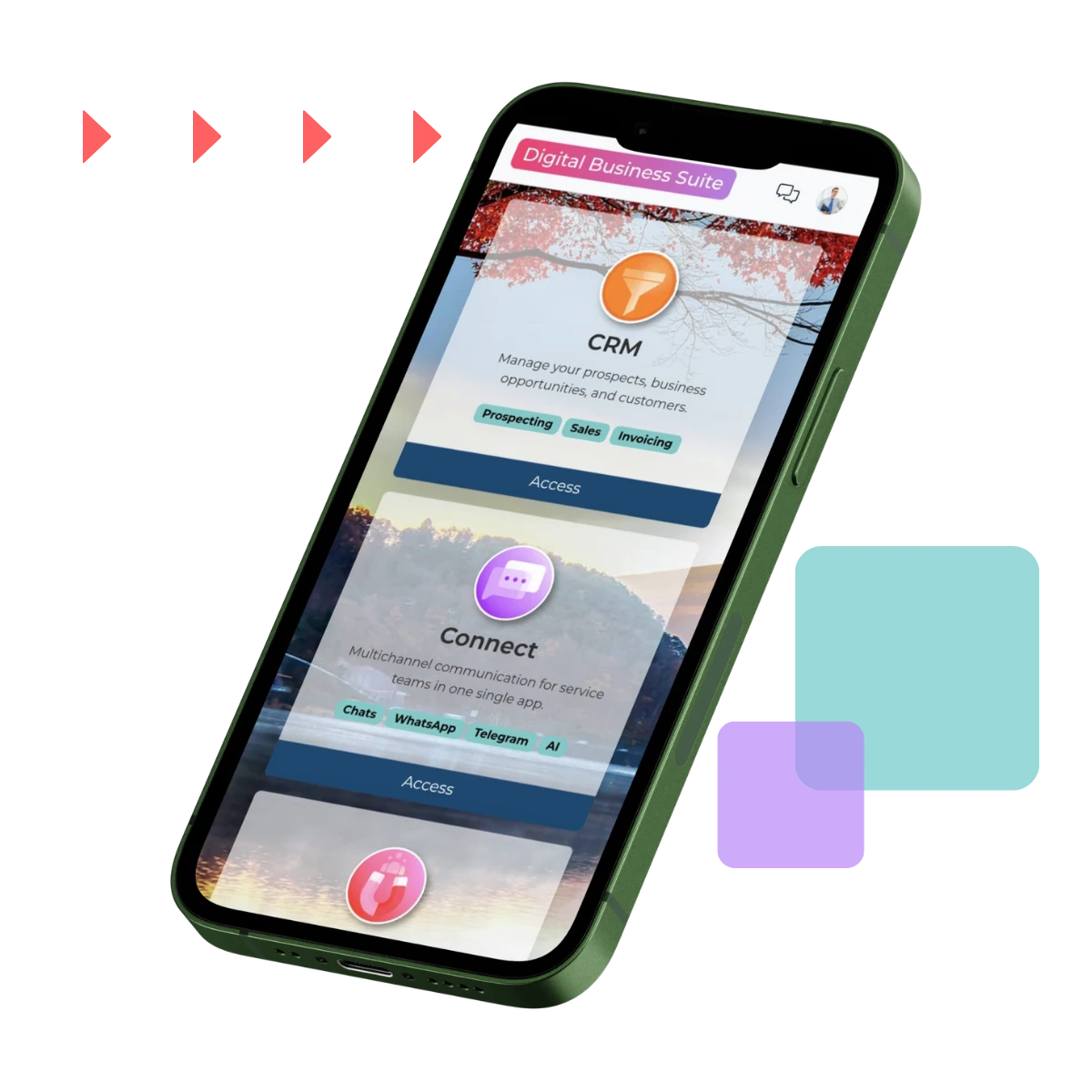
Check the operating system, memory, and permissions before using Upnify on your phone.
| Component | Minimum technical | Recommended |
|---|---|---|
| Android operating system | Android 6.0 or later | Android 12 or later (Android 13 or later ideal) |
| iPhone / iPad operating system | iOS / iPadOS 15.0 or later | iOS / iPadOS 16 or later (latest version ideal) |
| Memory (RAM) | 4 GB | 6 GB or more |
| Free storage | 2 GB | 4 GB or more |
| Browser | Google Chrome on Android | Safari on iPhone / iPad, both up to date |
Devices with 2 GB of RAM or less, with almost full storage, or without operating system support are not recommended, because they tend to slow down and close unexpectedly.
Browser for sign-in and integrations
To sign in, authorize integrations, or follow redirects, use your device's main browser (Chrome on Android or Safari on iPhone / iPad). Avoid completing these processes in browsers built into messaging or social media apps, because they can block authorization.
Permissions to keep enabled
Enable only the permissions you use in your daily work:
- Notifications: to receive alerts and follow-up reminders. On Android 13 or later, the system asks for this permission explicitly.
- Camera: to take photos or attach evidence.
- Microphone: if you use notes or audio features.
- Location: if you use visit logs or location tracking.
- Photos and files: to attach documents or download content.
Phone settings
- Turn on automatic date and time.
- Keep the app, the operating system, and the browser up to date.
- Allow background data so notifications arrive more reliably.
- Prevent battery saving from restricting the app if you need real-time alerts.
- Free up storage regularly to avoid failures when attaching or downloading files.
3. Network requirements
- Use a stable Wi-Fi connection or a reliable 4G or 5G mobile network.
- Avoid congested networks or networks with high latency, especially when uploading files or syncing information.
- Allow HTTPS traffic to Upnify and SalesUp domains.
- Do not block WebSockets in your firewall, proxy, or antivirus.
If your company uses a VPN, proxy, corporate firewall, or SSL inspection, verify that they do not block:
- redirects and authentication windows,
- downloads and file attachments,
- WebSocket connections and API calls,
- notifications and opening external links.
4. Quick summary
| Device type | Recommended requirement |
|---|---|
| Computer | 16 GB RAM, SSD, Windows 11 / macOS 13 / Linux up to date, Chrome or Edge up to date, 25 Mbps internet |
| Android | Android 12 or later, 6 GB RAM, 4 GB free, Chrome up to date |
| iPhone / iPad | iOS / iPadOS 16 or later, 6 GB RAM, 4 GB free, Safari up to date |
Checklist
- Device and operating system meet the requirements.
- Browser is up to date.
- Enough free storage.
- Permissions enabled for your functions (mobile).
- Automatic date and time (mobile).
- Stable network with no blocks on HTTPS, WebSockets, or downloads.