

Upnify Suite brings together applications that support different parts of a company\u2019s work. Start with the process you need to organize most, then add other products as your operation requires.
Meet the main products
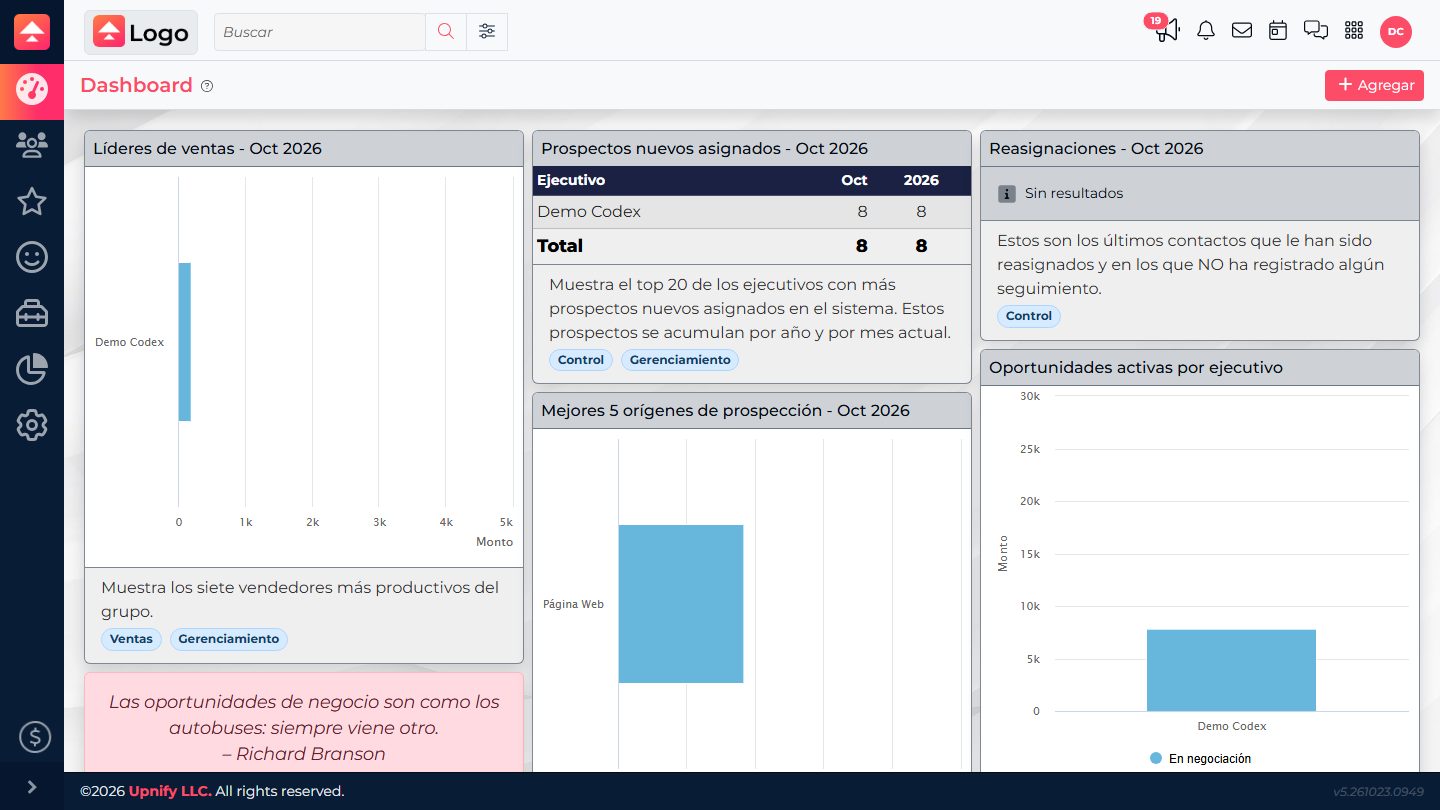
 CRM \u2014 organize your sales process
CRM brings together prospects, customers, companies, opportunities, sales, and follow-up activities. Your team can review relationship history and see the next step in each sales conversation.
 Connect \u2014 handle conversations as a team
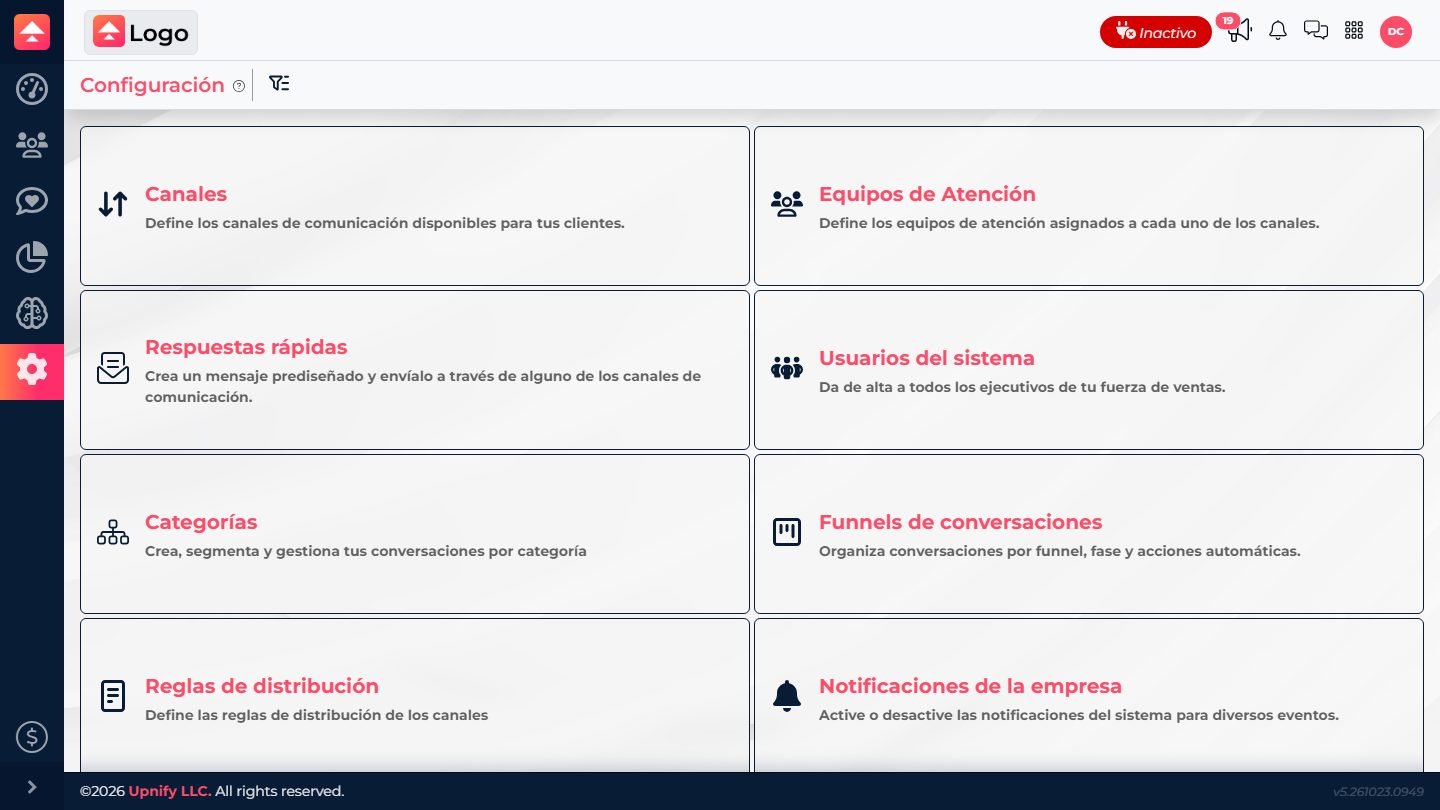
Connect brings conversations from enabled channels, such as WhatsApp and social networks, into one workspace. Teams can assign conversations, collaborate, and monitor response times.
 Engage \u2014 turn visits into opportunities to connect
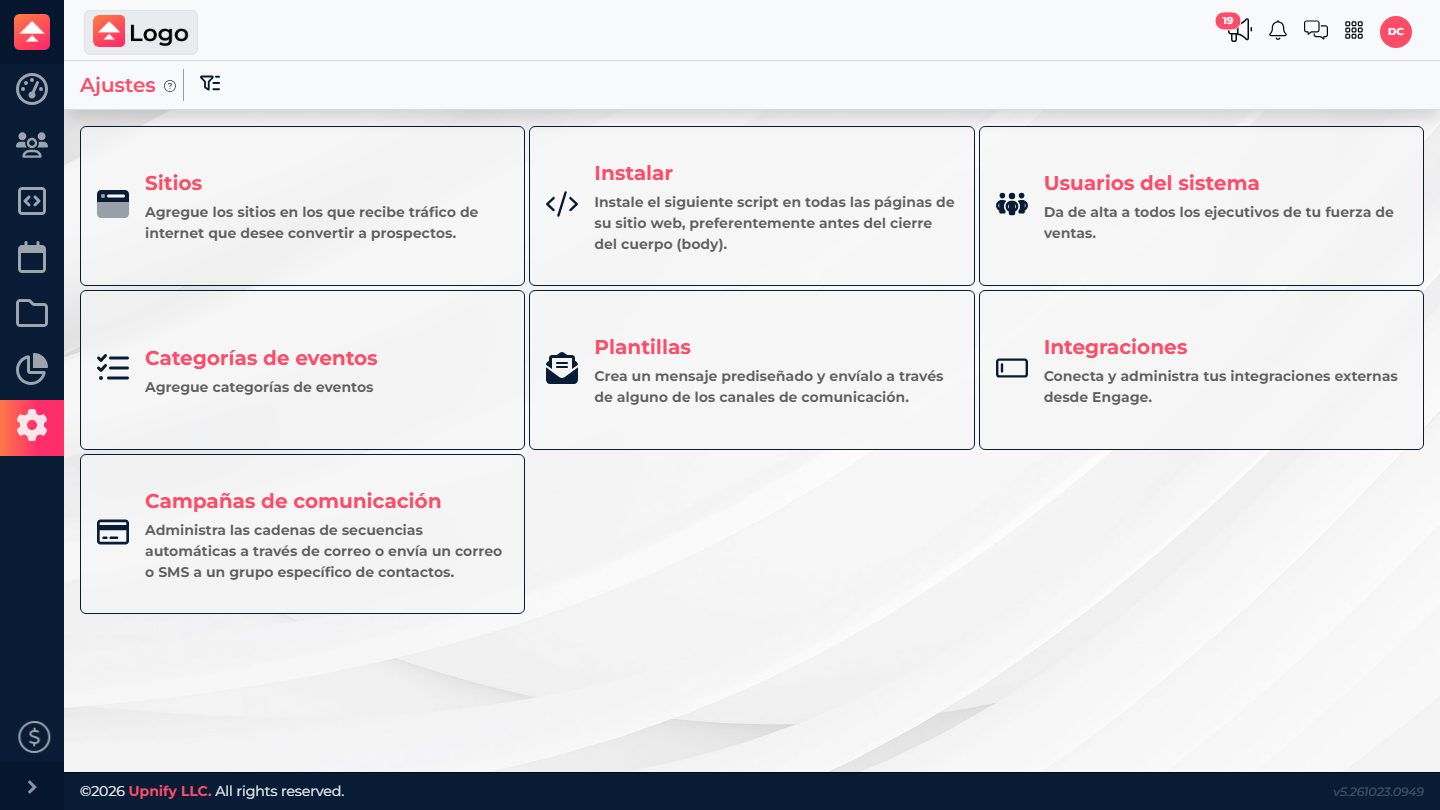
Engage provides website and event tools such as forms, pop-ups, chats, and available integrations. It helps capture visitor interest and measure digital activity.
 Flow \u2014 coordinate business processes and tasks
Flow helps organize workflows with stages, owners, tasks, checklists, files, and communications. It can connect processes to records in other products when the integration is configured.
 Train \u2014 teach and assess your people
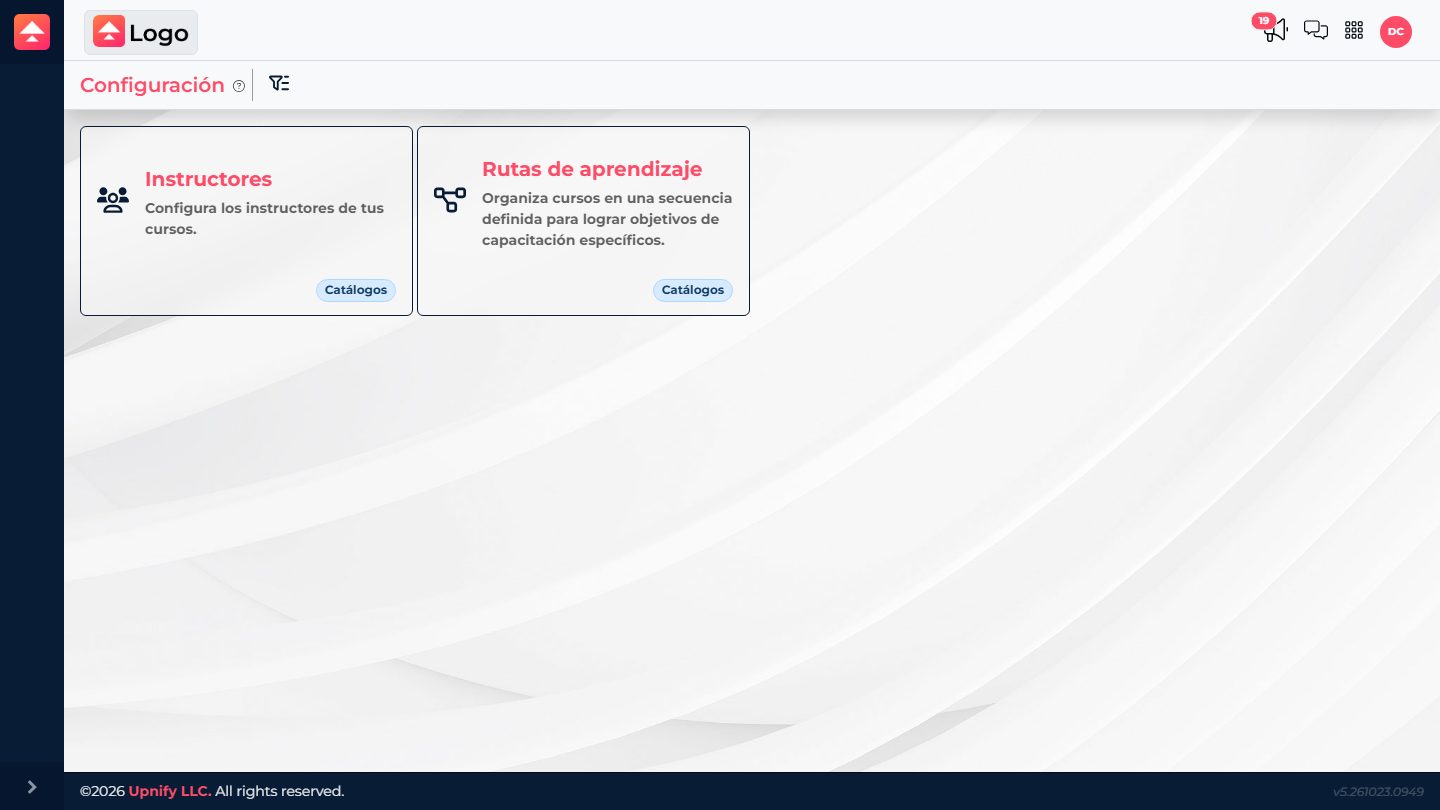
Train organizes courses, learning materials, assessments, and learning paths for employees or external users, depending on company settings.
Other specialized products
 ERP \u2014 manage financial and administrative operations
ERP brings together administrative functions such as inventory, purchasing, accounts receivable and payable, bank transactions, cash flow, and invoicing, depending on the modules your company has licensed.
Example: A company that sells products needs to check stock, record purchases, and follow up on payments related to sales.
ERP and its modules are available according to the services enabled for your company.
 Subscribe \u2014 manage subscriptions and recurring payments
Subscribe supports subscription management and recurring payment processes for businesses that charge on a regular basis. Available features depend on the services enabled for your account.
Example: A company with a monthly service needs to track subscriptions and upcoming charges.
Subscribe availability depends on the services enabled for your company.
 PLD \u2014 support specialized anti-money-laundering processes
PLD is intended to support specialized review and monitoring of information related to anti-money-laundering processes, based on the service purchased and its configuration.
Example: A team that needs to review compliance information may centralize that work in the product when it is available to the organization.
PLD availability and scope depend on the service purchased. Contact your administrator or Upnify representative to learn more.
How the products can work together
Imagine someone discovers your company online and asks about a service. Engage can help collect their details; CRM organizes the contact and opportunity; Connect helps your team handle the conversation; and Flow can coordinate internal tasks when it is time to prepare delivery. If the sale needs administrative follow-up, ERP can support work such as inventory or invoicing. Train helps your team learn how to handle each stage. For a recurring service, Subscribe can support renewals and recurring charges.
Open the product you need
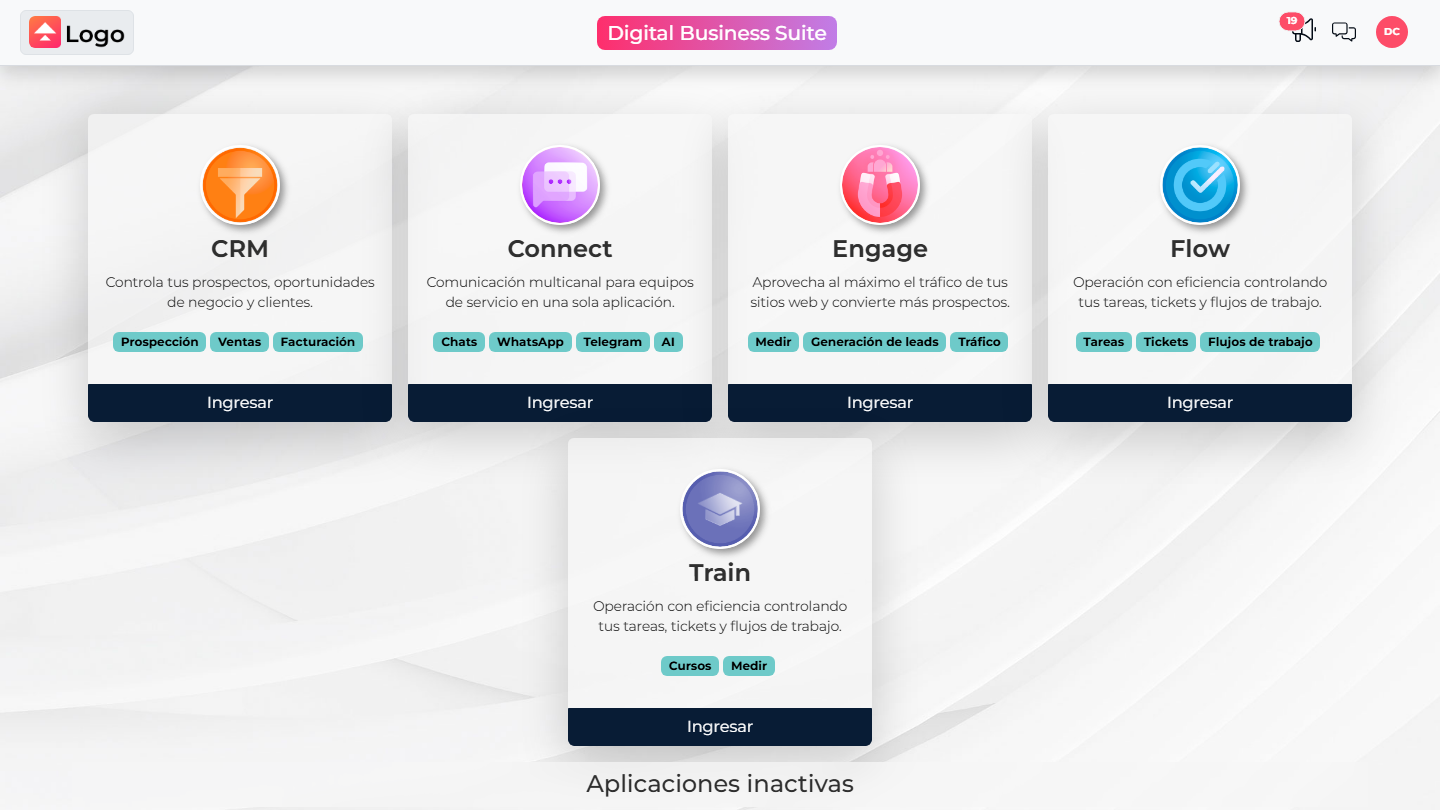
Select the app launcher in Suite to see the products enabled for your account. From there, open the application that matches the task you need to complete.
Where should you start?
- Choose the process you want to improve first: sales, customer service, lead generation, operations, or training.
- Ask your administrator which products and modules are enabled for your organization.
- Decide who will work at each stage and what information they need to share.
- Set up the main process first. Add other applications when they help reduce repeated work or prevent lost context.