
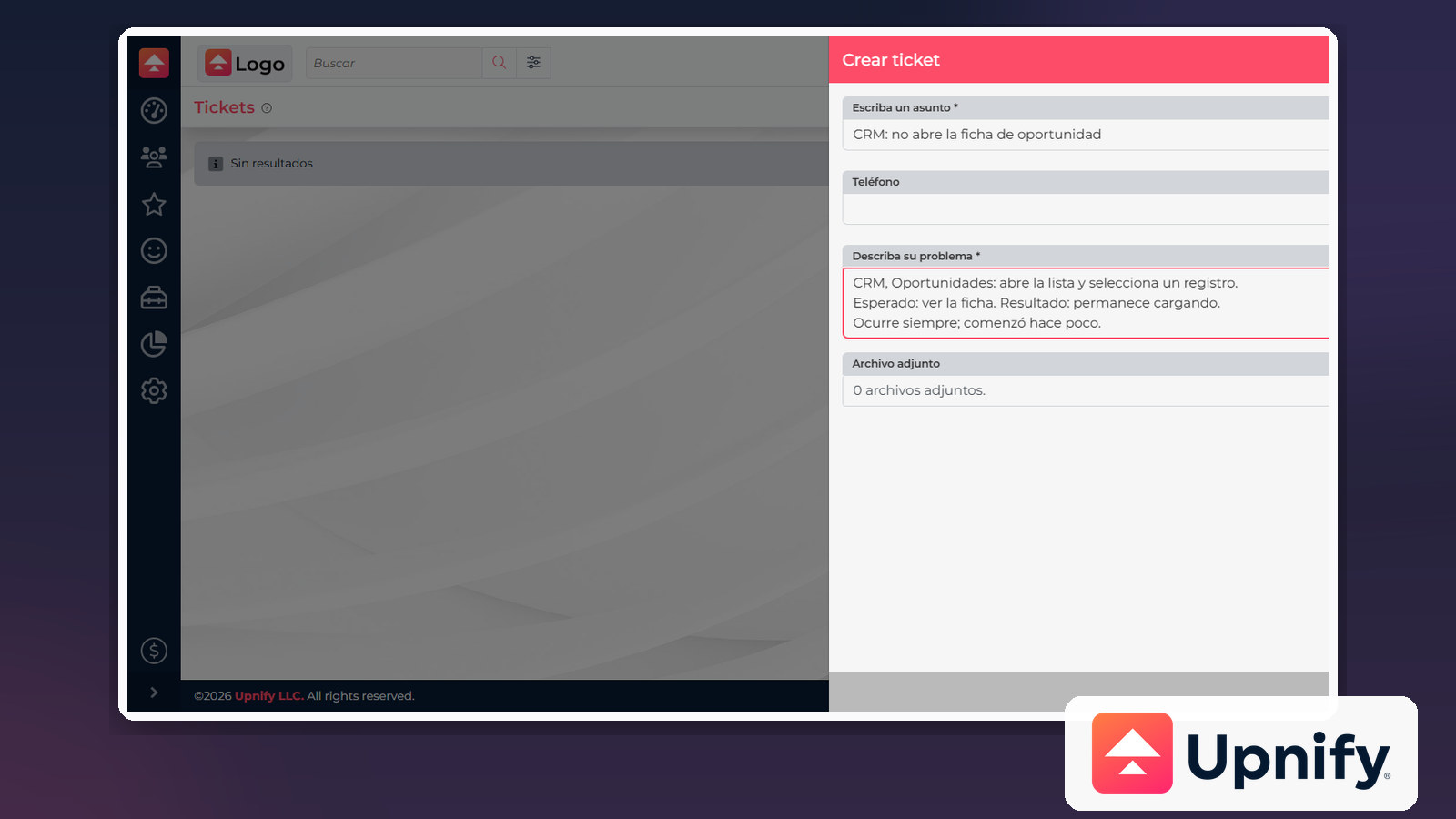
When you report an issue, a specific description helps distinguish a product problem from a usage question and gives the team a way to reproduce what happened. You do not need technical terms: explain what you were doing, where it happened, and what you saw on screen.
Include these details
| Detail | What to write |
|---|---|
| Product and screen | Name Upnify CRM and the area, such as Opportunities > opportunity record. |
| Steps to reproduce | Number the actions in order and point out exactly when the issue appears. |
| Expected and actual results | Explain what should happen and what happens instead. |
| Frequency and time | Say whether it happens every time or occasionally and when you observed it; include a time zone if timing matters. |
| Message or evidence | Copy the exact error text. If the request flow allows attachments, add a clear screenshot with sensitive data removed. |
Example description
In forms that ask for a subject and description, summarize the issue in Subject and use Describe your problem for the steps and results:
Description:
Product and screen: CRM, Opportunities.
1. Open the opportunities list.
2. Select a record.
Expected result: the record opens.
Actual result: the screen keeps loading.
Frequency: every time.
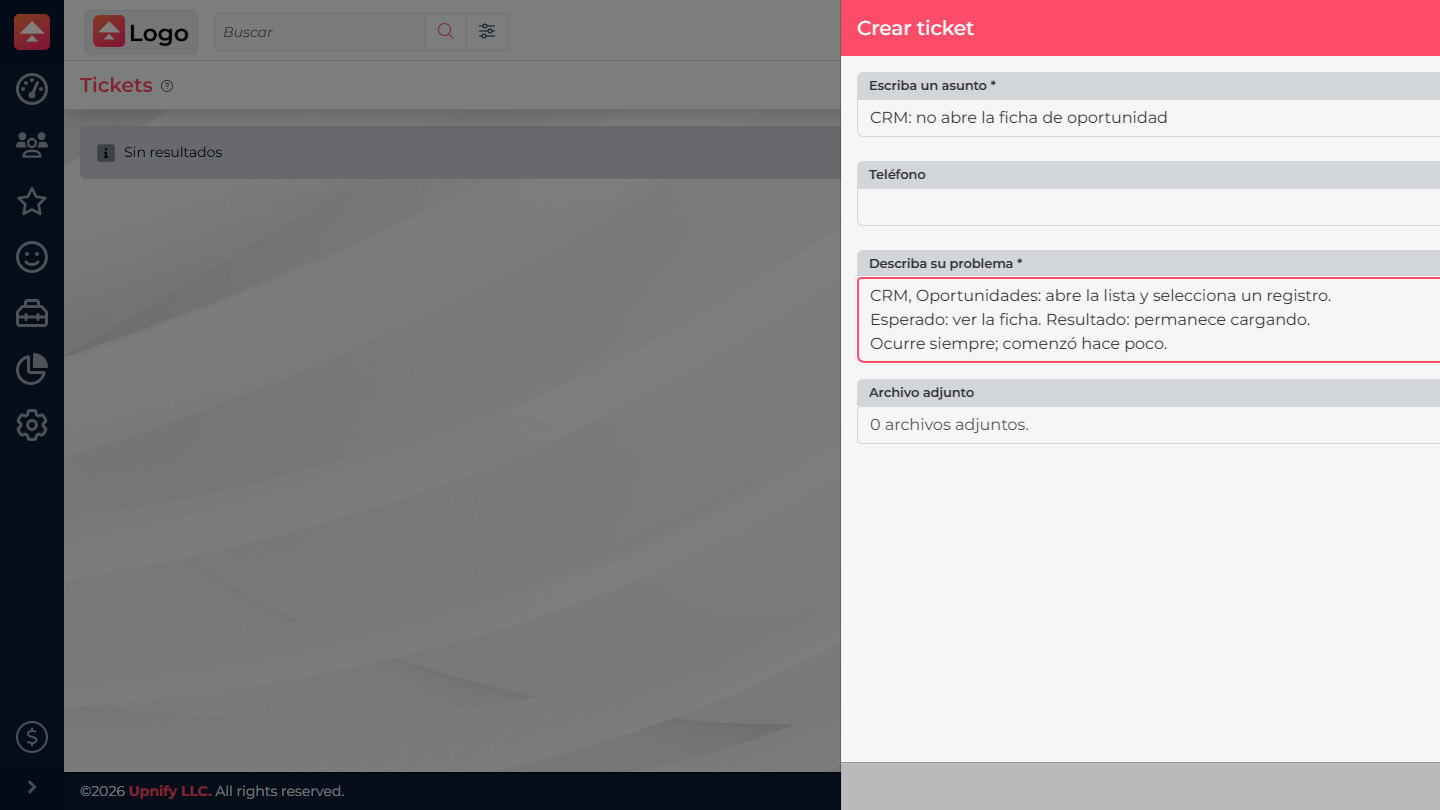
If you start with Report a problem, use the same structure in the prompts shown by the support widget. If the team asks for more details, reply in the existing case so the follow-up stays together.
Before sending, check that the steps can be followed, the error message matches what appeared on screen, and the screenshot shows only what is needed.