
Upnify Train organizes training into parts you can combine to fit your team. A course groups the topics; each topic is organized into modules (sections), and each module contains content, such as a reading, video, file, or assessment. You can then assign a course to learners or combine several courses into a learning route.
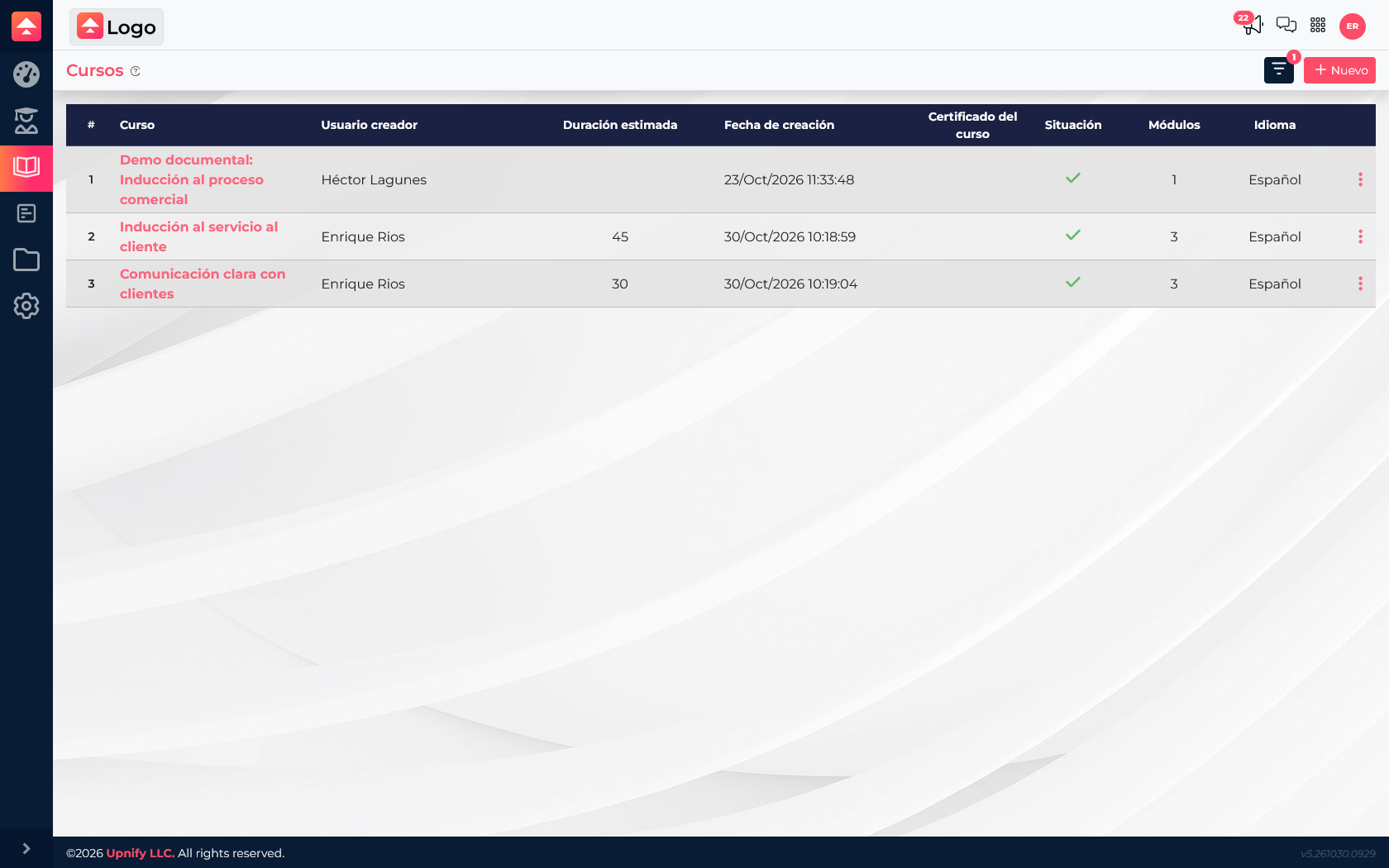
How Train is organized
Course — the program a learner completes, such as Customer Service Induction.
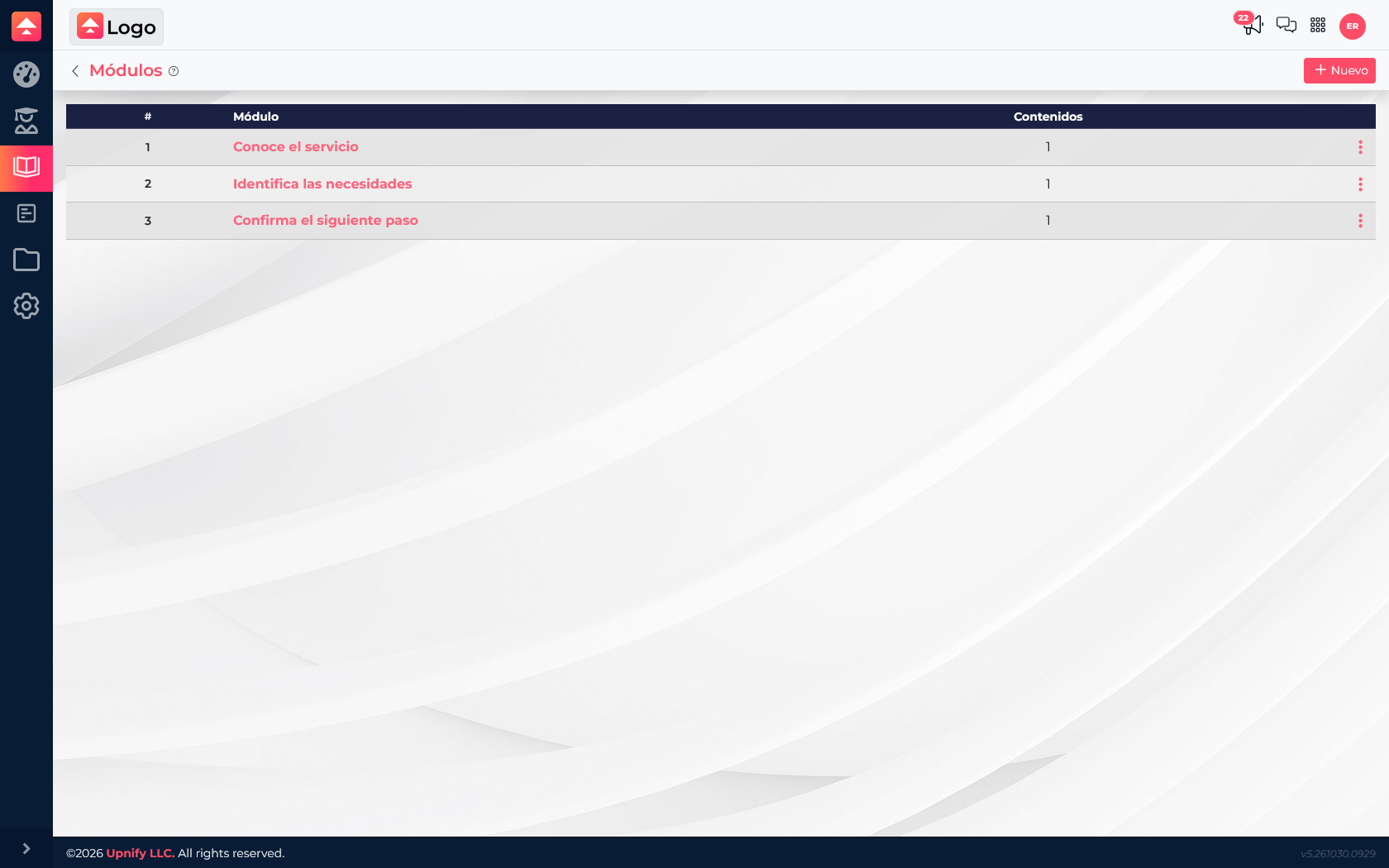
Module — a course section covering one topic or step, such as Learn the service or Identify customer needs.
Content — learning material or an activity inside a module: a resource, assessment, or knowledge battle when available.
Route and assignment — a route arranges courses in a recommended order; an assignment specifies who takes them and by when.
When setting up a course, choose whether it is sequential, so learners complete modules in the defined order, or open, so they can visit modules in any order. A step-by-step onboarding program usually works well as sequential; a reference library may work better as an open course.
Example: prepare onboarding for a customer service team
Suppose you are onboarding new service representatives and want everyone to learn the same process. Create an induction course with modules for understanding the service, identifying needs, and agreeing on follow-up. Add reference material to each module and, if you need to check understanding, add an assessment.
- Define the outcome. Decide what a learner should be able to do and who the program is for.
- Create a course. Open Courses and select New. Enter the course details, estimated duration, and open or sequential format, then save.
- Split the topic into modules. Open the course and add one section for each learning step. Use descriptive names instead of “Module 1.”
- Add content. Add the available materials and activities to each module. Check that learners can open the resources.
- Create a route if there are several courses. If onboarding also includes a communication course, create a route and place induction first and the complementary course after it.
- Assign the program. Assign a course to users or groups. Assign a learning route to a user or contact; set the start and due dates before confirming.
- Follow progress. Use the dashboard for overall indicators and the learner record (kardex) to review one person’s progress and score.
If you have one course, create and assign that course. If people should complete several courses in a planned order, add them to a route and assign the route.
Before assigning
- Confirm the course is active and its modules and materials are ready.
- Check the order if the course is sequential or the learner will follow a route.
- Choose the right person or group and set a realistic due date.
- Make sure the person who follows up can review Train progress.