
In Train, training credits are tied to assignments: adding a course or course route to someone\u2019s learning plan. Creating a course, arranging modules, or editing materials is not the same as assigning learners. You can prepare the program before deciding who will take it.
Check the course or route, the recipient, and the dates. When you save, Train creates the assignment and may send the related notification. Review these details before confirming.
Assigning a course
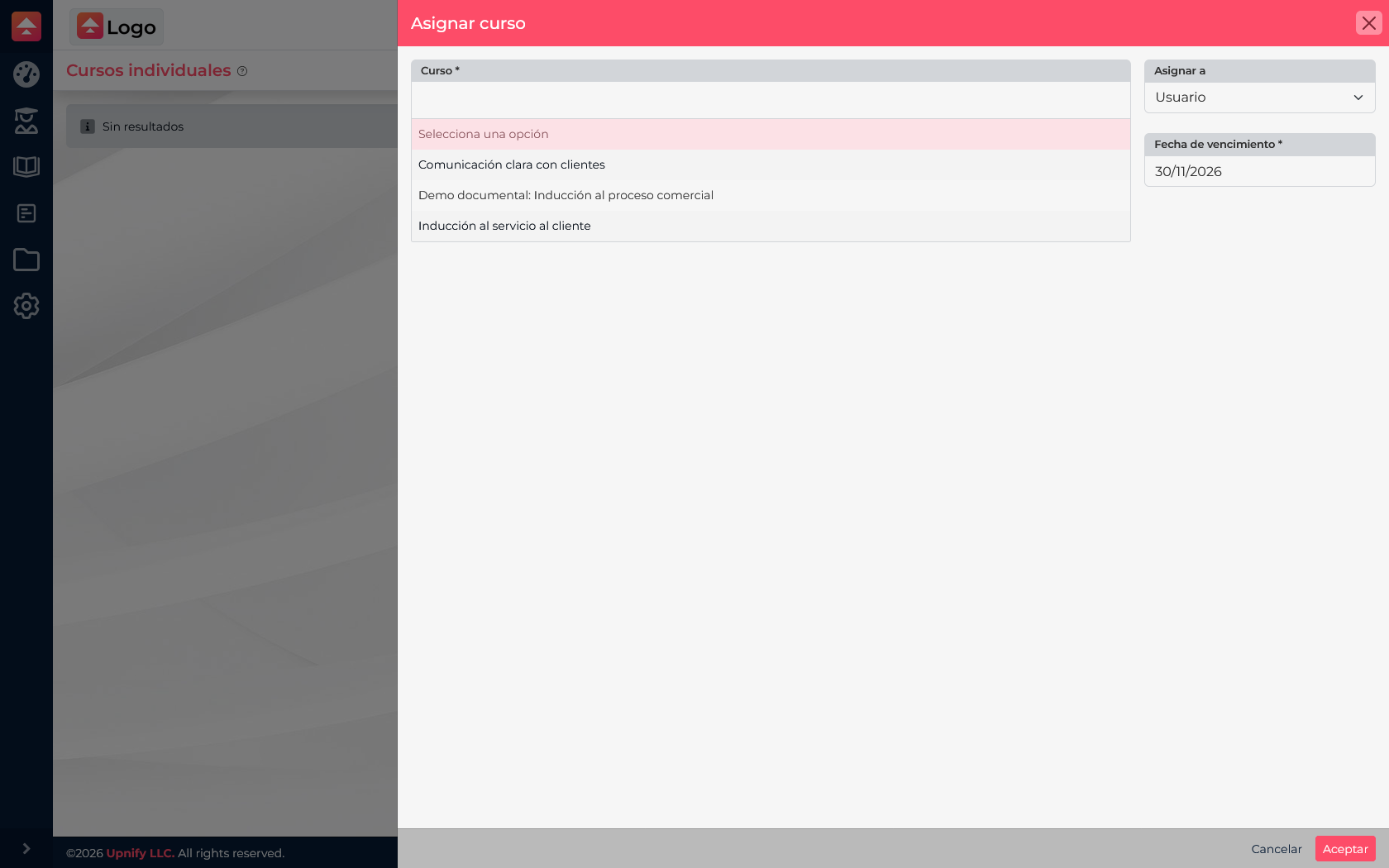
Train deducts one Train credit for each new course assignment to a learner. The credit is recorded when the assignment is successfully created. If that course was already assigned to the learner, the existing assignment does not generate a second charge.
For example, assigning \u201CCustomer Service Induction\u201D to a team member for the first time uses one Train credit. If you later select the same course for that person and Train finds an existing assignment, it does not charge again for a duplicate record.
Assigning a learning route
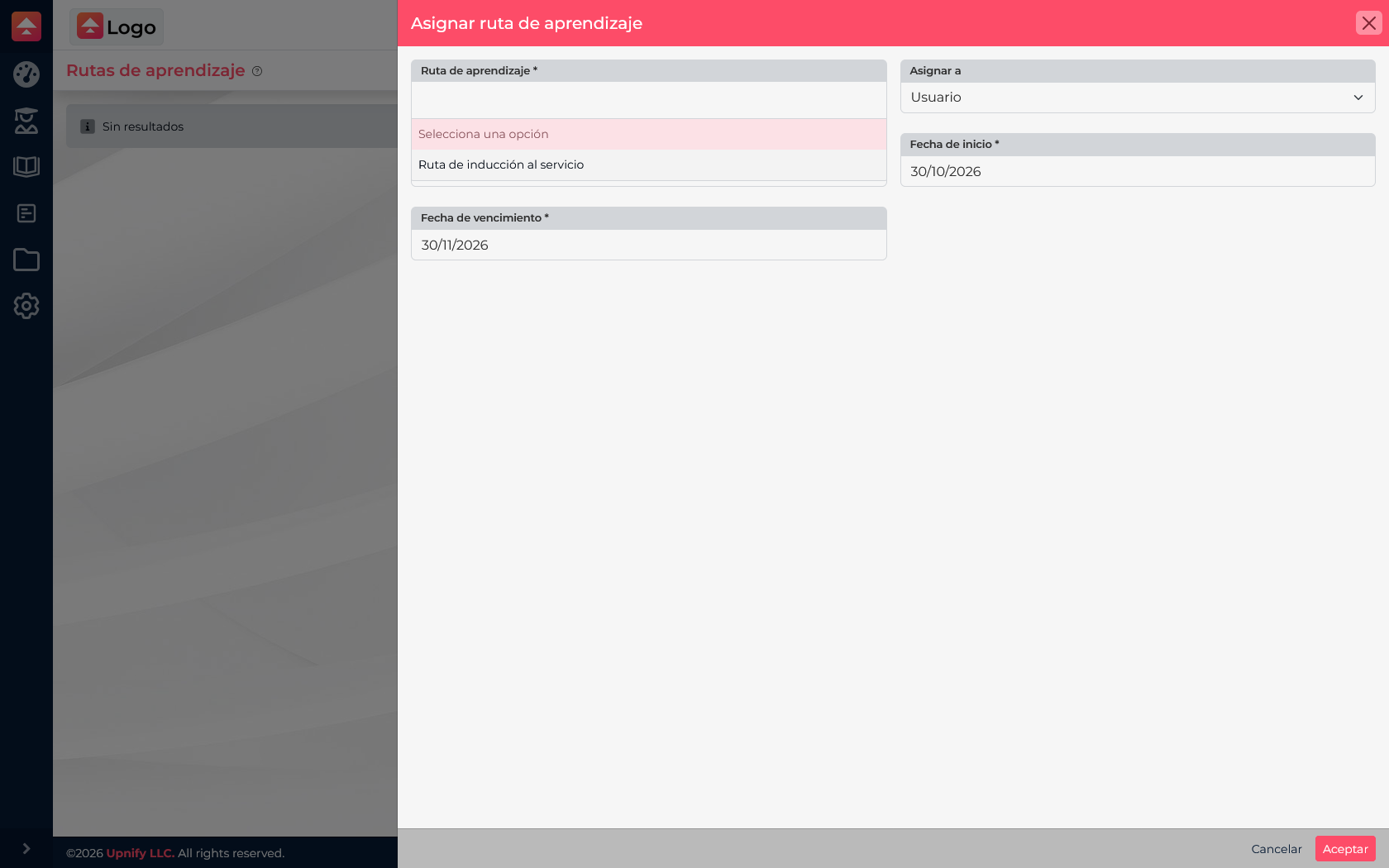
A route contains several courses in order. When you assign it to someone, the usage is based on the courses in that route that the person did not already have assigned: one Train credit is deducted for each new course assignment created through the route. Courses already assigned to that person are not charged again.
Example: a route contains two courses. If the learner already has the first course, assigning the route adds only the second course, so usage reflects that new assignment. If neither course was assigned, both are new assignments. Credits are not based on clicks or how many times someone opens a course; they are based on new courses assigned to that learner.
AI generation is a separate usage
If you use an AI feature to generate content inside a module, that process uses AI credits, separate from the Train credits used for course assignments. A successful content generation records the AI usage; it is not a credit per learner or per time the material is opened.
Actions that do not create a Train assignment
In the workflows reviewed, creating or editing instructor profiles, courses, and modules, adding or ordering courses in a route, and managing course materials do not by themselves create the Train assignment charge. Assignment usage occurs when new courses are saved for learners, directly or through a route. AI generation may have its own separate usage.
Available balances and terms depend on your account. Before assigning a course to a group or several people, check Licenses and consider how many new assignments will be created. If an assignment is not successfully created, no charge is recorded for that assignment.
A practical way to plan
- Prepare and review the course before assigning it.
- Check whether learners already have any included courses, especially before assigning a route.
- Count the new courses per learner to estimate Train assignment usage.
- Estimate AI content generations separately.
- Confirm recipients and dates. Saving creates the assignments and may notify the selected learners.