
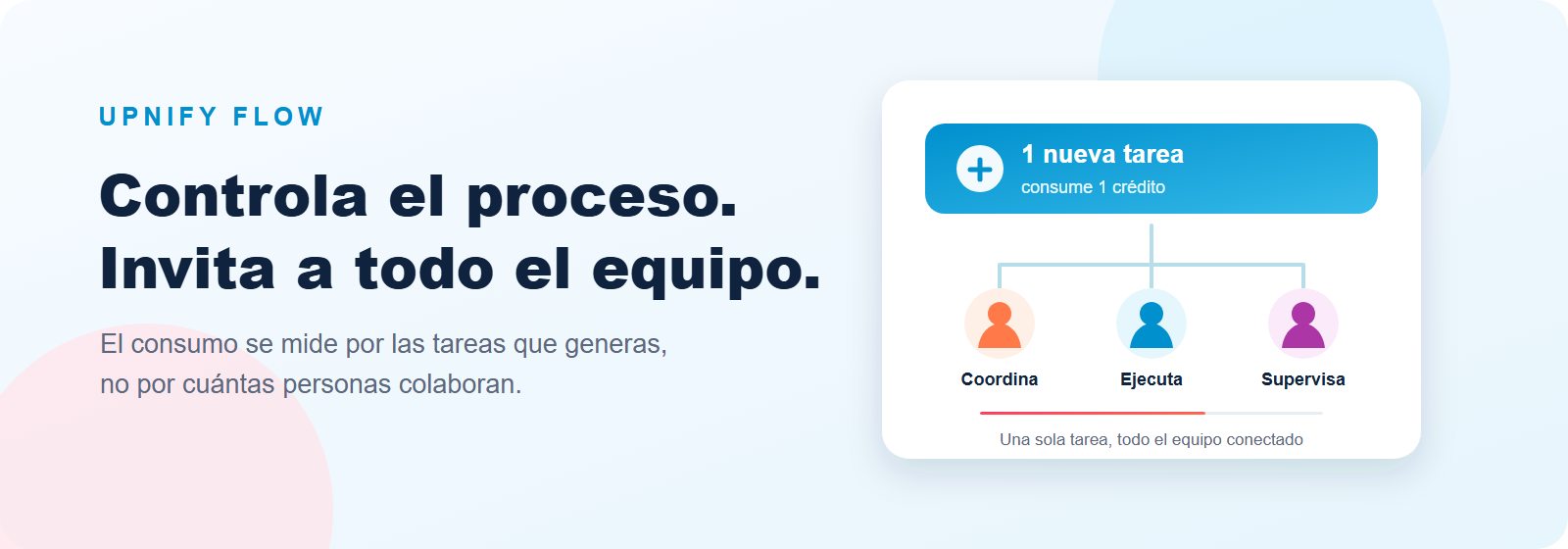
Upnify Flow helps you organize processes and follow the work across your operation. Its purchase model is based on the volume of tasks created, rather than charging a Flow license for every person who participates.
This lets you include the people who actually take part in a process: coordinators, technicians, supervisors and, when your package includes external collaboration, vendors or specialists. Work does not have to be restricted to one or two accounts just to avoid per-user fees.
What you pay for in Flow
You purchase a prepaid task package. Each package adds a balance your company uses as Flow tasks are created. It is not a monthly per-user subscription, and the published Flow information says purchased tasks accumulate and do not expire.
| Package | Tasks included | Published price | Approx. cost per task |
|---|---|---|---|
| Flow 200 | 200 | $89 USD | $0.45 USD |
| Flow 1000 | 1,000 | $409 USD | $0.40 USD |
| Flow 5k | 5,000 | $1,479 USD | $0.29 USD |
Flow 200 can be a simple way to start with a focused process. If your operation also needs external collaborators, multi-area automation or advanced capabilities, compare Flow 1000 and Flow 5k on the official Upnify Flow pricing page.
What uses a task credit
One credit is deducted whenever a new Flow task is created. The task may be created by a person or automatically by a rule; what counts toward the balance is the new task added to the work.
A credit is not deducted for every phase, assignee, comment, file or piece of evidence within the same task. Usage is tied to creating tasks, not to the number of people collaborating. If a workflow or recurrence creates several separate tasks, each one adds to the used volume.
What is not charged per person
Flow\u2019s operational benefit is that you can bring in the people who need to participate without multiplying the package price by the number of seats. You do not have to limit participation just to reduce license counts: include coordination, execution and supervision so each person can do their part and leave a record of progress.
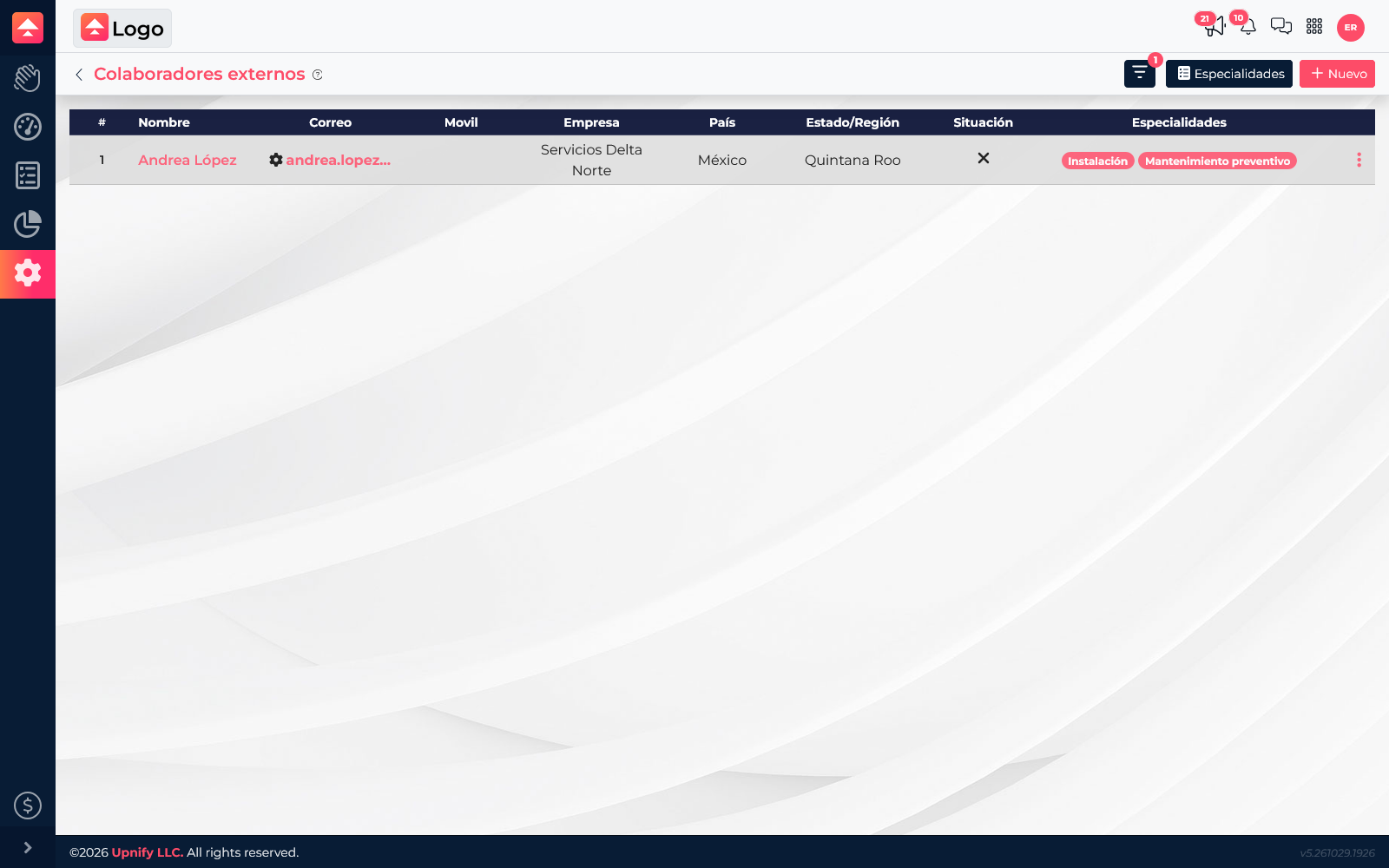
External collaborators are useful when a process step depends on a vendor, contractor or specialist outside your company. For example, the internal team can open and review a service order while the vendor receives its assigned task and records the work performed. This keeps evidence and follow-up in the same process instead of coordinating only through separate messages.
External collaboration depends on the package: the published offer lists it in Flow 1000 and Flow 5k. The account\u2019s Licensing screen may show Flow with unlimited users, but specific package features can have separate conditions. Check your plan if you need to confirm a particular capability.
How to estimate the package you need
Start by counting how many new tasks your operation creates in a typical period, not how many people work on it. For example, if each service request becomes a task, estimate the requests you handle and include separately created follow-up tasks. Then compare that volume with the packages and the capabilities your process requires.
- Define the process: such as installation, maintenance, order delivery or after-sales support.
- Estimate tasks: count every case recorded as a new task and any independent tasks created afterward.
- Include all participants: coordinators, owners, supervisors and external collaborators if your package offers that capability.
- Choose volume and features: compare included tasks, cost per task and the tools your team needs.
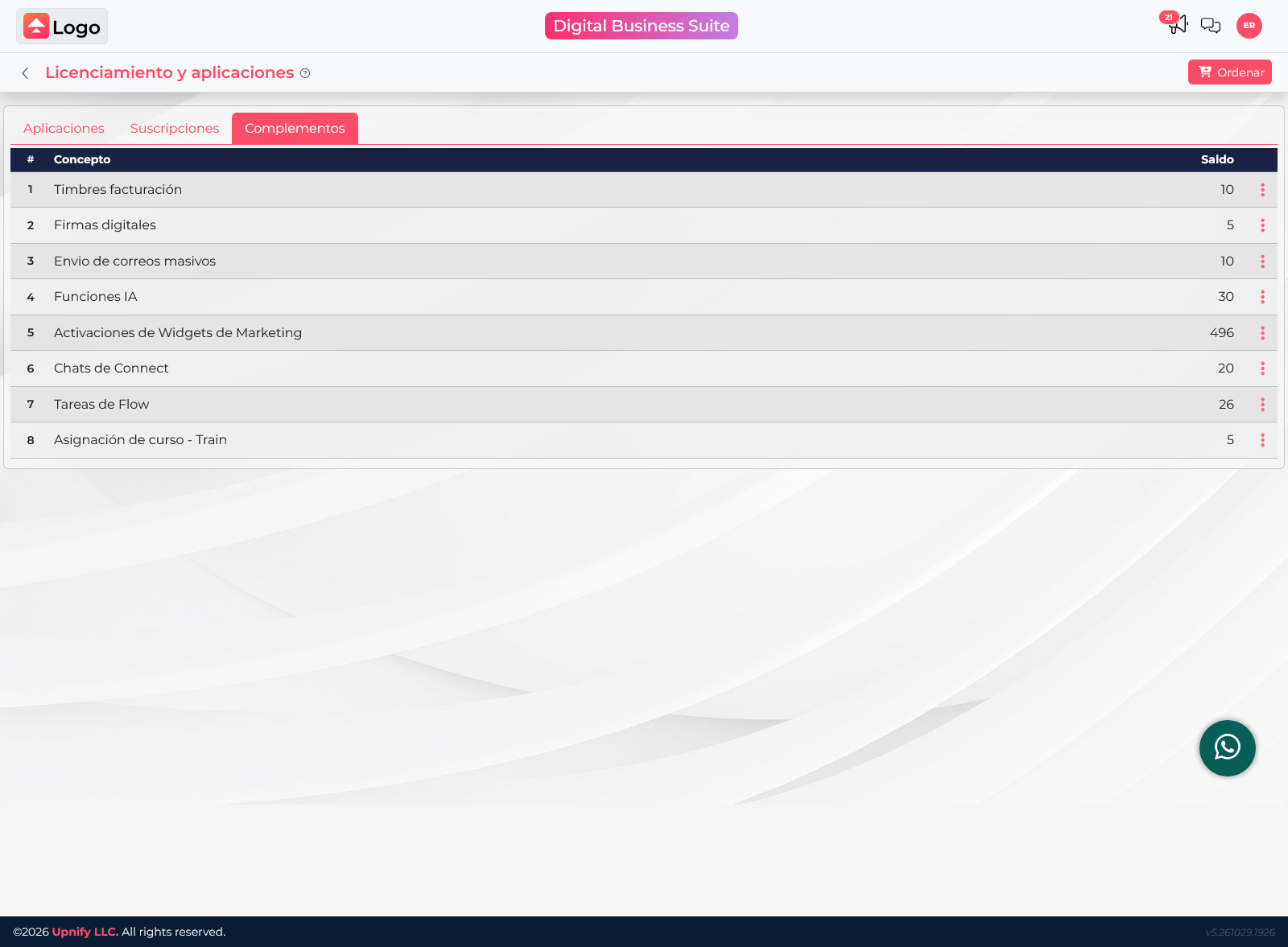
- Check your balance: in Suite, open the user menu, select Licensing and view the Add-ons tab.
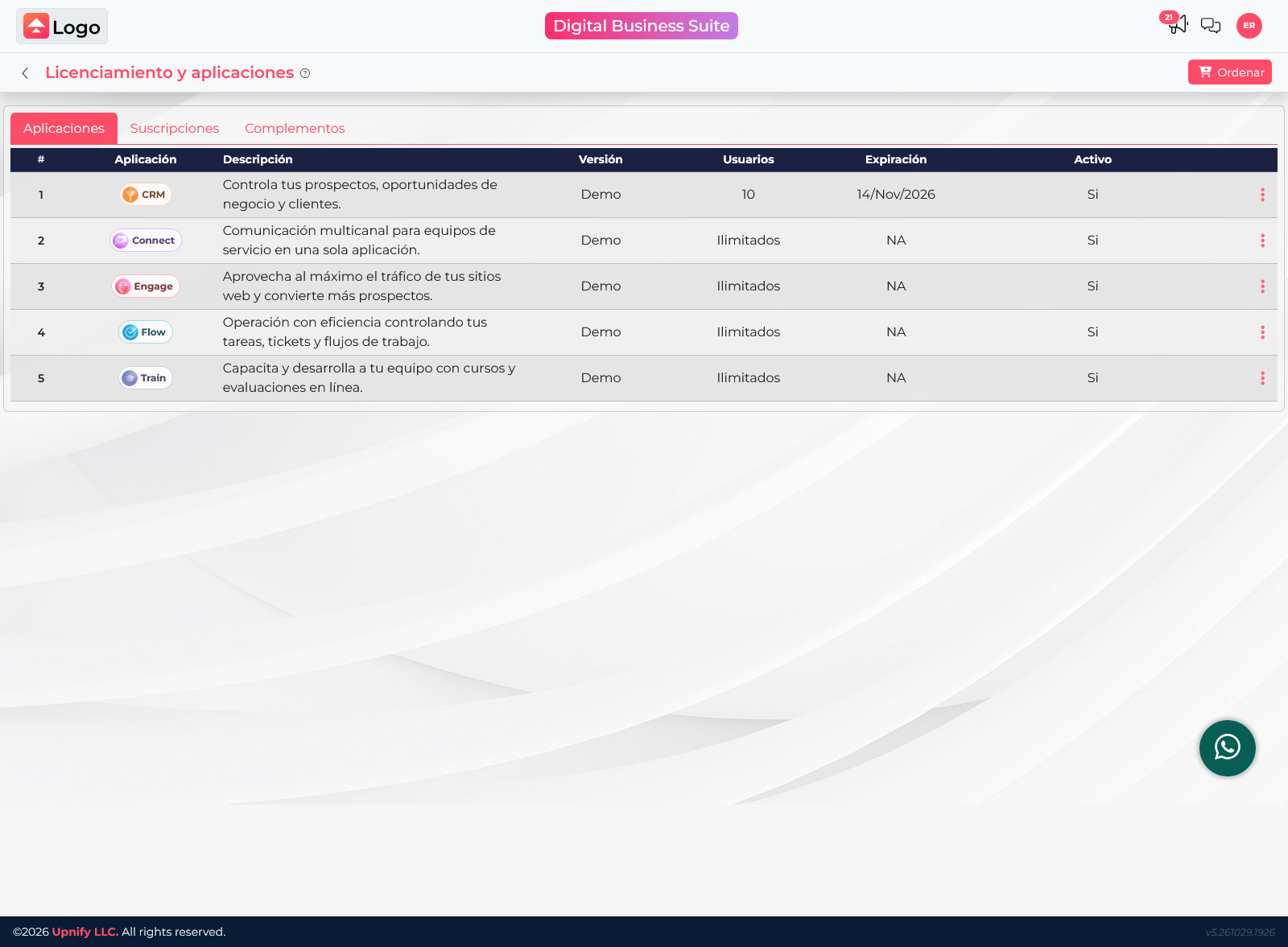
For help finding balances and renewals, see How to check licenses, capacity, credits and renewals in Upnify Suite.
Official reference: Flow packages and features.