
Automatically convert opportunities into sales from Flow
Set up a stage action so that Flow automatically converts a linked opportunity into a sale when a task reaches a defined point in your process. Automate the process
 Flow
Flow
Add a phase action so a linked opportunity is automatically converted into a sale when the task reaches the defined point in your process.
Upnify Flow introduces a new action to connect your operational processes even more closely with CRM: Convert Opportunity to Sale.
With this automation, a task can trigger the commercial closing of an opportunity without requiring your team to perform the conversion manually from CRM.
Go to Flow \u2192 Settings \u2192 Workflows, open the workflow phases, and add a new phase action of the type Convert Opportunity to Sale.
How does it work?
1. The task reaches a phase where this action is configured.
2. Flow validates that there is an active opportunity directly linked to the task.
3. If the condition is met, the opportunity is automatically converted into a sale.
4. The system records the result in the task history.
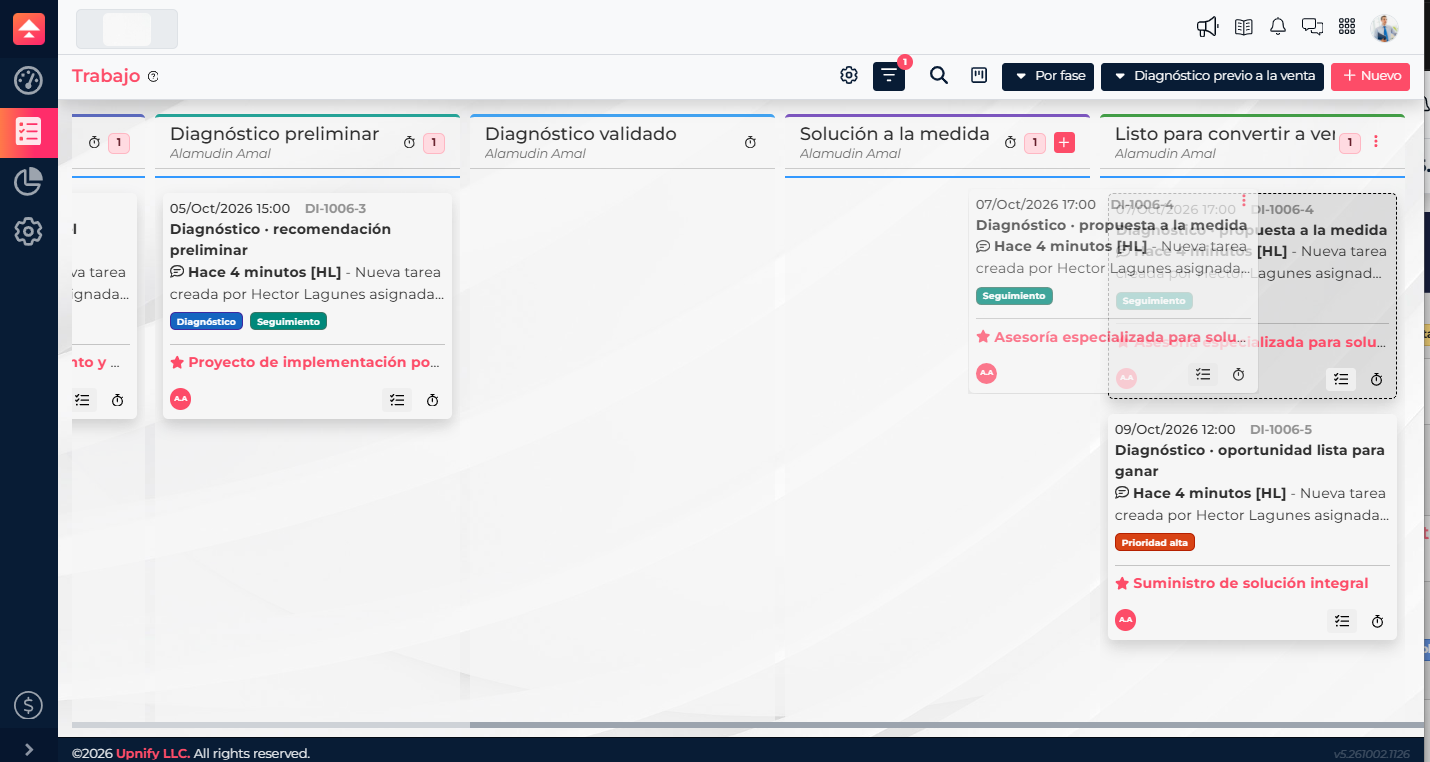
When the conversion is performed, the products, amounts, discounts, taxes, currency, and values recorded in the opportunity are retained. The closing date will be the date when the task reached the phase that triggered the action.
Define how the sale should be created
When configuring the action, you can decide whether automatically generated sales should be created as paid or unpaid.
If your company has Upnify ERP active, you will also be able to select the issuing Legal Entity that should be linked to the sales created by this automation.
Important: the action only runs when the task has an active opportunity directly linked to it. Flow will not search for or select opportunities related to the contact, customer, or company.
Allow the actual progress of a process in Flow to determine when an opportunity should be converted into a sale and keep your operations connected to the sales process.