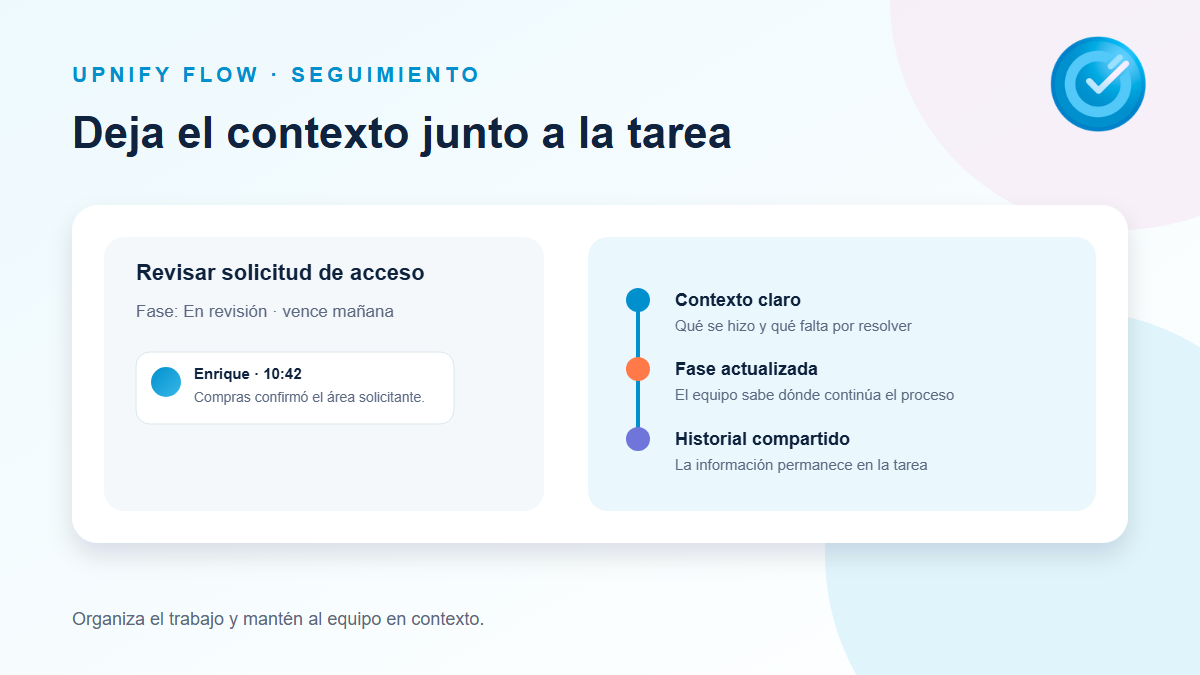
How to add comments and keep task follow-up in FlowRecord progress, decisions, and next steps in the Flow task details so the context stays with the task.Read article
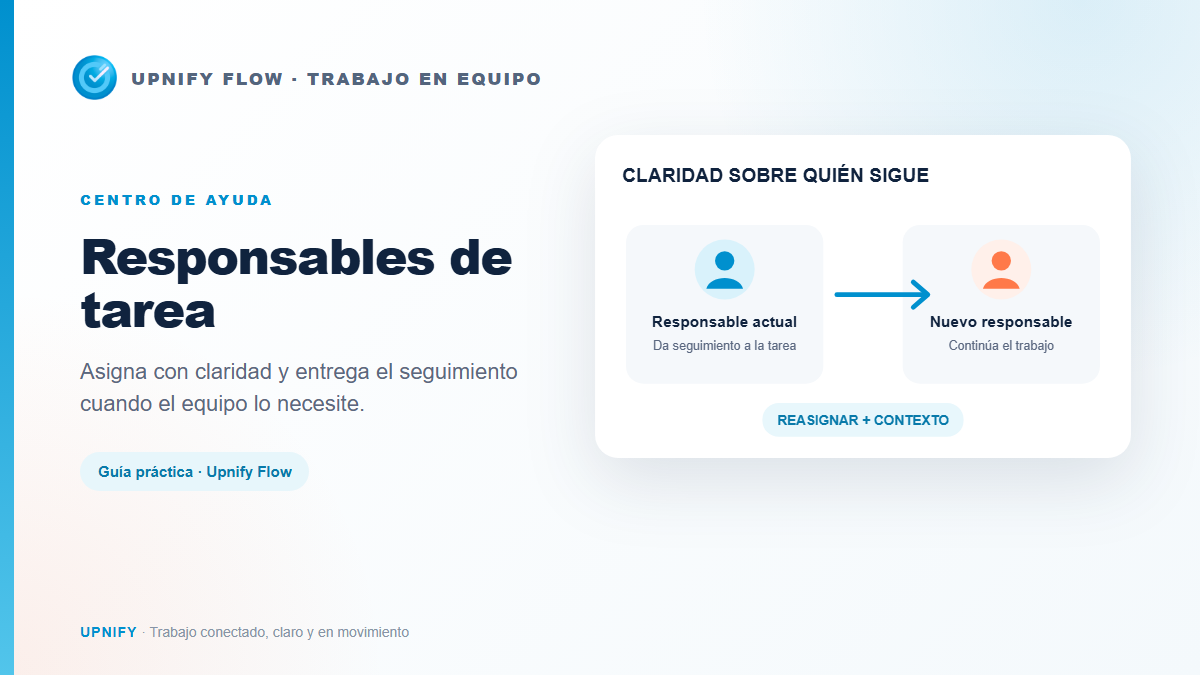
How to assign or reassign task ownersChoose who will follow up on a task and transfer ownership with context when the work changes hands.Read article
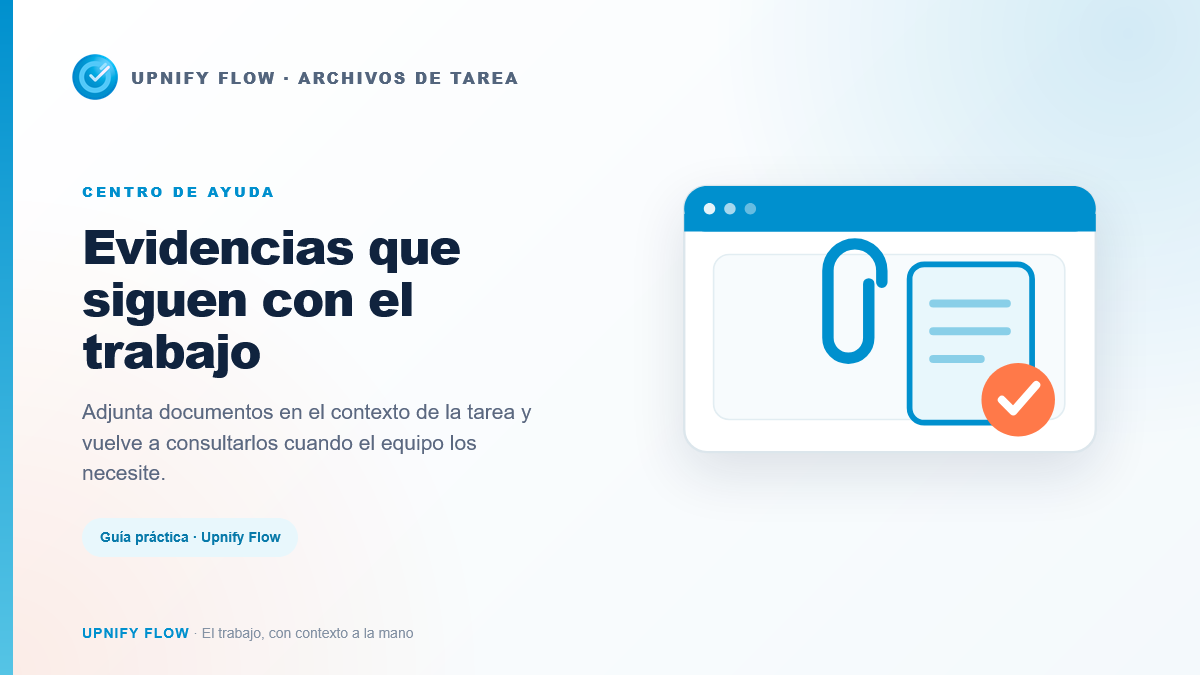
How to attach files and review task evidenceAttach documents from CRM, your computer, or OneDrive and find them later in the Flow task details.Read article
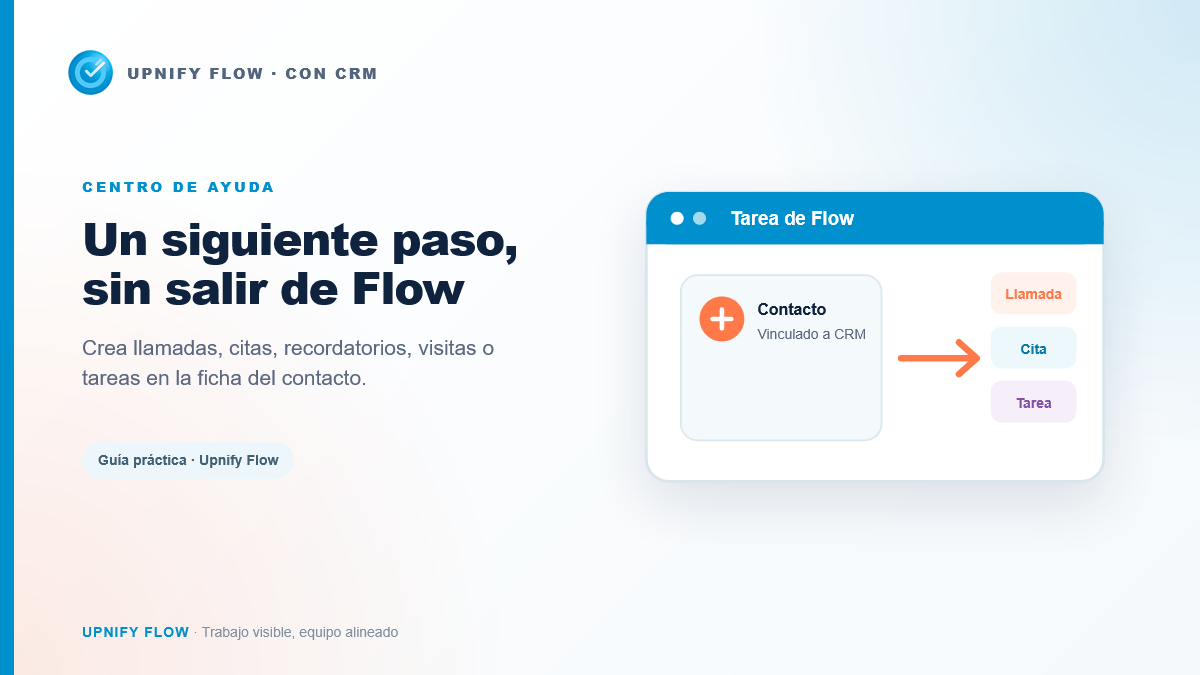
How to create CRM follow-ups from FlowSchedule CRM calls, appointments, reminders, visits, or tasks from the contact linked to a Flow task.Read article
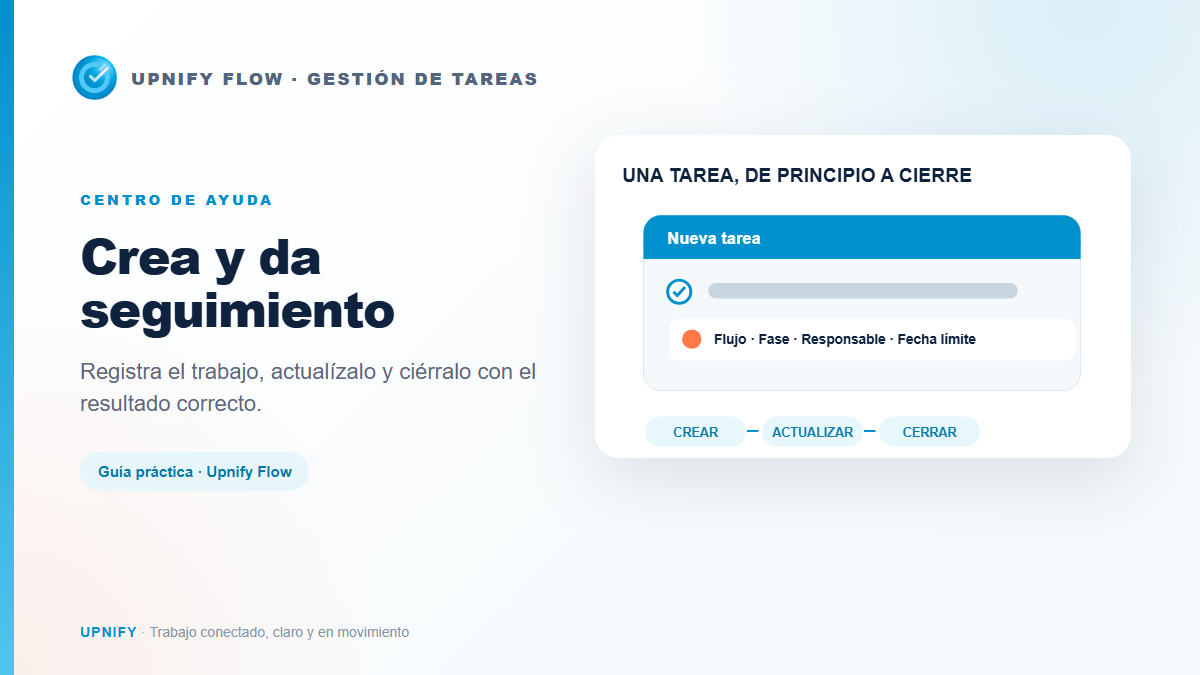
How to create, edit, complete, and cancel a Flow taskCreate a task with its workflow, assignee, and due date; update it as work progresses and close it as completed or canceled.Read article
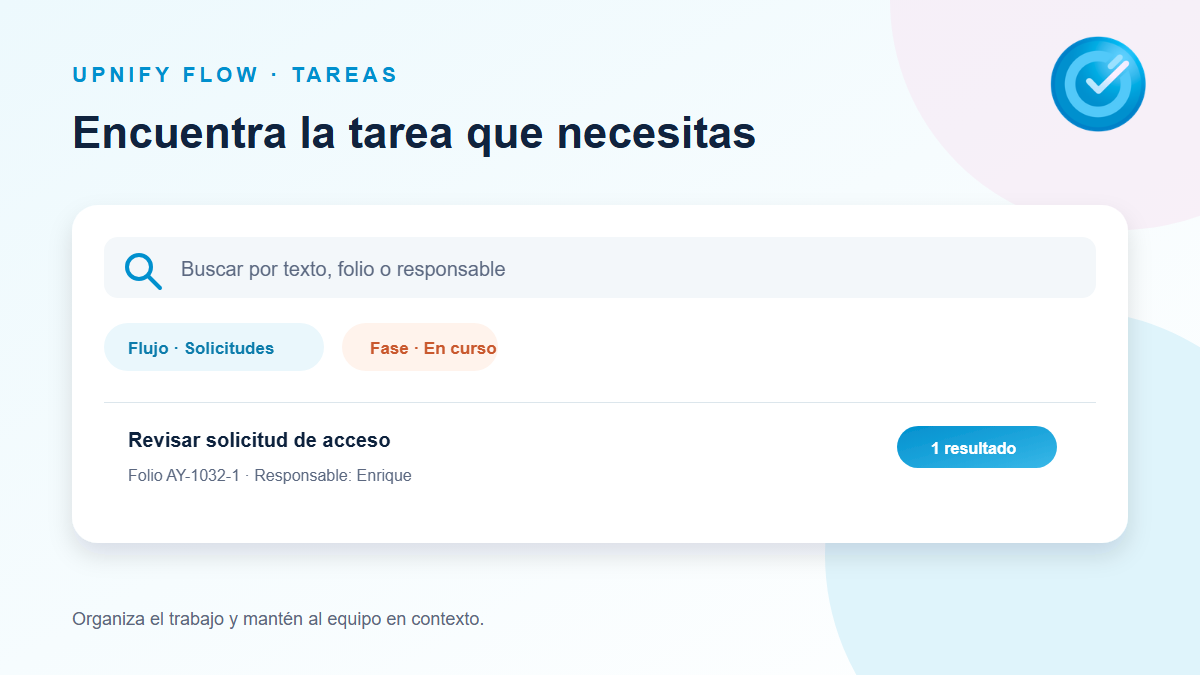
How to search for tasks and apply filtersFind a task by its details and use filters to focus on an assignee, phase, workflow, or date range.Read article
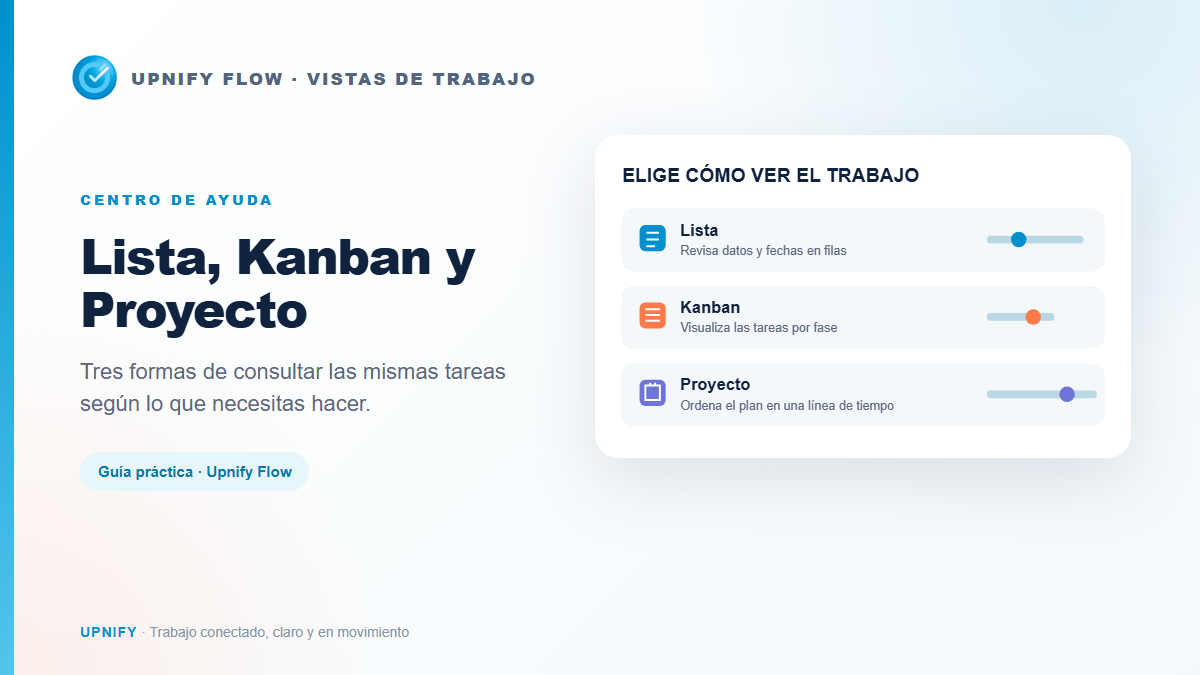
How to view tasks in List, Kanban, and Project viewsChoose List, Kanban, or Project to review tasks, phases, assignees, and dates based on what you need to organize.Read article
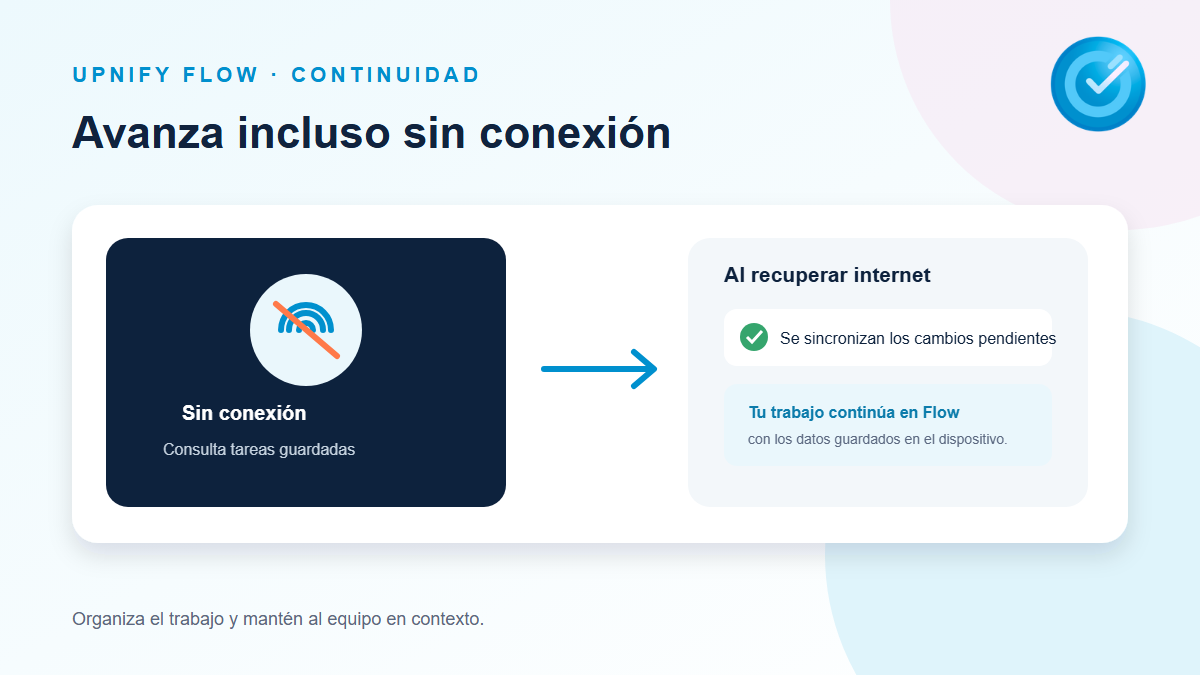
How to work with Flow tasks offline and sync changesPrepare a workflow for offline access, work with available tasks, and learn what happens when you reconnect.Read article