Choosing an email mode for CRMChoose whether CRM sends email, receives replies, or does both based on your team’s workflow.Read article
How to check email credits and sending limitsTell mass-email credits apart from each executive\u2019s daily limit and your email provider\u2019s sending restrictions.Read article
How to configure a business email account with SMTP/IMAPConnect a company mailbox using the server details provided by its email service.Read article
How to configure your signature, sender, Reply-To, and automatic copiesSet each account’s outgoing identity, including sender, reply address, automatic blind copies, and signature.Read article
How to connect Gmail or Google Workspace with an app passwordSet up Gmail in CRM using SMTP to send email and IMAP to receive it, with a Google app password.Read article
How to connect Microsoft 365 through the APIAuthorize a Microsoft 365 mailbox to send or receive email from CRM.Read article
How to Create and Manage Bulk Email CampaignsPrepare a one-time email send, choose its recipients, schedule it, and review the outcome.Read article
How to Create Automatic Sequences and Configure Their MessagesChoose a tag that starts the follow-up and arrange messages with the right content and timing.Read article
How to Create Templates in Upnify CRMCreate and share email, SMS, and WhatsApp templates for your team. Learn where Meta-approved templates are managed separately.Read article
How to fix email connection, sync, and delivery issuesIdentify whether receiving or sending failed, then check the account, sync, and provider before retrying.Read article
How to insert personalization tags and custom fieldsInsert contact or custom-field data into messages and documents without typing each value manually.Read article
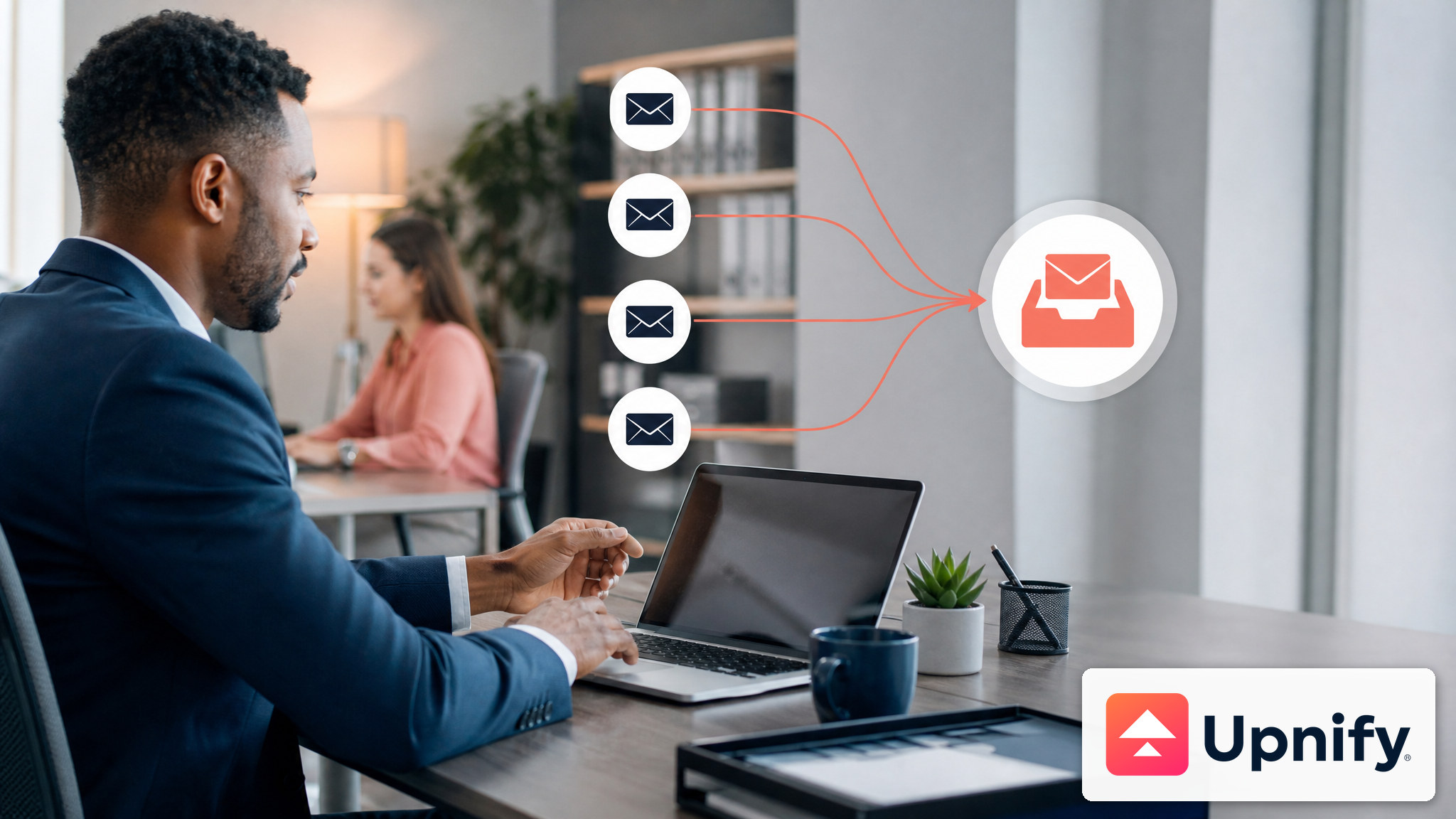
How to manage multiple email accounts and use the unified inboxConnect incoming accounts, outgoing accounts, or both, set a default account, and organize messages in My Email.Read article
How to Pause, Resume, and Review Campaign and Sequence ResultsControl an entire sequence or an individual contact, then review the performance of your sends.Read article
How to schedule emails and review sent messagesSchedule a message for a future date and time, then review its status in CRM’s inbox and reports.Read article
How to send SMS and check their status or creditsSend a message from a contact record, check how many SMS segments it will use, and review send records and available credits.Read article
How to set up SendGrid with an API keyCreate a key with mail-sending permission and connect the SendGrid-Api-Key option available in CRM email accounts.Read article
How to use WhatsApp in CRM and distinguish Meta-approved templatesPrepare a message from a contact record and learn when to use WhatsApp directly versus a Meta-approved template.Read article
How to write and reply to emails in CRMWrite from My email, use templates, and reply to conversations in CRM while keeping each contact’s context.Read article
What is the Upnify campaign email account and how do you use it?Learn about the managed account CRM uses for bulk email campaigns and how it differs from your personal email account.Read article
Which CRM templates are available and what each one is forCompare email, SMS, and WhatsApp templates, learn their limits, and choose how to share them with your team.Read article