Choosing an email mode for CRMChoose whether CRM sends email, receives replies, or does both based on your team’s workflow.Read article
How records relate in Upnify CRMLearn how contacts, prospects, opportunities, customers, and sales connect across your CRM records.Read article
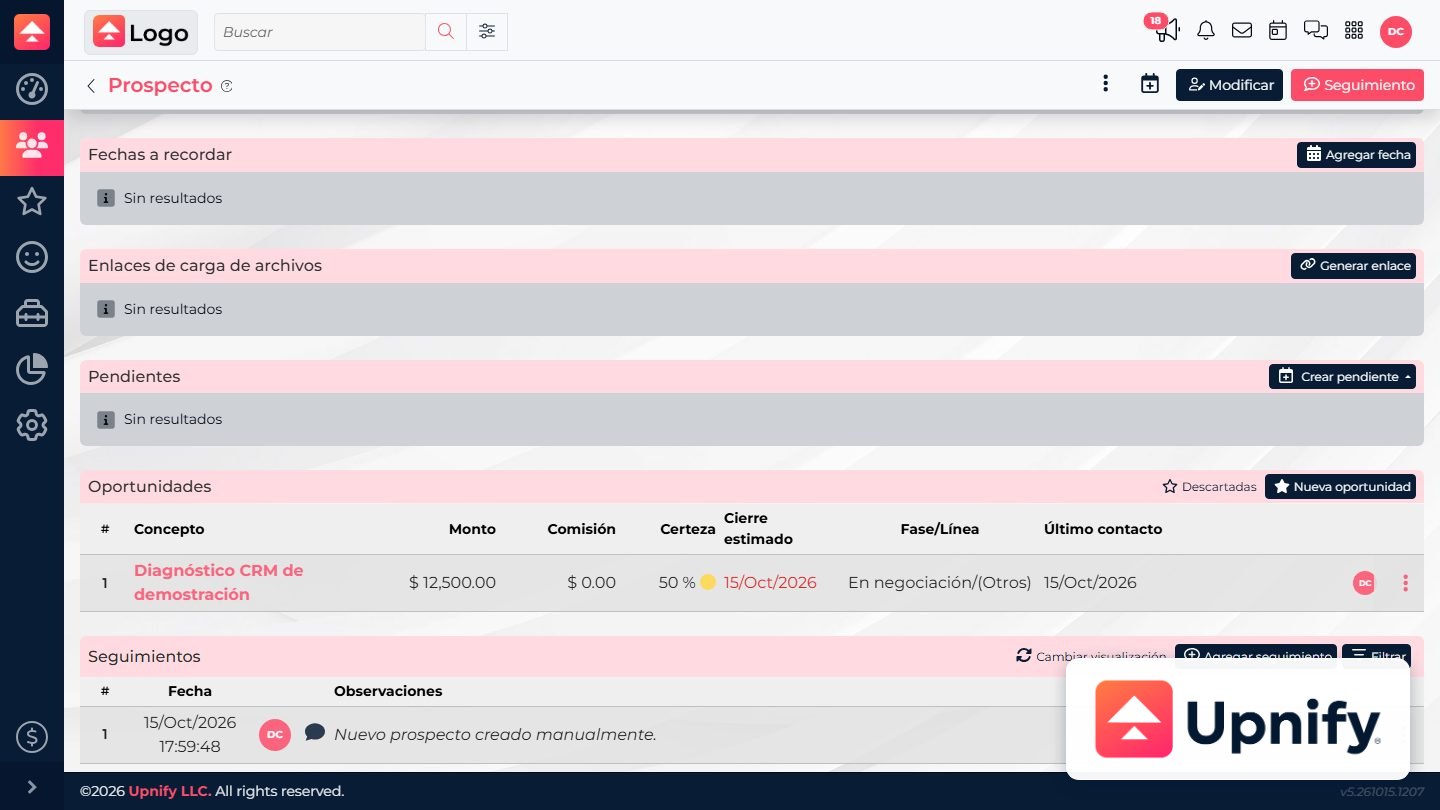
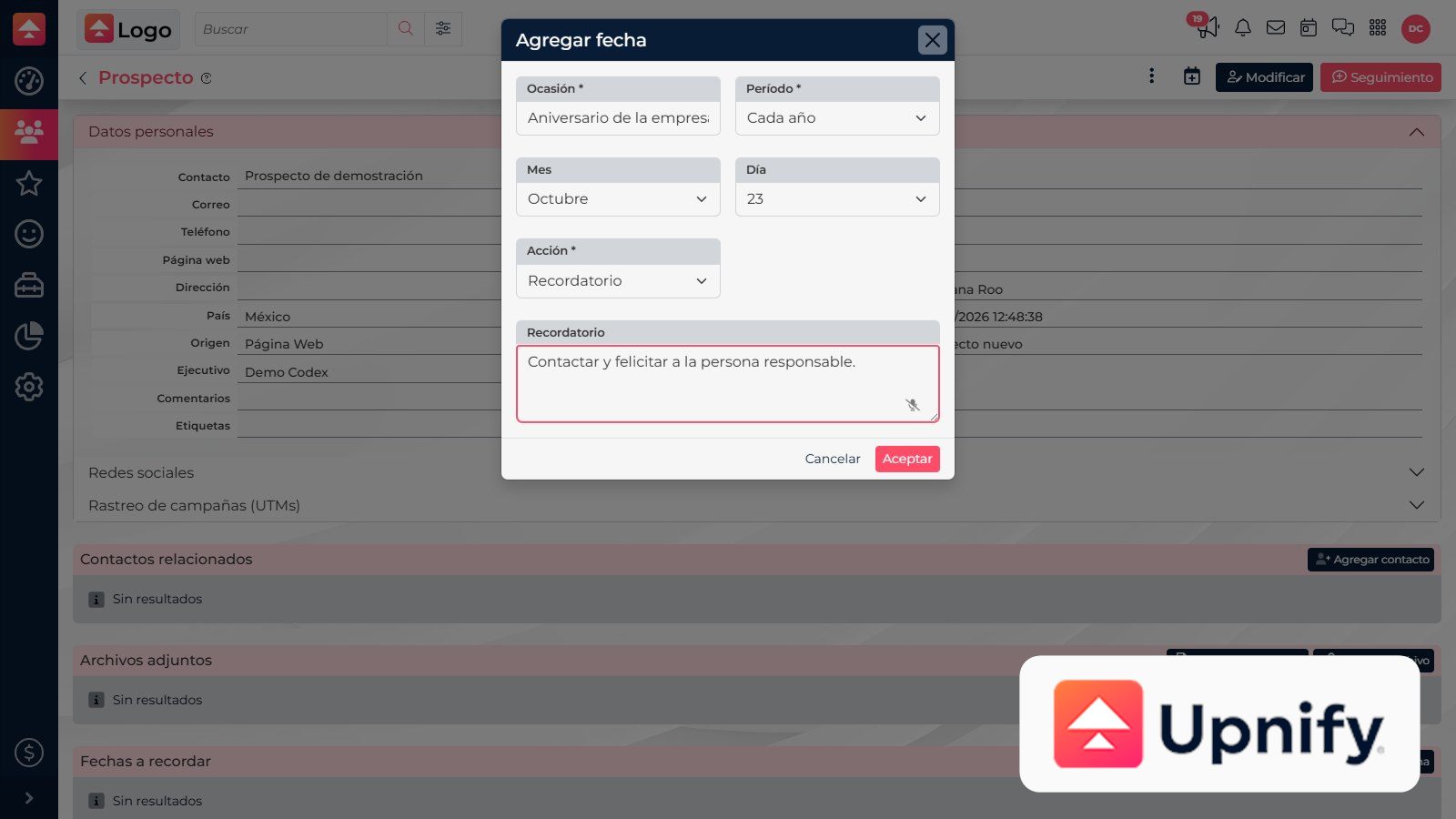
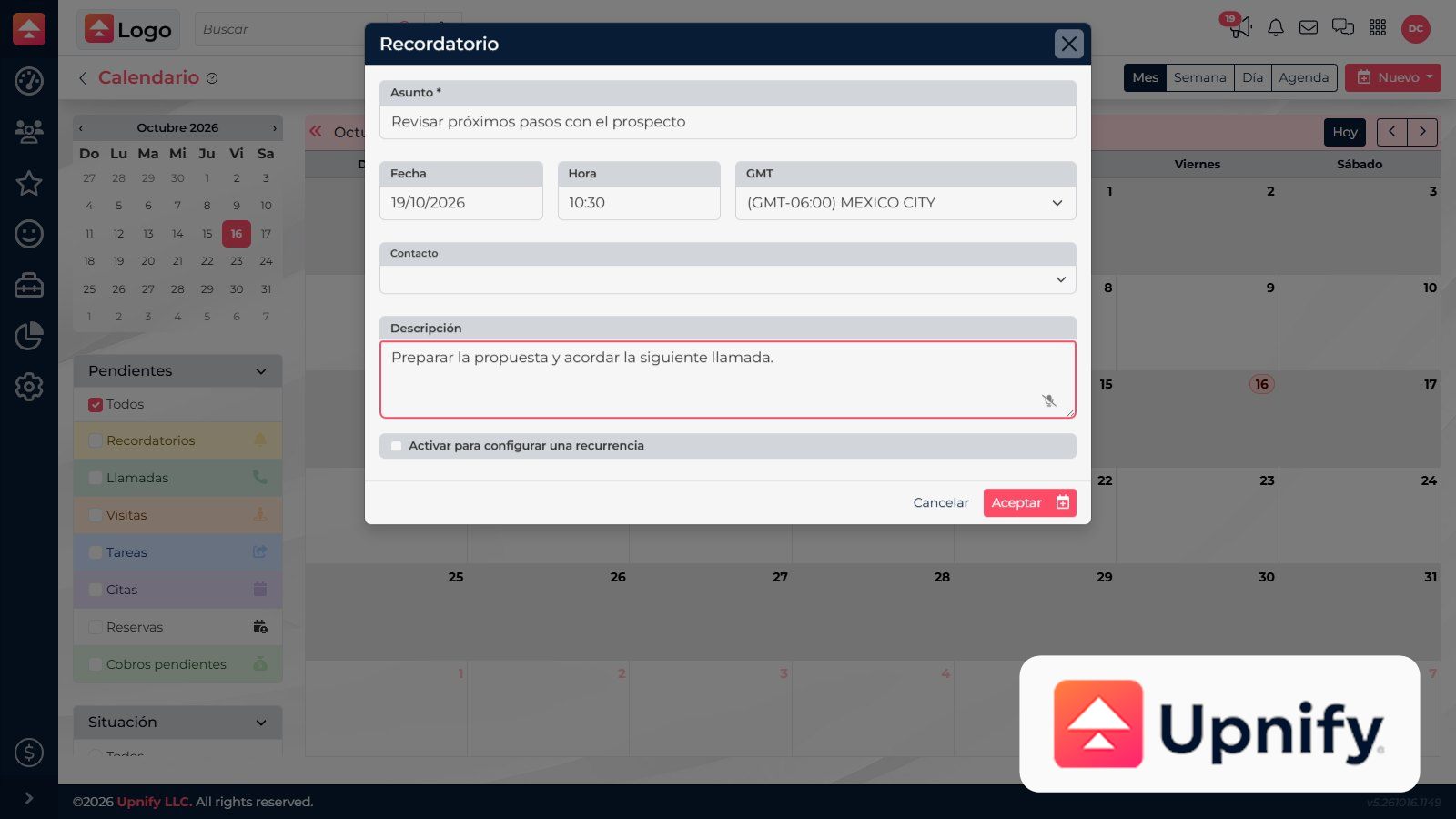
How to add important dates and remindersSave important dates on a record and choose whether to receive a reminder or send an email.Read article
How to add taxes to the quote toolSet up the taxes available in CRM and review how they apply to quoted products.Read article
How to archive, discard, and restore contactsLearn when to archive a contact, when to discard it, and how to restore archived records.Read article
How to attach, find, and download files from contacts, opportunities, quotes, and salesLink each file to the right record and find it again in Attached files.Read article
How to cancel or delete a sale and understand the effectsLearn when Delete is available, what it means for the record, and why some sales cannot be canceled.Read article
How to check email credits and sending limitsTell mass-email credits apart from each executive’s daily limit and your email provider’s sending restrictions.Read article
How to check invoice status and handle corrections or cancellationsFind a sale's invoices, understand their status, and choose the next step when a document needs attention.Read article
How to classify contacts with commercial detailsRecord origin, phase, company, owner, and tags to understand the context of each relationship.Read article
How to close opportunities as won or lostRecord the actual outcome: convert won opportunities into sales and discard lost ones with a reason.Read article
How to configure a business email account with SMTP/IMAPConnect a company mailbox using the server details provided by its email service.Read article
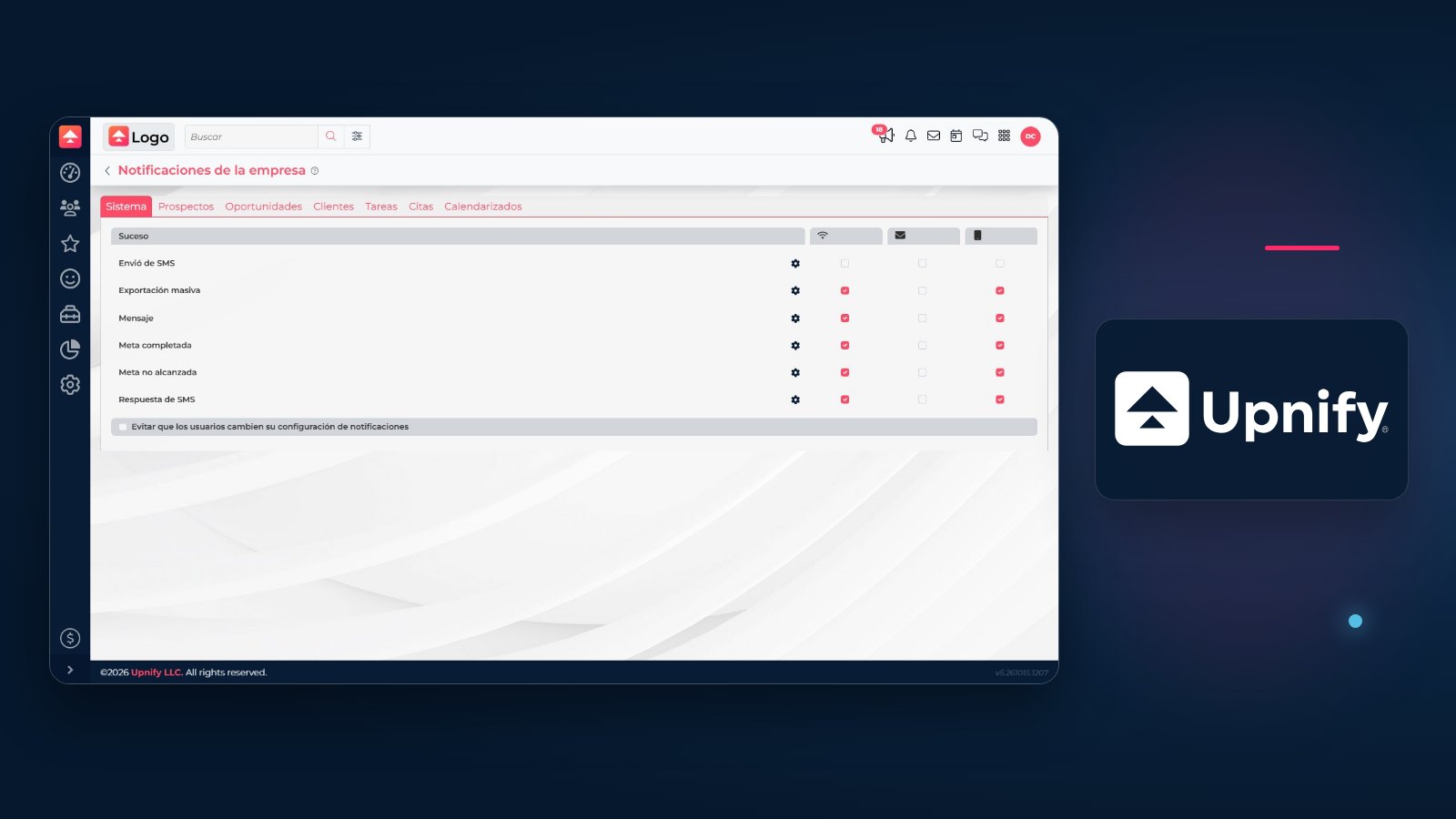
How to Configure CRM NotificationsChoose which events can generate company alerts and how each user can set personal notification preferences.Read article
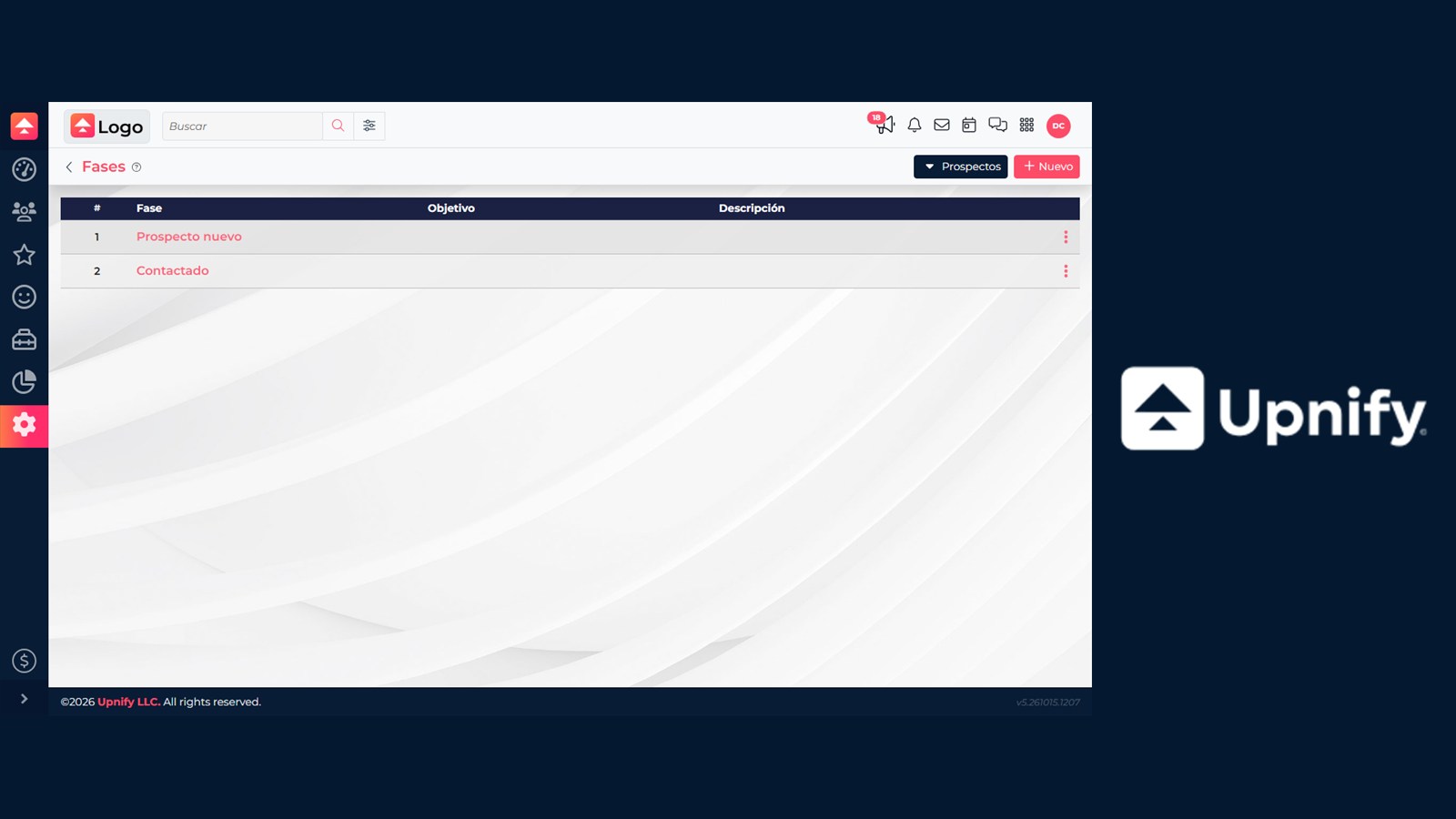
How to configure CRM phases and their actionsSet up phases for prospects, opportunities, or customers, then configure what should happen when a record enters each phase.Read article
How to configure discounts, commissions, and minimum pricesSet limits and percentages so quotes follow clear pricing rules.Read article
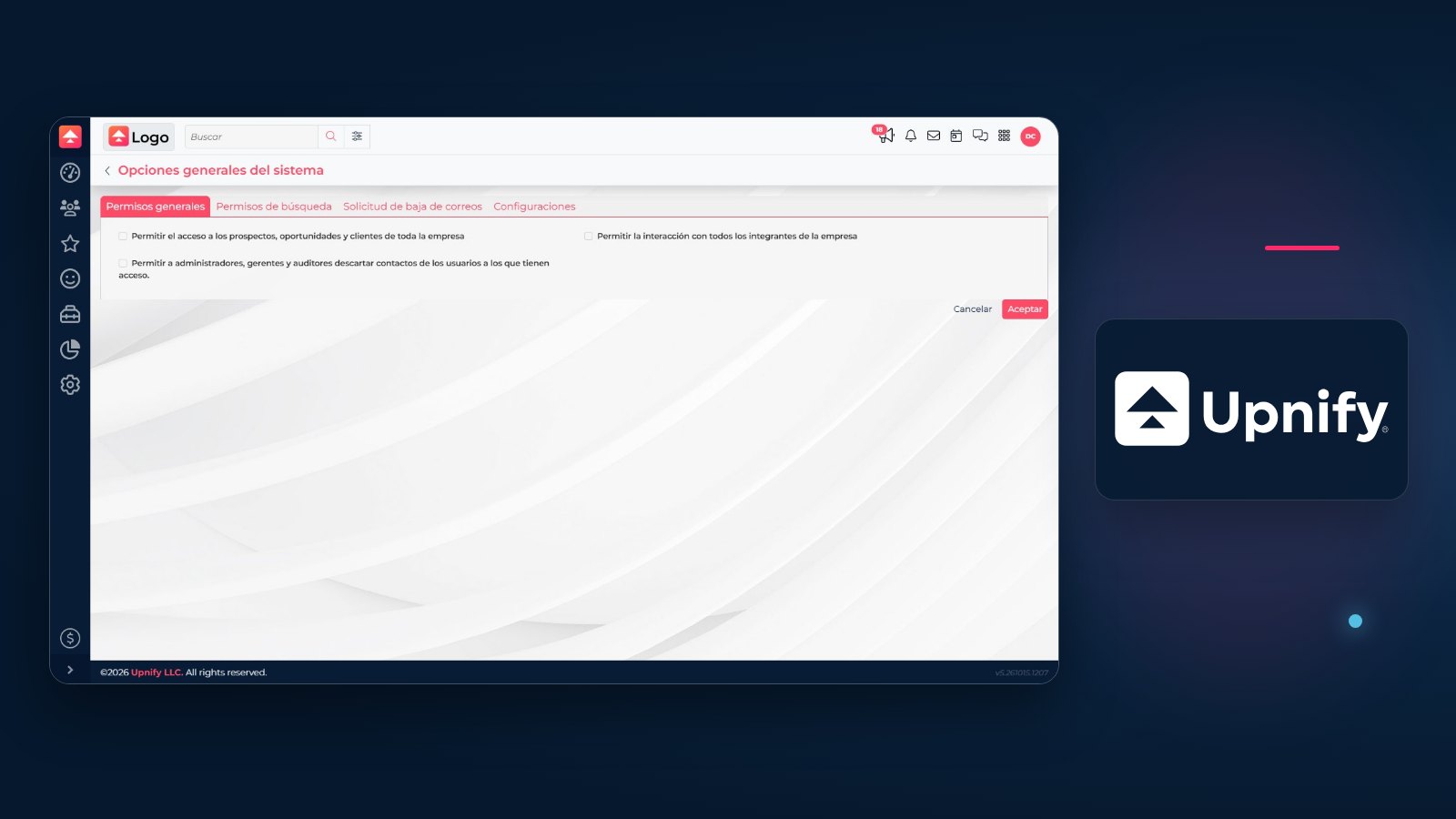
How to Configure General CRM OptionsSet general and search permissions, the unsubscribe message, and data-entry options with a clear understanding of their company-wide impact.Read article
How to configure price lists, currencies, and exchange ratesOrganize prices by customer or channel and choose the currencies CRM uses for quotes.Read article
How to configure products for quotingPrepare the product and service catalog so your team can quote consistent names, units, and prices.Read article
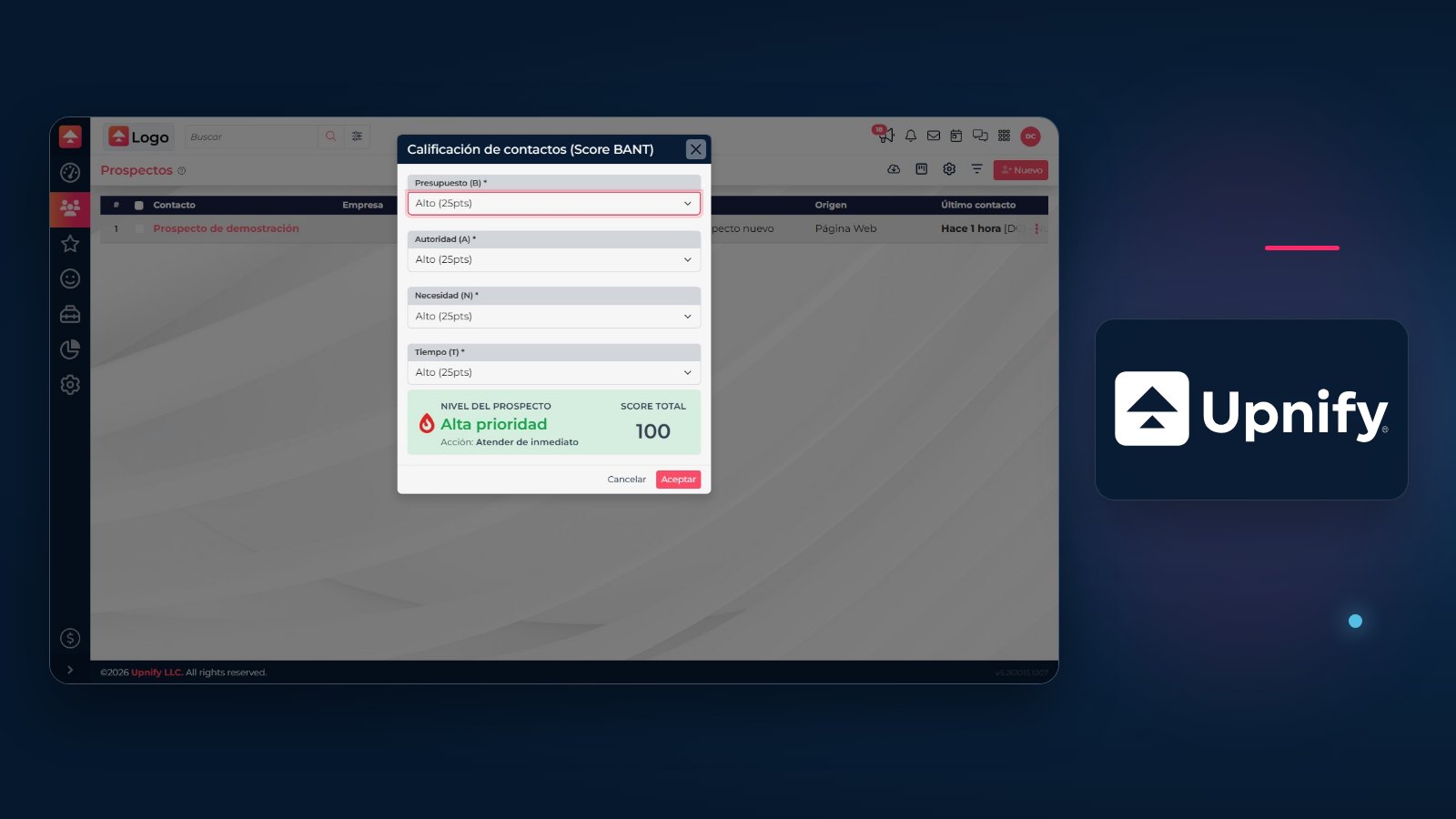
How to Configure Prospect Scoring in CRMCompare BANT and manual ratings with automatic origin rules to prioritize prospects using clear criteria.Read article
How to configure quote numberingSet the starting number, series, and scope for quote numbers inserted into generated documents.Read article
How to configure your signature, sender, Reply-To, and automatic copiesSet each account’s outgoing identity, including sender, reply address, automatic blind copies, and signature.Read article
How to connect Gmail or Google Workspace with authorizationAuthorize your Google account from CRM to send or receive email without entering your password in a manual form.Read article
How to connect Microsoft 365 through the APIAuthorize a Microsoft 365 mailbox to send or receive email from CRM.Read article
How to convert a prospect into a customerUpdate a contact’s status when the customer relationship begins and continue from the same record.Read article
How to create a prospectAdd an interested person to CRM and capture the information needed to begin sales follow-up.Read article
How to create a quote with catalog productsAdd products to an opportunity and review prices, taxes, and totals before presenting your proposal.Read article
How to create an opportunityCreate an opportunity from the right contact and record the details your team needs to follow it.Read article
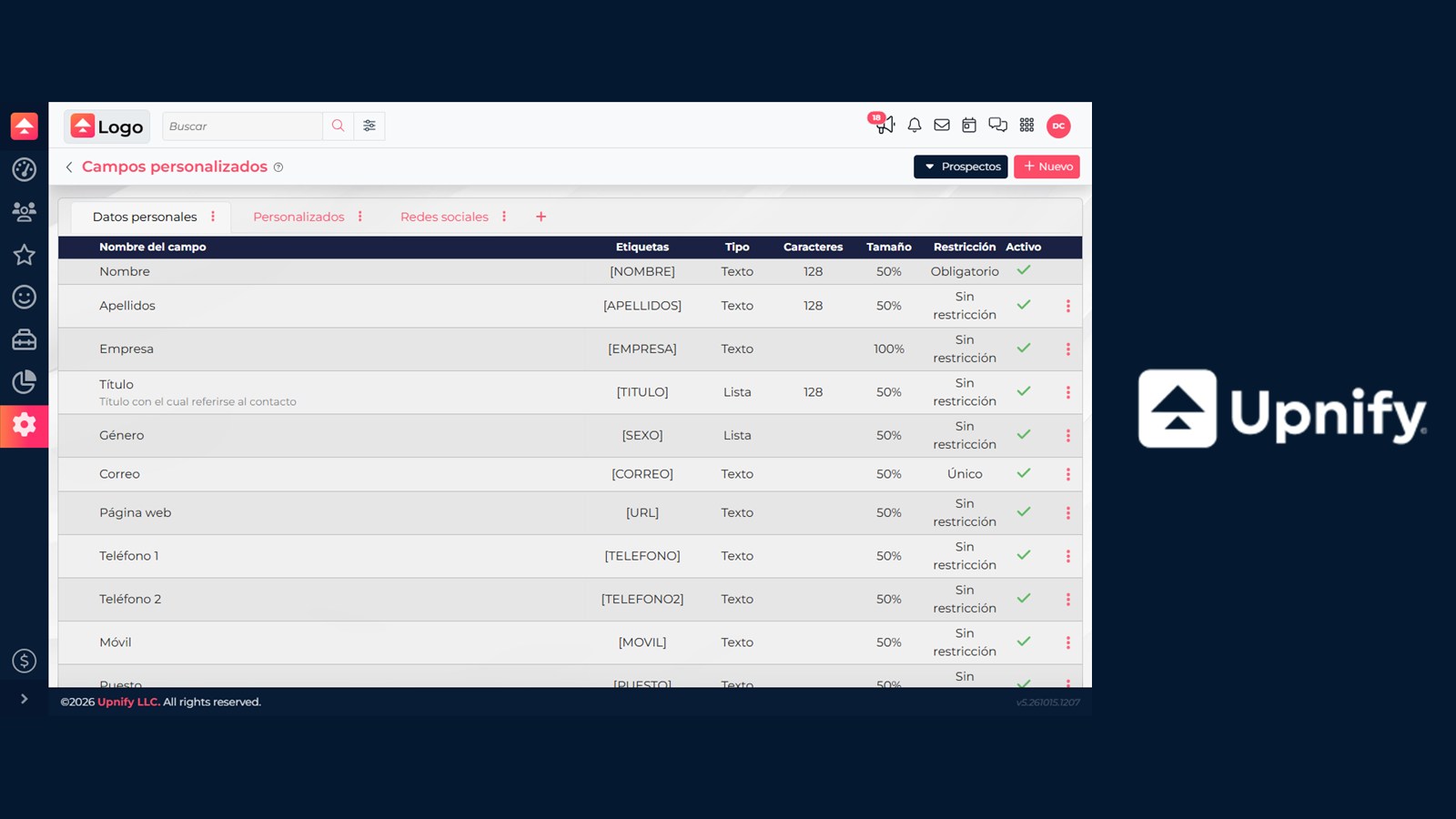
How to Create and Organize Custom FieldsAdd the information your team needs to prospects, opportunities, customers, and other records, then organize fields into tabs.Read article
How to create and update customers in your portfolioKeep your customer portfolio current and distinguish a new customer record from an existing prospect conversion.Read article
How to create pro forma invoices and CFDIs, choose PUE or PPD, and issue payment complementsPrepare an invoice from a sale, distinguish review from issuance, and follow up on PPD payments.Read article
How to create quote templatesDesign a reusable quote template with your company branding, customer details, product lines, and totals.Read article
How to Create Templates in Upnify CRMCreate and share email, SMS, and WhatsApp templates for your team. Learn where Meta-approved templates are managed separately.Read article
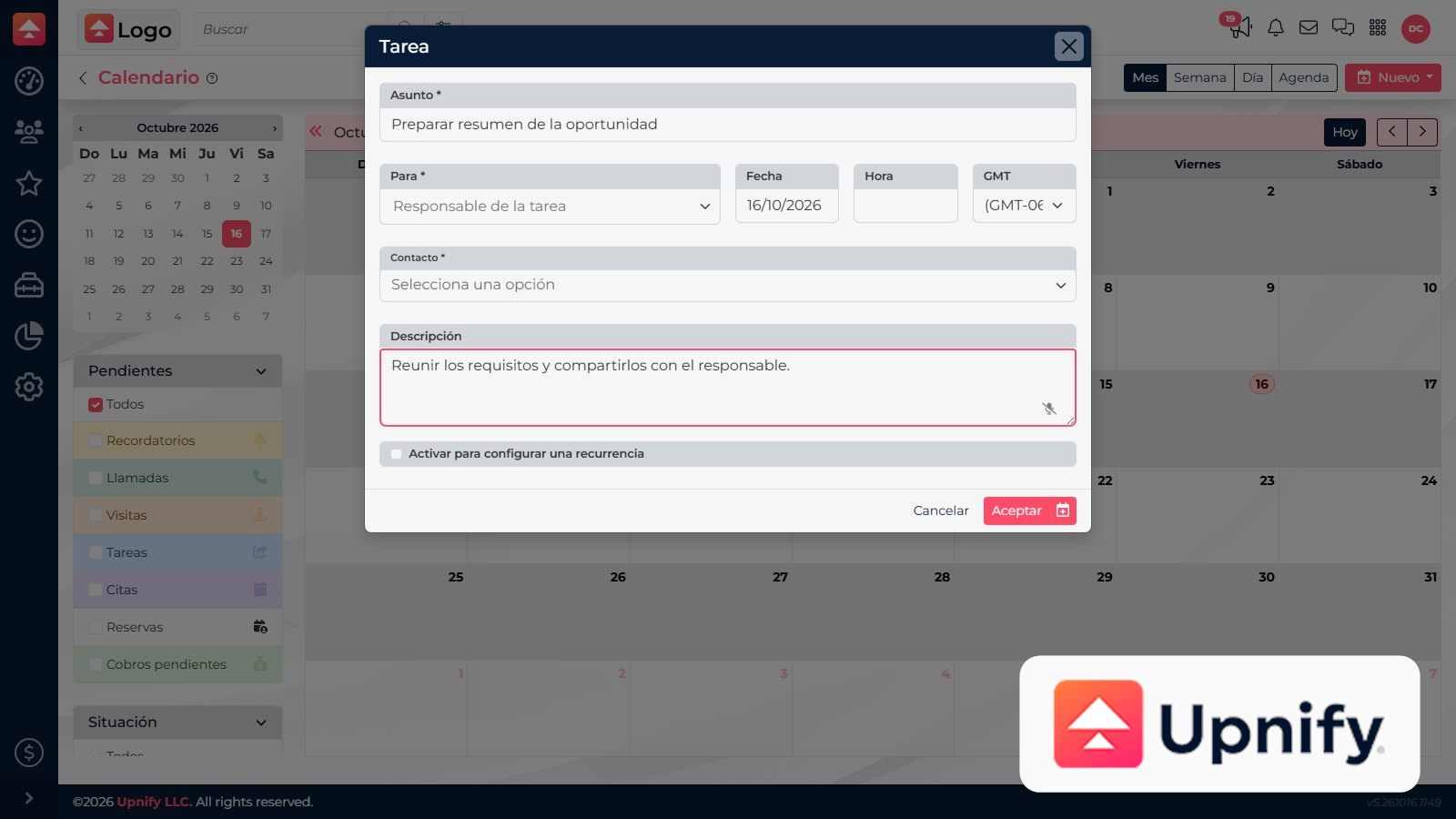
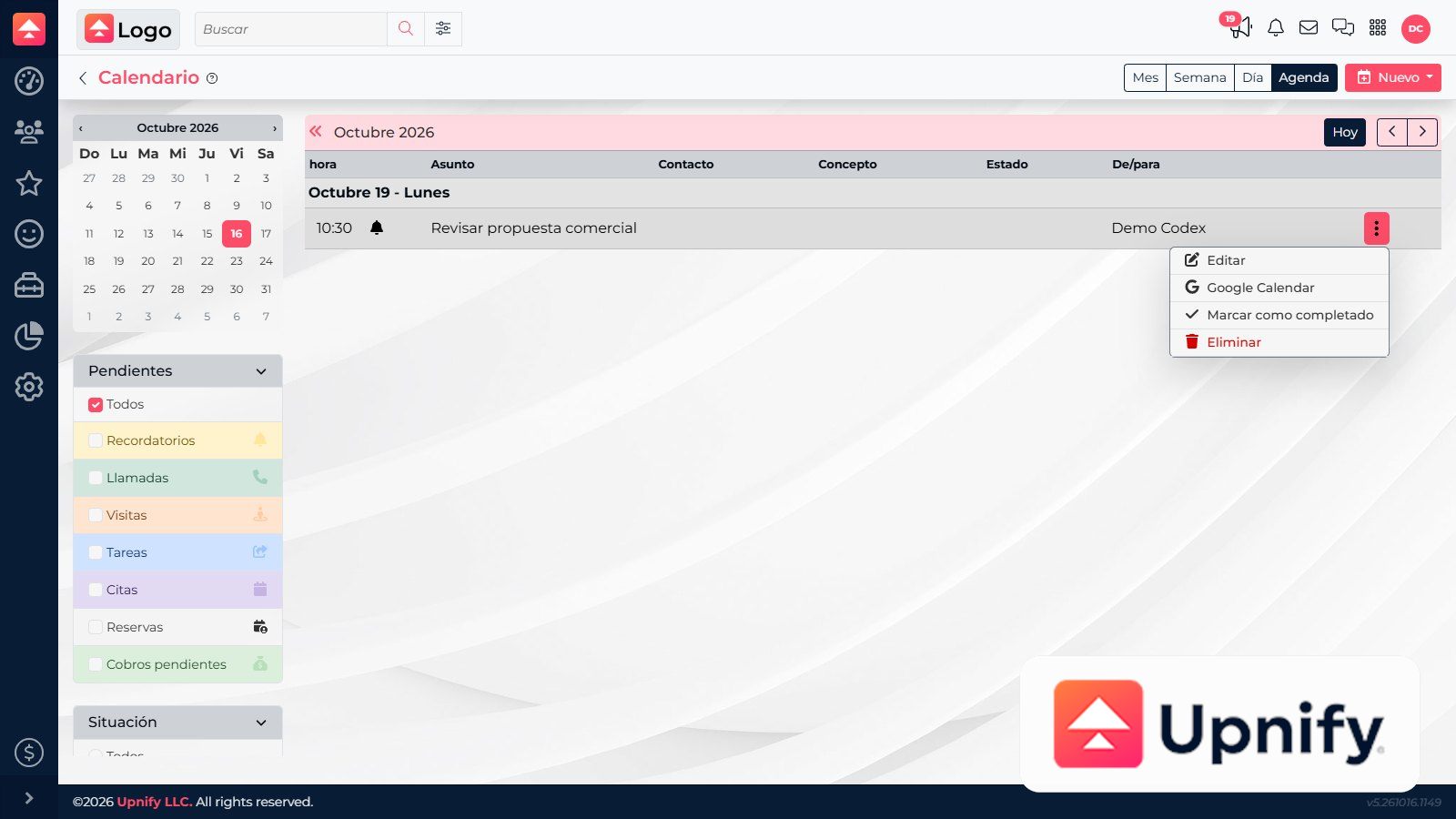
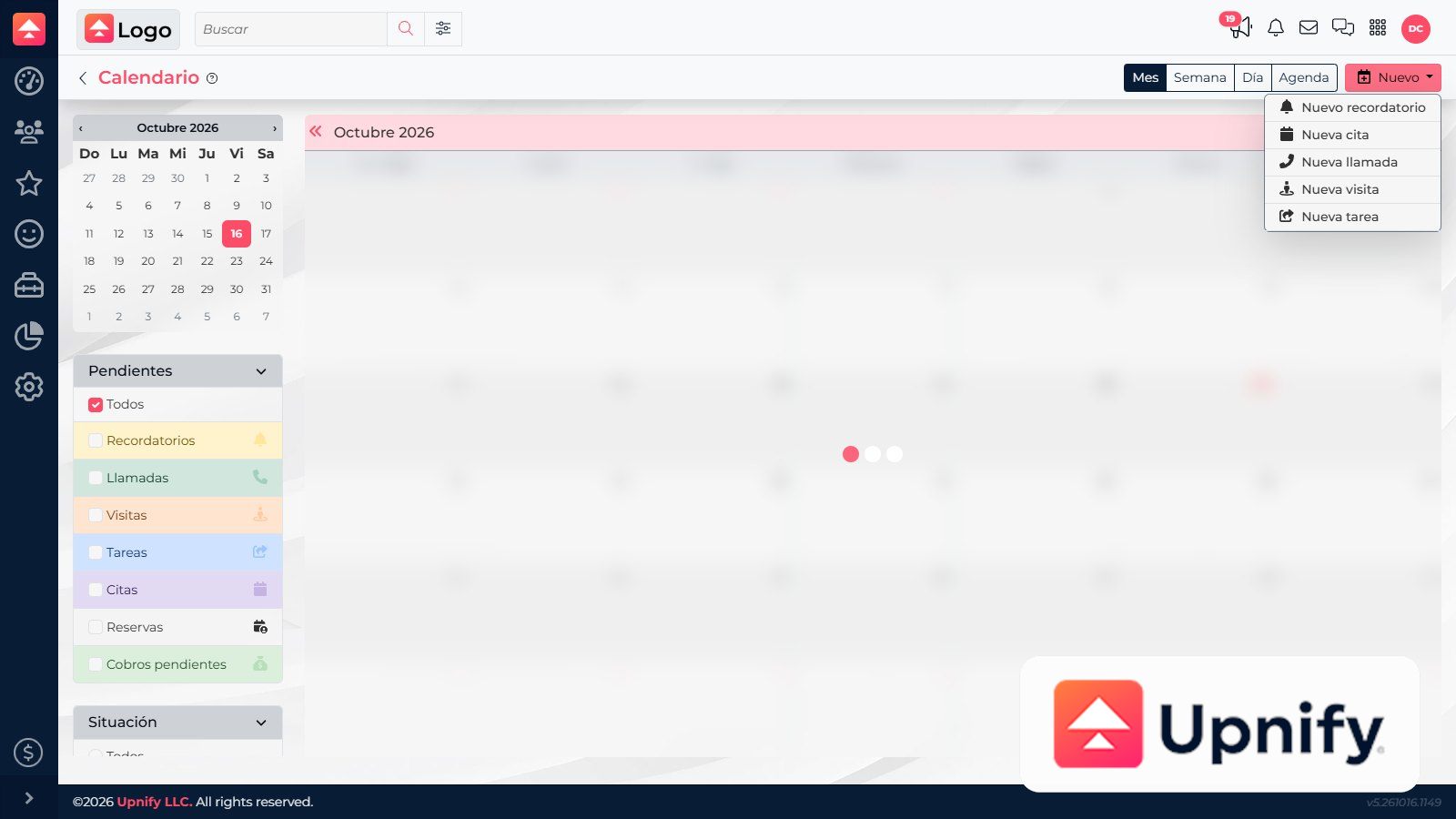
How to create, edit, and complete CRM activitiesCreate activities from the calendar or a contact, review them, and update them until complete.Read article
How to delegate tasks and check their ownerAssign each action to the right person and verify who is expected to handle it.Read article
How to edit a prospect and review its record and historyUpdate details and use the record to review files, tasks, opportunities, and previous conversations.Read article
How to enter a customer\u2019s tax informationSave the customer\u2019s legal entity and tax details so they are available when preparing sales documents.Read article
How to find and merge duplicate contactsFind repeated contacts, compare their information, and choose which record to keep as the primary contact.Read article
How to fix email connection, sync, and delivery issuesIdentify whether receiving or sending failed, then check the account, sync, and provider before retrying.Read article
How to follow up after a sale and encourage repeat purchasesUse customer history, activities, and reports to maintain the relationship after a sale.Read article
How to generate, send, and review quotes and their documentsPrepare a quote within an opportunity, generate its document, email it, and later find the file and its activity history.Read article
How to import customers and companiesImport customers and companies with the right file for each record while preserving their sales and tax details.Read article
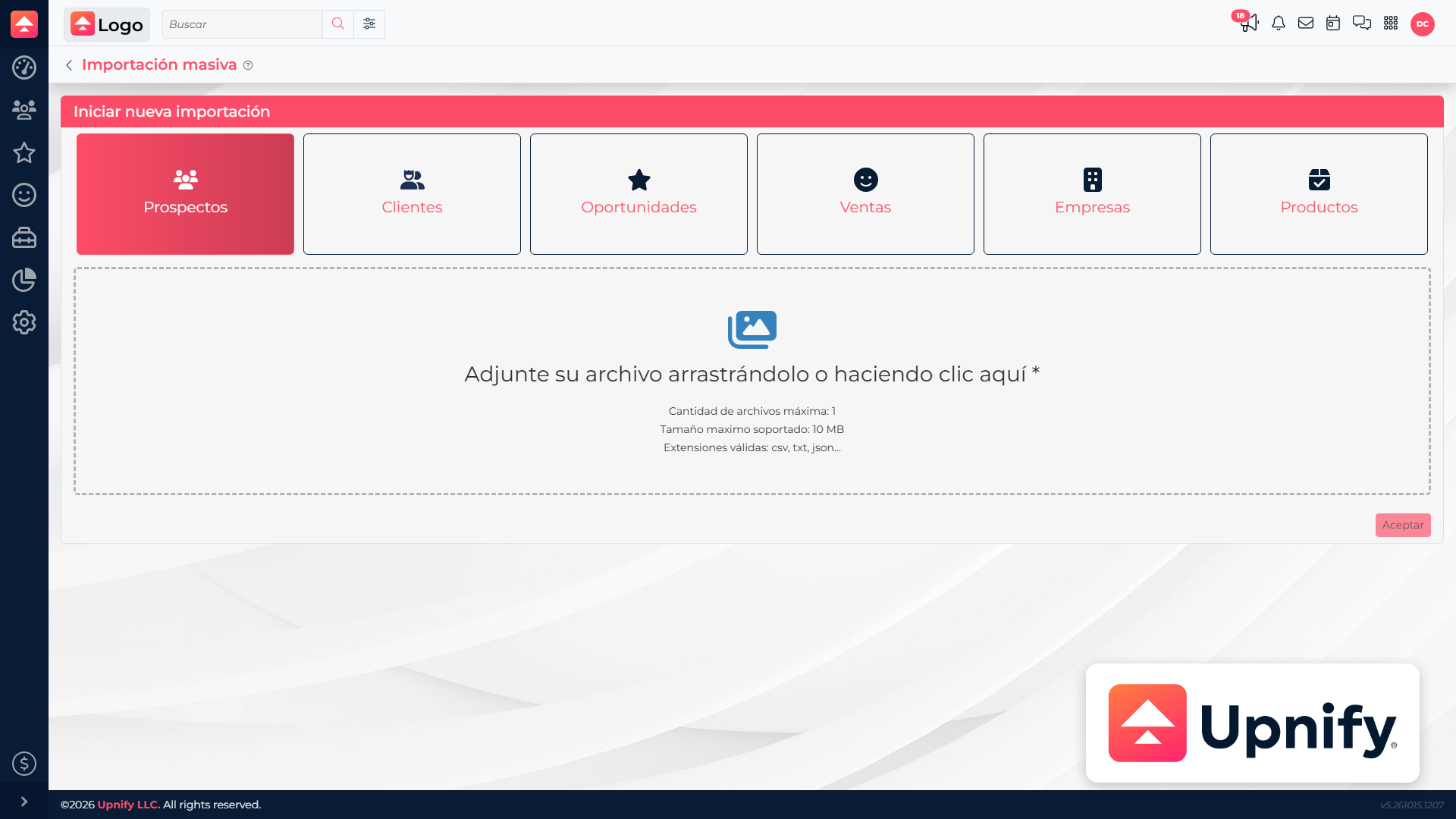
How to import opportunities and salesLoad open opportunities or historical sales into the right record type and map their sales details to CRM.Read article
How to import products, export records, and make bulk changesKeep the CRM catalog current with imports, exports, and actions for multiple products.Read article
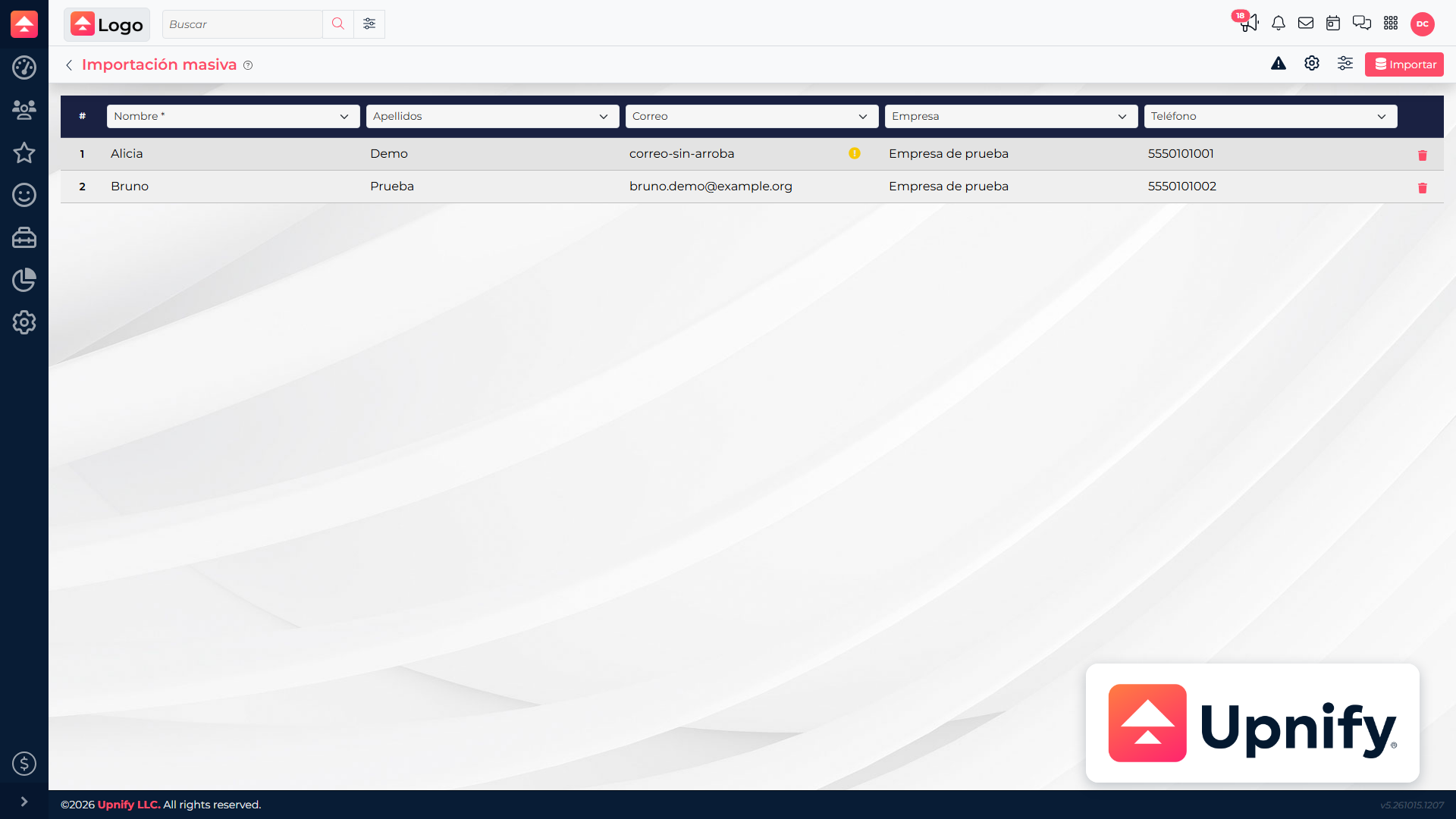
How to import prospects into CRMImport prospects in bulk, map your file columns, and choose how to assign or update existing records.Read article
How to link contacts to companiesLink a person to their company and review the relationship from the contact or company record.Read article
How to maintain or migrate legacy SMTP/POP accountsAssess an older email account and plan a transition without losing access to messages or interrupting sending.Read article
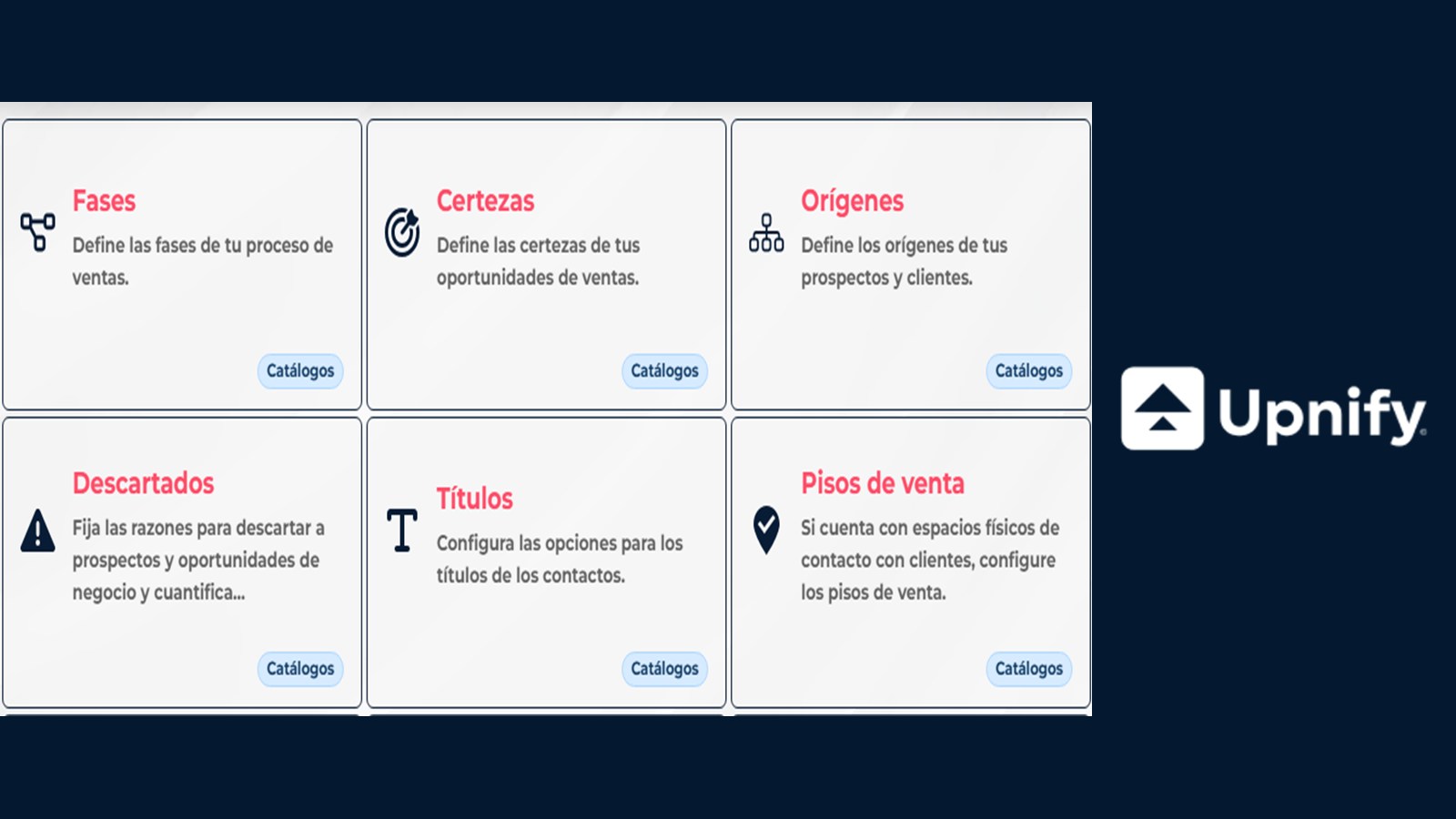
How to manage certainty, origins, discard reasons, and follow-up typesLearn what each CRM catalog tracks and set consistent criteria for opportunity estimates, record sources, outcomes, and follow-up activities.Read article
How to manage documents and images in CRMOrganize reusable files in Documents and Images, and find them without confusing them with record attachments.Read article
How to manage multiple email accounts and use the unified inboxConnect incoming accounts, outgoing accounts, or both, set a default account, and organize messages in My Email.Read article
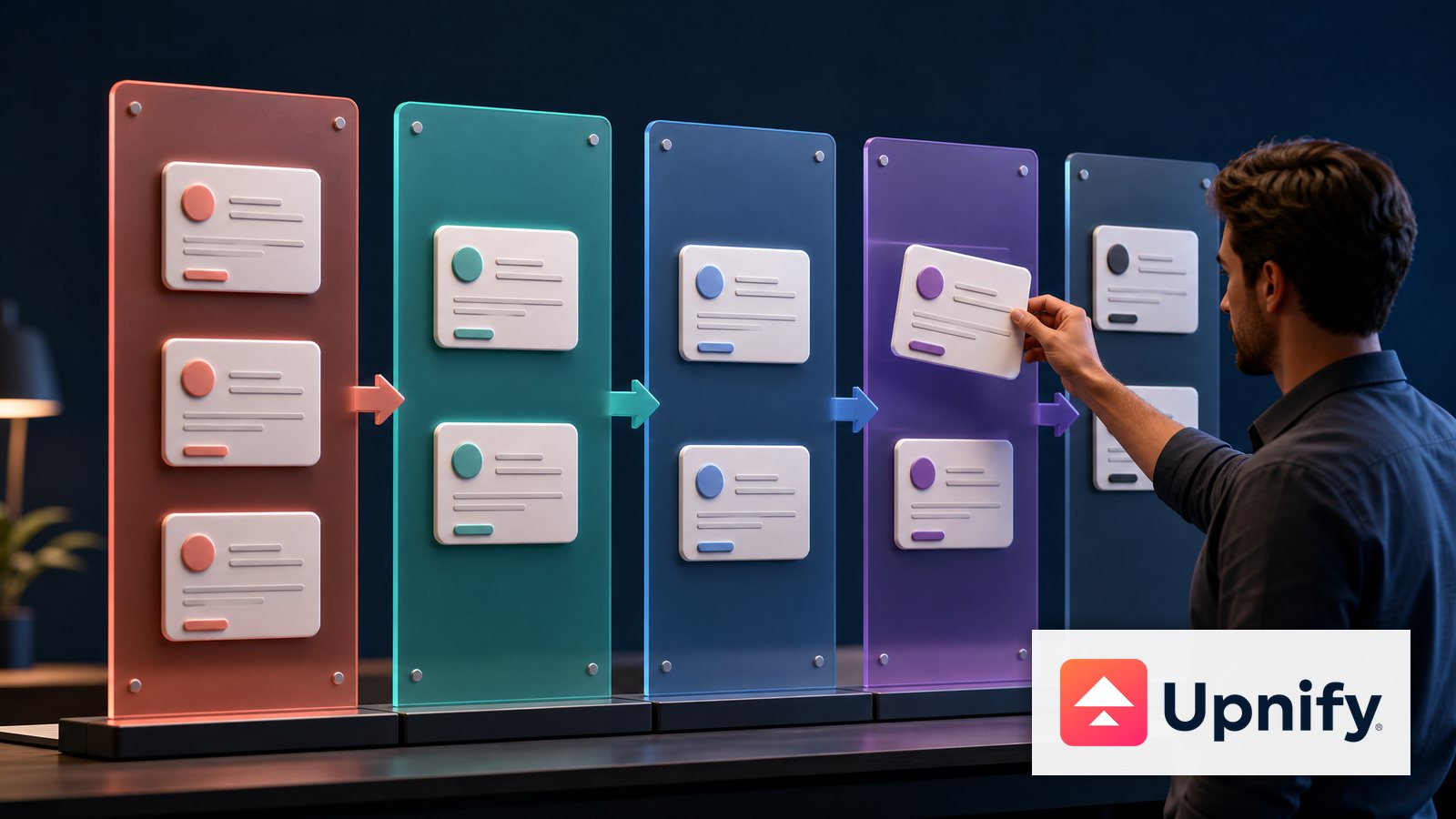
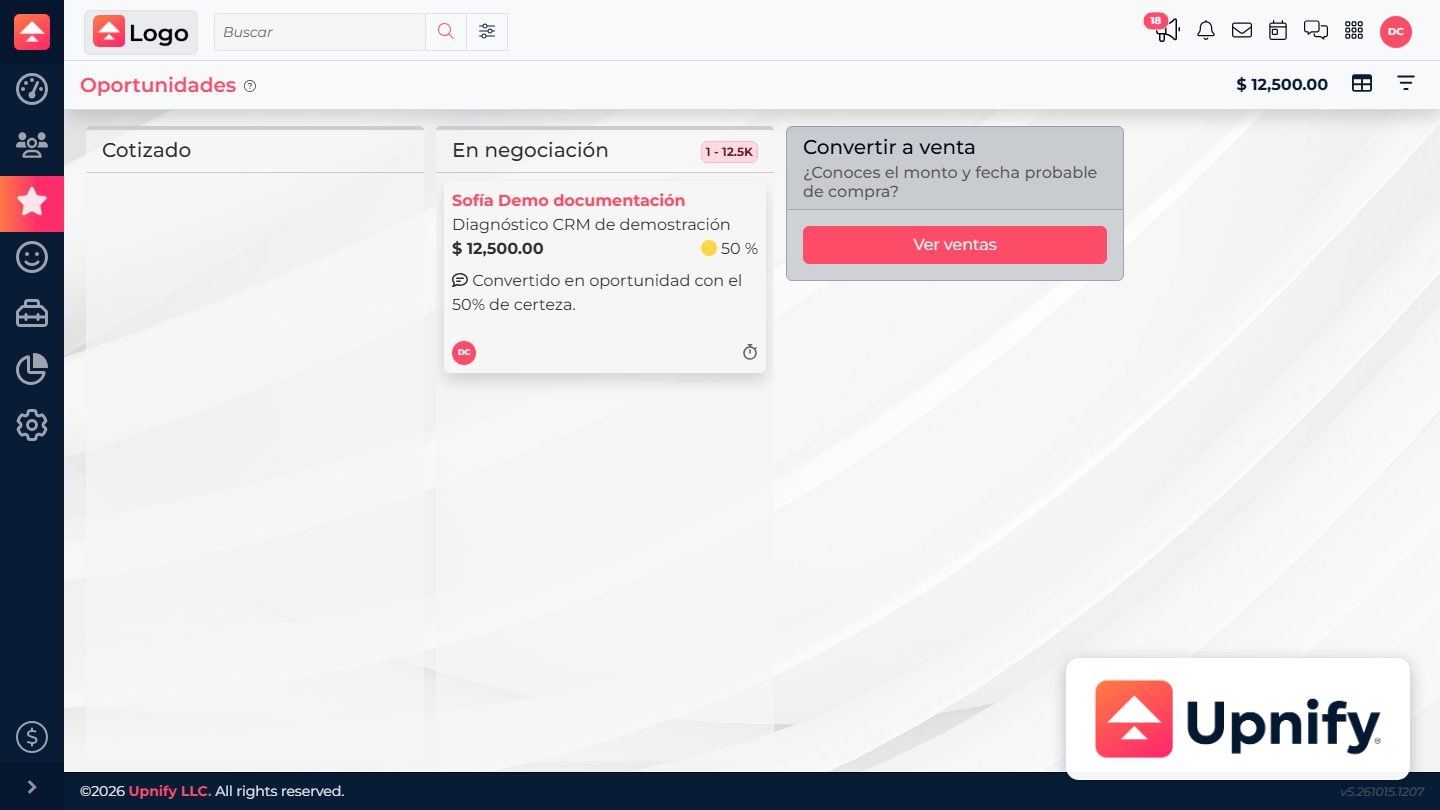
How to manage opportunities by stage and in KanbanOrganize opportunities by progress, switch between list and Kanban, and keep the next step visible.Read article
How to Manage Tags and Assign Them AutomaticallyCreate and organize tags to classify records, then learn how to assign them through integrations, distribution rules, and stage actions.Read article
How to navigate Upnify CRM lists, record details, and Kanban viewsSwitch between CRM views to browse records, review their context, and see progress by phase.Read article
How to organize products by lines, brands, models, and unitsOrganize the catalog to classify products and find them easily when preparing quotations.Read article
How to prepare a quote from an opportunity and convert the opportunity into a salePrepare the quote inside the opportunity and record the sale from that same process once the customer confirms the purchase.Read article
How to prepare an import file and map its columnsOrganize your file, choose an entity, and map each column to the right field before saving records in CRM.Read article
How to prepare Word or Excel formats for the quote generatorBuild a document layout, place quote-generator tags, and upload a Word or Excel format that CRM can convert to PDF.Read article
How to reassign a contact to another ownerTransfer follow-up responsibility to another executive and explain the reason for the change.Read article
How to record a sale from CRM or an opportunityRecord a direct sale for a contact or convert an opportunity while keeping the right sales context.Read article
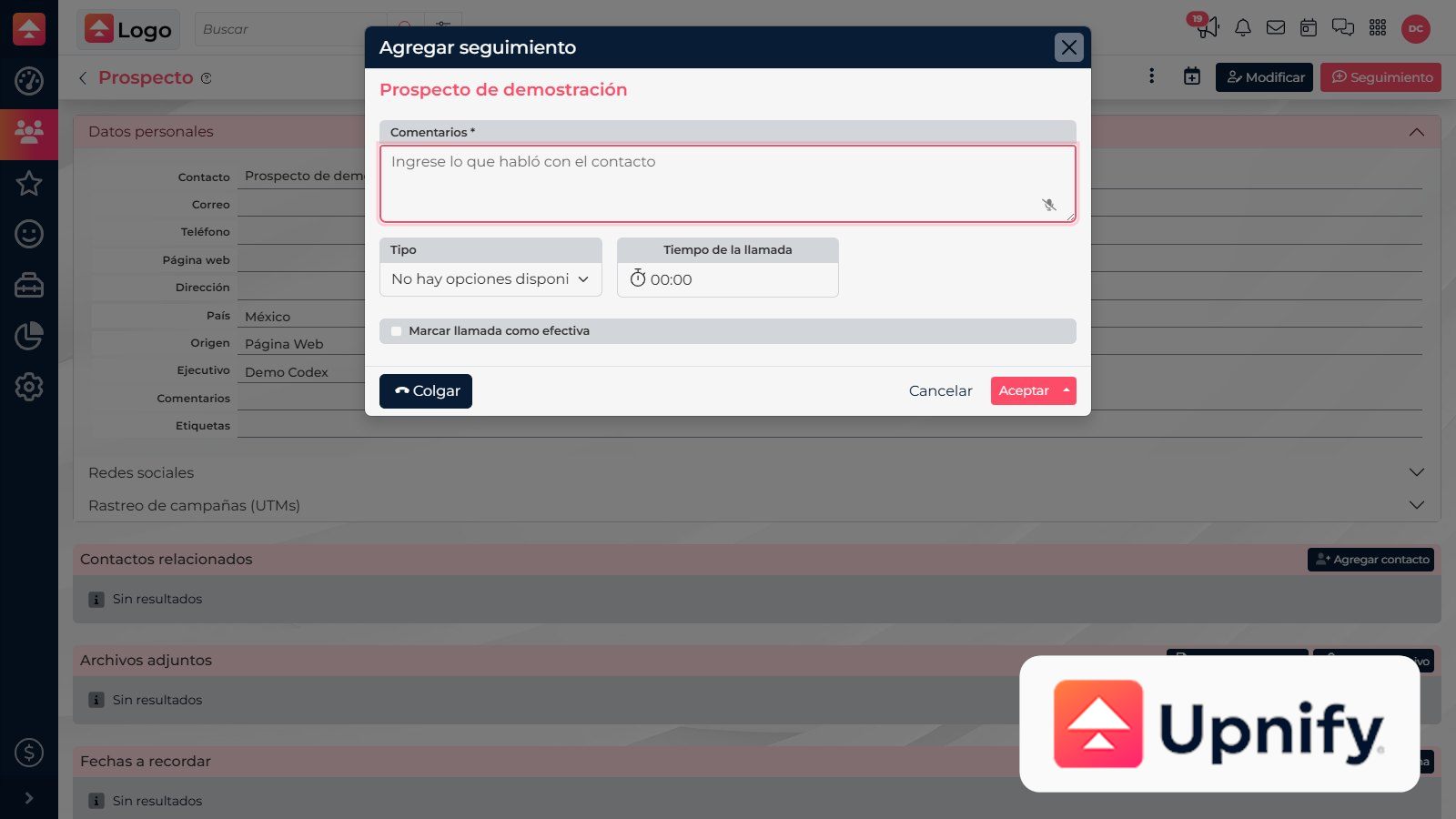
How to record notes during a callRecord notes and agreements for Softphone and WebCall conversations, and learn where to find recordings.Read article
How to record payments and review pending paymentsRecord when a payment was received and review expected installments from a sale or the Payments report.Read article
How to resolve import errors and review saved dataFix flagged rows, confirm which records were processed, and check the results in CRM.Read article
How to review commissions and sales attributionCheck which representative is associated with a sale and review commissions related to its collections.Read article
How to review opportunity progress and actionsReview opportunity history and clearly record the next sales step.Read article
How to save and reuse product quote templatesSave a product combination you use often and apply it to future quotes without adding every line item again.Read article
How to schedule emails and review sent messagesSchedule a message for a future date and time, then review its status in CRM’s inbox and reports.Read article
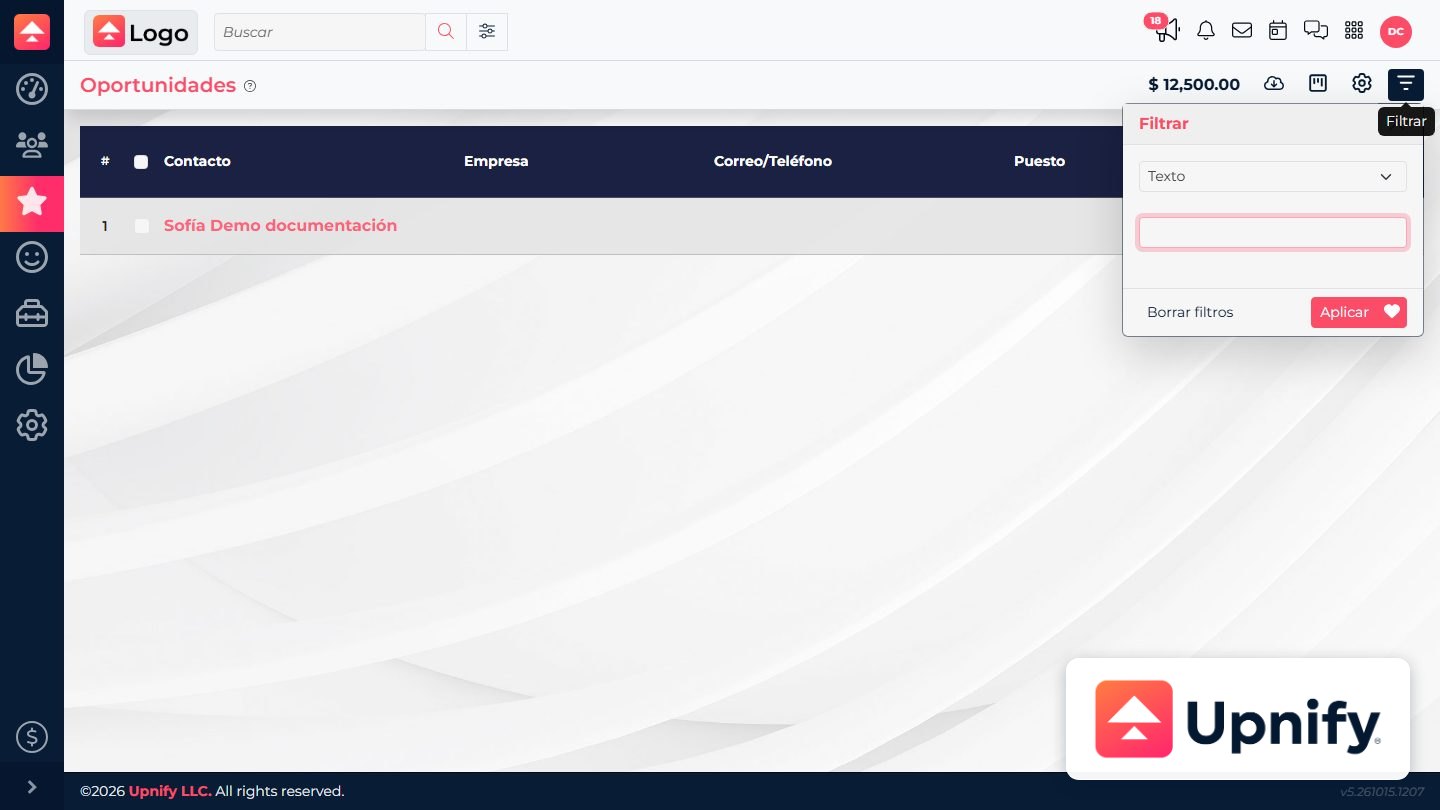
How to search, filter, and sort records in Upnify CRMFind records with search criteria, narrow a list with filters, and sort the columns that support it.Read article
How to set up Amazon SES and choose a regionChoose the same SES region in CRM where you prepared your sending identity and SMTP credentials.Read article
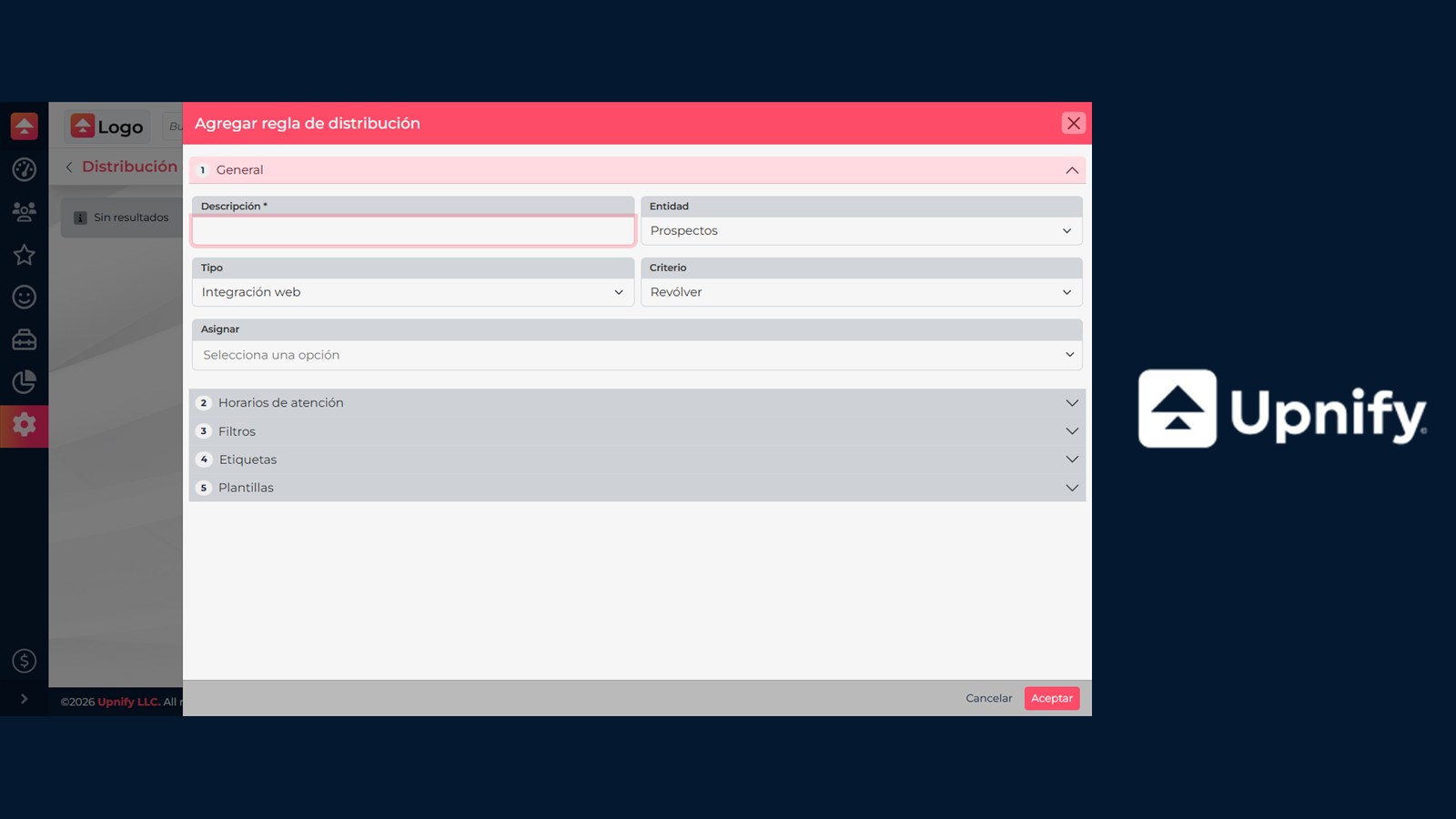
How to Set Up Automatic Contact DistributionCreate rules that assign prospects or customers to users and teams based on their source, activity, criteria, and filters, and control their evaluation order.Read article
How to set up invoice issuers, branches, series, and numberingPrepare your company tax details and organize the branches and numbering used to invoice from CRM.Read article
How to set up Mailjet to send email from CRMConnect Mailjet as an outgoing account so you can send CRM email with API credentials and an authorized sender address.Read article
How to set up SendGrid with an API keyCreate a key with mail-sending permission and connect the SendGrid-Api-Key option available in CRM email accounts.Read article
How to share a contact and stop sharing itGive other executives access to collaborate without changing the contact’s primary owner.Read article
How to sync activities with Google Calendar and the mobile appReview the available options for adding activities to Google Calendar and staying current on mobile.Read article
How to update a sale’s products, amounts, and datesEdit a sale, review its quote and payment schedule, and keep amounts and dates consistent.Read article
How to update certainty and the estimated close date for an opportunityKeep the likelihood of closing and expected decision date current to improve follow-up.Read article
How to use the calendar, its filters, and team activitiesSwitch views, narrow activities by type and status, and understand which calendars you can access.Read article
How to use the free quote toolQuote services or custom line items that are not in the product catalog.Read article
How to write and reply to emails in CRMWrite from My email, use templates, and reply to conversations in CRM while keeping each contact’s context.Read article
What is the Upnify campaign email account and how do you use it?Learn about the managed account CRM uses for bulk email campaigns and how it differs from your personal email account.Read article
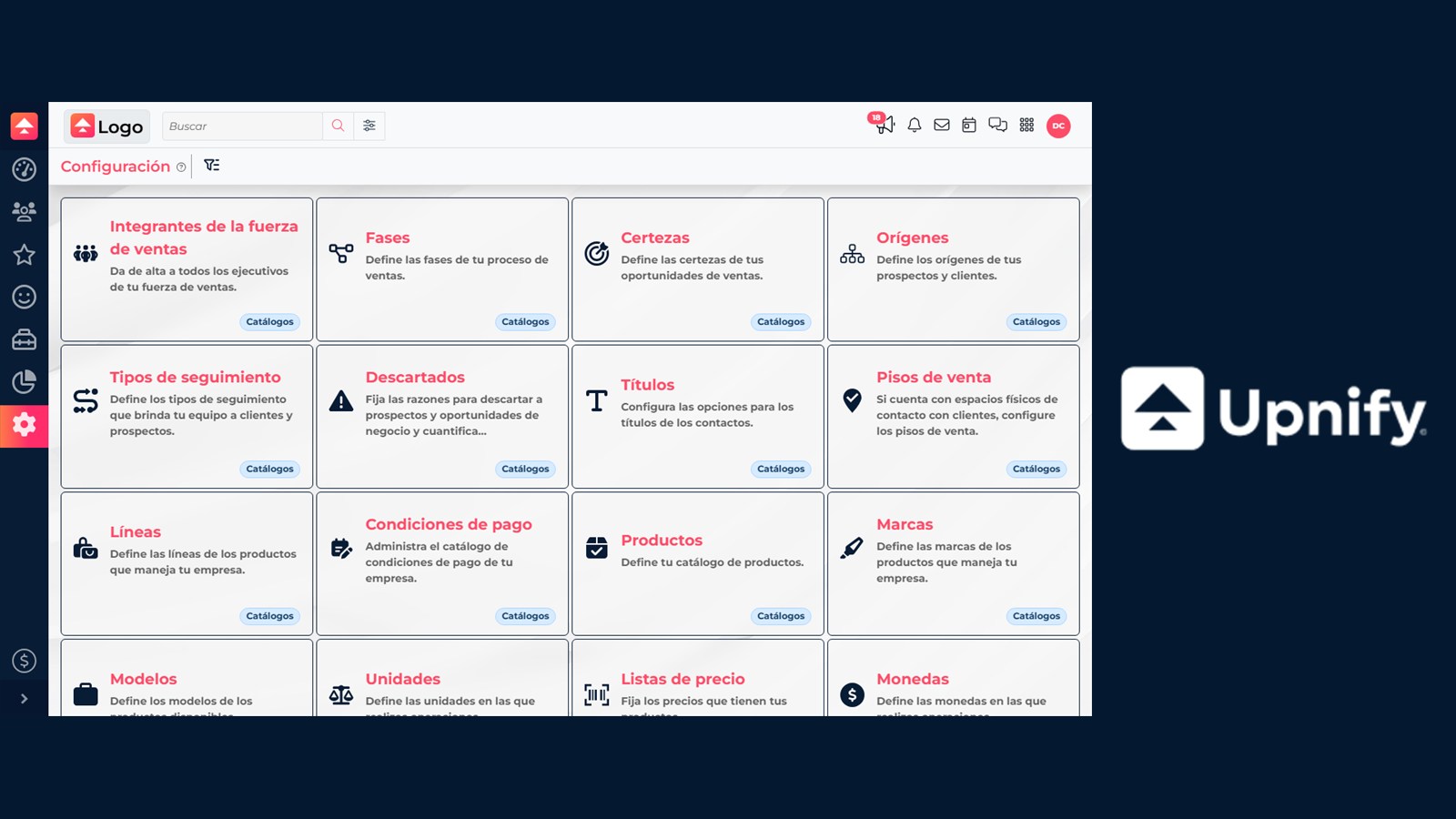
What order should I use to set up CRM for my sales process?Follow a practical sequence to prepare your team, phases, actions, and catalogs before working with real CRM records.Read article
What the financial, hotel, and real estate quote options offer when enabledLearn what the financial, hotel, and real estate quote modes add, and what to review before using each one.Read article
Which activity type should you choose: reminder, call, appointment, visit, or task?Learn how CRM activities differ so you can choose the right type for each next step with a contact.Read article